Table of Contents
What Is Infinite∞Creator? (My Test After Signing Up)
I first heard about Infinite∞Creator and I’ll be honest—I was skeptical. “Analyze my website and spit out months of social posts” sounds like the kind of promise that usually falls apart the moment you try it. So I tested it the way most people would: I signed up, connected what I could, and tried to generate real posts from a real site.
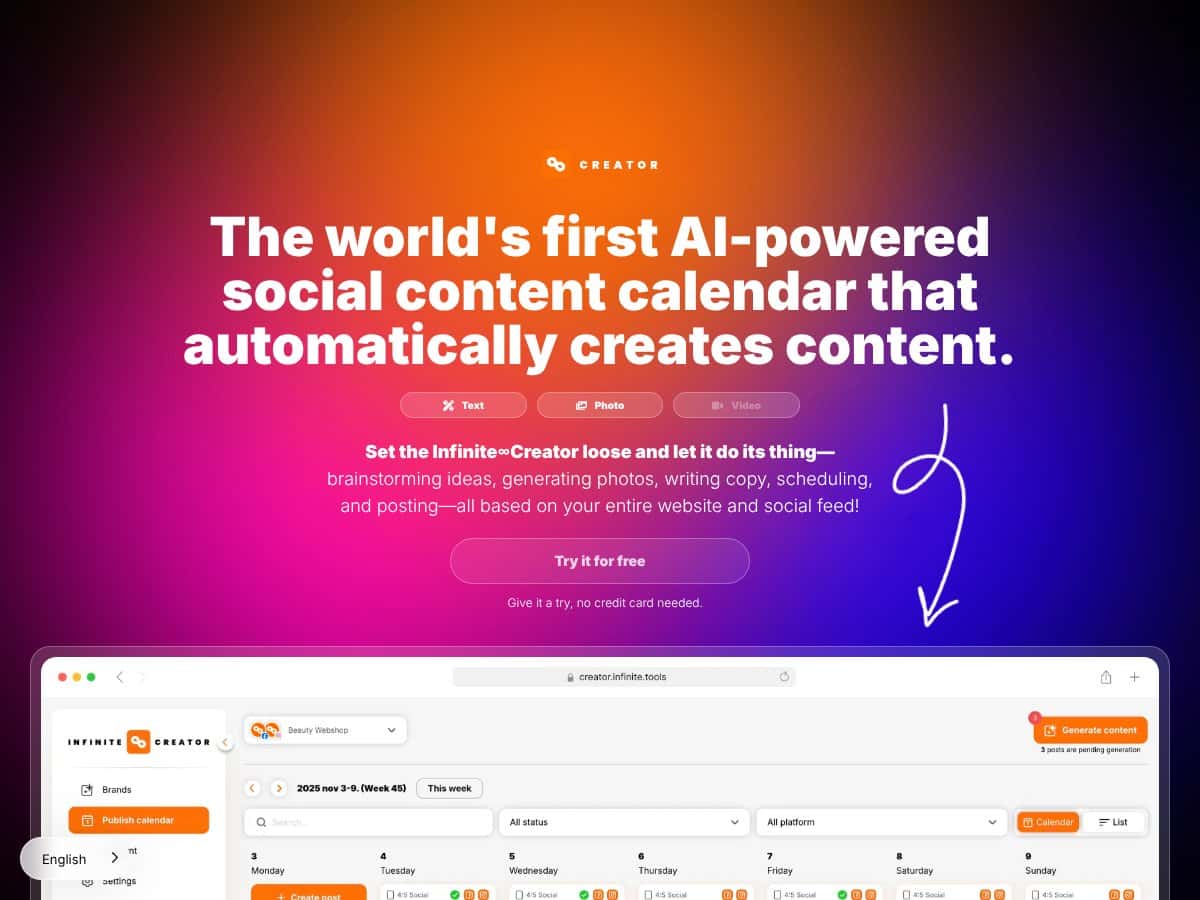
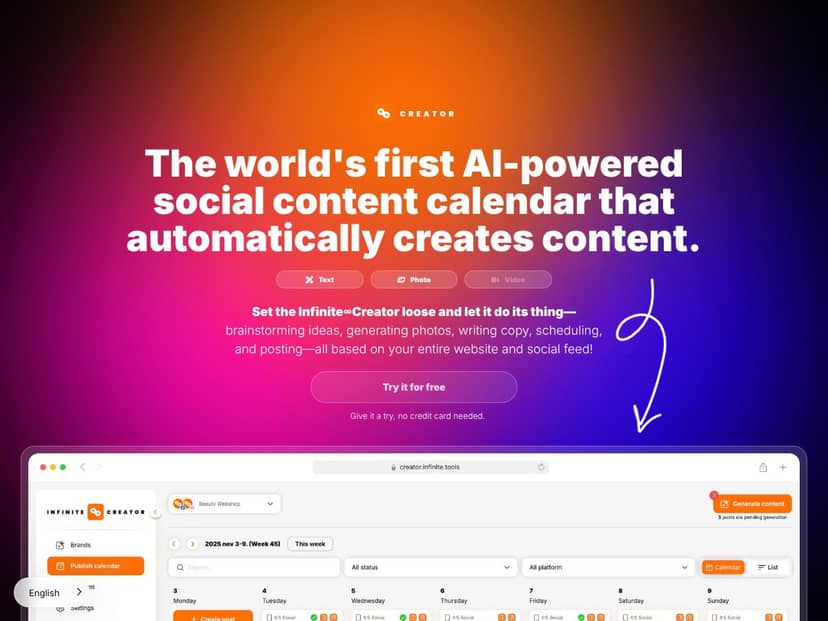
What it’s supposed to do: Infinite∞Creator positions itself as an AI-powered social media manager that takes your website (and, depending on setup, your social feed) and then generates ready-to-post content—copy plus visuals (and sometimes video-style assets, depending on the options you choose). The pitch is that you don’t need to hire a designer or spend hours writing captions. You connect accounts, add your website, pick settings, and it creates content you can schedule.
What I actually tested (so you know I’m not hand-waving): I ran my test on a marketing-style website with clear service pages and a few blog posts (nothing fancy, just standard business copy). For the social connections, I used Facebook and Instagram since those were the platforms available in the interface at the time I tested. I also checked the workflow enough to understand what happens when your site content is thin or poorly structured—more on that later.
One more important point: this tool isn’t trying to be a full enterprise social suite. It’s mainly built around content generation + scheduling. If you’re expecting deep analytics, inbox management, or full campaign workflows, you’ll still need other tools.

Infinite∞Creator Review: The Real Good + The Real Limits
What I Liked After Using It
- Content generation that’s actually usable (with edits): The big win is that it can turn website info into caption drafts and visual concepts without you starting from a blank page. In my test, I didn’t publish “as-is” every time, but I was able to get to a posting-ready starting point quickly.
- Multi-language output: Infinite∞Creator supports a lot of languages. I tried generating posts in a non-default language and the captions didn’t look like random machine text the way some tools do. It still needs a human pass for tone, but it’s far from useless.
- Editor makes tweaks fast: I liked that I could adjust the caption and visual elements without jumping between five different tools. If you’re not a designer, you’ll probably appreciate this part the most.
- Auto-scheduling: Once the posts are generated, scheduling is straightforward. I tested the “post at optimal times” option and it removed the mental overhead of building a calendar manually.
- Multiple account handling: The dashboard supports connecting more than one profile. That matters if you run client work or manage more than one brand.
- Free trial without a credit card (when available): I appreciated not having to immediately commit. I used the trial to validate the workflow end-to-end—generate → review → edit → schedule—before thinking about paid plans.
What Could Be Better (And What to Watch For)
- Platform support is limited right now: In my test, Facebook and Instagram were the clear focus. TikTok and LinkedIn support were positioned as “coming soon.” If those are your main channels today, don’t pretend this will cover everything immediately.
- Pricing clarity isn’t great: I couldn’t find a clean “here’s exactly what you pay for X posts” breakdown in a way that felt transparent. Yes, there are mentions of tiers/credits, but the exact cost for heavy usage wasn’t obvious. That’s a budgeting problem, not a minor nit.
- Credits/post limits can affect scaling: Even if you can connect multiple profiles, you’re still likely working inside credit or generation limits. If you’re an agency pushing lots of content per client, you’ll want to confirm how overages work (or whether there are caps).
- Quality consistency varies: Some outputs were on-brand and clear; others sounded a bit generic. I found myself editing to tighten the hook, swap vague phrases, and make the offer more specific. In other words: it’s automation, not magic.
- Website quality affects results: If your website content is thin, repetitive, or not structured (no clear service pages, no FAQs, no distinct offers), the generated posts can feel repetitive too. When I tested with a more content-rich page, the captions had better “stuff to say.”
Who Is Infinite∞Creator Actually For?
This is best for people who want consistent posting without spending their evenings writing captions and building graphics. In my experience, that’s usually:
- Solo entrepreneurs who have a website but don’t have time to turn it into weekly posts.
- Small businesses (especially local or service-based) that need a steady stream of Facebook/Instagram content.
- Agencies managing multiple client accounts and wanting to scale content production without hiring another full-time writer/designer.
Where it shines: If your website already explains what you do—services, pricing ranges, features, FAQs, blog topics—Infinite∞Creator has enough raw material to generate posts that don’t completely miss the point.
Where it may frustrate you: If your content strategy depends on highly curated creative direction, niche industry nuance, or you need TikTok/LinkedIn results immediately, you’ll probably outgrow it quickly. It’s designed to speed up “standard, on-brand posts,” not replace your full creative process.
Who Should Look Elsewhere
If you need highly customized creative assets (like fully produced video edits, advanced motion graphics, or campaign-specific copy that’s deeply researched), Infinite∞Creator won’t be your only tool. It can help generate drafts, but you’ll still need a real creative layer.
Also, if you’re shopping for a complete analytics + engagement + team workflow platform, you’ll likely prefer tools that are built around those features first. Infinite∞Creator is more like a content engine than an all-in-one social management suite.
Quick fair warning from my test: if you want “publish with zero edits” every time, you might be disappointed. I wouldn’t rely on it to perfectly nail your brand voice without a quick review.
Infinite∞Creator vs Alternatives (What’s Different, Based on the Functionality)
Buffer
- What it does differently: Buffer is mainly a scheduling and management tool. It can help with planning and publishing, but it doesn’t generate content from your website automatically in the same way.
- How to think about the choice: If your priority is scheduling + analytics and you already have copy/creative, Buffer makes sense. If your priority is turning your website into actual post drafts, Infinite∞Creator is the more direct fit.
- Choose Buffer if... you want a clean calendar and workflow around posting, not AI-driven creation.
- Stick with Infinite∞Creator if... you want the automation step—generate captions/visual concepts from your site—then schedule.
Hootsuite
- What it does differently: Hootsuite is built for social media management with collaboration and analytics. It’s not positioned as a “turn my website into months of posts” generator.
- How to think about the choice: If you need team coordination and deeper reporting, Hootsuite usually wins. If you’re trying to reduce the time spent creating the content itself, Infinite∞Creator is the more targeted tool.
- Choose Hootsuite if... you need multi-platform management and robust reporting.
- Stick with Infinite∞Creator if... you want content generation + scheduling for Facebook/Instagram without building everything from scratch.
Later
- What it does differently: Later focuses heavily on visual planning and scheduling (especially for Instagram/Pinterest). It can suggest content, but it’s not built around website-to-post automation as the core feature.
- How to think about the choice: Later is great if you’re already creating visuals and just need planning. Infinite∞Creator is better if you want the “draft creation” piece handled for you.
- Choose Later if... you’re mostly scheduling and organizing visual assets.
- Stick with Infinite∞Creator if... you want AI to produce post drafts from your website so you’re not planning every caption manually.
Sprout Social
- What it does differently: Sprout is built for enterprise-style social management: engagement workflows, analytics, and more advanced tooling. It’s not primarily a website-to-content generator.
- How to think about the choice: If you need serious reporting and team workflows, Sprout is worth considering. If you want to reduce content production time and you’re okay with the “generate then review” model, Infinite∞Creator fits better.
- Choose Sprout Social if... you need full management, reporting, and engagement features.
- Stick with Infinite∞Creator if... you want a simpler way to generate and schedule content from your site.
Infinite∞Creator: My Bottom Line (Should You Try It?)
After testing it, I’d rate Infinite∞Creator 7/10. It’s genuinely helpful if your main pain is: “I know what to sell, but I can’t keep up with posting.” The automation is the point, and it does that part well.
Here’s what I’d bet on: If you have a decent website with real service/product pages, you’ll get faster drafts and a more consistent posting rhythm. The multi-language support is a nice bonus too.
Here’s what I wouldn’t ignore: It’s currently more limited to Facebook and Instagram, and the pricing/limits aren’t presented in a super transparent way. If you’re planning to scale aggressively, confirm the credit/post structure during the trial before you get excited.
My decision rule: If you can handle a quick edit pass (think 2–10 minutes per post depending on how picky you are), it’s a solid tool to test. If you need TikTok/LinkedIn now, or you want deep analytics + engagement in one place, you’ll probably be happier starting with something else.
If you’re busy and you want your website to turn into social posts without you constantly starting from scratch, Infinite∞Creator is worth a look—especially while you can use the trial.
Common Questions About Infinite∞Creator
- Is Infinite∞Creator worth the money? For the right user, yes—mainly because it saves time on drafting and scheduling. If you need deep analytics or you publish heavily across TikTok/LinkedIn right now, it might not match your needs.
- Is there a free version? There’s a trial (and in my case, it was usable without immediately paying). It lets you test the workflow, but full automation and higher output usually require a paid plan.
- How does it compare to Buffer, Hootsuite, or Sprout? Those tools are primarily scheduling/management platforms. Infinite∞Creator is more focused on AI content generation from your website, then scheduling.
- Can I customize the generated content? Yes. There’s an editor where you can tweak captions and adjust visuals. I found this step important if you care about brand voice.
- Does it support multiple accounts? Yes—multiple profiles can be connected and managed from the dashboard.
- Is it easy to cancel or get a refund? I recommend checking the current policy in the app/checkout flow. In general, trials are meant to help you decide first, but refund terms can vary.




