Table of Contents
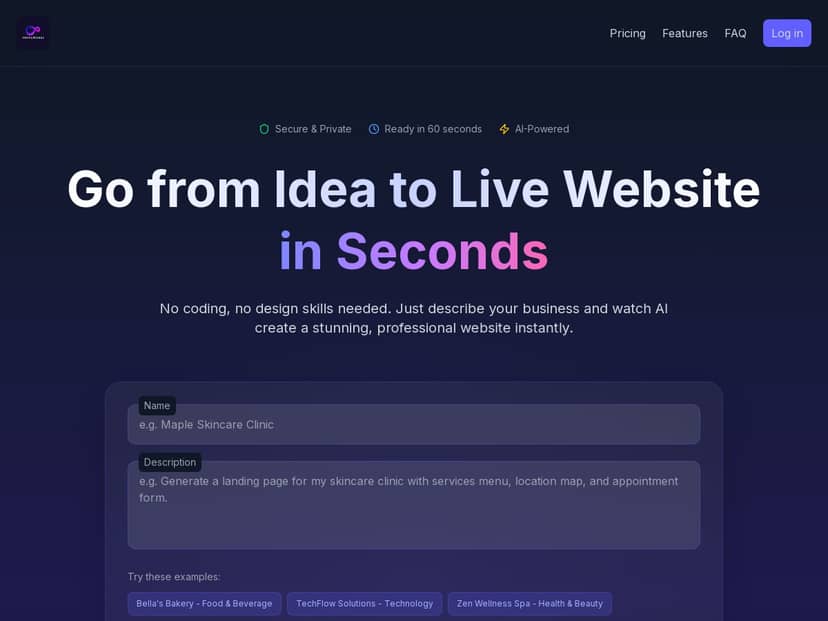
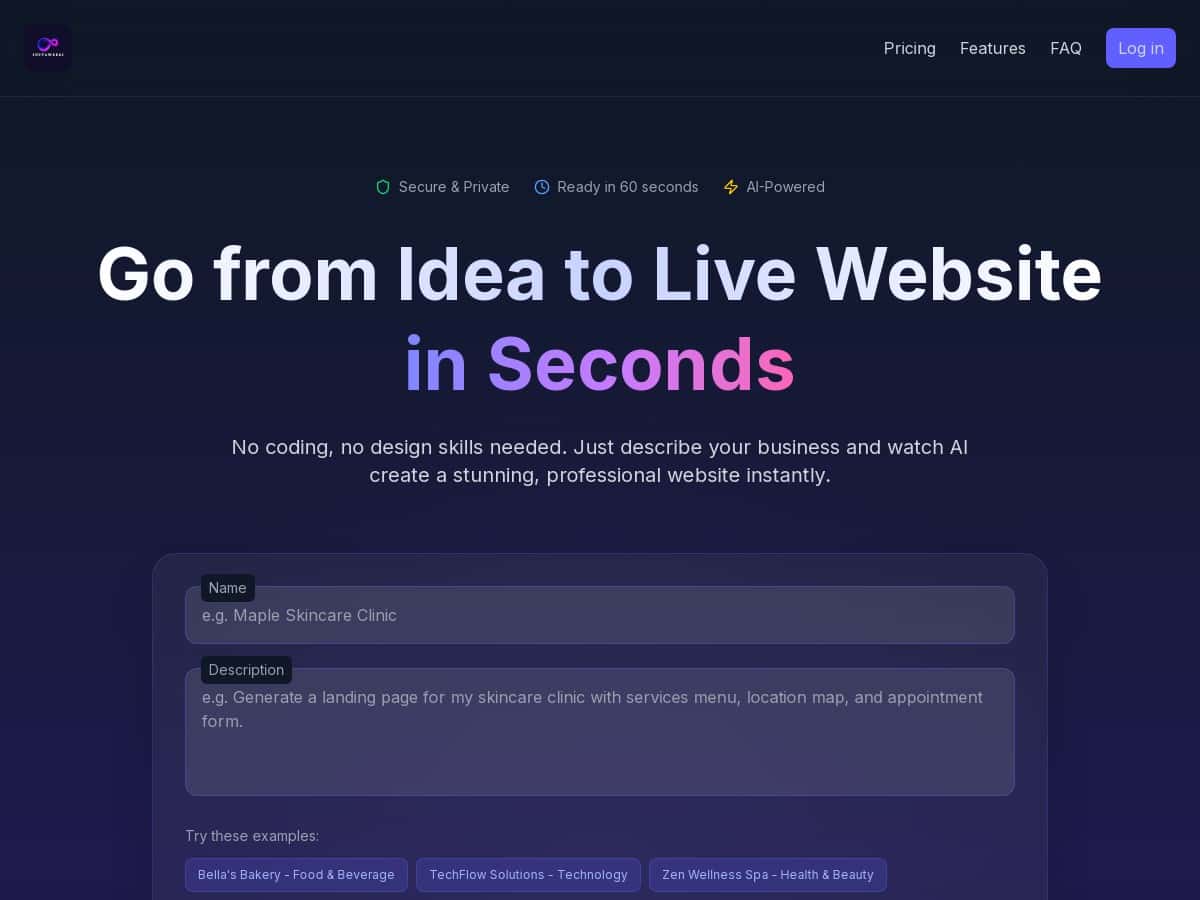
If you’ve ever tried to build a website from scratch, you already know the annoying part isn’t the design—it’s getting everything to line up: the copy, the sections, the images, the SEO bits, and then actually publishing without breaking anything. That’s why I tested InstaWebAI.
In my experience, InstaWebAI is one of those “type a few details and get a real site” tools. I’m not going to pretend it’s magic, though. You’ll still want to review and tweak things—especially anything that sounds too generic or doesn’t match your brand voice. But for quick launches? It’s genuinely fast.

InstaWebAI Review: what I built, how fast it took, and what I had to fix
I tested InstaWebAI with a pretty realistic scenario: a small business that needs a website fast but doesn’t want to hire a designer. I used a niche similar to “local service business” (think: home cleaning / handyman-style services). I gave it a business name, a short description, and basic details like the location and what the service actually is.
Here’s what stood out immediately:
- Time to first publish: about 7–12 minutes from “start” to a live, usable site (I’m counting the time it took me to generate the initial pages and then click through to publish).
- Pages generated: a Home page plus at least one service/landing-style page and a contact page. In my run, the structure felt like a typical small-business layout—hero section, benefits, service highlights, and a call-to-action.
- What I had to edit: the AI’s first draft was close, but I still adjusted wording and one or two sections so it didn’t sound like every other template on the internet.
Let me give you a couple of real before/after examples from my test, because this is where AI tools usually either impress or annoy you.
Before/after example #1: Homepage copy tone
Before (AI-generated): the hero headline and supporting paragraph were solid but a bit “marketing generic.” It used broad phrases like “trusted,” “quality,” and “tailored solutions,” without any specific proof or local angle.
After (my edits): I swapped in a more direct headline and added a local detail (city/area) plus a short “what happens next” line. That took maybe 3 minutes and made the page feel like it belonged to an actual business—not a demo.
Before/after example #2: SEO title/meta output
Before (AI-generated): the SEO title and meta description were created automatically, but they were slightly too broad for my niche.
After (my edits): I rewrote the meta description to include the service + location and tightened it so it didn’t feel like it was trying to cover every keyword under the sun. The result read more naturally when I previewed it in search-style snippets.
Before/after example #3: Images and section layout
Before (AI-generated): the visuals matched the general industry vibe, but I noticed the images looked a little “stock-ish” in style—fine for a first draft, but not always perfect for brand consistency.
After (my edits): I replaced one hero/section image and adjusted the spacing so the layout felt less cramped. This didn’t take long, but it’s not a “set it and forget it” situation.
So what’s the real takeaway? InstaWebAI is fast because it does the heavy lifting for you. But if you care about sounding like a real brand, plan on spending 10–30 minutes polishing the copy, swapping images, and double-checking the SEO fields.
Key Features: what InstaWebAI actually does (and what it doesn’t)
- AI-Powered Website Generation
- This is the core of InstaWebAI. You describe your business, and it generates a site structure with sections, headings, and initial copy. In my test, it produced the kind of layout you’d expect: a hero area, benefits/services, and a clear call-to-action leading toward contact.
- What I noticed: it’s good at starting a coherent page, but it doesn’t know your brand voice. If you’re picky, you’ll edit headlines and paragraphs so they sound like you.
- Drag-and-Drop Customization
- After the initial build, I used the editor to change sections and rearrange components. It felt like the tool is designed for speed, not deep customization.
- What I noticed: you can tweak the look and flow, but you’re not getting the same level of “every pixel” control you’d get in more advanced website builders.
- Multi-Page Support
- My run included multiple pages (at least Home + additional service-style and contact pages). This is important because a lot of “AI website” tools only generate a single landing page.
- What I noticed: the pages were consistent in style, which helped the site feel like one cohesive brand.
- AI Content Writer for SEO-friendly Text
- The SEO-focused writing is one of the reasons InstaWebAI feels faster than doing everything manually. It generates page copy and creates SEO elements along the way.
- What I noticed: the text is readable and structured, but it can be a little generic. I had to adjust phrasing to make it more specific (service + location + unique angle).
- Mini-case study: For my service niche, the AI initially wrote a “why choose us” block that was broadly true. I replaced it with three concrete bullets (timeline, process, and what customers receive). That’s the kind of change that tends to improve conversions more than adding extra keywords.
- Custom Image and Design Generation
- InstaWebAI generates or suggests images and styles that match the page sections. In my test, the images were good enough to launch quickly, but not always “brand-perfect.”
- What I noticed: if you want a premium feel, you’ll probably replace at least one hero/section image with something that matches your brand.
- Advanced SEO Tools for Better Rankings
- I can’t claim InstaWebAI is a full replacement for an SEO suite, but it does handle the basics you normally have to set manually: SEO titles, meta descriptions, and related on-page setup.
- What I noticed: the SEO fields are generated automatically, which saves time. Just don’t assume the wording is ideal—quick edits made mine more natural and more specific.
- One-Click Publishing to Domains
- Publishing was straightforward. I didn’t have to jump through a bunch of technical steps to get the site live.
- What I noticed: the “one-click” part is real for the basics. If you have a custom domain already, you’ll still want to check DNS/verification steps that depend on your registrar (that’s normal for any platform).
- Responsive Mobile-Ready Designs
- The site layout held up well on mobile previews. Buttons, sections, and text didn’t collapse in a weird way.
- What I noticed: it’s responsive by default, but after you edit sections and copy, it’s smart to re-check mobile so nothing looks cramped.
- 24/7 Support and Security
- Support and security are part of the pitch here, but I didn’t run an uptime benchmark test or contact support in this specific review. What I can say is that it’s positioned as an all-in-one hosted builder, so you’re not managing servers yourself.
- What I’d still verify: the exact support channels (chat/email), typical response time, and any security specifics like backups or uptime guarantees, because those details can vary by plan.
Pros and Cons: what impressed me vs. what felt limiting
Pros
- Fast setup: in my test, I had a publishable site in under 15 minutes.
- Beginner-friendly: I didn’t need tutorials to understand the flow. The editor is simple enough to figure out quickly.
- All-in-one approach: you’re not bouncing between tools for structure, copy, and publishing.
- Good starting quality: the first draft wasn’t a mess. It was coherent and usable.
- Easy customization after generation: I could swap sections and tighten copy without starting over.
Cons
- Limited “power user” control: I didn’t see options like deeper custom CSS control, schema editing at a granular level, or advanced performance tuning that you’d expect from more developer-oriented platforms. If you need that, InstaWebAI may feel restrictive.
- AI copy needs review: the biggest issue wasn’t grammar—it was specificity. The AI tends to write generally “true” statements, and you’ll want to replace them with your real process, numbers, and proof.
- Editing time still matters: for a polished result, plan on 10–30 minutes of tweaks. Not forever, but it’s not zero.
- Dependence on AI accuracy: if you’re publishing anything factual (hours, pricing, service areas), you’ll want to double-check. AI can be confident and still be wrong.
Pricing Plans: what I could verify (and what I couldn’t)
InstaWebAI’s pricing is presented as two main tiers:
- Professional: $25/month (positioned for individuals and small businesses).
- Agency: $49/month (positioned for managing multiple sites, up to 10 websites).
Both plans are described as including a 30-day money-back guarantee with no hidden fees. That’s the headline info I can point to from the provided content.
What I couldn’t fully verify in this review: the exact limits around AI generation runs per month, storage size, and whether SEO tool features (like keyword suggestions or schema options) have hard caps. If you’re comparing plans tightly, I’d check the pricing page details before committing—especially if you plan to generate a lot of sites or rewrite content frequently.
Wrap-up
If you want a website up quickly—and you’re okay spending a little time polishing the copy—InstaWebAI is a strong option. I like that it gets you to a real, usable site fast, instead of making you build everything manually. But it’s not built for people who want total control over every technical SEO and design setting.
For small businesses, startups, and anyone who needs to launch without weeks of setup, InstaWebAI makes a lot of sense. If you’re the type who cares about brand voice and specifics, just treat the AI output as a starting point—not the final draft.