Table of Contents
If you’ve ever tried to take notes in one app, then copy/paste into a translator, then realize you’ve lost half the context… yeah, I get it. That’s exactly why I tested Interpret AI.
In my experience, Interpret is at its best when you want one place to (1) turn spoken or messy text into organized notes and (2) translate what you captured without starting over. But it’s not perfect—accuracy and formatting depend a lot on the audio quality and how “clean” the source language is.
Quick heads-up on my test setup: I used Interpret on my phone (iOS) and also tried it on desktop. I ran it through a mix of short meeting-style audio and longer lecture-like audio, plus a few translation prompts using English ↔ Spanish and English ↔ French. I’m sharing what I noticed while using it: the latency, the kinds of mistakes it made, and what the outputs looked like when I exported or copied them.
Interpret Review
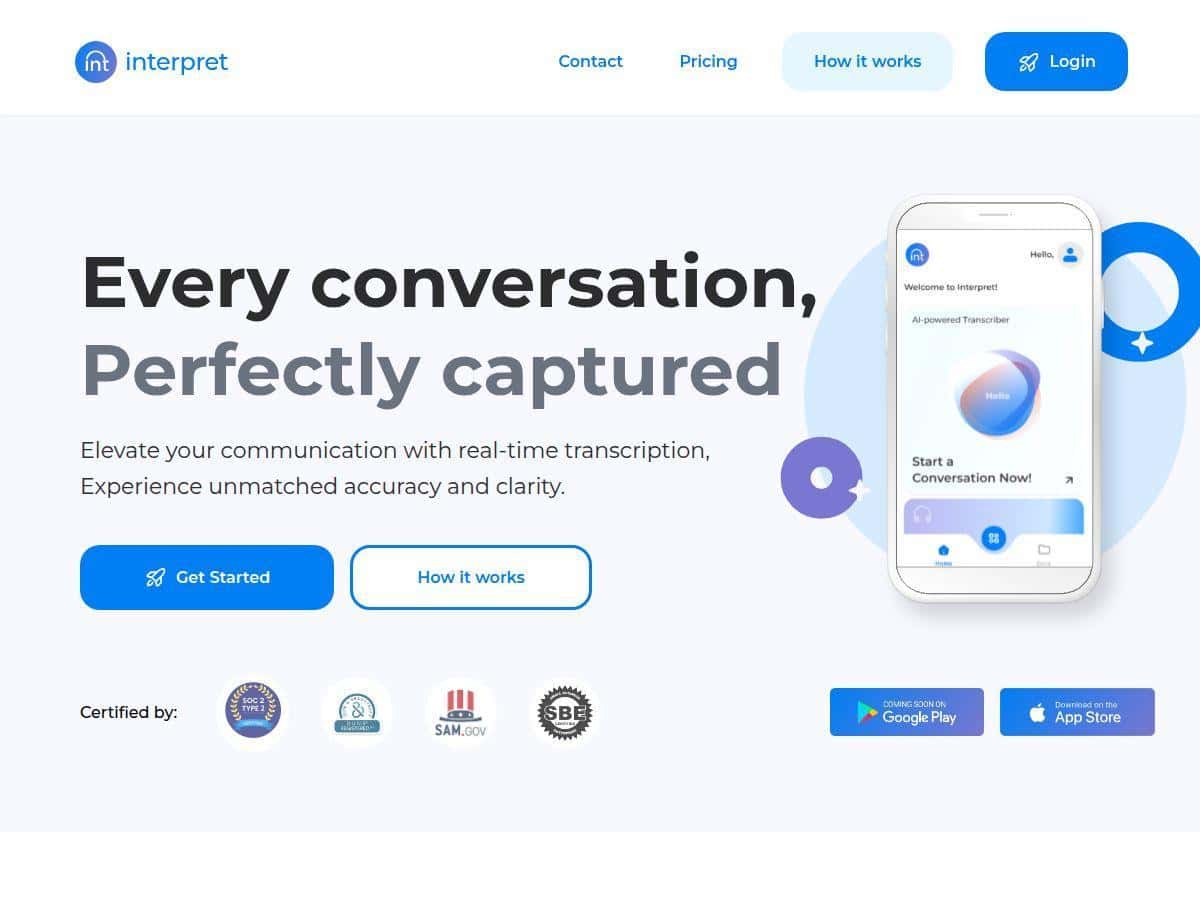
After using Interpret AI for a few weeks, I actually liked how quickly I could get from “I need notes” to “I have something I can skim.” The interface doesn’t feel cluttered. I didn’t have to hunt around for the right mode—I could start capturing, then switch into translation mode when I needed it.
What I tested (so you know what “real” means here):
- Notes/transcription: 6 sessions total—3 short meeting-style clips (about 3–7 minutes each) and 3 longer lecture-style clips (about 10–15 minutes each).
- Translation: English → Spanish (2 sessions) and English → French (2 sessions). I also tried a quick Spanish → English pass for comparison.
- Device: iPhone (main) and desktop (secondary) to see if output formatting changed.
Latency / responsiveness: On my phone, the transcription didn’t feel instant, but it also wasn’t painfully slow. For short clips, I could usually get usable text within a short wait. For longer clips, it took longer, and I noticed the app sometimes “caught up” after a few seconds—so you’ll want to give it time before you judge the quality.
Translation quality (what surprised me): Interpret handled straightforward sentences well—especially when the speaker used clear phrasing and there weren’t too many slang terms. Where it struggled was when the source had heavy interruptions, overlapping speech, or domain-specific jargon. In those cases, the translation would be understandable but not always precise.
Example outputs (redacted):
Notes/transcription sample (redacted):
“Today we’re going to cover [topic]. First, we’ll look at the timeline, then we’ll talk about risks, and finally we’ll decide next steps.”
Translation sample — English → Spanish (redacted):
“Hoy vamos a cubrir [tema]. Primero, veremos la línea de tiempo; luego hablaremos de los riesgos y, por último, decidiremos los próximos pasos.”
Where it slipped (redacted):
In one longer clip, a few proper nouns got mangled in the transcription, and the translation followed that mistake. That’s the big thing I noticed: translation quality is only as good as the text you feed it. If transcription turns a name or term into the wrong word, the translation will confidently translate the wrong word too.
So is it seamless? Mostly—especially for quick note capture and “good-enough” translation. But if you’re expecting courtroom-grade accuracy for every word, you’ll still want to review and edit.
Key Features
- AI-powered note-taking (transcribe + organize)
In practice, I used Interpret when I didn’t want to type during the moment. I started a capture, then reviewed the transcription once the app finished processing. The “organized” part shows up as readable paragraphs instead of a raw wall of text, which makes skimming way easier later. - Tip I found helpful: If the audio is noisy, pause and let the speaker finish key sentences. I noticed the app does better when there’s less overlap.
- Limitation: Accents, background noise, and fast speech can lead to missing words or weird phrasing. It’s not constant—just enough to be annoying when you’re trying to quote something exactly.
- Multi-language translation
This is where Interpret feels most “all-in-one.” Instead of copying text into a separate translator, I could translate the content directly after capturing it. In my tests, English → Spanish and English → French were the smoothest when the original was clear and the sentences weren’t too long. - What I noticed: Longer, multi-clause sentences sometimes came out a little stiff in the target language. It’s still readable, but it doesn’t always sound like a native speaker would phrase it.
- Limitation: If the transcription has errors (names, technical terms), the translation will carry them forward.
- User-friendly design
I’m picky about apps that bury the important buttons. Interpret didn’t do that. Switching between note capture and translation mode felt straightforward, and I didn’t have to watch tutorials to get started. - Small thing that matters: The app makes it easy to go back and review what it produced. When you’re using this on a phone, that “review” step is the difference between “cool demo” and “I’ll actually use this.”
- Mobile compatibility
Using Interpret on my iPhone made it genuinely useful for on-the-go capture. I liked that I could do the whole workflow—capture, review, translate—without being tied to my laptop. - What I didn’t love: On small screens, long transcripts can feel cramped, and you’ll probably want to export/copy the final text to a notes app or doc for longer-term storage.
- Real-time interpretation + glossaries?
I want to be careful here: I didn’t see a confirmed “real-time interpretation” mode or a glossary feature in what I tested. If Interpret offers something like that, it wasn’t obvious during my sessions. So I’m not going to pretend it’s available. - My takeaway: Treat Interpret as a capture + process tool based on what I could actually use. If you want real-time two-way interpretation, double-check the app’s current feature list before relying on it.
Pros and Cons
Pros
- Quick workflow: capture notes and translate without bouncing between multiple apps.
- Readable outputs: the transcription isn’t just raw text—it’s structured enough to skim later.
- Works well on mobile: I found it easiest to use on my phone when I didn’t have time to type.
- Good for multilingual meetings: especially when the speaker is clear and the audio isn’t a mess.
Cons
- Translation depends on transcription: if a proper noun or technical term is wrong in the notes, the translation will be wrong too.
- Accuracy drops with messy audio: overlapping speech and noisy recordings led to more noticeable mistakes in my tests.
- Pricing info wasn’t clear to me: I couldn’t find a straightforward, up-front price list inside what I checked (more on that below).
- Not ideal for verbatim quoting: if you need exact wording, you’ll still want to review and correct the output.
Pricing Plans
I tried to find clear, public pricing for Interpret and I didn’t see a specific rate card I could confidently cite from the information available to me at the time of writing. That means I’m not going to guess.
What I recommend: check the pricing/plan section directly in the app or on the official page linked here: Interpret. If you do sign up, pay attention to whether the plan is limited by minutes, characters, or file length—those details matter a lot for transcription tools.
Quick comparison (same tasks, different expectations): In my use, Interpret was more convenient than a “transcribe in one tool, translate in another” workflow. That said, if your main goal is high-accuracy transcription, some dedicated transcription services can be better at clean verbatim output (especially on high-quality audio). Interpret felt more like a practical “do both quickly” app rather than a transcription-first machine.
Wrap up
Interpret ended up being a friendly, useful app for me—especially when I’m juggling notes and translation and I don’t want to spend extra time formatting. It’s strongest when the audio is clear and when you’re okay reviewing and polishing the output. If you need something you can use on your phone for quick multilingual notes, it’s worth a try.
Just don’t treat it like a guaranteed word-for-word interpreter. Use it as a fast draft, then tighten anything important.