Table of Contents
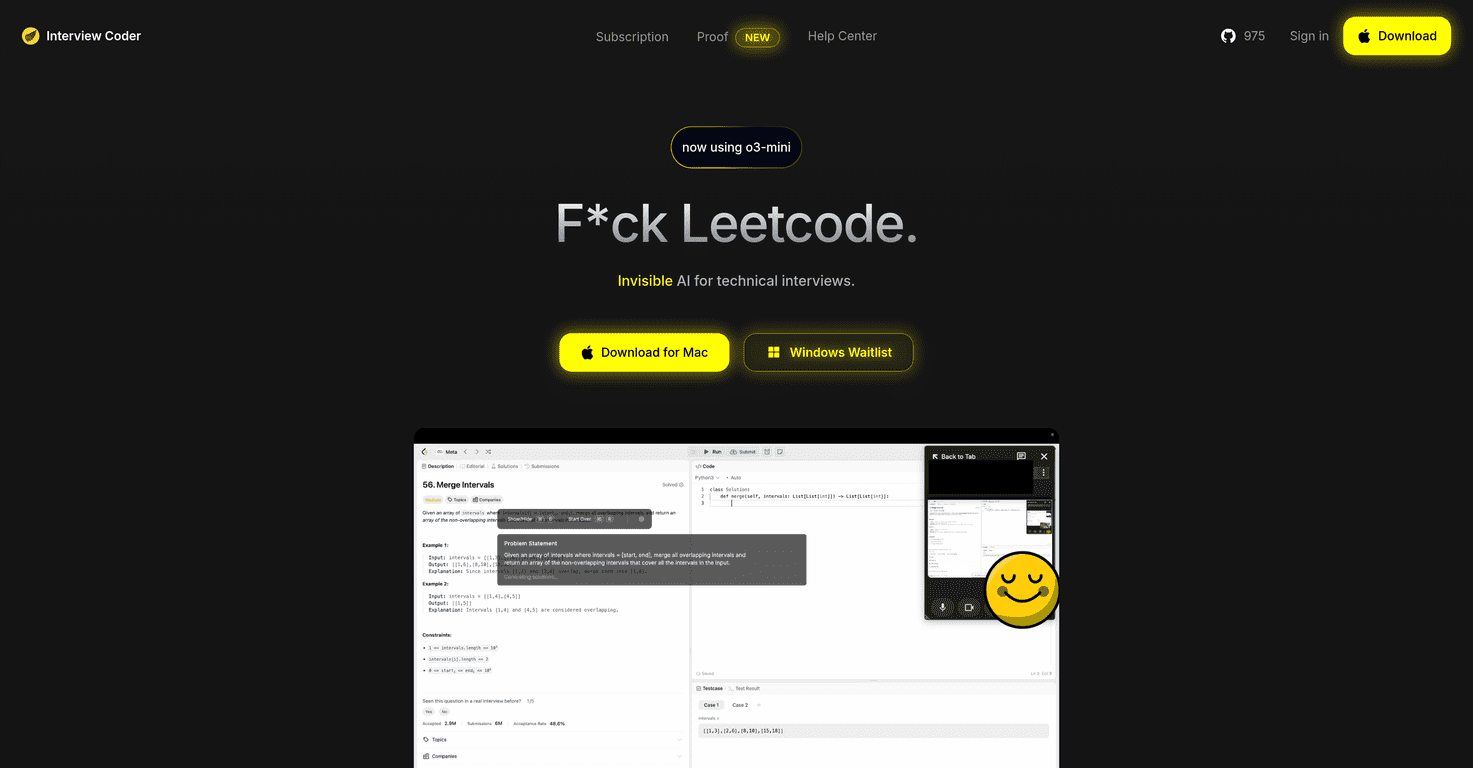
If you’re grinding LeetCode (or CoderPad-style problems) and you still feel like you’re fumbling during real interviews, I get it. I’ve sat there staring at the same “easy” problem that suddenly looks impossible when you’re on a Zoom call. That’s why I wanted to check out Interview Coder—a desktop app that’s aimed at helping you during technical interviews by capturing what you’re seeing and then generating help from it.
It’s positioned as a macOS tool that works alongside interview platforms like Zoom and CoderPad, and the big hook is screenshot-based assistance. You solve, it helps, and you keep moving. But… should you use something like this in interviews? That’s the part I can’t ignore, because integrity standards are getting stricter, and different companies handle this differently.
Interview Coder Review: What It Does (and What It Doesn’t)
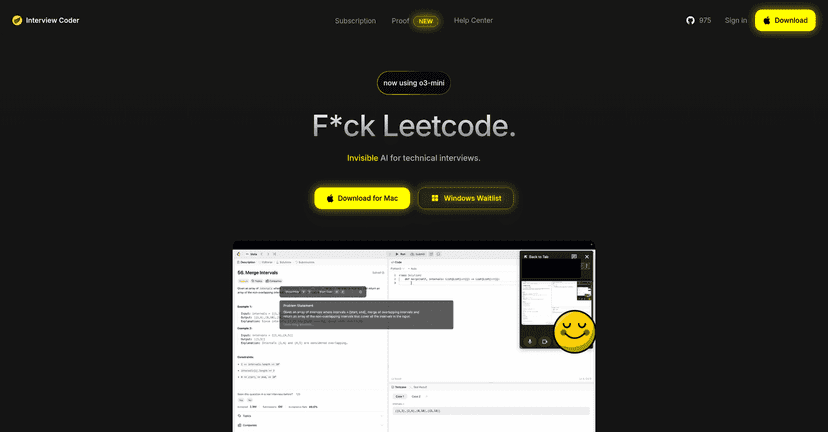
Interview Coder is built for people who want help during live coding interviews—especially when you’re stuck on a problem and you need a nudge fast. The core workflow is pretty simple: you capture a screenshot of the coding question (or what you’re working on), and the app generates an AI response based on that.
In my experience, the most useful part of tools like this is not “getting the perfect answer instantly.” It’s getting you unstuck when you’re spinning your wheels—like when you can’t remember the right approach for a sliding window problem or you’re unsure how to structure a solution without missing edge cases.
Interview Coder also leans into debugging and optimization support. That matters because in interviews it’s rarely enough to just pass the sample tests—you want a clean, efficient solution. If the tool helps you tighten complexity (for example, moving from something that’s accidentally O(n2) to O(n log n) or O(n)), that’s genuinely valuable.
That said, it’s currently macOS-focused, and Windows users have to join a waitlist. Also, the app’s “undetectability” angle is a big ethical red flag for me. Even if a tool claims it’s hard to detect, you’re still putting your integrity—and potentially your offer—on the line. Companies have different policies, and some interviewers are actively looking for this kind of assistance. So I’d treat this as a serious decision, not just a convenience.
Key Features
- Interview platform compatibility — designed to work with common setups like Zoom and CoderPad.
- Screenshot capture — you grab what’s on your screen and get AI help based on that captured view.
- Real-time debugging support — the app aims to help you fix errors and improve your code while you’re actively solving.
- Code optimization — help geared toward making your solution more efficient, not just “working.”
- macOS availability — available for macOS now; Windows support is mentioned as a waitlist item.
- Subscription access — ongoing access through a paid plan (not a one-time purchase).
Pros and Cons (My Honest Take)
Pros
- Fast help when you’re stuck — screenshot-to-response is quick, which is exactly what you need when you’re under time pressure.
- Better than “blank page” moments — it can give you direction for approach and structure when you’re stuck on the core idea.
- Supports popular interview workflows — if your interview setup looks like Zoom + CoderPad, you’re more likely to have a smooth experience.
- Immediate feedback loop — capturing a question and getting help right away is more useful than waiting for notes or guides.
Cons
- Undetectability isn’t guaranteed — the “undetectable” claim may not work the same way across all macOS versions or interview environments.
- AI reliance can backfire — if you lean on it too much, you might not actually learn the reasoning you need for the next problem.
- Integrity and ethics matter — using AI assistance during interviews can violate company policies and can damage trust if discovered.
- Limited platform support — Windows users currently have to wait, so this isn’t universally accessible.
Pricing Plans
Interview Coder is priced at $40 per month. That subscription is meant to cover continuous access to the AI-powered interview assistance features.
If you’re only interviewing occasionally, it’s worth doing the math. For example, if you’ve got 2–3 interviews over a couple weeks, you might not want to pay for a full month unless you’ll use it heavily.
Wrap it up
Interview Coder is clearly built for people who want a safety net during technical interviews—especially the kind where you’re expected to solve quickly, explain your approach, and handle edge cases. The screenshot-and-AI workflow can help you move forward when you’re stuck, and the debugging/optimization angle is the part that feels most aligned with what interviewers actually care about.
But I can’t gloss over the ethical side. If your goal is to “ace” interviews, the best long-term win is still practicing the problems and learning the patterns. Tools like this might help you survive a tough moment, but they can also tempt you to skip the learning. Use that decision carefully—and make sure you understand the rules at the companies you’re interviewing with.
Promote Interview Coder