Table of Contents
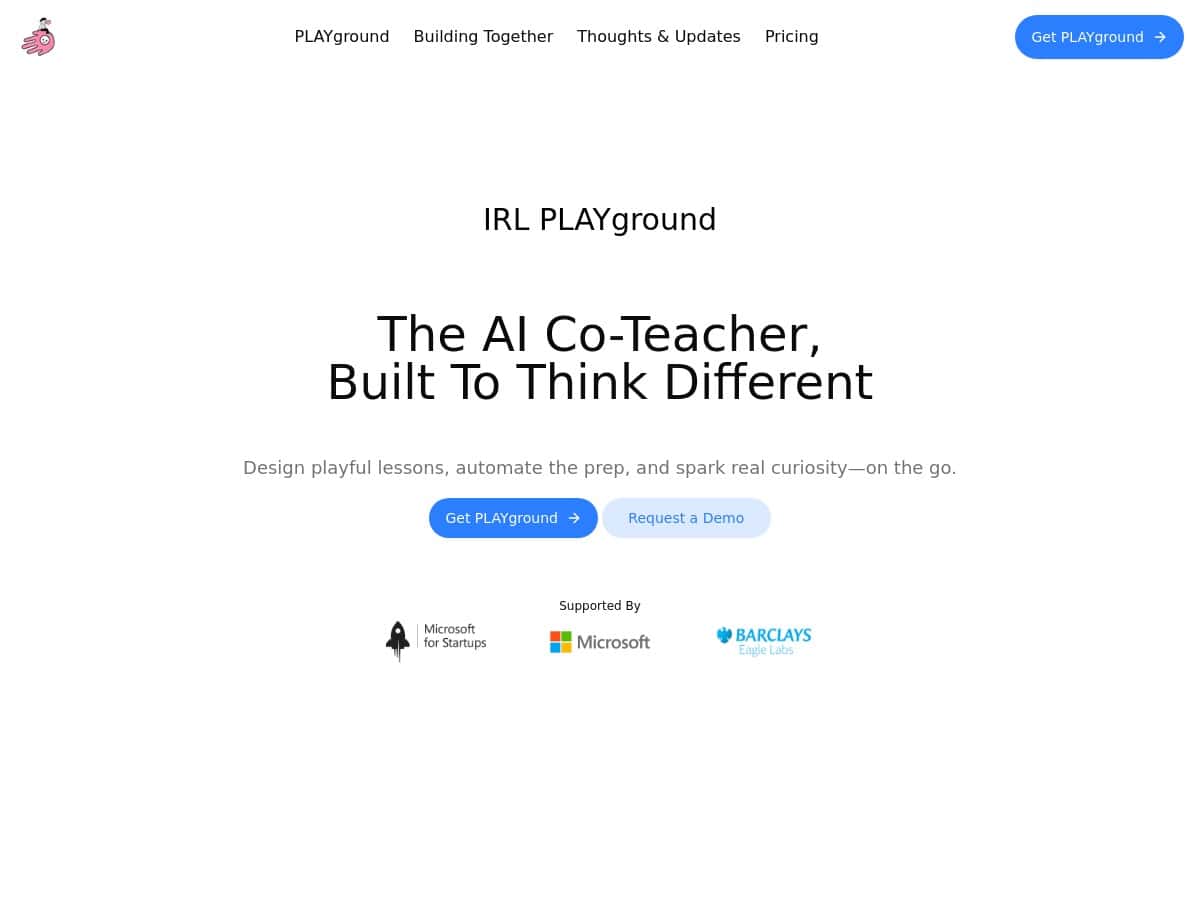
I’m always looking for ways to cut down the “blank page” time when I’m planning, especially when I’m trying to build a full lesson around a theme. That’s why I tested IRL PLAYground. I used it as a teaching companion for a story-driven lesson (the kind where you want a clear narrative thread, quick activities, and a logical flow from start to finish).
What I noticed right away: it’s built to feel like you’re working with a co-teacher, not wrestling with settings. The AI assistant (Nalae) takes your inputs, then turns them into a lesson structure with activities and resources you can actually use. And yes—it’s online-first, so you’ll want stable internet. Still, the experience felt pretty smooth while I was generating and tweaking plans.
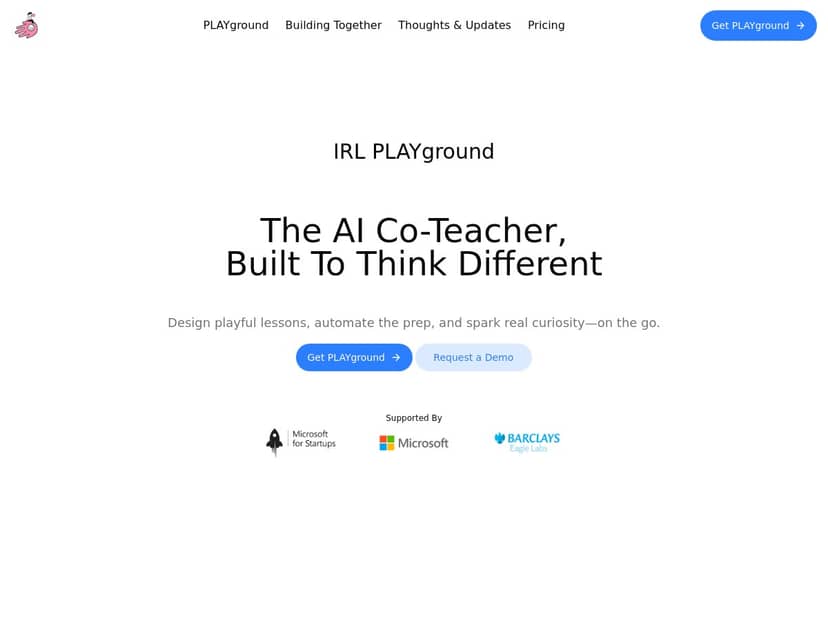
IRL PLAYground Review (what I tested and what I got)
For my test, I focused on a theme-based lesson build—basically the scenario where you need a coherent storyline, a few activities that fit together, and resources you can reuse. I started with a simple prompt and then adjusted the tone/theme to see how much control I actually had.
Setup: I didn’t have to hunt around for instructions. The interface is clean and the workflow feels guided, so you’re not stuck guessing what to do next. That matters when you’re already busy.
Lesson generation: Nalae generated a thematic lesson outline with activities and supporting resources. What I liked is that it didn’t just spit out a vague plan—it gave me a structure I could immediately edit. In my experience, that’s the difference between “nice idea” and “usable in class.”
Speed: I found that once I had my inputs ready, I could generate a solid first draft faster than I could write from scratch. I’m not claiming it’s instant for every scenario (you’ll still review and adjust), but it definitely cut my planning time for the first pass.
Where it fits: If you’re trying to make lessons feel more narrative and less “worksheet after worksheet,” this is the kind of tool that helps you get there quicker. If you already have your own lesson templates and just need minor tweaks, you may not use it as much—unless you like exploring new ideas.
One honest limitation: it’s primarily online. If your connection is flaky, you’ll feel it. Also, there’s no “direct student interaction” layer (no built-in student chat/feedback system), so you’ll still run the class yourself like normal.
Key Features (and what they look like in practice)
Here’s what stood out to me during testing:
- AI Co-Teacher (Nalae) that helps design thematic lessons
- Customizable templates for lessons and themes
- Collaboration library for sharing ideas
- Integration with calendars and export features
- Activities and resources to make lessons engaging
- Privacy-focused setup (user data privacy measures)
Walkthrough #1: Generating a theme-based lesson outline
I used Nalae to build a story-driven lesson plan from a theme. The process felt like: choose a lesson type → enter the theme/topic → pick the tone/constraints → generate → refine.
What I actually did:
- I started with a clear theme and the learning goal I wanted students to hit.
- I asked for a structured lesson flow (so it wouldn’t just be a list of activities).
- Then I reviewed the draft and adjusted the emphasis to better match how my group learns (more practice time vs. more discussion, for example).
What I noticed: the output was detailed enough that I could teach from it after light editing. If you’ve ever generated something “AI-ish” that’s too generic, this felt more grounded—especially in how it packaged activities into a coherent lesson.
Walkthrough #2: Using templates + the collaboration library
After generating my first draft, I tried the template angle. Templates are useful because they help you keep your lesson format consistent across weeks.
What I did:
- I reused a lesson structure template so the next plan didn’t start from zero.
- I browsed the collaboration library for ideas that matched my theme style.
- I swapped in activities/resouces that fit my class better (timing and difficulty level matter a lot).
Why that matters: even the best AI output won’t know your exact class. The library plus templates made it easier for me to adapt quickly instead of rewriting everything.
Export + calendar integration (the practical side)
IRL PLAYground includes export features and calendar integration. In my test, this was one of the most helpful pieces because it means you’re not stuck copying/pasting lesson notes manually.
What I’d recommend: before you rely on exports, generate one lesson and export it right away to check formatting. Things like headings, bullet spacing, and whether your activity list stays readable can vary by output format.
Privacy note: the platform claims strict user data privacy measures. I didn’t see anything that felt like it was collecting student-level data for interaction inside the tool, but you should still review the privacy details on the official site before uploading anything sensitive. If your school has strict policies, treat that as mandatory.
Pros and Cons (no fluff)
Pros
- Saves time on the first draft of lesson planning—especially for themed, story-driven lessons.
- Easy to navigate even if you’re not super comfortable with digital planning tools.
- Community sharing through the collaboration library helps you get unstuck when you’re low on inspiration.
- Privacy-focused approach is a plus for educators who need to stay compliant.
Cons
- Online dependency: if your internet connection is slow, the workflow won’t feel great.
- Limited offline access: you can’t count on it when you’re offline.
- No direct student interaction: there’s no built-in student-facing chat/assignment/feedback loop inside the platform (so you still manage that part yourself).
- No mobile app version: you’ll likely stick to a laptop/desktop for the best experience.
Pricing Plans (what I found)
IRL PLAYground offers multiple plans, including:
- Seed plan: basic access with unlimited templates
- Spark plan: £4.5/month billed annually, with access to Nalae
- Navigator plan: £14/month, which adds features like journaling
For the latest inclusions, limits, and any changes to billing or cancellation terms, it’s smart to double-check directly on their website (pricing can shift, and the “what’s included” details matter).
If you’re the type of teacher who wants to spend less time starting from scratch and more time shaping lessons around stories and themes, IRL PLAYground is genuinely worth a look. It won’t replace your judgment (and it can’t handle direct student interaction), but it does a good job giving you a usable starting point faster than many manual workflows.


