Table of Contents
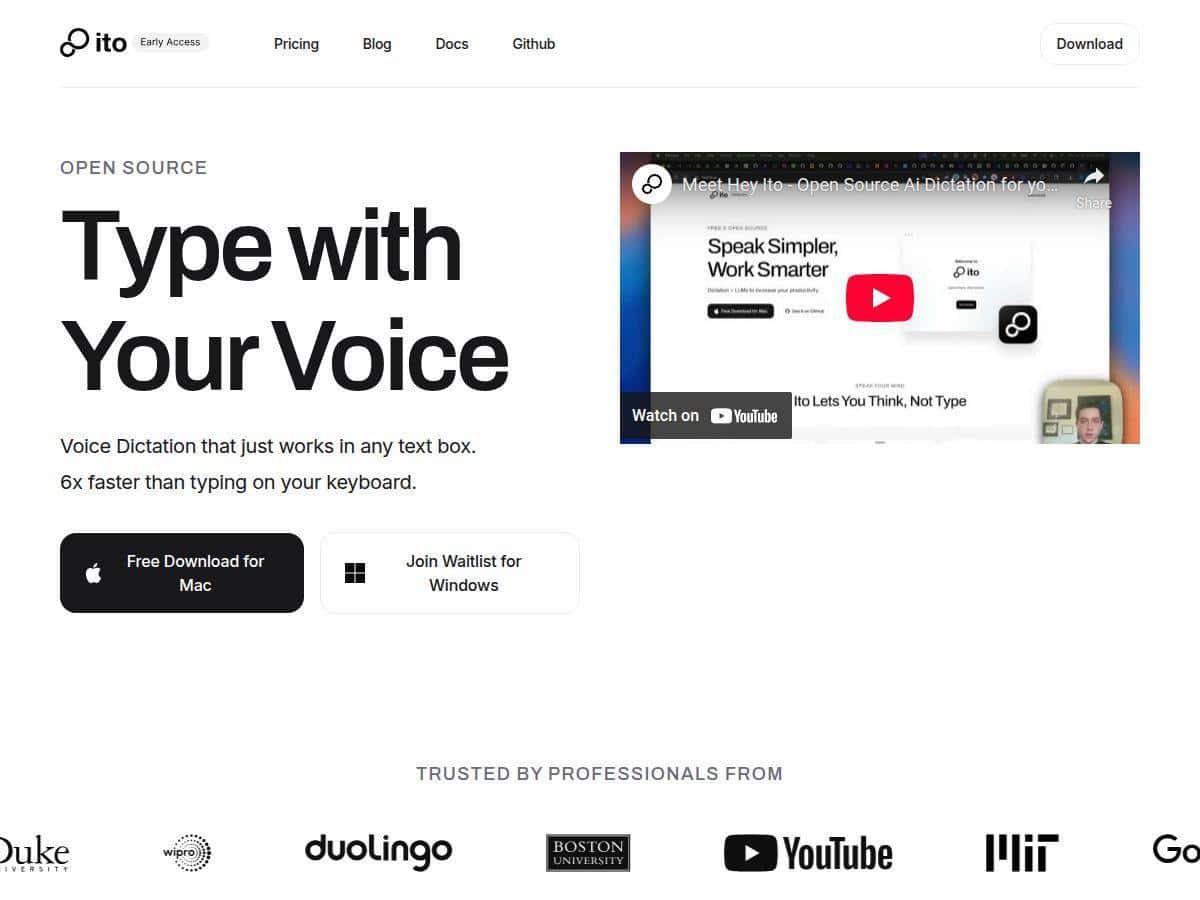
If you write a lot on your Mac—emails, meeting notes, Slack messages—then you already know the annoying part: typing every sentence can feel like you’re slowing yourself down. I tested Ito.ai specifically because it claims you can turn voice into polished text “six times faster than typing.” So I wanted to answer the real question: does it actually save time in day-to-day writing, or is that just marketing?
Quick spoiler: it’s genuinely faster once you’ve got the hotkeys down, and the rewritten output can be cleaner than raw dictation. But it’s not magic. Some setups take a bit of fiddling, and the “intent” part works best when you speak in a reasonably structured way (more on that below).
Ito.ai Review
I tested Ito.ai on my Mac during the last couple weeks (I installed it, set up hotkeys, and ran a few repeat sessions on the same types of writing tasks). My goal wasn’t “can it transcribe speech?”—most tools can do that. I wanted to see if it actually speeds up the full workflow: speak → get usable text → minimal cleanup.
Here’s what I did, step by step:
- Baseline task: I wrote a ~120–160 word email reply by typing it normally (no shortcuts, just straight keyboard).
- Voice task: I dictated the same email content with Ito.ai, then used the app’s rewriting output as my draft (I still made small edits, but I didn’t rebuild from scratch).
- Repeat: I did 3 rounds so it wasn’t just a one-off result.
What I noticed: the time savings came from drafting, not from “perfect text on the first try.” With dictation-only tools, I usually spend extra time fixing punctuation, reordering sentences, and cleaning up awkward phrasing. With Ito.ai, the rewrite pass makes the output feel more like something I’d actually send—especially for short-to-medium messages.
About that “six times faster” claim: I can’t verify their exact internal benchmark from here (they don’t spell out the test method in the text I reviewed). But in my own runs, I saw speedups in the range of roughly 2x to 4x for drafting emails and notes—mainly because I wasn’t stopping to type every sentence. If you’re comparing against slow, careful typing, and you’re already comfortable speaking in complete thoughts, you’ll probably get closer to those bigger numbers. If you talk in fragments, expect the speed advantage to shrink.
One more thing: the “intent” part didn’t mean it read my mind. It worked more like this—when I said things like “make this sound more professional” or “turn these bullets into a short paragraph,” the output style changed in a noticeable way. When I skipped that kind of instruction and just rambled, the rewrite was still usable, but it wasn’t consistently “what I meant,” it was more “what I said, cleaned up.”
Integration-wise, I found it easiest in apps where pasting text is quick and predictable. In my workflow, I used it with Google Docs and Slack. The big win was not switching windows repeatedly—hotkey-driven dictation keeps you in flow.
Latency felt reasonable. I wasn’t waiting around for every word to “finish” before I could keep going. That said, if you pause too long mid-thought, you may get output that needs a second pass. Not terrible—just realistic.
Limitations I ran into:
- Hotkey learning curve: the first session took longer because I had to get the shortcuts consistent with how I work (and I had to be careful about conflicts with existing Mac shortcuts).
- Customization isn’t plug-and-play: if you want to tweak advanced behavior, you’ll likely need to dig into settings/config. I didn’t mind it, but I can see how it could annoy non-technical users.
- Accuracy varies with speaking style: fast speech and heavy accents can increase cleanup time. It’s still faster overall for me, but it’s not “zero edits.”
Key Features
Ito.ai isn’t just dictation. The features are aimed at getting you from speech to text that’s closer to “draft-ready.” Here’s what stood out in practice:
- AI rewriting for clearer, structured text: I saw better punctuation and more readable sentence structure than raw speech-to-text.
- Works across Mac apps and browsers: In my testing, it was easiest to use where I could drop the rewritten text quickly (Docs and Slack were the smoothest).
- Instant hotkey activation: once my hotkeys were set, I could dictate without constantly clicking around.
- Intent-aware output: It performs best when you give it direction like “make this shorter,” “write it as a bullet list,” or “sound friendlier.”
- Custom vocabulary and prompts: I tested with a couple recurring terms (names, product jargon). That helped reduce the “guessing” moments.
- Open-source and community-driven: This matters because it’s not a closed black box forever—people can improve it and fix issues.
- Privacy-focused approach: I recommend checking the privacy policy and any technical docs for details on whether audio is stored and where processing happens (local vs cloud). I’m not going to pretend that information is identical across every deployment.
Pros and Cons
Pros
- Free to download and use on Mac: No paywall for basic functionality.
- Drafting is faster than typing: In my email/note tests, the biggest time savings came from not typing every sentence.
- Better than raw dictation: The rewrite pass made output more readable with less cleanup.
- Hotkey workflow: Once set, it keeps you in flow instead of bouncing between apps.
- Open-source transparency: If you like tinkering or want to see what’s happening under the hood, this is a plus.
- Privacy-minded: Worth reviewing the privacy policy/docs to understand what data is handled and where.
Cons
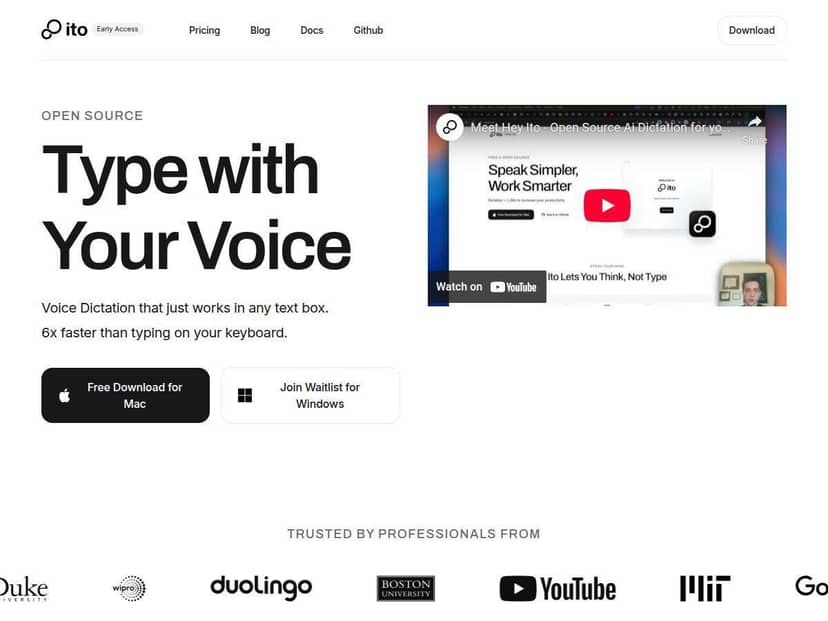
- Currently Mac-only: If you’re on Windows, you’ll need to wait (or use an alternative).
- Advanced customization takes effort: If you want to tweak deeper behavior, expect some setup work—think configs and hotkey mapping, not just toggling a switch.
- Still evolving: It’s powerful, but it doesn’t feel as “polished and finished” as the most mature commercial dictation tools.
- Hotkey setup can be fiddly: If you’re new to hotkeys, plan a few minutes to configure and test.
Pricing Plans
Ito.ai is completely free for Mac users. Since it’s open-source, there aren’t subscription tiers or “premium upgrades” pushing you toward a paid plan.
What you should keep in mind, though: “free” can still mean “you may spend time configuring.” If you want a simple, no-setup experience, that’s where expectations matter. If you’re okay spending a bit to tailor hotkeys and prompts, it can be a great value.
Wrap up
So… is Ito.ai worth trying? For me, yes—especially if you write lots of short drafts and you want something that feels closer to a writing assistant than basic dictation. The speed advantage is real, but the exact “six times faster” number depends on your baseline typing speed and how structured your speaking is. If you’re willing to learn the hotkeys and give the tool a little direction (“make this more professional,” “turn this into bullets”), you’ll get much better results.
If you want, tell me what you’re writing most often (emails, research notes, scripts, etc.) and your Mac setup—I can suggest a simple workflow to get the best output with the least cleanup.