Table of Contents
What Is JDoodle.ai MCP? What I Saw After Testing It
I’ll be honest: the first time I heard about JDoodle.ai MCP, I had the same reaction you probably did. “How is this not just hype?” The promise—building full-stack web apps from chat—sounds like one of those headline claims that either works in a demo or falls apart the second you try something real.
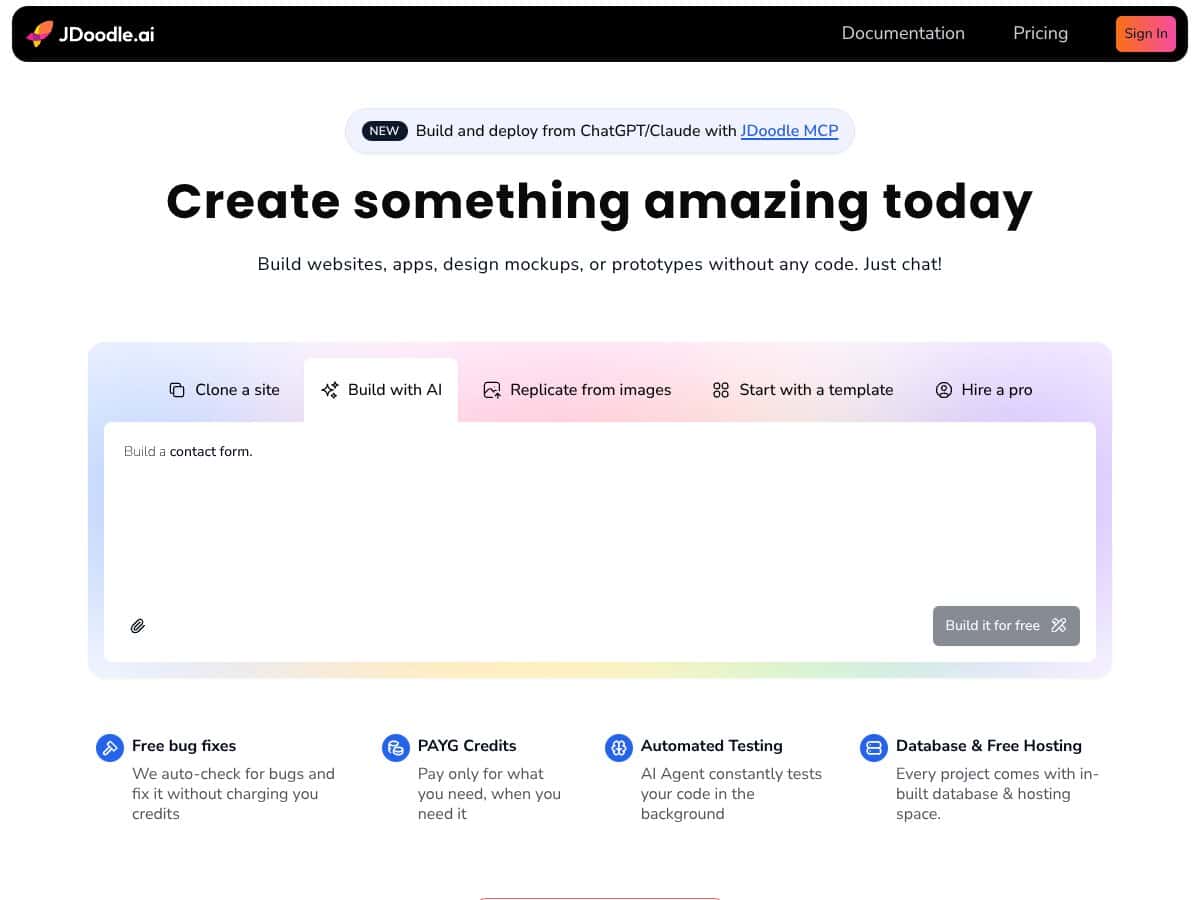
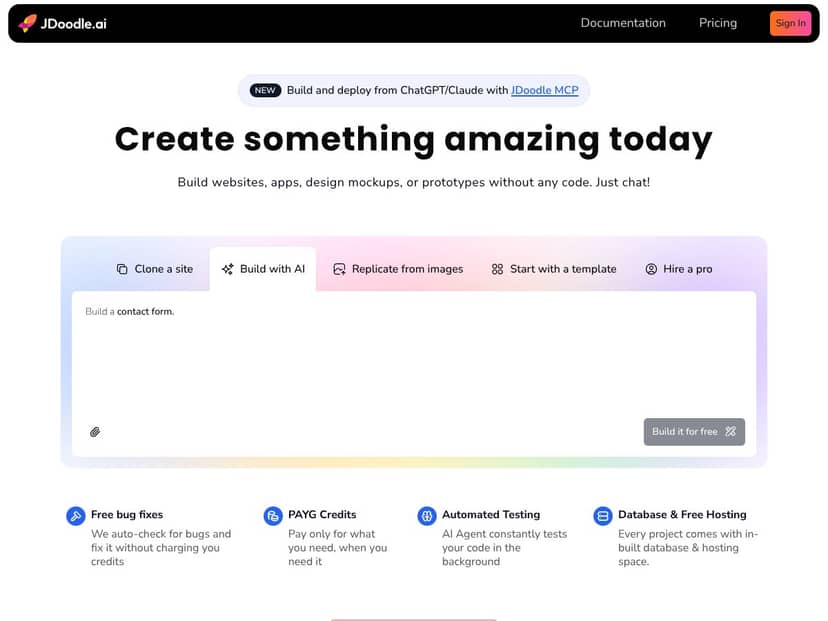
After spending time with it, here’s the clearest way I can describe it. JDoodle.ai MCP is a chat-based workflow that’s tied into JDoodle.ai’s coding environment. In practice, you can ask for an app, iterate on it in conversation, and then preview what you built. Depending on your setup, it can also help with deployment so you’re not stuck only generating code and hoping you can wire everything up manually.
What I actually tested was a pretty standard “starter SaaS” style request: a simple landing page, a sign-up flow, and a basic dashboard page. I didn’t ask for anything wild like payments, multi-tenant permissions, or custom billing logic. I wanted to see whether it could handle the boring-but-important stuff: routing, form handling, basic UI, and a working end-to-end preview.
My experience: it does a decent job turning prompts into functioning code, and the live preview loop is where it shines. But it’s not magic. It still needs you to steer it, especially when you want consistent naming, clean structure, or specific UI behavior. If you give vague instructions, you’ll get vague output. If you specify constraints (like “use TypeScript” or “keep the dashboard route protected”), you’ll get better results.
One thing I appreciated: it’s not positioned like a Wix/Webflow replacement. JDoodle.ai MCP feels more like an AI assistant that can generate an app skeleton and then help you refine it—rather than a drag-and-drop builder that guarantees production polish. If you’re expecting “copy/paste into a real client project and ship,” you’ll probably be disappointed.
Also, just to set expectations: I didn’t see it as an export-and-forget tool. It’s more of an in-platform workflow. If your goal is “generate production-ready code I can fully control elsewhere,” you’ll want to check the export/deployment options carefully before you invest time.
Who Is JDoodle.ai MCP Actually For?
JDoodle.ai MCP makes the most sense to me for people who want speed over perfection. If you’re a solo founder, a small team, or even a hobbyist trying to validate an idea quickly, it’s a practical way to go from “idea in my head” to “something running in a browser.”
In my testing, the best matches were:
- Solopreneurs validating a product concept (landing page + basic auth + dashboard). You can iterate fast without getting stuck in scaffolding.
- Marketers building interactive tools like lead capture pages, simple forms, and campaign landing experiments where you don’t need deep backend complexity.
- Product folks prototyping internal workflows—think feedback collection, onboarding flows, or internal dashboards—where “good enough and shippable soon” beats perfect architecture.
- Small businesses creating internal utilities (inventory views, lightweight CRM-style screens). If you’re comfortable working within the platform’s constraints, it can be a shortcut.
Where it feels less ideal is when you already know you’ll need heavy custom backend logic, strict compliance requirements, or very specific deployment infrastructure. In those cases, you’ll spend time fighting the tool’s assumptions instead of building your product.
Who Should Look Elsewhere?
If you’re building something complex and you know you’ll need careful engineering decisions, JDoodle.ai MCP might frustrate you. Not because it can’t generate code—but because the “chat-to-app” workflow doesn’t always give you the kind of control senior developers expect.
Here are the situations where I’d look elsewhere:
- Enterprise-grade requirements (compliance, custom server configuration, multi-user workflows with strict permissioning). You’ll likely end up reworking too much.
- Teams that need full source control and a clean handoff to external hosting. If the export story is limited or messy, you’ll lose time.
- People who hate credit-based usage models. If you want predictable, flat pricing no matter how many iterations you run, a credit system can feel risky.
- Static site needs. If you just want a landing page, a CMS or a traditional site builder will almost always be faster and cheaper.
One more note: this platform feels fairly “contained.” If you’re expecting a huge ecosystem of plugins and integrations, you’ll want to confirm what’s actually supported for your use case.
How JDoodle.ai MCP Stacks Up Against Alternatives
Cursor
- Cursor is more of an AI-first IDE. It can use MCP in some capacity, but it’s mainly about editing and coding with AI help—not about generating and deploying a full app end-to-end through conversation.
- In my experience, Cursor is great when you already know what code you want and you want AI to accelerate implementation. JDoodle.ai MCP is more about “tell it what to build” and then iterate inside its app workflow.
- Choose JDoodle.ai MCP if you want the chat-to-preview-to-deploy loop without manually wiring everything together.
- Stick with Cursor if you want AI-assisted coding inside an editor where you stay in control of the codebase.
Replit
- Replit is another strong environment for building apps, and it has AI assistance. But again, it’s more traditional: IDE first, AI second.
- JDoodle.ai MCP’s differentiator (at least from how it felt in testing) is the conversational workflow aimed at producing a working app quickly, with preview and iteration as part of the same loop.
- Choose Replit if you want a collaborative dev environment and you’re comfortable doing the wiring yourself.
- Stick with JDoodle.ai MCP if your priority is getting to a working app from prompts with less manual setup.
Zed
- Zed is an editor exploring MCP and AI workflows, but it’s not really the same category as a chat-to-deploy app builder.
- JDoodle.ai MCP is closer to a “build and run an app” workflow rather than “edit and refine code.”
- Choose Zed if you’re experimenting with MCP in a lightweight editor and you don’t need deployment automation.
- Stick with JDoodle.ai MCP if you want live preview and app deployment support as part of the experience.
Codeium
- Codeium is heavily focused on AI code completion and assistance. It’s not really aimed at generating and deploying full apps from chat.
- If you want help while you code, it’s useful. If you want the app-building workflow to be the main event, JDoodle.ai MCP is the better fit.
- Choose Codeium if your goal is faster coding, not no-code/low-code app generation.
- Stick with JDoodle.ai MCP if you want to build and preview web apps as an outcome of your prompts.
Sourcegraph
- Sourcegraph is more about code search, intelligence, and review support for teams. It’s not designed for chat-driven app prototyping and deployment.
- In other words: it helps you understand code, not necessarily generate and ship an app.
- Choose Sourcegraph if your priority is code intelligence for dev teams.
- Stick with JDoodle.ai MCP if you want a conversational flow that gets you to a running prototype faster.
Final Verdict: Should You Try JDoodle.ai MCP?
After testing, I’d give JDoodle.ai MCP a 7/10. It’s genuinely good at helping you go from a prompt to a working web app prototype, and the live preview + iterative refinement is the part that feels most “real,” not just marketing.
It’s best when your goal is speed: you want something running so you can test an idea, show it to someone, and improve it. If you’re building a simple to moderate app—landing page, auth, dashboard, basic CRUD—you’ll probably get value quickly.
But if you’re chasing deep customization, strict backend requirements, or full control over how and where code is hosted, it’s not the tool I’d bet the farm on. You may end up doing manual cleanup anyway.
About cost: I didn’t want to guess here. I checked the platform’s credit-based approach conceptually, but I didn’t lock in a specific “per credit” math outcome in this test report because pricing can change. If you’re going to try it, do this before you commit: run one small prompt, iterate a few times, and watch your credit usage so you understand how quickly it ramps for your style of building.
My honest recommendation: if you want a chat-driven workflow to prototype and preview web apps quickly, give JDoodle.ai MCP a shot. If your top priority is predictable cost and full external control of the codebase, you’ll likely be happier starting with an IDE-first approach.
Common Questions About JDoodle.ai MCP
- Is JDoodle.ai MCP worth the money? If you value fast iteration and you’re okay with a usage/credits model, it can be worth it. If you only plan one-off builds and you want flat pricing, it might feel expensive.
- Is there a free version? There’s typically a free tier for trying things out. In my view, it’s best for testing the workflow—not for building a serious production app.
- How does it compare to Replit? Replit feels more like an IDE + environment with AI support. JDoodle.ai MCP feels more like a chat-driven app builder where the preview and iteration are part of the same loop.
- Can I build complex apps with it? For simple to moderate apps, yes. For highly complex systems with custom backend logic and strict requirements, you’ll likely need extra engineering outside the platform.
- Does it support databases? It’s positioned as full-stack, so database support is part of the workflow. I recommend verifying exactly which database options are available for your project type before you start.
- Can I get a refund? Refunds depend on JDoodle.ai’s billing and terms. Check their support/billing policy for the exact rules.




