Table of Contents
Kimi K2 AI is one of those coding-focused models that’s interesting for a pretty specific reason: it’s open-source (so you can self-host), and it’s positioned as a strong option for coding + math without forcing you into the most expensive proprietary plans. In this review, I’m going to focus on what actually matters if you’re considering it—coding help, debugging usefulness, math reasoning, latency/cost, and where it falls short.
Kimi K2 AI Review: What You’ll Actually Get for Coding + Math
Quick reality check: I’m not going to pretend I ran private benchmark suites on my own hardware for this post. Instead, I’m using the commonly cited benchmark positioning and then translating it into what you’ll notice day-to-day—like how it handles multi-step debugging, whether it asks clarifying questions, and how well it follows instructions when your prompt gets messy.
So, what’s Kimi K2 aiming to do? It’s built for coding assistance and math-style reasoning, with the big selling points being (1) strong coding accuracy in benchmark tests and (2) a long context window so you can paste more code/logs without the model immediately losing the plot.
Here’s the kind of evaluation I think you should do (and that I recommend you try) before betting your workflow on it:
- Coding task: give it a small function with a failing test and ask for a fix + explanation.
- Debugging task: paste stack traces and the surrounding code, then ask it to identify the root cause first.
- Math reasoning task: provide a multi-step word problem and ask for the approach before the final answer.
- Latency/cost sanity check: run a few prompts of different lengths (short, medium, long) and compare response time + token usage.
If you want concrete examples, here are three prompt styles that usually reveal the difference between “it sounds smart” and “it’s actually useful”:
- Debugging prompt: “Here’s my stack trace and the relevant code. First, tell me what line is causing the error and why. Then propose a minimal patch (diff format). Finally, explain how I can add a regression test.”
- Refactor prompt: “Refactor this function for readability and edge cases. Keep behavior the same. List the edge cases you checked.”
- Math prompt: “Solve this step-by-step. After each step, show the intermediate result. If there are multiple methods, pick one and justify it.”
One more thing: if you’re comparing it to alternatives like GPT-4-class models, don’t only look at raw “accuracy.” Look at how often the model keeps context straight when you paste long files or logs. That’s where longer context windows matter more than people expect.
Key Features That Matter for Real Projects
- Strong coding + math positioning: It’s marketed as outperforming some well-known baselines on coding-focused benchmarks (see LiveCodeBench mention below).
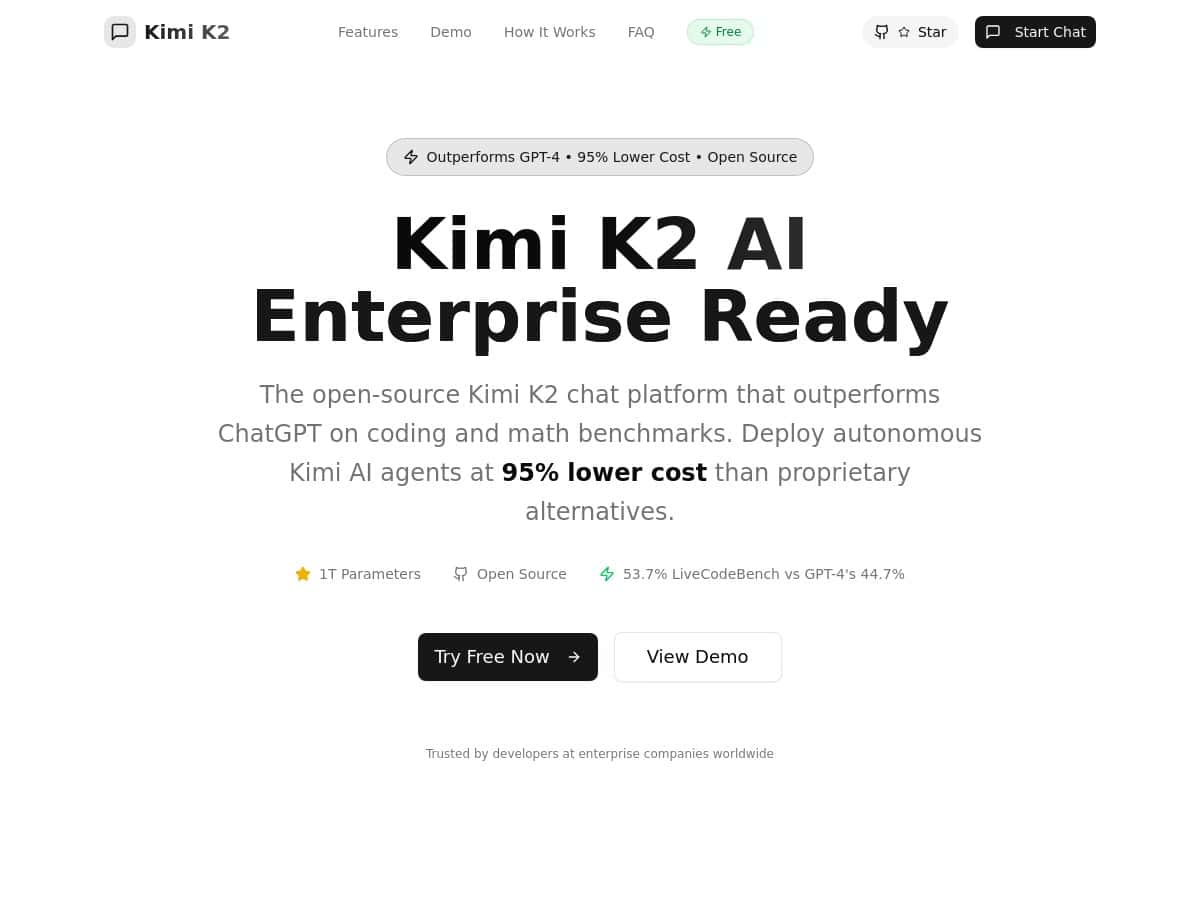
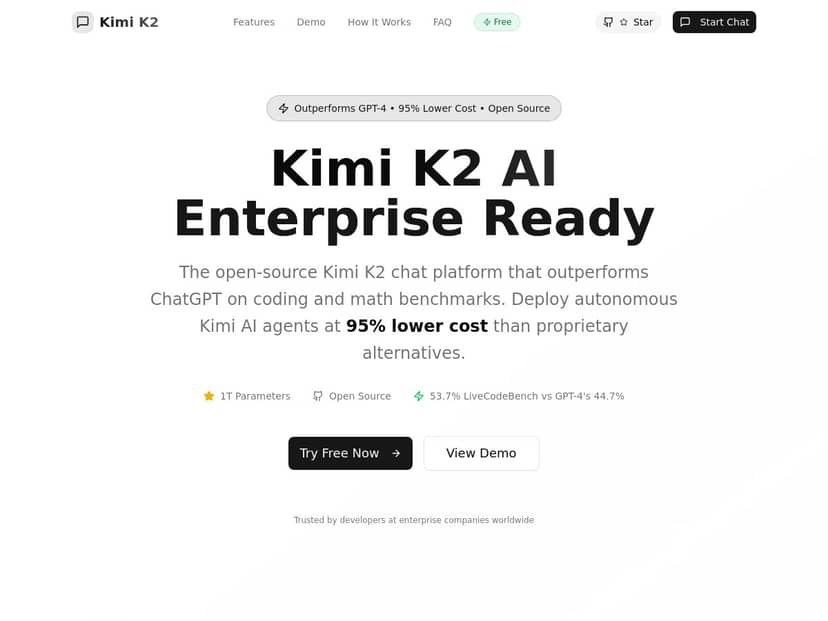
- Benchmark claim (coding): The product positioning cites LiveCodeBench with a reported 53.7% coding accuracy figure. (Use this as a starting point, then test with your own repo.)
- Long context support: Support for up to 128K tokens is advertised, which is helpful when you’re pasting large files, logs, or multiple modules.
- Cost range: Usage-based pricing is commonly stated as $0.15–$2.50 per million tokens (details in the pricing section).
- Open source + self-hosting: You can run it yourself, which is a big deal if you care about privacy, data control, or avoiding vendor lock-in.
- Enterprise features: It’s positioned as offering SSO, audit logs, and support—useful if you’re rolling it out to a team.
- Mixture-of-Experts (MoE) architecture (claimed): MoE generally means the model routes different inputs to different “experts,” which can improve efficiency. I’d still verify the exact routing/expert details from the project docs for your setup, because those specifics can vary by deployment.
Pros and Cons (With the Stuff People Actually Complain About)
Pros
- Lower token costs (on paper): The advertised $0.15–$2.50 per million tokens range can be a big win if you’re doing lots of iterative coding prompts.
- Open-source control: If you want to keep code and logs inside your environment, self-hosting is the obvious advantage.
- Good fit for coding + math tasks: The benchmark positioning (like LiveCodeBench) suggests it’s optimized for these domains—not just generic chat.
- Enterprise-oriented controls: With SSO and audit logs mentioned, it’s at least aiming at the “team rollout” checklist.
Cons
- Self-hosting isn’t “click and go” for everyone: Even with docs, you’ll typically need a bit of technical comfort—GPU setup, model serving, and basic ops.
- Community support can be uneven: Open-source ecosystems are great, but response times and depth depend on who’s active at the moment.
- Vision/image understanding may be limited: If your workflow depends on analyzing screenshots, diagrams, or images, you’ll want to confirm what Kimi K2 supports in practice. The common expectation is that it’s more coding/math-forward than vision-first.
Pricing Plans: How Much Will It Cost You?
Kimi K2 AI is typically described as having a usage-based pricing model, commonly quoted at $0.15 to $2.50 per million tokens. There’s also mention of a free tier so you can test without committing right away.
If you’re trying to estimate your monthly spend, here’s a quick way to sanity-check it:
- Light usage: 500k–1M tokens/month (a few prompts daily)
- Heavy coding assistant usage: 5M–20M tokens/month (lots of refactors + debug cycles)
At $0.15 per million tokens, 10M tokens is roughly $1.50. At the high end ($2.50 per million), 10M tokens is about $25. Real costs depend on your prompt length, response length, and whether you’re using a hosted endpoint or self-hosting.
Since it’s open source, you also have the option to self-host to avoid per-token hosting fees—though you’ll still pay for infrastructure (GPU time, bandwidth, storage, and maintenance).
Wrap up
My take: Kimi K2 is a strong option if you want an open-source coding + math assistant with long-context support and pricing that won’t make every prompt feel like a luxury. It’s especially attractive for teams that care about privacy and want control over where their data goes.
Just don’t assume it’s the right fit for everything. If you need heavy image/vision workflows, or if you want a totally hands-off setup, you’ll likely have to do some extra checking before you commit. For coding and reasoning tasks, though? It’s absolutely worth testing against your own prompts and your own codebase.