Table of Contents
I’ve been testing a bunch of AI tools that promise “instant presentations,” and most of them either feel too generic or make you do the real work anyway. KindlePPT is different enough that I kept coming back to it—especially when I needed something presentable fast without spending an hour fighting with formatting.
KindlePPT Review: Does It Actually Help You Build Better Slides?
When I’m creating presentations, the hardest parts usually aren’t the ideas—it’s the layout, the visuals, and getting everything to look consistent. KindlePPT leans hard into that “make it look good quickly” angle.
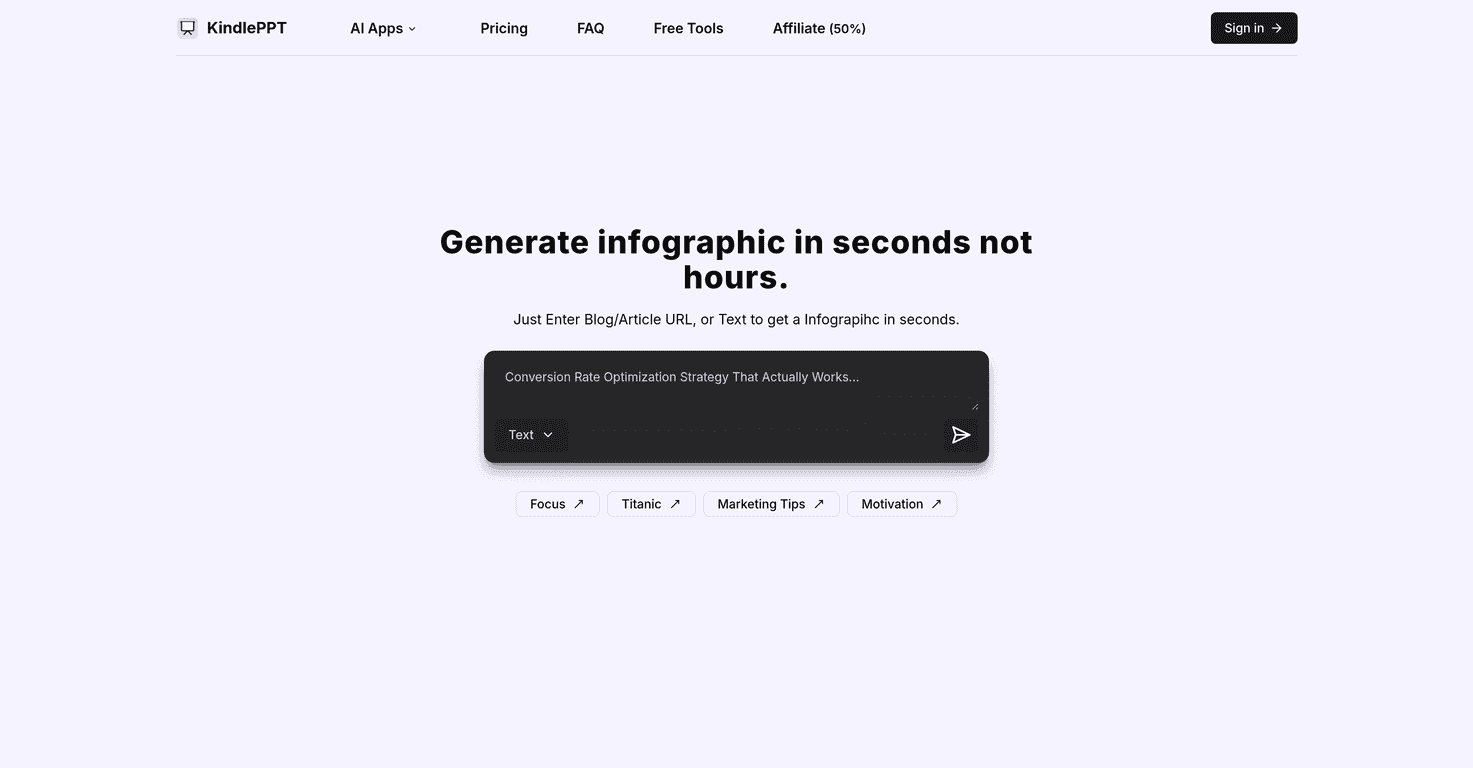
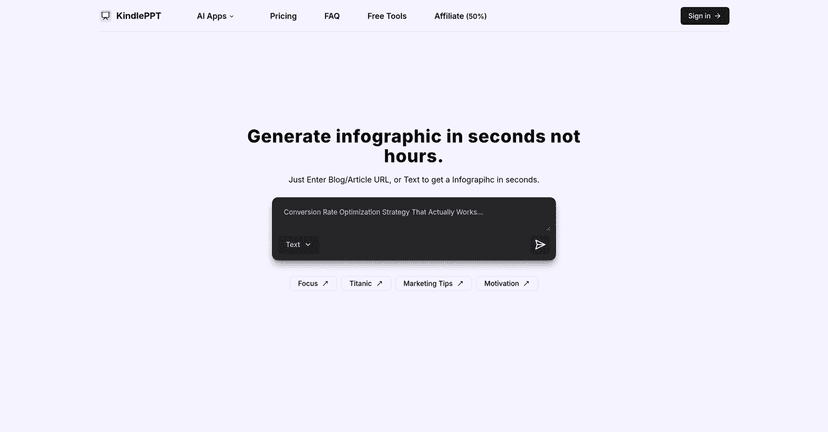
One of the first things I noticed is how it handles text-to-visuals. If you start with plain text, it can turn that into an infographic-style output. That’s handy for teachers, marketers, or anyone who wants a slide that doesn’t look like it was pasted together in five minutes.
It also supports more than just one kind of output. In my tests, I could generate things like a presentation outline, scripts, essays, and even quizzes. And yeah, it’s fast—like, “I can get a draft in seconds” fast. That doesn’t mean it’s always perfect on the first try, but it’s a strong starting point when you’re on a deadline.
Another detail I liked: the templates. KindlePPT includes over five customizable infographic templates, and the result preview is genuinely useful. Instead of guessing whether your text will fit or whether the design will look off, you can preview and adjust before you commit.
There are also free tools mixed in (like a summarizer and a lesson ticket creator). I used the summarizer on a longer paragraph and it did a decent job compressing it without turning it into unreadable bullet soup. Is it the same quality as a careful human rewrite? No. But for quick study notes or a first draft, it’s practical.
So overall, KindlePPT feels like a “speed + structure” tool. If you want something that helps you go from rough idea to something shareable without spending hours on design, it’s worth considering.
Key Features I’d Actually Use
- Text to Infographic conversion that turns plain text into a more visual, slide-friendly format.
- Over 5 customizable infographic templates so you’re not stuck with one look.
- Real-time result previews (this matters when you’re trying to avoid awkward spacing and cut-off text).
- AI-powered generators for presentations, scripts, essays, and quizzes.
- Free tools like a summarizer and lesson ticket creator (good for trying it out before paying).
- User-friendly interface—I didn’t have to watch a tutorial just to get started.
Pros and Cons (Based on My Testing)
Pros
- Fast content drafts—you can generate a usable presentation/script/quiz quickly.
- Multiple content types in one place (not just slides).
- Templates help with consistency—the outputs look more “designed” than plain text pasted into boxes.
- Free tools to test the workflow (summaries and lesson-related outputs are a good starting point).
- Reasonable pricing compared to other “AI presentation” tools that charge more for basic access.
Cons
- Limited free credits for new users (I’d still recommend using the free tools first to see if it matches your style).
- Full features require a subscription—so don’t expect everything to be unlocked on the trial.
Pricing Plans: What You’ll Pay
Pricing is pretty straightforward. KindlePPT offers a $10/month option for full access to the features—presentations, scripts, quizzes, essay generation, and the rest of the toolkit.
If you’re planning to use it regularly, the yearly subscription is $80. That works out to about $6.67 per month, which is a nice discount if you’re using it for school, client work, or ongoing content creation.
One practical tip: if you’re not sure you’ll use it every week, start with the free tools first. If you find yourself repeatedly generating scripts/quizzes or turning text into infographics, then the subscription makes a lot more sense.
Wrap up
KindlePPT is one of those tools that’s easier to recommend after you’ve actually tried it—because the “drafts fast” part is real. I like that it combines presentation creation with infographic-style visuals and includes a preview so you can tweak before you finalize.
Just remember: it’s still AI, so you’ll want to review and polish. But if your goal is to save time and get from idea to slides quickly, KindlePPT does a solid job.


