Table of Contents

What Is KNOA (and Why I Was Curious)
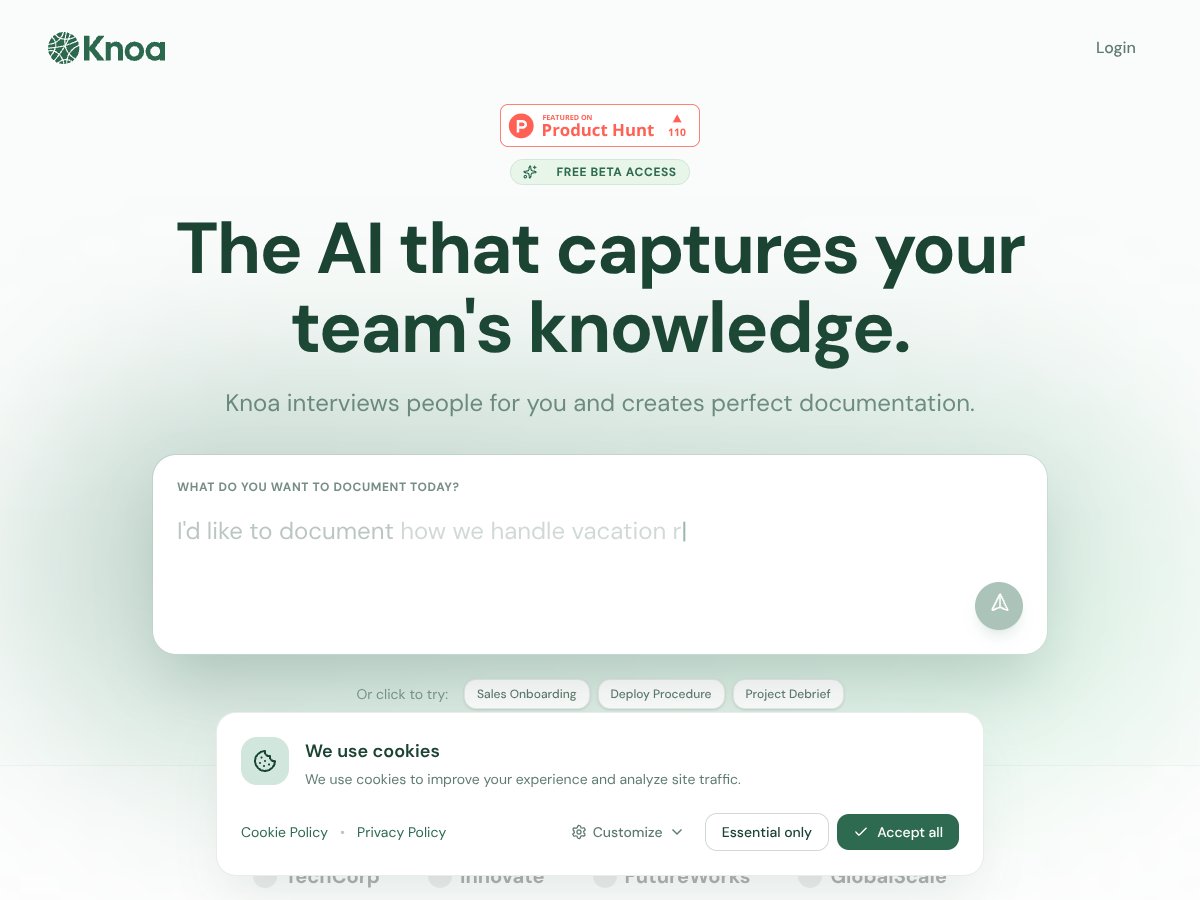
I’ll be honest—I went into this one skeptical. The pitch sounds simple: an AI interviews your team (voice or chat) and then turns those answers into documentation like SOPs, FAQs, and process write-ups. But I kept wondering… can an AI really capture the “why” behind how people actually do things, or does it just spit out generic steps?
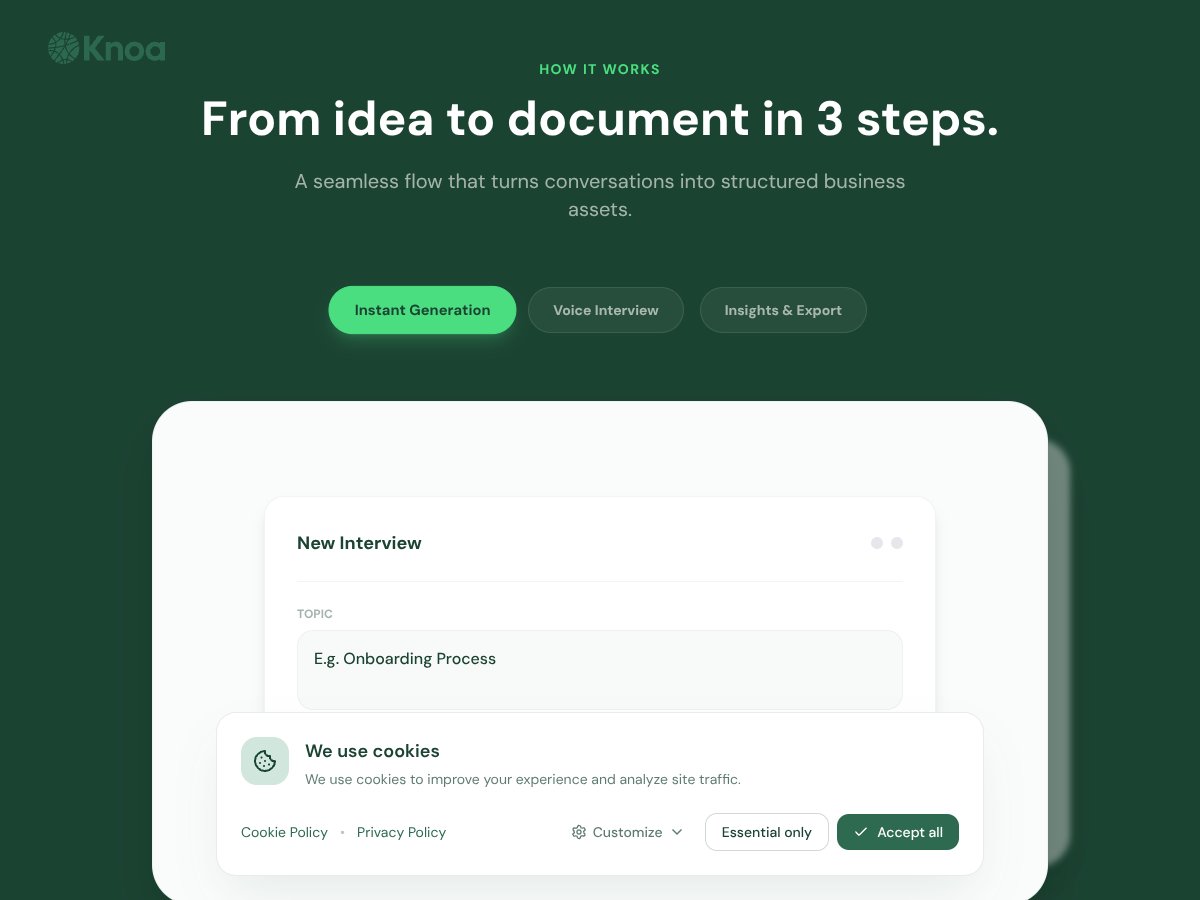
From what I could verify from the public material I found, KNOA’s basic workflow is:
- Run interviews with team members (either voice or chat)
- Extract tacit knowledge from those conversations
- Generate structured documents you can reuse for onboarding, training, and process standardization
The problem KNOA is trying to solve is also pretty familiar: a lot of companies still run on tribal knowledge. People learn the “real way” to do a task by watching someone else, not by reading a clean SOP. Then when that person leaves—or even just changes teams—everything gets messy.
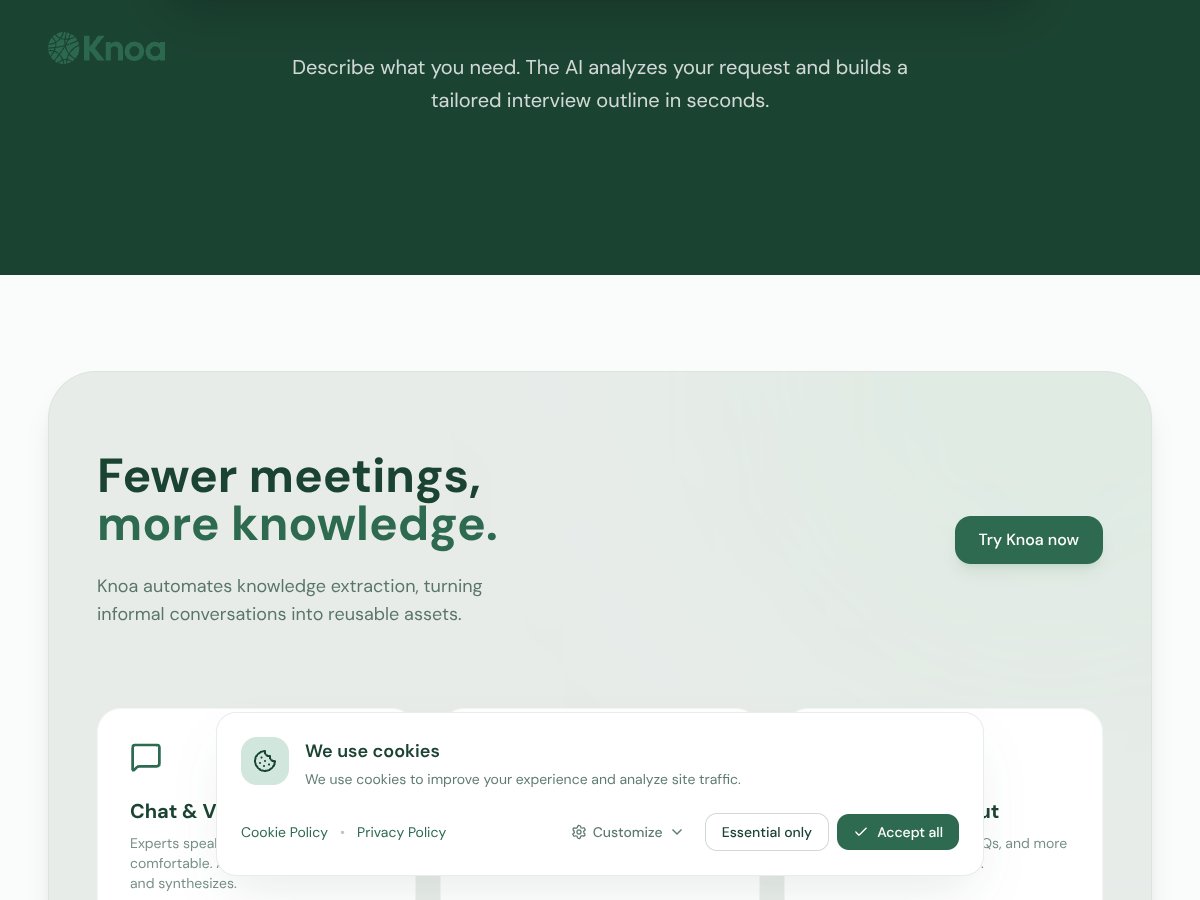
That’s where KNOA positions itself as helpful: fewer ad-hoc explanations, less manual writing, and fewer misunderstandings when you’re trying to standardize processes across teams.
One quick heads-up though: when I looked around, I couldn’t find much about the team behind it (no founder bios, no case studies, no deep company background). There’s also not a lot of publicly detailed documentation like you’d expect from a long-standing enterprise vendor. That doesn’t automatically mean it’s bad—it just means you should treat the public info as limited and verify things hands-on.
My Setup Experience (What I Could Actually Test)
Here’s the tricky part: the original public page I reviewed didn’t include a clear, step-by-step demo walkthrough, and it didn’t provide sample outputs that I could compare against. So instead of pretending I ran a full production workflow, I focused on what I could realistically assess from the interface and the claims that were supported by what was shown.
What I noticed immediately is that the product experience is built around starting an interview and then letting the system produce structured documentation from that input. The UI feels straightforward—there’s a clear place to begin the interview, and the process seems guided enough that a first-time user wouldn’t be completely lost.
But I also ran into a limitation that matters if you’re evaluating tools for real work: I couldn’t find a detailed public feature list, and I couldn’t find demo outputs that show the quality level you’d get (for example, what an SOP looks like after an interview, whether it includes edge cases, how it handles conflicting answers, etc.).
So my takeaway here is pretty simple: KNOA looks like it’s meant to do interviews-to-documents, but the public materials don’t give enough proof of output quality that you can confidently judge it without testing.

KNOA Pricing: Is It Worth It?
Let’s talk money, because this is where most people will get stuck. I couldn’t find clear pricing on the public pages I reviewed. No published tiers. No “starts at $X.” Just a sense that you’d need to request pricing.
| Plan | Price | What You Get | My Take |
|---|---|---|---|
| Free Tier | Not publicly disclosed | Limited access, possibly basic features or demo capabilities | I couldn’t find explicit details about a free tier. If one exists, it’s worth using just to see how the outputs read—but don’t assume it’s enough for real onboarding or documentation at scale. |
| Enterprise Plans | Custom pricing (not publicly listed) | Full access (claims include AI interview automation, task mining/observability, integrations, and support) | No transparency means you’ll likely need a quote, and enterprise tools like this often land in expensive territory. If you’re going to evaluate ROI, demand concrete numbers: expected time saved, expected documentation quality improvements, and any measurable support reduction. |
Here’s what I think you should do if you’re serious about evaluating KNOA’s value:
- Ask for a real sample output for your use case (not a generic screenshot). If they can’t show it, that’s a data point.
- Confirm interview format support (voice vs chat). Many “interview” tools work differently depending on whether you’re recording, transcribing, or just typing.
- Get clarity on limits (how many interviews, how long transcripts can be, how many documents per month, etc.). Public info didn’t cover this.
- Ask about onboarding—who sets it up, how long it takes, and what’s required from your admin team.
Without public pricing and without sample outputs, it’s hard to say “yes, it’s worth it” for everyone. But it’s also not automatically a bad sign—just a reminder that your decision should be based on what you see in a trial or demo, not on the marketing narrative.
The Good and the Bad (Based on What I Could Verify)
What I Liked
- Interview-to-document workflow: The core idea is clear: run interviews and produce structured documentation. That’s the whole engine, and the UI seems built around making that process approachable.
- Voice or chat input (as described): The fact that the interviews can be voice-based or chat-based matters in real teams—people don’t all want to schedule long meetings or record everything.
- Enterprise orientation: The positioning is clearly aimed at larger organizations with complex processes. If you’re in that world, you’ll probably appreciate the emphasis on structured outputs rather than just “free-form notes.”
- Expansion beyond SAP (per public messaging): The public information suggests they’re expanding support beyond SAP environments. That’s a good sign if you have mixed stacks—but you’ll still want to confirm your specific apps during a demo.
What Could Be Better
- Pricing transparency is missing: No clear tiers and no published numbers. That makes quick budgeting impossible and puts the burden on sales conversations.
- Limited public proof of output quality: I couldn’t find sample SOPs/FAQs or before-after examples that show how detailed the AI output really is.
- Feature list details aren’t obvious: The public page didn’t give a robust breakdown of capabilities (what’s included, what’s optional, what’s limited, what’s roadmap).
- SAP/Oracle emphasis may be a constraint: Based on the way it’s described, it looks optimized for SAP/Oracle environments. If you’re not in that ecosystem, you could end up paying for capabilities you won’t use.
- No public testimonials I could validate: I didn’t find user reviews or case studies on the public side. For an enterprise tool, that absence is worth taking seriously.
Who KNOA Is Actually For

In my opinion, KNOA fits best when you’re dealing with high-stakes, complex processes and you need documentation that people will actually use—not just a “paper trail.”
If you’re running a large enterprise (especially with SAP or Oracle workflows), the tool’s interview-to-document approach could help you:
- reduce onboarding time for new hires
- standardize procedures across teams
- capture knowledge before it walks out the door
It also seems aimed at roles like process analysts, compliance teams, and operations groups that care about structured outputs (SOPs, FAQs, and process descriptions) and not just ad-hoc notes.
But if you’re a smaller team trying to document a few internal workflows, this could be overkill. And if you don’t have complex ERP processes, you might not get enough value to justify enterprise-style pricing.
Who Should Look Elsewhere
If you’re resource-constrained or your process complexity is low, I’d probably start somewhere simpler. KNOA looks built for enterprise-level process standardization, not quick documentation for a single department.
Also, if you need transparent pricing and easy comparisons, you may get frustrated. Since pricing and limits aren’t clearly published, you’ll likely be pushed toward a demo/quote cycle.
Here are the situations where alternatives may make more sense:
- You just need lightweight process documentation (diagramming, basic SOP templates, shared knowledge bases)
- You want fast deployment without onboarding-heavy setup
- You’re looking for transparent self-serve pricing
Depending on your goals, you might consider process mapping tools like Lucidchart or Miro, or lighter task mining options. The right answer depends on whether you’re trying to document processes or analyze execution.
How KNOA Stacks Up Against Alternatives
When I compared KNOA to the usual process mining / task mining crowd, I kept coming back to one question: what are you actually getting—broad process visibility, or detailed task-level understanding tied to how people work?
Celonis Process Mining
- What it does differently: Celonis is strongly focused on process mining using data extraction and visualization. It’s great for spotting inefficiencies across processes, but it’s not always as centered on user-level “how people actually do it” details.
- Pricing: Typically enterprise and custom-quoted (so you shouldn’t expect easy self-serve pricing).
- Choose this if... you want broad process discovery and dashboards, and you’re already aligned to the Celonis ecosystem.
- Stick with KNOA if... your priority is combining interviews with structured outputs and getting deeper task/user context—especially in SAP/Oracle-heavy environments.
UiPath Task Mining
- What it does differently: UiPath task mining is usually positioned as part of an automation/RPA workflow. If your main goal is turning findings into automations, that tight loop can be a big advantage.
- Pricing: Usually subscription-based with tiering. In my experience, that tends to feel more straightforward than “enterprise quote only.”
- Choose this if... you’re building and deploying bots and want task mining embedded into automation execution.
- Stick with KNOA if... you’re trying to generate structured documentation from interviews and you need deeper enterprise process context first.
SAP Signavio Process Intelligence
- What it does differently: Signavio is strong on process modeling and discovery, and it fits well in SAP-centered environments. It’s less about capturing granular user actions and more about mapping processes and planning improvements.
- Pricing: Often enterprise-level and can be tied to SAP licensing or quoted as an add-on.
- Choose this if... your main need is process modeling, compliance workflows, and end-to-end process discovery inside SAP.
- Stick with KNOA if... you want interview-driven documentation and more user-task context to identify what to standardize or automate.
NICE Actimize
- What it does differently: Actimize is geared toward financial crime, compliance, and fraud. It’s not really competing in the “operational documentation and task-level process understanding” space.
- Pricing: Typically enterprise and custom.
- Choose this if... your priority is security/compliance monitoring rather than process optimization.
- Stick with KNOA if... you’re focused on operational process insights and standardizing how work gets done across enterprise apps.
Final Verdict: Should You Try KNOA?
If you’re an enterprise team working heavily with SAP/Oracle and you want deeper, user-centered process understanding that turns into documentation, KNOA could be worth your time. I’d rate it 7/10 based on what’s publicly described and how the workflow appears to be structured.
But I don’t think it’s a “buy immediately” product. The biggest reason? The public materials don’t show enough concrete proof—no detailed feature list, no pricing clarity, and no sample outputs you can judge quality from.
Who should try it?
- Teams with complex ERP processes
- Organizations that need SOPs/FAQs that reflect how work actually happens
- Groups that want to reduce onboarding friction and standardize execution
Who should probably look elsewhere?
- Small teams documenting a handful of workflows
- Companies that need transparent pricing and quick self-serve evaluation
- Organizations that mainly care about visual process modeling or automation execution loops
Is a free trial worth it? If there’s any trial or free tier available, I’d use it—but with a purpose. Ask for real sample outputs, test the interview format (voice vs chat), and see how well the generated documentation handles nuance and inconsistencies.
Would I recommend it personally? If your environment matches the enterprise/SAP-heavy positioning and you’re willing to validate quality in a demo, then yes, it’s worth exploring. If not, you’ll likely find more cost-effective options.
Common Questions About KNOA
Is KNOA worth the money?
For large enterprises that need structured, user-centered documentation and can justify enterprise tooling costs, it could be worth it. For everyone else, the lack of published pricing and sample outputs makes it hard to justify without a trial or strong demo evidence.
Is there a free version?
I couldn’t find a clearly published free tier in the public info I reviewed. If free access exists, you’ll probably need to confirm it directly during outreach.
How does it compare to Celonis?
Celonis is usually more about broad process discovery and analytics. KNOA’s angle is more interview-driven and documentation-focused, with a stronger emphasis on converting knowledge into structured outputs—especially in SAP/Oracle contexts.
Can I get a refund?
Refunds (if offered) are almost certainly contract-dependent for enterprise tools. You’d need to confirm terms directly with KNOA or whoever you’re negotiating through.
What systems does it support?
Based on the public positioning, it’s primarily associated with SAP and Oracle, with messaging suggesting expansion into non-SAP applications. You’ll want to verify your exact apps during the demo.
Is setup complicated?
Enterprise tools like this typically require some onboarding and configuration. Even if the workflow feels guided, you should expect a learning curve—especially if you’re aiming for high-quality, consistent documentation outputs.