Table of Contents
What Is Lazy Unicorn (and what I actually tested)
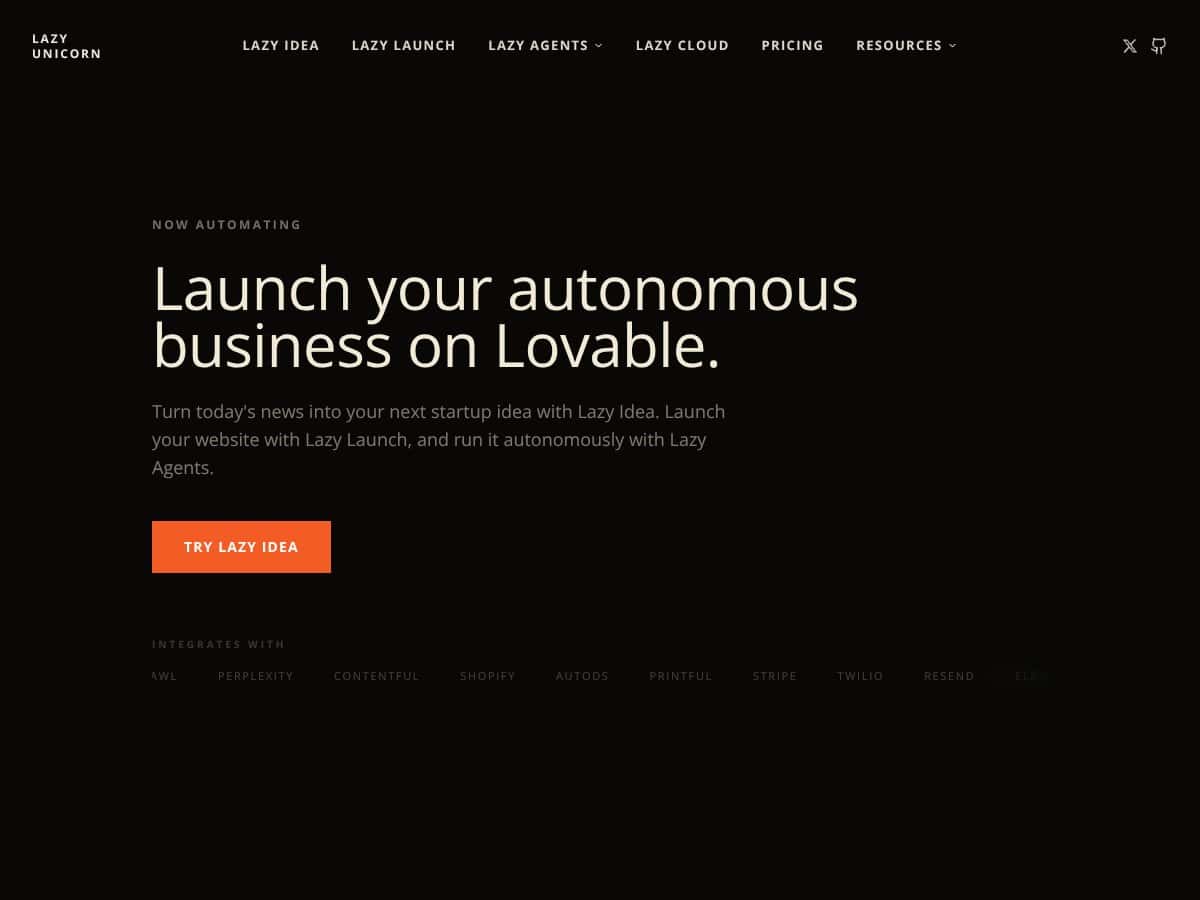
I went into Lazy Unicorn a little skeptical. The pitch—turn “news” into a startup idea, spin up a site, and then keep it running with automation—sounds like the kind of thing that either works shockingly well or falls apart the moment you try to connect real tools. So I tested it end-to-end as a real user would: I started with the idea-to-launch flow, tried to get content publishing, and then checked whether the “automation” part actually connected to the tools it claims.
In plain English, Lazy Unicorn is built to help you generate startup ideas from trending news, create a website around that idea, and then run ongoing tasks with minimal manual effort. The marketing leans hard on “agents” that can handle stuff like publishing, SEO, and even storefront/payment setup—so the whole point is less busywork, more output.
Here’s the part that matters: it’s not just “AI writing.” It’s more like an orchestration layer that generates the pieces (ideas, pages, copy, basic structure) and then tries to wire them into an automation workflow. But I didn’t see it as fully autonomous in the way some people expect. You still have to steer it, approve outputs, and handle the real-world bits that AI tools usually punt to the user.
One more thing I noticed while testing: there isn’t much transparency about the team or company background. I couldn’t find a clear “about” story, and the documentation felt thin compared to what I’m used to with more mature SaaS products. That doesn’t automatically mean it’s bad—but it does mean you should go in ready to experiment and verify everything yourself.
So what did I find after digging in? The tool behaves more like a guided framework than a finished “press one button and walk away” machine. Some steps are smooth. Others require you to correct prompts, re-run tasks, or manually adjust integrations before things truly work.
Quick reality check: if you want a platform that truly runs your business without oversight, this isn’t that. You’ll still need to set it up, tweak prompts, and review what it generates—at least until you’re confident in the quality and the workflow is stable.
Lazy Unicorn Pricing: Is It Worth It?

| Plan | Price | What You Get | My Take |
|---|---|---|---|
| Lazy Free | Free forever |
- Listed in directory - Basic name + tagline - Link to your website - Manual review & approval |
This is a solid “try it without risk” tier, but it’s mostly about visibility and getting your listing approved. Don’t expect serious automation here. In my experience, it’s more directory than engine. |
| Lazy Pro | $5/month |
- Everything in Free - Dedicated product page - Full description & features list - Logo & screenshot showcase - Pro badge in directory - Priority placement at top |
The Pro tier feels like it’s designed for getting noticed, not for unlocking “deep automation.” For $5/month, it’s cheap, but the value is more branding/listing than end-to-end business automation. |
Here’s the honest take on pricing: the $5/month Pro plan is not expensive—but I also didn’t see it turning into a fully autonomous workflow. The free tier is basically a directory listing with manual review, which makes sense for creators who want exposure, not for people trying to replace tools with one platform.
What I expected at Pro pricing (based on the automation-heavy messaging) was a clearer “do X automatically, then Y, then Z” setup. What I saw instead was more emphasis on packaging your product/idea and less evidence of advanced automation features being unlocked at that tier.
So is it worth it? If you want the easiest path to testing the concept and seeing what the workflow can generate, sure—start with free and upgrade if you actually like the output and the experience. But if you’re expecting unlimited usage, advanced integrations, or a completely hands-off setup, I’d treat Pro as a starting point, not a final solution.
Fair warning: before you commit your time, verify what’s included in the workflow you care about (publishing, payments, SEO, content cadence). Cheap subscriptions are great—until you hit a cap and realize the “automation” stops right where you need it most.
The Good and The Bad
What I Liked
- Low-friction way to try things: The entry cost is easy to swallow. I like tools that let you test without immediately forcing a credit card decision.
- Clear high-level flow (idea → launch → automation): The process is easy to follow at a top level. Even if you end up doing manual tweaks, it doesn’t feel like you’re lost.
- Branding polish on the Pro listing: The dedicated product page, logo, screenshots, and the Pro badge make the directory presence look more credible than the free tier. That part is genuinely useful if you want visibility.
- Good “framework” vibes: It’s not just writing copy. It tries to guide you through building a site structure around an idea, which is closer to what people actually want than a plain chatbot.
- Integration potential (claims that sound promising): The platform mentions connections like Shopify, Stripe, Twilio, and YouTube. Even though I had to verify each step carefully, the direction is right—if the integrations are solid, it can reduce tool-juggling.
What Could Be Better
- Automation isn’t as transparent as it should be: The marketing suggests “agents” doing a lot in the background, but the workflow isn’t explained in a way that lets you predict exactly what will happen, when, and why.
- Documentation and tutorials felt thin: I ran into moments where I wasn’t sure whether I was supposed to change a prompt, adjust a setting, or re-run a step. More examples would help a lot.
- Customization feels limited: You can influence outputs, but it doesn’t feel like you have full control over the underlying workflow logic. If you need very specific behavior, you’ll likely be doing extra manual corrections.
- Not enough proof of real-world results: I didn’t see strong case studies or community examples with measurable outcomes (traffic, publishing cadence, conversion rates). Without that, you’re relying on your own testing.
- Usage limits weren’t clear during my check: I couldn’t find a clean, upfront breakdown of agent usage limits. That matters because automation tools often have caps that aren’t obvious until you hit them.
Who Is Lazy Unicorn Actually For?
Lazy Unicorn makes the most sense for solo founders or small teams who want to get a site off the ground quickly—especially if you’re okay with iteration. If you want an idea generator pulled from trending topics, and then you want a basic site built around that idea without coding, it’s in the right lane.
In my testing, the best fit was using it like a “starter engine” rather than a fully autonomous business system. I used the workflow to generate site structure and content concepts, then reviewed what it produced before moving forward. That’s the pattern I’d recommend: let it generate, then you approve and refine.
It could also be a fit if you’re trying to turn content into ongoing formats (like video or audio content workflows). The pitch around autonomous agents is appealing here. But I want to be clear: I didn’t see enough detail to confidently say it will handle everything without you stepping in. So think “try it and see,” not “set it and forget it forever.”
Who Should Look Elsewhere
If you’re expecting a fully out-of-the-box automation suite with deep workflows, robust integration depth, and consistent support, Lazy Unicorn may disappoint you. From what I experienced, it’s more like a guided framework + automation hints than a mature “enterprise-grade” orchestration platform.
Also, if you need advanced e-commerce automation, complex marketing funnel logic, or heavy API-driven customization, you’ll probably hit limitations. The tool doesn’t give enough control over the behind-the-scenes workflow to feel safe for highly specific use cases.
If you care a lot about documentation, tutorials, and community support, this is another area where it could be stronger. In those cases, you may be happier with tools that have broader ecosystems and clearer learning paths (like Zapier-style automation or more established no-code platforms).
How Lazy Unicorn Stacks Up Against Alternatives
| Tool | Setup time (my experience) | Content quality control | Automation coverage | Integration depth | Limitations I’d watch |
|---|---|---|---|---|---|
| Lazy Unicorn | Fast for basic flow, slower when you hit unclear steps | Good starting drafts; you still need review | Broad claims, but workflow transparency is limited | Integration potential, but verify each connection carefully | Thin docs + unclear usage caps |
| Jasper.ai | Usually quick for templates and prompts | Strong templates + editing workflow | More content-focused than “business autopilot” | Depends on chosen integrations | You’re still stitching tools for full automation |
| Writesonic | Quick for fast content output | Template-driven with prompt control | Less “autonomous engine,” more generation | Moderate (template + content ecosystem) | Automation beyond writing isn’t the focus |
| ContentBot | Fast for specific content types | Prompt-based quality control | Targeted automation, not full orchestration | Limited compared to “automation builders” | Less suited for end-to-end workflows |
| Zapier + ChatGPT-style stack | Slower setup, but you control everything | High control via your workflow design | Very strong when you map processes correctly | Deep (depends on integrations you choose) | More setup and maintenance |
Jasper.ai
- What it does differently: Jasper is built for AI content—blogs, ads, social posts—so you get more templates and more direct content control. Lazy Unicorn tries to be a broader “startup + site + automation” layer.
- Price comparison: Jasper commonly starts around $49/month and goes higher depending on plan. Lazy Unicorn’s Pro tier is $5/month for the directory/listing features shown, but the big question is what automation you actually unlock.
- Choose this if... You want SEO-friendly drafts and you’re okay editing before publishing.
- Stick with Lazy Unicorn if... You want a guided workflow that tries to move from idea to site faster, and you’re willing to verify automation steps yourself.
Writesonic
- What it does differently: Writesonic leans into templates for fast content generation. It’s less about orchestrating an entire business workflow.
- Price comparison: Writesonic often starts around $15/month and increases from there. Lazy Unicorn looks cheaper on paper, but the value depends on how far the automation actually goes in your use case.
- Choose this if... You want quick output and don’t mind prompt tweaking and edits.
- Stick with Lazy Unicorn if... You’re aiming for “less tool juggling” and want an all-in-one workflow style.
ContentBot
- What it does differently: ContentBot is more focused on writing and content workflows for marketers and bloggers. It’s not really positioned as an orchestration engine.
- Price comparison: Plans often start around $19/month. Lazy Unicorn’s Pro is $5/month, but again—check what automation you’re truly getting.
- Choose this if... You need targeted content generation for campaigns.
- Stick with Lazy Unicorn if... You want the idea-to-site workflow and you’re okay with some manual oversight.
All-in-One SaaS Platforms (e.g., Zapier + ChatGPT integrations)
- What it does differently: With Zapier-style setups, you build exactly what you want. It takes longer to set up, but it’s usually clearer how the automation behaves.
- Price comparison: Costs vary based on tasks and usage. It can start around $20/month, but it can climb quickly. Lazy Unicorn looks cheaper, but it’s also less transparent about how far automation will run before you hit limits.
- Choose this if... You need custom workflows that match your business exactly.
- Stick with Lazy Unicorn if... You’d rather follow a guided “startup automation” workflow than design everything yourself.
Bottom Line: Should You Try Lazy Unicorn?
I’d rate Lazy Unicorn a 7/10 based on what I saw during testing. Here’s my rubric, based on real factors: automation completeness, how clearly the workflow is explained, quality of generated outputs, how smoothly setup goes, and whether the integrations feel verifiable and stable.
What earns the points: the idea-to-site workflow is easy to start, it’s low-cost to test, and the “framework” approach can save time compared to starting from scratch.
What holds it back: the automation story isn’t backed up with enough transparency, documentation is limited, and I didn’t see strong evidence of end-to-end reliability (especially around integrations and usage limits). If you need predictability, you’ll likely spend time verifying and correcting the workflow.
If you’re running a content-heavy site, a small digital product, or an e-commerce experiment and you want to cut down busywork, the free tier is worth trying. If you like the output and the experience, Pro is cheap enough to justify. Just don’t assume it’s a fully autonomous business engine without oversight.
Would I recommend it personally? Yes—if you’re comfortable testing and reviewing what it generates. If you need granular control or you’re building something very specific, you may be better off with a more controllable automation stack.
Common Questions About Lazy Unicorn
- Is Lazy Unicorn worth the money? For $5/month, it’s worth testing if you want a guided idea-to-site workflow. If you’re expecting full autonomy and deep automation, the value may not match the hype.
- Is there a free version? Yes. The free tier is mainly a directory listing with manual review/approval. It’s useful for trying the basics, but don’t expect advanced automation.
- How does it compare to Jasper/Writesonic? Lazy Unicorn is more “workflow/orchestration” oriented, while Jasper and Writesonic are more content-generation focused with stronger template control.
- Can I get a refund? Refund policies depend on the platform’s current terms. I recommend checking the billing page before you upgrade.
- What kind of support is available? Support is typically email/chat-based. I didn’t see a huge community ecosystem during my review, so don’t expect a massive library of user answers.
- Is it easy to set up? The initial flow is straightforward, but the “easy” part ends when you need clarity on integrations, prompt tuning, or workflow behavior. Plan for some trial-and-error.




