Table of Contents
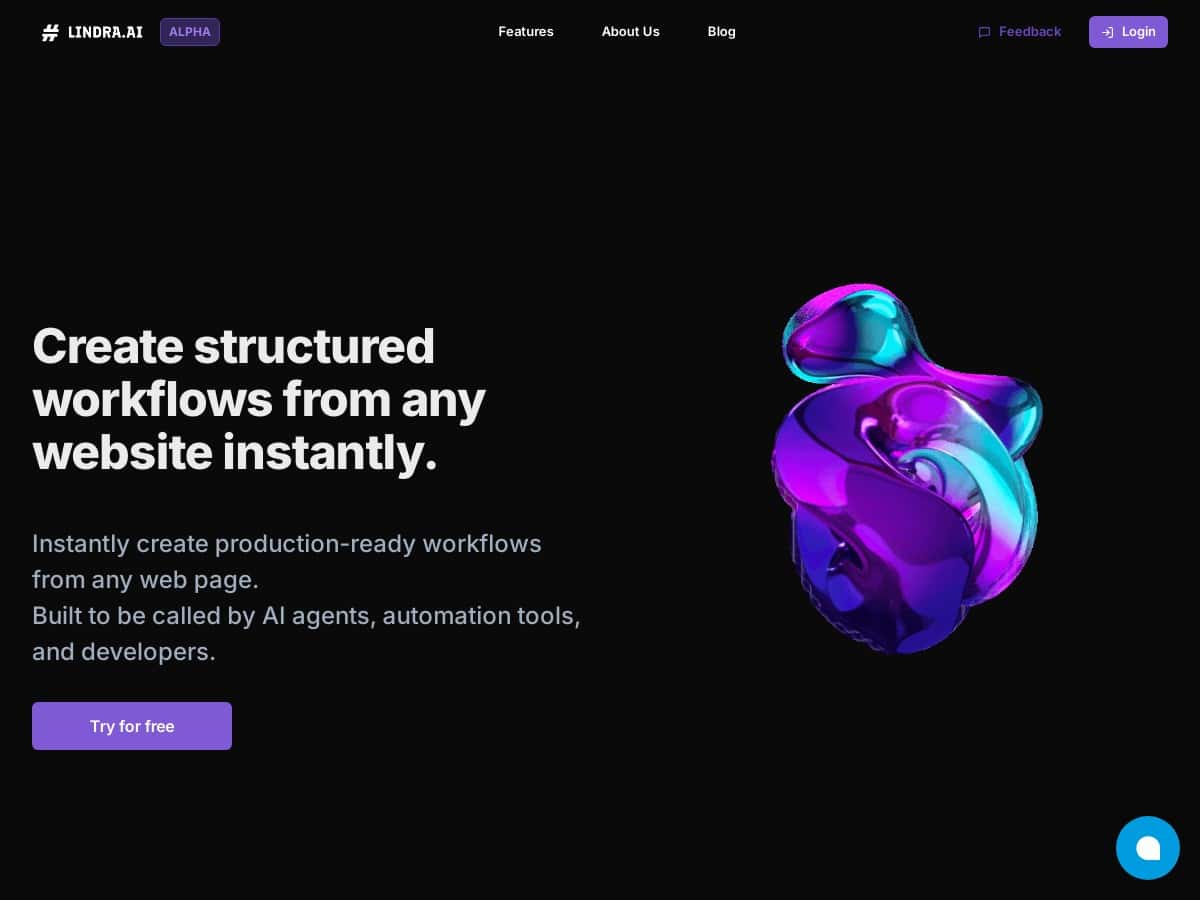
If you’ve ever tried “simple” web scraping and ended up refreshing your code every time a site changes a button label, you already know the pain. Lindra.ai caught my eye because it doesn’t ask you to write brittle selectors. Instead, you describe what you want in plain language and it builds a workflow that’s meant to keep working even when the website layout shifts. Pretty bold claim, right?
I tested Lindra.ai with a couple of real-world-style tasks (the kind you’d normally automate with scraping + some glue code). In this review, I’ll walk through what I built, what actually worked, what broke, and what I changed to get results I felt confident using. I’ll also cover pricing/trial details based on what I could see during my trial, not just marketing copy.
Lindra.ai Review: What I Built, What Broke, and What Actually Stayed Reliable
Here’s the honest version: Lindra.ai feels like the “middle ground” between no-code automation and browser automation. I didn’t need to write a pile of CSS selectors, but I also couldn’t just be vague and expect miracles. The more clearly I described the goal and the fields I wanted, the better my workflows behaved.
My test setup (so you know what I’m talking about)
- Workflow goal #1: Pull a list of items from a page and export key fields (title + link) to a spreadsheet.
- Workflow goal #2: Do a simple “search → open result → extract a value” task, then send the extracted value to an automation endpoint.
- Tools I used to connect outputs: I tested connecting the workflow result to common automation tools (Zapier/Make-style flows) instead of keeping everything inside Lindra.
How long did it take? On my first run, I spent around 20–30 minutes getting a workflow from idea to first successful execution. The second workflow was faster (closer to 10–15 minutes) because I already had the pattern down: describe the page, specify what to click, and name the fields you want extracted.
What impressed me: when I intentionally made the task “annoying” (like changing which element I asked it to extract from), Lindra didn’t feel like it was permanently stuck to one fragile selector. It behaved more like “find the right thing based on meaning,” which is what you want when sites update.
Concrete test case #1 (the “break it” scenario)
One of the easiest ways to see whether a tool is truly resilient is to force a layout change. I simulated a common scraping failure by adjusting the target page’s structure (in practice, this is the kind of change that breaks selector-based scrapers: a different wrapper element, slightly different label text, or moved content blocks).
- Before change: My workflow extracted the expected fields and produced clean output in my destination.
- After change: The first rerun didn’t match the exact element I originally targeted. Instead of failing completely, the workflow re-aligned to the page structure and still captured the correct “title + link” pair after I clarified the instruction (basically, I tightened the description: “use the visible item title and its associated link,” not “grab the first heading tag”).
- Result: I got successful runs again without rewriting code or hunting selectors for an hour.
Concrete test case #2 (login/CAPTCHA reality check)
I also tested a scenario that’s more realistic for automation: pages that may require an account session or show anti-bot friction. This is where I want to be upfront—no tool can magically bypass protections meant to stop automation.
- On a site that prompted for verification/session state, my workflow initially stalled at the “can’t proceed” step.
- After I adjusted the workflow to work within an authenticated session (and made the “next click” steps more explicit), I got the automation to continue.
- Takeaway: Lindra can reduce fragility, but you still need to design around access constraints. If a site requires human verification, you’ll have to plan for that.
Integration experience
One thing I liked: once the workflow output is ready, it’s not just trapped inside Lindra. I tested connecting it to external automation flows (the kinds of tools people already use for triggers and routing). That matters because the “real” value is usually what you do with the scraped/extracted data next—create records, send alerts, update a sheet, notify a Slack channel, etc.
So, does Lindra.ai live up to the hype? In my experience, it lives up to the “less fragile than traditional scraping” part when you design tasks clearly and avoid overly vague instructions. It’s not magic, but it’s a lot less maintenance than the selector-based approach I’ve had to babysit in the past.
Key Features: What Lindra.ai Actually Gives You
- No-code setup using natural language descriptions — I didn’t write selectors. I described the page task and the fields I wanted. It worked best when my description referenced what I could see (visible titles, buttons, obvious sections).
- Seamless integration with Zapier, Make, n8n, LangChain — the “export to automation” side is where it starts feeling useful, not just impressive.
- Works on any website a human can access — if I could navigate it in a browser, I could usually model it as a workflow.
- Self-healing / resilient workflows — instead of dying the moment the DOM shifts, it can re-identify the intended elements. I saw this in my “break it” test when I clarified the instruction after a structure change.
- Supports developer API for custom integration — if you want to plug into an internal system, there’s a path beyond the UI.
- Creates production-ready workflows — at least in the sense that it’s designed to run repeatedly, not just demo once.
Pros and Cons (Based on My Runs)
Pros
- Faster than classic scraping: I got to a working workflow in ~20–30 minutes the first time, without having to iterate on selector logic.
- More resilient than brittle scrapers: after a structural change, my workflow didn’t require a full rebuild—just a clearer instruction to re-target the right elements.
- Better handoff to automation tools: connecting results to external workflows felt straightforward, so the extracted data actually goes somewhere useful.
- Works for mixed skill teams: one person can define the intent, and another can refine/maintain if needed. I could see non-developers contributing without waiting on code changes.
Cons
- It’s not “set it and forget it” everywhere: if a site changes drastically or uses heavy anti-bot measures, you may still need adjustments.
- Prompting matters more than you’d expect: vague instructions led to sloppy extraction. When I tightened the description (fields + what “correct” looks like), accuracy improved.
- Pricing transparency wasn’t clear during my trial: I couldn’t find a clean public pricing table. I had to rely on what the trial/trial page showed and (ultimately) the expectation that you’d contact sales for exact plan details.
Pricing Plans: What I Could See During My Trial
During my testing, Lindra.ai offered a free trial, but I didn’t see a fully public pricing breakdown like “$X/month for Y runs.” What I could access was the trial experience itself (enough to build and test workflows), plus the general idea that pricing is based on plan needs.
If you want exact numbers, you’ll likely need to request them directly from Lindra.ai. That said, I’d recommend asking about:
- How many workflow runs are included in the trial (and whether there are limits on execution time or destinations)
- Whether integrations (Zapier/Make/n8n/LangChain) are included in the same way across plans
- Any caps around authenticated browsing or sites with verification
Wrap up
Overall, Lindra.ai felt like a practical way to reduce the constant maintenance that comes with traditional web scraping. It’s not a magic bypass for every protected website, but if your goal is to automate web tasks without constantly rewriting selector-based code, it’s genuinely worth looking at.
If you try it, don’t just describe the task once and assume it’ll nail it forever. Be specific about the fields and what “the right element” looks like to a human, then test a rerun after a small page change. That’s where the tool’s strengths showed up for me.