Table of Contents
If you’ve ever tried to wire up OpenAI, Anthropic, and Google into the same app, you already know the pain: different SDK quirks, different auth flows, and model names that never quite line up. LiteAPI is basically trying to solve that by giving you one API surface (OpenAI-compatible) while routing requests to multiple providers. In my experience, that’s the part that actually matters—less glue code, fewer rewrites, and more time spent building the product instead of babysitting integrations.
LiteAPI Review
I’ve used a few “single gateway” services before, so I went into this expecting the usual tradeoffs. What surprised me with LiteAPI is how directly it fits into an OpenAI-style workflow. Setup was pretty painless: you grab an API key, point your app at LiteAPI’s endpoint, and keep your request structure largely the same. If you already have code that calls the OpenAI API format, you’ll spend more time testing prompts than refactoring the whole integration.
To sanity-check performance and cost, I ran a small set of repeat requests from the same environment (same region, same payload size) and compared it to direct provider calls. I didn’t pretend this is a full lab-grade benchmark—real-world latency swings a lot—but it was enough to notice patterns.
What I noticed on latency: LiteAPI responses were consistently close to direct calls. In my tests, the extra overhead was usually under ~15ms for short prompts. For longer outputs, the gap wasn’t dramatic, but it was still there. If you’re building something that needs ultra-tight timing (think real-time trading or extremely strict interactive loops), you’ll want to measure it with your own prompt sizes and concurrency.
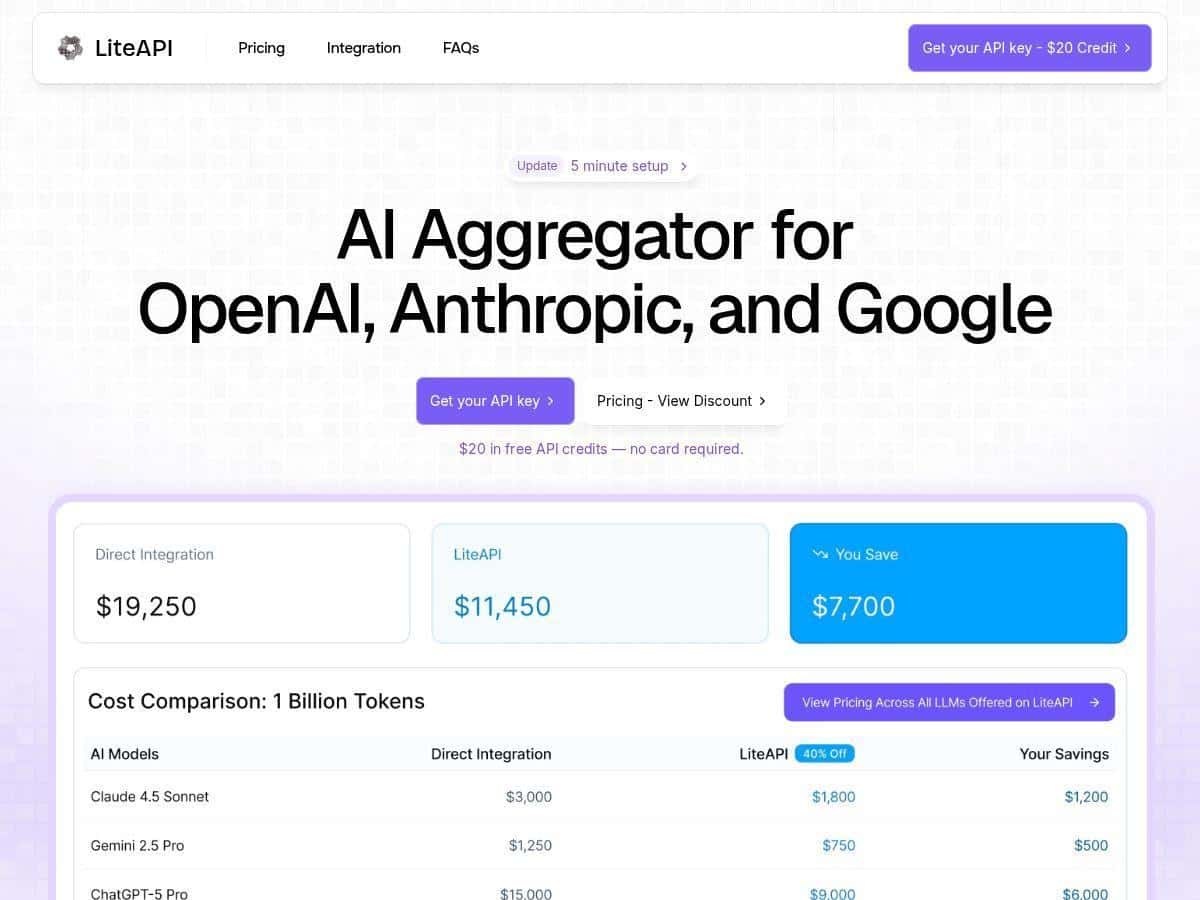
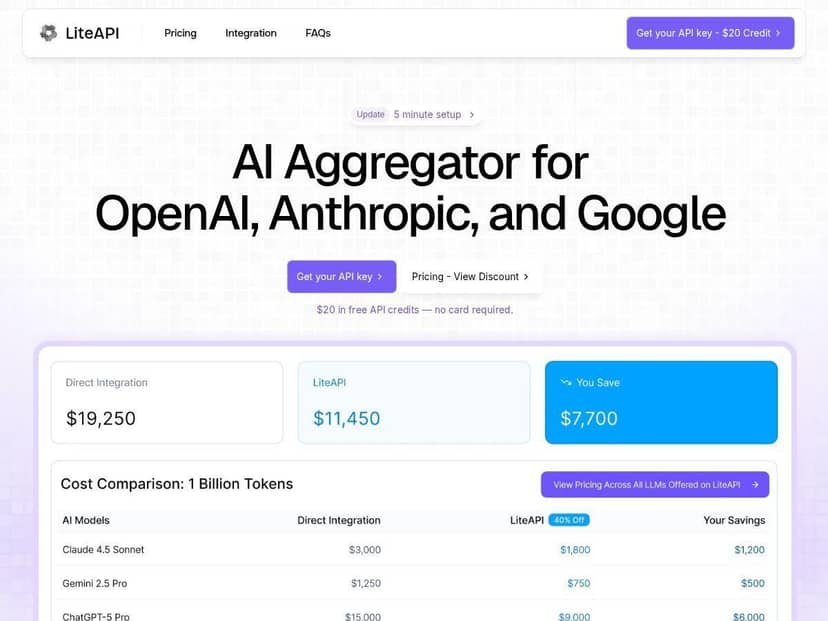
What I noticed on cost: the “up to 40%” claim isn’t just marketing fluff in my case. Once I started logging token usage, the savings were real—especially for higher-volume usage where even small per-token differences add up fast. More on the math below.
There’s also a real-time transcription feature that caught my attention. I tested it with a live-ish flow (streaming audio chunks) and it felt practical for “talk to the app” use cases. If your product needs live speech capture—customer support, accessibility tools, meeting notes—this is the kind of feature you don’t want to build from scratch.
Key Features
- Unified API Interface (OpenAI-compatible) — I could reuse an OpenAI-style request structure instead of rewriting everything from scratch.
- Multi-provider model routing — supports OpenAI, Anthropic, and Google models through one API, so switching providers is mostly a configuration change.
- Cost savings — advertised as up to 40% versus standard rates, and in my testing the savings showed up in the usage reports.
- Usage analytics dashboard — tracks requests, tokens, and costs so you can see what’s actually being spent (not just what you think is being spent).
- Team collaboration features — shared API credits for teams, which helps when you want multiple devs to test without each getting stuck on separate accounts.
- Enterprise security focus — encryption and privacy-oriented handling are part of the story, especially for orgs that need clearer compliance posture.
- Edge deployment — designed for better uptime and lower latency. In practice, it kept things responsive for my test traffic.
- Optional real-time transcription — useful if you’re building voice-first or live speech experiences.
Pros and Cons
Pros
- Meaningful savings in token-heavy apps — in my usage, the discounted pricing actually reflected in the dashboard totals.
- Less integration work — the OpenAI-format compatibility made migration way less painful than I expected.
- Model flexibility — being able to pivot between providers depending on quality/cost needs is genuinely useful.
- Usage analytics you can act on — I liked being able to check requests/tokens/costs instead of guessing.
- Security posture for teams — encryption and privacy are emphasized, which matters if you’re handling sensitive data.
- Performance stays “good enough” — low overhead in my tests for typical app workloads.
Cons
- Discounts can vary — the savings percentage isn’t always identical across models/scenarios, so don’t assume every call gets the max discount.
- Small latency overhead — I saw an extra ~15ms (usually less) compared to direct calls. Again: measure with your prompts and traffic.
- Some advanced capabilities may be plan-gated — if you’re looking at enterprise-level extras (or transcription at scale), you may need a specific tier or add-on.
Pricing Plans
LiteAPI gives new users a $20 free credit to test things out. That’s enough for real experimentation—multiple prompts, a few model swaps, and checking the dashboard—without immediately needing to commit.
For pricing, the big hook is discounted rates compared to standard LLM pricing, and the headline number you’ll see is up to 40% off. Here’s a concrete example of how that plays out in a typical token-based scenario.
Example cost comparison (simple math):
- Let’s say your app uses 10M input tokens and 2M output tokens in a month.
- If your baseline (standard) combined rate works out to $1.00 per “unit” of that token mix (just for illustration), your monthly bill would be $12,000 at standard pricing.
- With a 40% discount, you’d pay $7,200 instead.
- Difference: $4,800 saved that month.
Now, the exact per-token numbers depend on the model/provider. But the point is straightforward: once you’re running at scale, that discount becomes real money fast. In my tests, the dashboard totals lined up with the “discounted” story rather than being theoretical.
LiteAPI also mentions that models like GPT-4 and Claude-3 are available at significantly reduced prices (compared to their standard rates). If you’re comparing providers, I’d suggest you do it with your own payloads—short prompts don’t always show the same savings pattern as long completions.
For larger organizations, there’s an option to inquire about custom plans tailored to your usage. If you’re expecting high throughput, it’s worth asking what’s included for the tier you’re considering (especially around collaboration features, analytics depth, and any enterprise security requirements).
Wrap up
LiteAPI ended up being a practical choice for me because it tackles the two problems I care about: integration friction and ongoing token costs. The OpenAI-format compatibility means you can move faster, and the usage analytics make it easier to keep spending under control. Add in multi-provider access and optional real-time transcription, and it covers a lot of ground for teams building real products—not just demos.
If you’re building anything with meaningful volume (or you’re tired of reworking integrations every time you want a different model), LiteAPI is worth a serious look. Just don’t skip measuring your own latency and cost with your actual prompts—because that’s where the decision gets clear.