Table of Contents
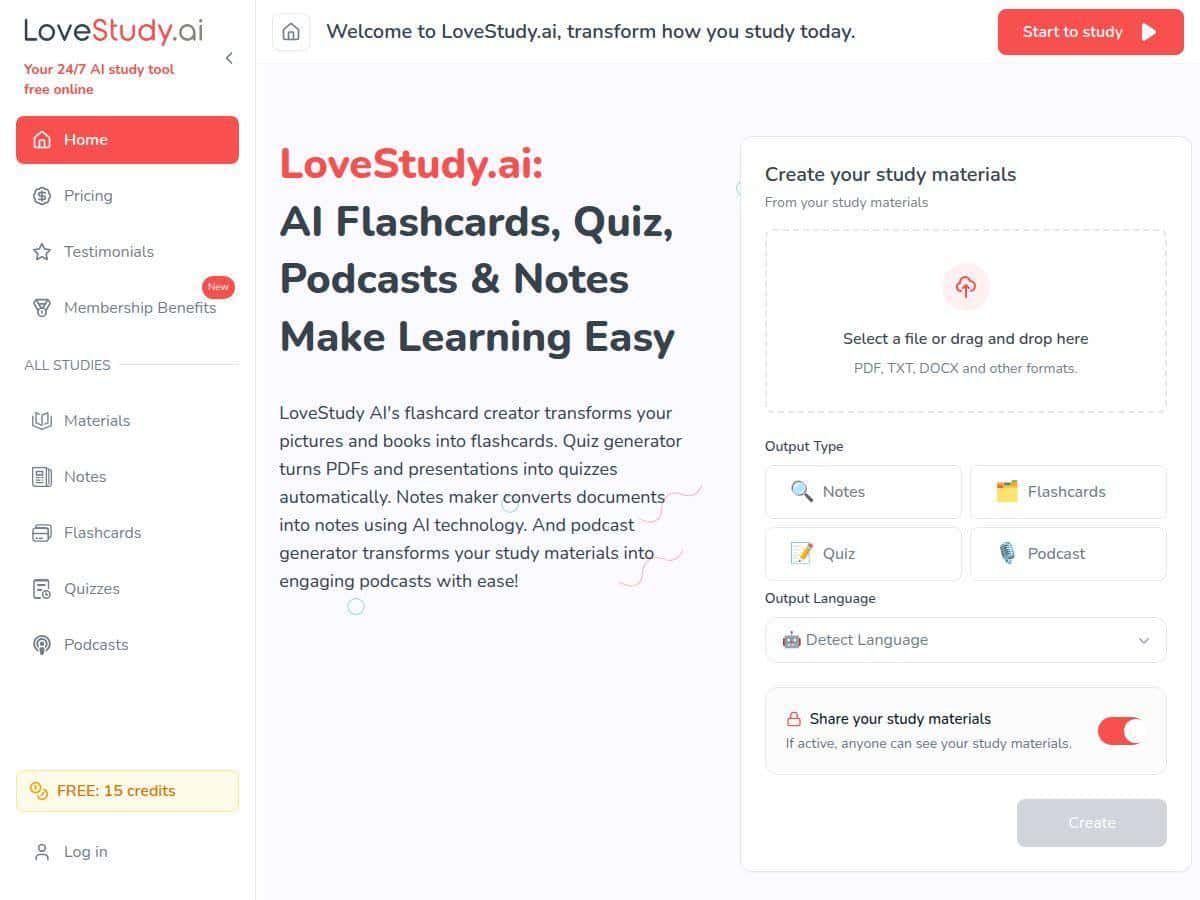
If you’ve ever sat down to study and thought, “Why does making the materials take longer than the studying?” then you’ll probably like what LoveStudy.ai is trying to do. The basic idea is simple: you upload something (PDFs, images, text), and it turns that into flashcards, quizzes, and organized notes—fast.
In my experience, the “speed” part is the real selling point. I tried it with a couple of different inputs (a lecture-style PDF and a page of notes in image form) and the output was good enough that I actually used it to run a study session instead of just testing features. Is it perfect? No. But it’s one of the more straightforward AI study tools I’ve used, especially when you’re staring at a long document and need a way to break it down.
LoveStudy.ai Review: What It Does (and What I Actually Noticed)
When I tested LoveStudy.ai, I focused on three things: how fast it converts materials, how usable the outputs are (not just “cool”), and whether it helps you study differently—not just reformat content.
Step I took: I uploaded a PDF that was basically lecture notes (headings, bullet points, and a few diagrams). Then I used the tool to generate flashcards and a quiz. After that, I reviewed what it produced and tried a quick study run the same day.
What I noticed about the flashcards: The cards weren’t just random questions. They generally reflected the structure of the document—terms and definitions turned into Q&A style cards, and key points became prompts. Still, I did see the occasional “handwave” where a sentence got condensed too aggressively. In other words: it saves time, but you should skim for accuracy before you rely on it.
What I noticed about the quizzes: The quiz generation felt practical. Instead of me trying to write questions from scratch, I got a set of practice items quickly. The best part for me was the ability to focus on weak areas. If you’re the type who knows you “kind of” understand but can’t recall details under pressure, this is where the tool helps most.
What I noticed about the notes: The notes feature is useful when your source material is long. I didn’t want to reread the whole PDF again, so I generated the summarized notes and used those as my “warm-up” pass before tackling flashcards.
One real limitation: I found that you’ll want a stable internet connection. When the connection was spotty, the tool felt slower and some steps didn’t process as smoothly. It’s not a deal-breaker, but it’s worth keeping in mind—especially if you’re studying on the go.
Key Features (with Real Examples)
- AI Flashcards that turn images, text, and PDFs into interactive cards
- I tried it with a lecture PDF and a screenshot-style page. In both cases, the tool pulled out key concepts and converted them into flashcard prompts. What I liked: the cards are easy to review like a normal study set. What I didn’t love: if your source has messy formatting (tiny text, unusual layouts), the flashcards can miss context—so a quick scan helps.
- Automatic quiz generation from presentations and PDFs
- Instead of writing practice questions manually, I let it generate a quiz from my uploaded material. The questions were aligned with the content headings and main bullet points. If you’re studying for an exam where you need recall, this is the part that saves the most time.
- Notes Maker for organizing and summarizing materials
- This is great when you’ve got a long document and you don’t want to read it all again. I used the notes output as a quick summary layer—basically a “what matters” view—then switched to flashcards for memorization.
- Podcast Generator for converting documents into audio content
- I didn’t use this as much as flashcards/quizzes, but it’s a genuinely interesting feature if you learn better by listening. I’d use it for commutes or when you’re doing something else with your hands. Just remember: audio is only as good as the source text, so clean inputs tend to sound better.
- Multi-language support for diverse learners
- If you’re studying in more than one language, this matters. In my testing, the workflow didn’t feel complicated—once you pick the language context, the generated content stays aligned with that.
- User-friendly drag-and-drop interface
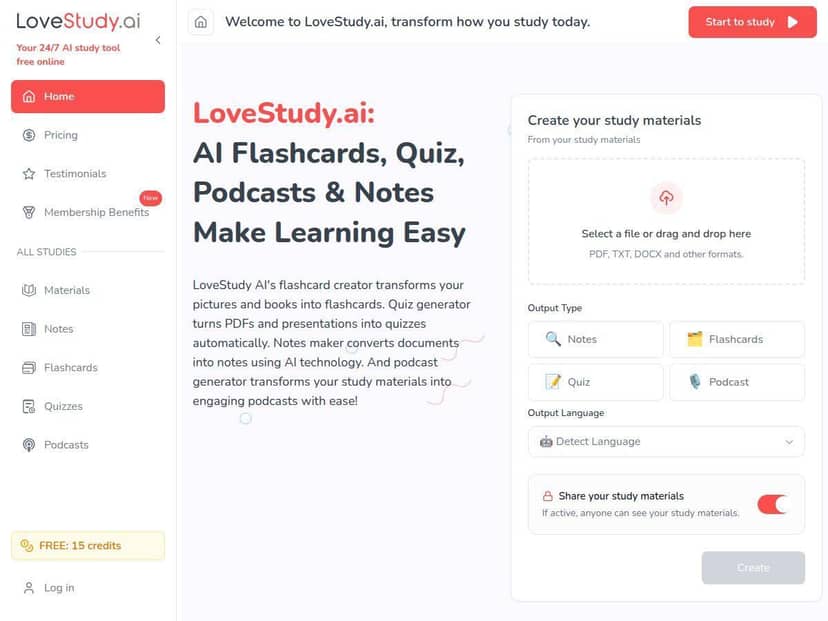
- The interface is one of the easier parts. Upload, choose what you want (flashcards/quiz/notes), and move on. That’s exactly what I wanted—less fiddling, more studying.
Pros and Cons (My Honest Take)
Pros
- Time savings are real: creating flashcards and quizzes from a PDF is way faster than doing it by hand.
- Personalized practice feels natural: I liked being able to generate quizzes that target the areas I wasn’t remembering well.
- Works across devices: if you can access the site, you can keep studying without rebuilding everything.
- Multimedia options: the podcast feature is a nice add-on if you want study formats beyond reading.
- Free tier is worth testing: it’s enough to see if the workflow matches how you study.
Cons
- It’s not “perfect output” every time: if your input is messy (tiny text, weird formatting), you’ll want to proofread.
- You need internet for smooth use: offline study isn’t really the point here.
- Some features are premium: you may hit limits depending on what you generate (especially quizzes and advanced options).
- Occasional bugs during updates: I didn’t see constant issues, but like most web apps, expect the occasional hiccup.
Pricing Plans (What I Can and Can’t Confirm Here)
LoveStudy.ai has a free plan and a paid option called Gold. The free tier is designed to let you create study materials and test the workflow without paying immediately. The Gold plan is for more advanced options—things like premium quiz generation and enhanced support.
Important: I don’t have the exact live prices from their pricing page inside this review content. Pricing can change (and promotions happen), so if you want the current numbers, you’ll need to check their pricing page directly. What I suggest you look for on that page:
- What Gold includes (quiz limits, flashcard limits, and whether there are any generation caps)
- Support level (does it include faster responses or priority help?)
- Any file limits (max PDF size/pages can make a difference)
If you’re deciding between free vs Gold, my rule of thumb is this: if you’re just trying the tool for one class, the free plan may be enough. If you’re generating quizzes repeatedly for multiple subjects, Gold is the one you’ll probably feel in your day-to-day workflow.
Wrap up
LoveStudy.ai is a solid option if you want to turn PDFs, images, and text into study materials without spending hours building them yourself. The flashcards and quizzes are the biggest wins, and the notes feature helps when you’re dealing with long lectures. Just don’t blindly trust every output—skim for accuracy, especially with dense or poorly formatted sources.
If you’re the kind of person who studies better with practice questions and quick review passes, this tool fits that style really well. And honestly, the fact that there’s a free tier makes it easy to try before committing.