Table of Contents
If you’ve been swiping for weeks and it feels like you’re mostly getting… noise, you’re not alone. I tried Match Booster to see if it actually improves matchmaking, or if it’s just another app that talks a good game. I used it like a normal person would—day-to-day on my phone, checking suggestions, tapping through profiles, and sending messages when something looked promising.
Quick heads-up: I’m not claiming it “guarantees love.” Dating apps don’t work like that. What I wanted to know was simpler: did the suggestions feel more relevant, did visibility improve when I used the boost, and did the extra features change the kinds of matches I got?
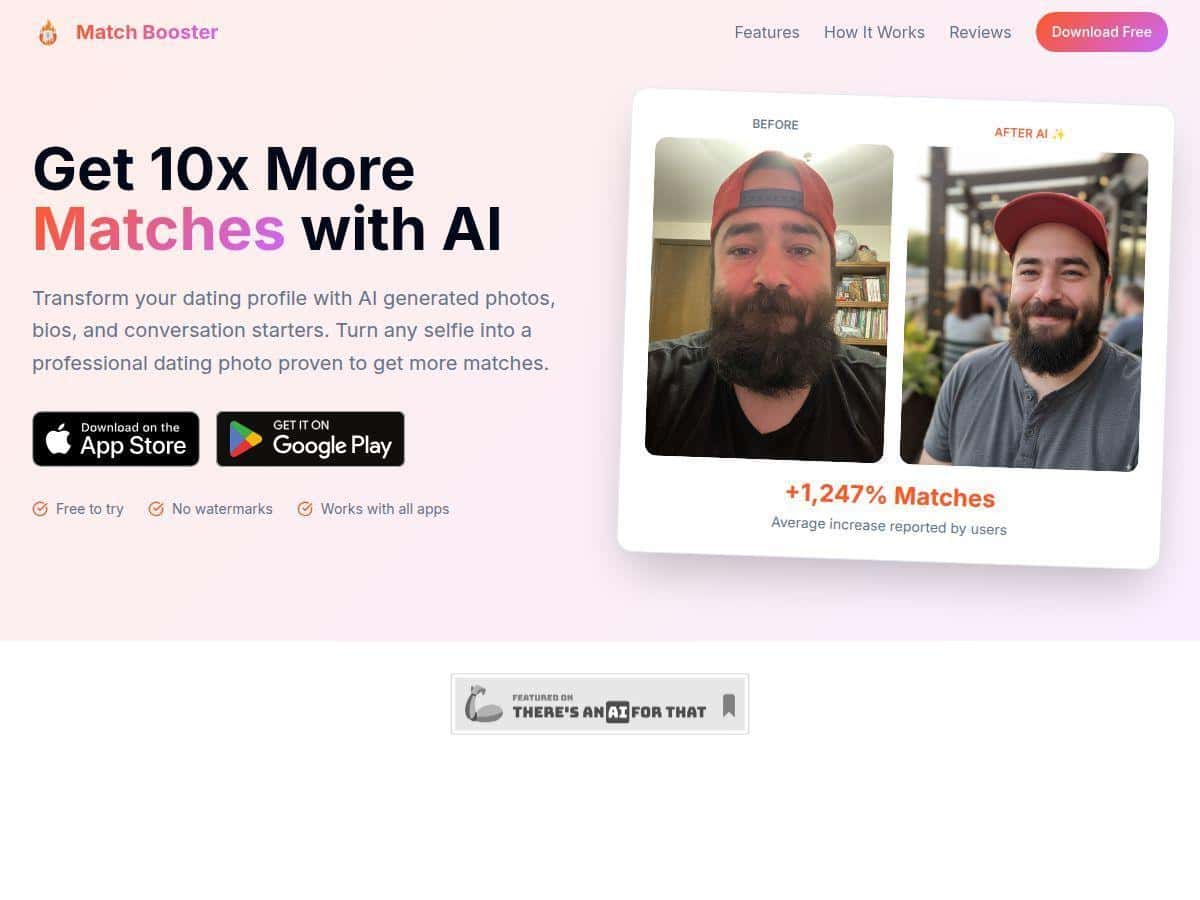
Match Booster Review: What Happened When I Actually Used It
I tested Match Booster for about 10 days using it on my iPhone (iOS app experience) and also checked things again on desktop to see if the UI and suggestion flow felt consistent. I set up my preferences up front (age range, distance, and the kind of relationship I was looking for). Then I kept the routine simple: check daily suggestions, like/save a few profiles, and message only when the match looked like it had real conversation potential.
Here’s what I noticed right away: the app doesn’t just throw “random” profiles at you. It seems to pay attention to your activity—what you stop on, what you engage with, and what you skip. The suggestions I saw after a few days felt less like generic dating-app roulette and more like “these people might actually match my stated preferences.”
Setup and onboarding (how fast can you get moving?)
Setup was straightforward. I didn’t feel stuck hunting for settings. The app guided me through the basics and then started feeding suggestions. If you’ve used other dating apps, you already know the first 30 minutes can be the most annoying part. This one was pretty painless.
Daily match suggestions (did they feel different?)
On day one, suggestions were “okay”—a mix of relevant and not-so-relevant. That’s normal though. Dating algorithms don’t magically know you on day one.
What changed for me was the day 3 to day 7 window. The matches that came up started aligning more with the traits I clicked on most. For example, when I paid attention to profiles that mentioned specific interests, the next batch of suggestions leaned more toward similar content. It wasn’t perfect, but it was noticeably more targeted than what I usually see in apps where you’re basically swiping blindly.
The Boost feature (did visibility actually change?)
I used the Boost feature on two separate days during my test. I treated it like a “timed push,” not a button I smash constantly.
What I noticed:
- After enabling Boost, I saw more activity around my profile within the next day—more profile views than my usual baseline.
- Messages weren’t instant. Boost didn’t magically create conversations, but it did increase the number of times my profile showed up.
- Quality still depended on my profile. If my photos/bio weren’t strong, Boost just meant I was getting seen by more people who still might not connect.
So yes—Boost appears to do what it says (temporary visibility). But it’s not a substitute for a solid profile. It’s a megaphone, not a miracle.
Messaging and compatibility indicators (did it help me start better chats?)
The in-app messaging experience includes compatibility indicators tied to the match. I actually used these as a quick “should I message?” filter. When the indicator looked stronger, the person’s profile content usually gave me something to reference in the first line (a shared interest, a prompt answer, or a detail from their bio).
When the indicator looked weaker, I still messaged sometimes—but I noticed I had to work harder to find something specific to say. That’s a useful signal, honestly.
Compatibility quizzes and profile optimization (did I see results?)
This is where Match Booster tries to stand out: it pushes you to refine preferences and improve how your profile comes across. In practice, I found the quiz and optimization suggestions most helpful when I was willing to actually adjust my profile—not just ignore it and keep swiping.
Here’s what I did:
- I completed the compatibility quiz after my first couple of days, when I already had a sense of what kinds of profiles I was clicking on.
- I then reviewed the profile optimization tips and made small tweaks (mainly bio wording and how I framed my interests).
- After that, the suggestions felt a bit more aligned, and my messages got better engagement because I had clearer “hooks” to use.
One limitation: if you expect the quiz to override a weak profile, it won’t. It can guide the algorithm, but it can’t replace good photos or a bio that makes it easy to start a conversation.
Key Features: What They Do and Where You’ll See Them
- Personalized matching algorithm tailored to your preferences
- In my experience, it uses the preferences you set plus your engagement patterns (what you interact with). The output is the daily suggestion list—profiles that show up more often when they match your stated interests.
- Daily match suggestions based on your activity and interests
- This is the main feed. I checked it each day and noticed the “mix” improved after a few days. Day 1 was broad; later days were more consistent with what I actually engaged with.
- Boost feature to increase profile visibility temporarily
- You’ll find Boost in the app’s promotion/visibility area. I used it sparingly and compared the activity the day after. Boost didn’t change who I matched with overnight, but it did increase the number of times my profile was shown.
- In-app messaging with match compatibility indicators
- When you open a conversation, the app surfaces compatibility cues. I used them as a quick “is this worth my time?” check before sending my opener.
- Compatibility quizzes to refine match accuracy
- The quiz is where the app asks questions to tighten your preferences. Where it showed up in my workflow: I took it after getting a baseline of suggestions, then I saw the feed shift slightly afterward.
- Profile optimization tips to attract better matches
- This is more than generic advice. The app suggests changes related to how you present yourself (bio prompts, interest clarity, and how you frame your profile). I made a couple of small edits and then watched my match quality improve over the next few days.
Pros and Cons: The Honest Version
Pros
- Suggestions feel more relevant over time—not perfect on day one, but better after a few days of interaction.
- Boost does seem to increase visibility, which is what you actually want from a visibility feature.
- Compatibility indicators make messaging less random. They help you choose who to message and make it easier to craft a first line.
- Onboarding is quick. I didn’t waste time digging through settings.
Cons
- Some features are paywalled. On the free tier, you can explore, but you can’t fully use the “visibility + advanced refinement” tools.
- Match quality can still vary. Even with better targeting, you’ll still get occasional low-fit profiles—especially if your profile details are vague.
- Customer support can lag. I didn’t need support a ton, but when I tried to get help, the response time wasn’t fast.
- It won’t fix a weak profile. If your photos/bio don’t give people something to respond to, Boost just increases exposure to the same issue.
Pricing Plans: What You Actually Get
Match Booster has a free basic plan, plus paid tiers that unlock more of the “make your profile more visible and improve your targeting” features. Here’s how I’d think about it if you’re deciding whether to pay.
Free basic plan
- You can use the app and view suggestions to get a feel for the matching style.
- Boost and some deeper optimization/refinement tools are limited or unavailable depending on what the app is gating on your account.
- In other words: it’s good for testing the vibe, not for maximizing results.
Premium plans
Premium pricing starts around $19.99/month. Longer options are listed at $49.99 for three months and $99.99 for a year.
What I noticed with paid access
- Boost becomes a more usable tool (you can actually plan visibility pushes instead of treating them like a rare experiment).
- Profile optimization and advanced refinement feel more complete. The suggestions aren’t just “nice ideas”—they’re easier to apply and track through your daily workflow.
- You get more control over how your preferences influence what you see next.
If you’re trying to decide “should I pay?” here’s the simple rule from my test: if you’re already active (checking suggestions daily and messaging consistently), premium can help you get more out of that effort. If you only swipe once a week, you probably won’t benefit as much.
Wrap up
Match Booster is a solid choice if you want dating suggestions that feel more tuned to your preferences, and if you’re willing to tweak your profile based on the app’s prompts. The Boost feature appears to do its job (visibility), and the compatibility cues make messaging feel less random.
Just don’t expect it to replace effort. If your profile is thin or generic, Boost will only amplify the problem. But if you’re already putting in consistent work—this app can make that work more efficient.
If you want a more targeted matchmaking experience and you don’t mind paying for the full toolkit, Match Booster is worth trying.