Table of Contents
Invoice processing has a funny way of quietly eating your day. You know the drill: pull PDFs and emails, copy totals into spreadsheets, double-check line items, then redo it all because one vendor spellings the address “almost” the same way every time. That’s exactly what MatchPoint is trying to fix.
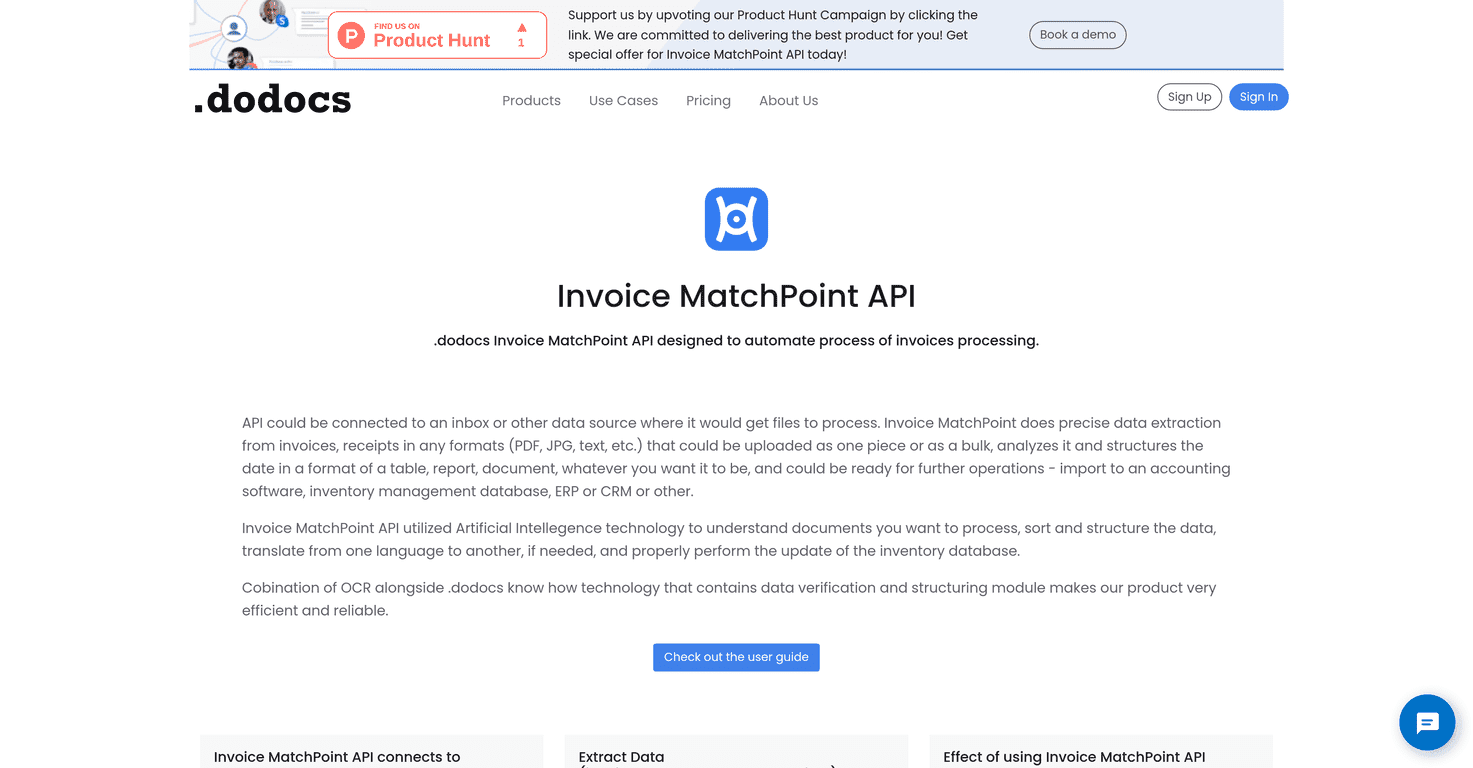
In my experience, the best invoice automation tools don’t just “read” documents—they actually structure the data so it can be used right away. MatchPoint positions itself as an Invoice MatchPoint API that uses AI (with OCR in the mix) to extract and verify information from invoices, receipts, and purchase orders. Then it helps you map that output into whatever accounting or database setup you already have.
MatchPoint Review (What it actually does for invoice workflows)
MatchPoint is built for the unglamorous part of finance ops: getting messy documents into clean, usable data. The core idea is pretty straightforward—send invoices (and related docs), and it extracts fields like vendor details, totals, and line items, then organizes everything into a structured format you can work with.
What I like about their approach is that it’s not just “AI extraction” in the abstract. They explicitly combine OCR and AI to pull data from different document types. OCR matters because not every invoice comes in a nice, text-based PDF. Some are scanned, some have odd formatting, and some are basically screenshots wearing a PDF costume.
MatchPoint also leans into adaptability. If you’re already collecting documents from inboxes or other sources, the tool is positioned to plug into those workflows instead of forcing you to rip everything out and start fresh.
Key Features (the stuff you’ll care about day-to-day)
- Connects to data sources like inboxes and messengers, so you’re not manually downloading files every time.
- Extracts data from invoices, receipts, and purchase orders—useful if your “invoice” workflow actually includes a bunch of related document types.
- Uses OCR for verification (not just blind parsing). In real life, that’s often the difference between “mostly right” and “actually usable.”
- Supports multiple file formats including PDF, JPG, and text. I’ve learned the hard way that vendors don’t always send what you expect.
- Categorizes and structures output for accounting software and databases, which is the whole point of an API like this.
- Multi-language processing and translation—handy if you deal with international vendors or documents that aren’t in English.
- Generates documents based on extracted data, so you can reuse the structured info for downstream steps.
Pros and Cons (my honest take)
Pros
- High precision potential for data extraction—especially when documents are reasonably consistent in layout.
- Automation for repetitive steps. If you’re currently copying totals, dates, and vendor info into accounting systems, this is where you can claw back real time.
- Less human error. People get tired. OCR+AI doesn’t. (It still needs oversight, but it’s not as error-prone as manual entry.)
- User-friendly setup with a guide included. I always prefer when an API isn’t a black box.
- AI + OCR combo tends to handle both “normal PDFs” and scanned documents better than OCR alone.
Cons
- Pricing and integration details aren’t fully spelled out here. If you’re trying to plan a budget or estimate ROI, you’ll likely need to confirm specifics with the vendor.
- OCR/AI accuracy can depend on your document set. If you have a lot of weird layouts, handwriting, or low-quality scans, you may need additional training/tuning or at least a review step.
Pricing Plans (what to check before you commit)
MatchPoint’s exact pricing details aren’t clearly listed in the content I reviewed. So rather than guess and mislead you, I’d recommend checking the official page directly (or contacting them if you need an exact quote based on your volume).
For more information, visit Dodocs Pricing.
Quick practical tip: before you compare plans, figure out your monthly document volume and what formats you receive most often (PDF vs scanned JPGs, for example). OCR-heavy workflows can change what you’ll care about in a plan.
Wrap up
MatchPoint looks like a solid option if you want invoice processing that’s more than “download and hope.” The combination of AI extraction, OCR verification, and structured output is exactly what you need when you’re tired of manually copying fields into accounting systems.
That said, don’t skip the basics. If your invoices vary wildly (different templates, low-quality scans, multiple languages), you’ll probably want to test a handful of real documents first and see how often you need human corrections. When it works, it’s a huge time saver. When it doesn’t, you’ll at least know where the weak spots are—before you roll it out to your whole team.
Promote MatchPoint



