Table of Contents
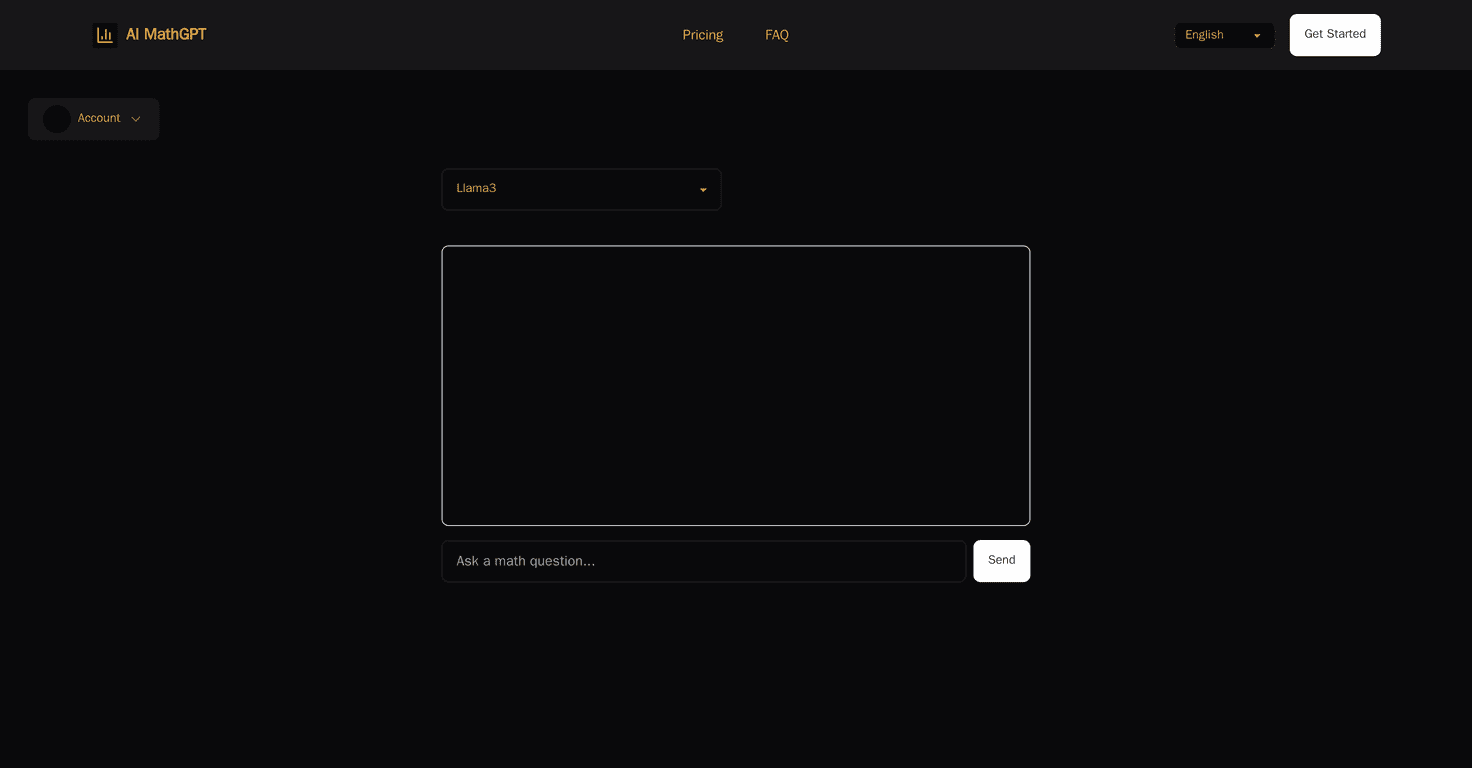
If math homework makes you want to hide under your desk, I get it. I’ve been there—especially when you’re staring at a worksheet that says “show your work” and you can’t even figure out where to start. That’s exactly why I tried MathGPT. It’s an AI math helper that focuses on making problems easier to solve (and understand), not just spit out an answer.
MathGPT Review: Does an AI Math Helper Actually Help?
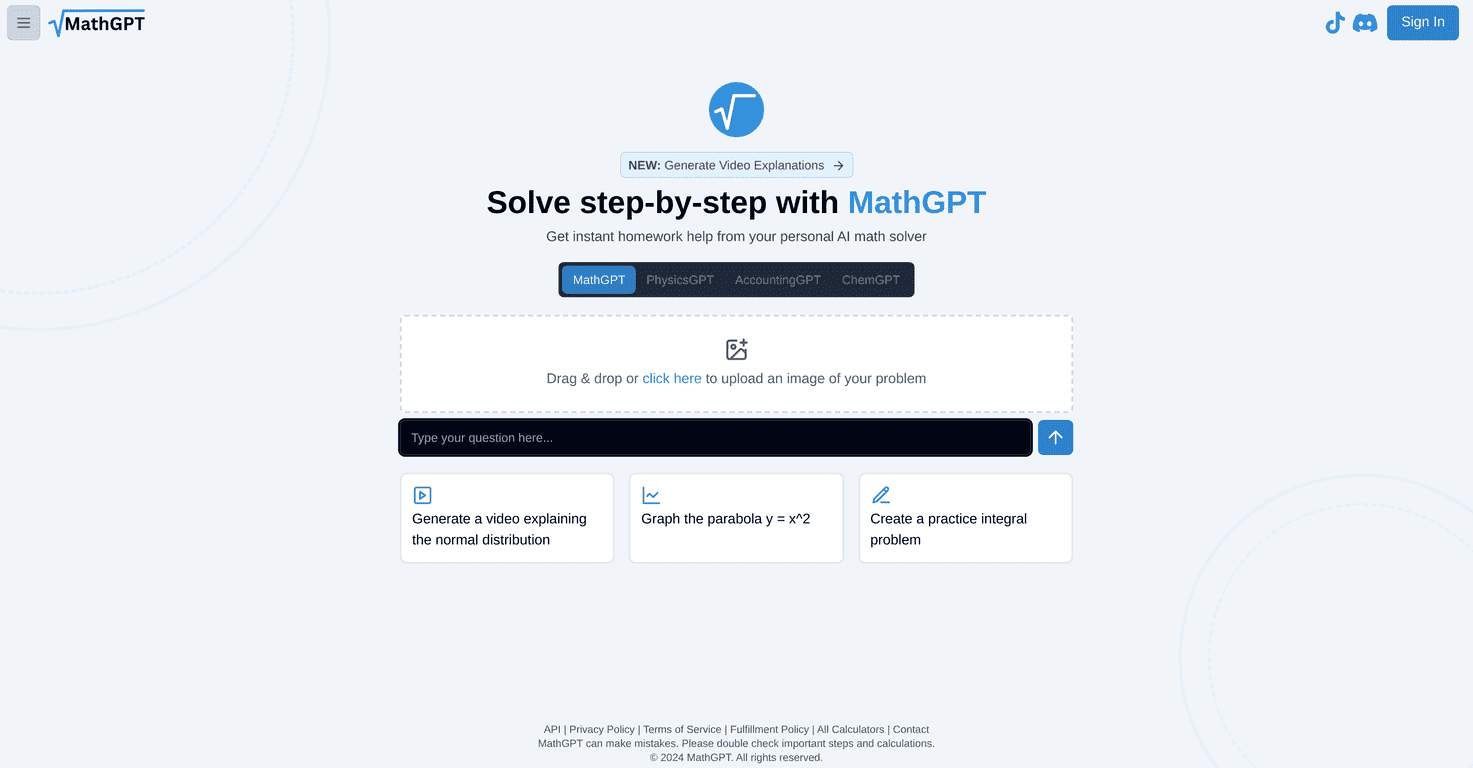
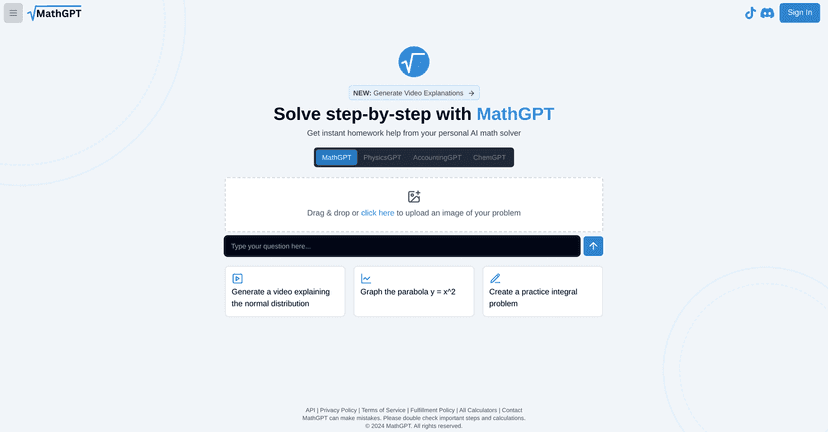
MathGPT is built for students working through algebra, geometry, calculus, statistics, and a bunch of other common math topics. The big selling point (and honestly, the reason I wanted to test it) is its image recognition. Instead of typing something like (x^2 - 5x + 6) / (x - 2) perfectly, you can snap a photo of the problem—then the AI reads it and walks you through the solution.
When I used it, the workflow felt pretty straightforward: upload the image, wait for the interpretation, then review the steps. That “show your work” part matters. A lot of AI tools can give an answer fast, but they don’t always help you understand how they got there. MathGPT leans harder on explaining the process.
Another feature I liked is video explanations. If you’ve ever read a step-by-step explanation and still felt lost, you know how helpful a visual breakdown can be. For example, concepts like angle relationships, factoring, or basic calculus setup can click faster when you can watch someone work through it. Video won’t replace practice, but it can make the first attempt less painful.
Now, let’s be real—AI isn’t magic. If the problem photo is blurry or the lighting is bad, recognition can struggle. Still, for students who don’t want to type out every equation, it’s a pretty practical approach.
Key Features of MathGPT (What You’ll Actually Use)
- Image Recognition for quick problem-solving
- Step-by-step solutions (not just a final answer)
- Homework assistance across multiple math topics
- Video explanations for concepts that are easier to learn visually
- Broad coverage including algebra, geometry, calculus, and statistics
Here’s the part I pay attention to: does it help me move from “I’m stuck” to “I understand what to do next”? In my experience, the step-by-step breakdown is the most useful feature—especially when you’re trying to learn the method, not memorize the result.
Also, the image upload approach is convenient. If you’re working from a printed worksheet, you don’t have to retype everything. That saves time and reduces mistakes that come from copying symbols wrong.
Pros and Cons: My Honest Take After Testing
Pros
- User-friendly interface that doesn’t feel overly complicated when you’re rushing through homework.
- Image uploads make it easier to solve problems directly from paper.
- Detailed guidance that helps you understand the steps (not just the end result).
- Video explanations can be really helpful for visual learners or when a written explanation doesn’t click.
Cons
- Not every problem is handled perfectly. Some questions may come back with incomplete steps or a solution that doesn’t match what your class expects.
- Image quality matters. If the photo is too dark, tilted, or low-resolution, recognition accuracy drops.
- Feature availability can vary. Video explanations (and other extras) might not show up the same way for every problem or account.
One limitation I noticed with any image-based math tool: if the problem includes dense formatting—like multiple fractions, weird notation, or small print—the AI may need a clearer shot. It’s not a dealbreaker, but it’s something to keep in mind.
Pricing Plans: What I Found
Right now, I don’t see clear pricing tiers listed on the site itself. That means I can’t responsibly quote costs here. The best move is to check the official MathGPT website and look for subscription details, or contact support if you want confirmation on what’s included.
If you’re deciding between free trials, subscriptions, or credits, I’d also suggest you watch for two things: how many image uploads you get and whether video explanations are included.
Wrap up
MathGPT is one of those tools that makes homework feel less intimidating—mostly because it lets you upload the problem image and then gives you step-by-step solutions. The video explanations are a nice bonus when you need a different learning style. Of course, it’s not perfect, and blurry photos or tricky formatting can throw it off.
If you want a math helper that prioritizes understanding (not just answers), MathGPT is worth trying—especially if you’re tired of typing out equations by hand.