Table of Contents
If you run an online shop, you already know the annoying part: product listings never really end. One week you’re adding new SKUs, the next you’re rewriting descriptions, and then you’re hunting for usable photos. That’s why I tested Merchant Floor—to see if it actually helps with day-to-day retail work, not just “sounds like it will” in a marketing email.
Merchant Floor Review: What I Actually Did and What Changed
I’m not reviewing this from a distance. I tested Merchant Floor as if I were doing real work—adding product drafts, generating descriptions, and trying to get photos looking consistent without spending my whole evening in Photoshop.
My setup (so you can compare): I focused on a small catalog (about 40–60 products) in a mix of categories, where each product needed its own title, short description, and a few image-ready visuals. I wasn’t trying to migrate an entire store or redesign everything—just see how fast I could go from “raw idea” to “publishable listing.”
Onboarding & first listing: The initial setup felt pretty direct. I didn’t have to fight through a bunch of configuration screens before I could create content. In my experience, the biggest time saver wasn’t magic—it was having the workflow in one place instead of bouncing between image tools, a doc for copywriting, and the store admin.
How the AI helped (and where it didn’t): I used the photo generation and marketing copy generation parts most. For photos, I noticed the tool is best when you give it clear product context (brand name, style, key features, and the “look” you want). If you’re vague, the results aren’t useless—they just need more manual cleanup than you’d hope.
For descriptions, it was similar. The first draft usually got the structure right (what it is, who it’s for, and the main benefits). But I still tweaked details like sizing, materials, and the exact tone I use in my store. The time saved came from not starting from a blank page, not from “set it and forget it.”
Time impact (the part people skip): On my test batch, I could turn out listing drafts noticeably faster. I’m talking about roughly 1.5–3 hours saved per week for a small catalog when I was producing multiple new listings and updating older ones. That estimate is based on doing the same kind of work before and after (drafting descriptions, preparing images/visuals, and formatting the final text for publishing). Your mileage will depend on how consistent your inputs are, but for me, the workflow speed-up was real.
Integration & day-to-day use: The tool is meant to connect with major e-commerce platforms, so you’re not copying and pasting forever. I liked that the workflow stayed focused on product tasks—create, edit, and push content—rather than turning into a complicated marketing dashboard. If you’re already living inside Shopify/WooCommerce-style admin screens, you’ll appreciate that it doesn’t feel like a totally separate universe.
Bottom line: Merchant Floor felt like a practical assistant for listing creation and promotion content. It’s not a full replacement for a brand strategy or a designer—but it does cut down the “busy work” part.
Key Features: What You Get
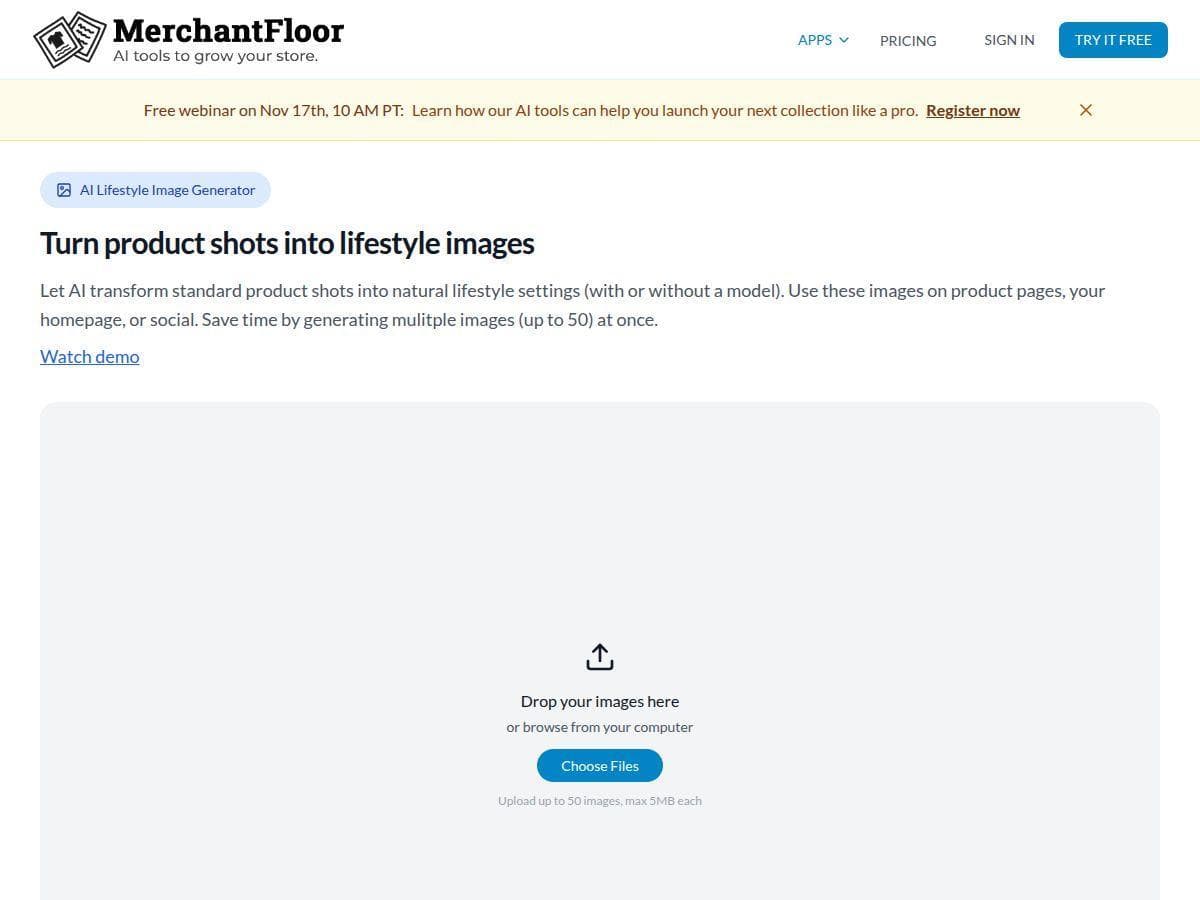
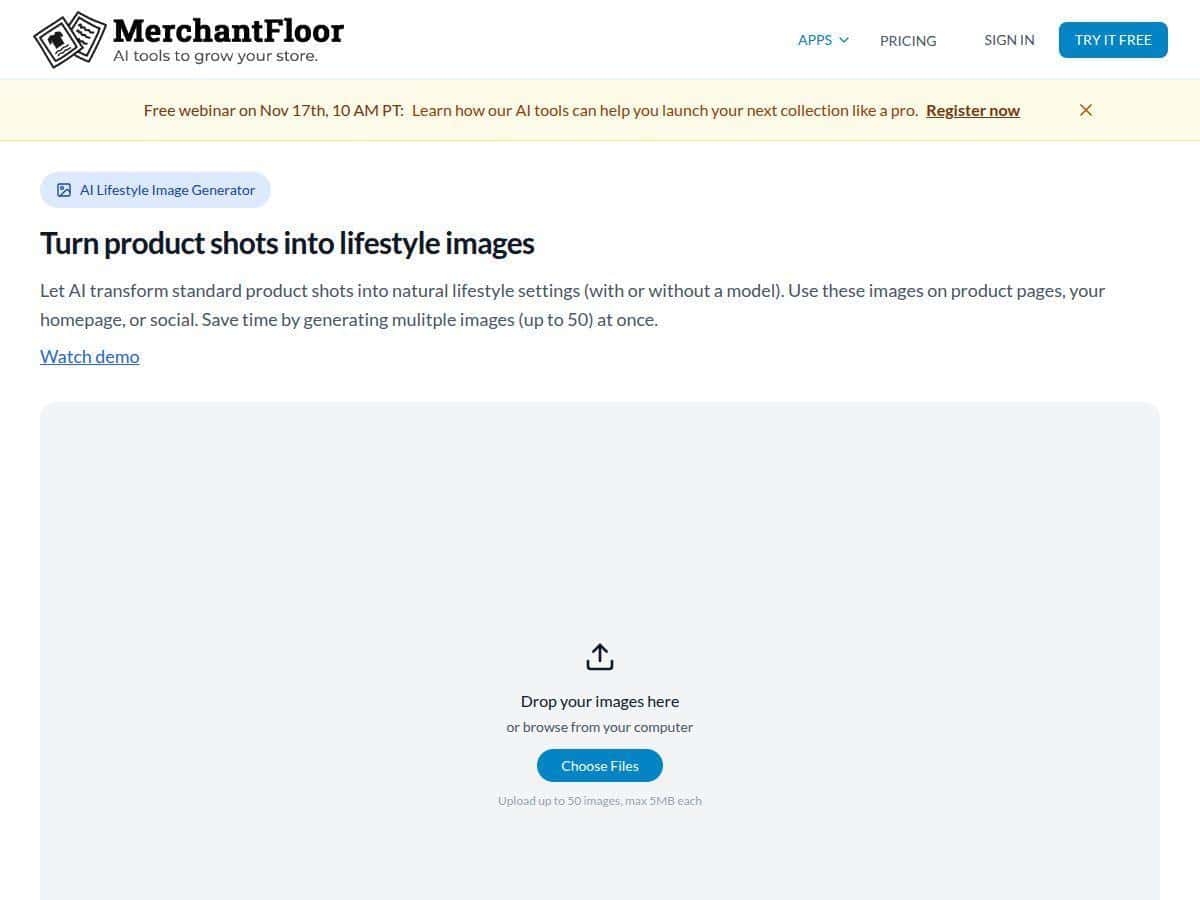
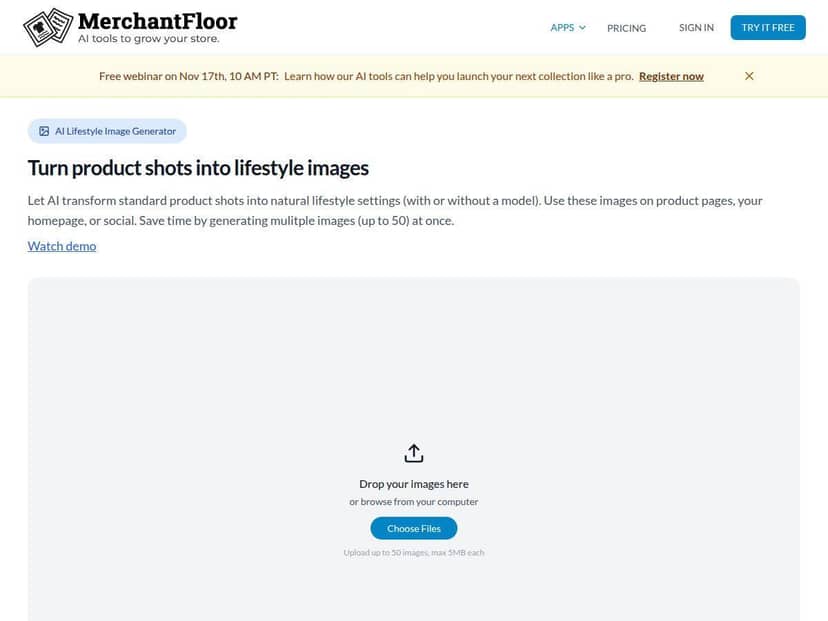
AI-powered product photo creation
This is the feature I tested the most. The biggest thing I noticed is that the output quality depends on how specific your prompt is. When I used straightforward prompts like “minimal studio background, clear product focus, include key color details,” the results were closer to what I’d actually publish.
- Best for: quick visual drafts, consistent-looking product images, and generating “starting point” visuals.
- What to expect: AI-generated visuals usually need at least a small manual pass for alignment, cropping, or making sure product details match your actual item.
- Practical tip: keep a reusable prompt template for each category (e.g., skincare, accessories, home goods). It’s faster and more consistent than rewriting every time.
Automated marketing content generation
Merchant Floor helps with promotional copy tied to your products. In my tests, it produced usable marketing text quickly—especially for short descriptions and campaign-style snippets.
- Where it shines: product highlights, benefit-focused copy, and variations you can choose from.
- Where you’ll still work: brand voice, exact specs, and any claims you need to be careful about (materials, certifications, dimensions, etc.).
- Practical tip: after generation, do a “facts check” pass. I found myself correcting a few details before publishing, even when the draft sounded confident.
Seamless integration with major e-commerce platforms
The goal here is to connect Merchant Floor with the store so you can manage listings without constant copy/paste. I didn’t have to rebuild my workflow from scratch, which mattered.
- Best for: stores that want faster listing drafts and easier editing cycles.
- Practical tip: before you generate a lot of content, test integration with 2–3 products first. That way you confirm formatting and fields match how your store expects data.
Tools for faster listing and editing
This is where the day-to-day usefulness shows up. Instead of treating every product like a one-off project, the tool helps you work in batches and iterate.
- Faster: creating and updating listing drafts.
- Helpful for: seasonal drops, restocks, and ongoing catalog maintenance.
Basic analytics to track performance
Don’t expect deep enterprise reporting. The analytics I saw were more “helpful signals” than a full growth suite.
- Good for: quick checks on what’s performing better after you update content.
- Not ideal for: advanced attribution or complex multi-channel reporting.
Pros and Cons: The Honest Take
Pros
- Real time savings for listing work: I saw about 1.5–3 hours saved per week on my small-catalog test when generating drafts and updating listings in batches.
- Easy to use: The interface didn’t feel overwhelming, and I could get to results quickly.
- Good fit for small to mid-sized retailers: If you’re adding SKUs regularly, it helps keep up without burning out.
- More consistent content: My descriptions and visuals ended up looking more uniform across a batch of products.
- AI drafts reduce blank-page time: Even when I edited the final output, I wasn’t starting from scratch.
Cons
- Not built for “set it and publish instantly”: AI-generated content often needs manual tweaks—especially product facts and specs.
- Customization has limits: If you need very specific formatting rules or highly tailored brand workflows, you might find it restrictive.
- Advanced teams may want more: Power users looking for deep automation, complex approvals, or enterprise-level controls could feel held back.
- Photo output quality varies: Better prompts = better results. If your inputs are messy, you’ll spend more time correcting output.
Pricing Plans (What I Found and How to Think About It)
Merchant Floor includes a free trial, which is honestly the smartest way to evaluate it. Don’t skip that step—run a small batch (like 5–10 products) and see if the outputs match your quality bar.
As for pricing, the site indicates plans are subscription-based and that costs can depend on what you need (including inventory size). I can’t guarantee the exact price without checking the live checkout page at the time you read this, but the commonly referenced range is $20 to $50 per month for typical plans.
Quick advice: If you’re trying to justify the cost, think in terms of hours. If Merchant Floor saves you even 2 hours per week on listing drafts and updates, it can pay for itself pretty fast—especially when you’re pushing new products regularly.
Wrap up: Should you try Merchant Floor?
If you have 50–200 SKUs, publish new products often, and you want faster listing drafts (photos + descriptions), Merchant Floor is worth testing. The workflow helps, and the time savings were noticeable in my own batch work.
But if you’re a larger store with complex brand requirements, deep automation needs, or you expect AI output to be fully publish-ready without edits, you may end up doing extra cleanup. In that case, you might want to compare it against more advanced content platforms or a tighter production workflow.
My suggestion? Start with the free trial, generate a small set, and judge it based on your own product accuracy and image quality—not just the feature list.