
Table of Contents
What Is MindScape, Really?
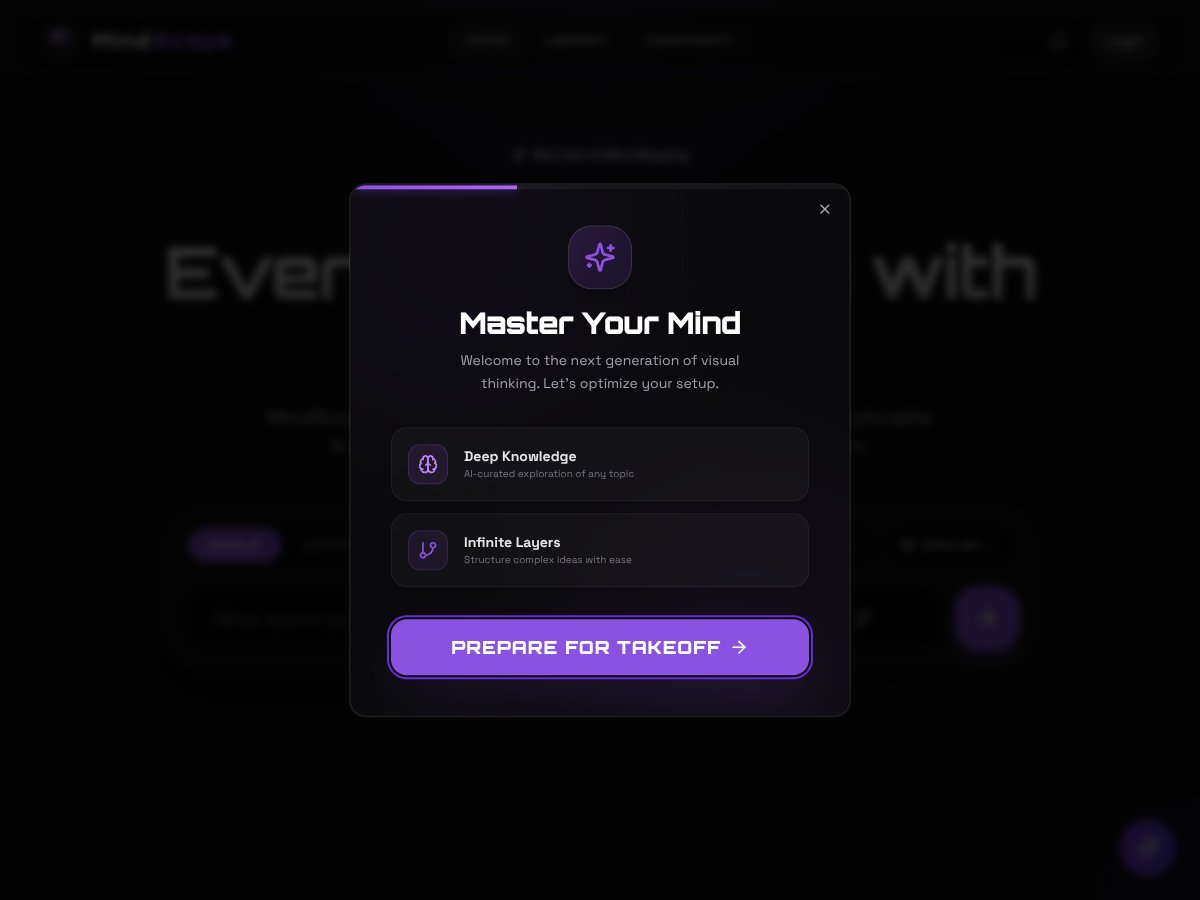
When I first ran into MindScape, I had the same reaction a lot of people probably do: the name feels a little “sci‑fi,” and I wondered if it was just another journaling app with a cool tagline. But after spending time with it, what I found is pretty straightforward—MindScape is built around turning your input into a visual mind map.
So instead of typing pages of notes, you give it a topic (or a messy idea), and it generates a structured diagram you can explore. That’s the core promise: take scattered thoughts and make them look connected, so you can spot patterns faster. For me, that’s the appeal. It’s easier to think when the relationships are right there on the screen.
One thing I want to clarify up front: MindScape doesn’t position itself as a full “productivity suite.” It’s not a task manager. It’s not a notes app in the traditional sense. It’s more like a visualization layer for mental models—study, planning, self-reflection, or just organizing what’s going on in your head.
Now, about the “passive” angle (sleep, location, app usage, and so on). The website language I saw leaned heavily into context-aware prompts, but I didn’t find enough clear, verifiable on-screen evidence in the materials I reviewed to confidently claim exactly which passive signals are actually used in the prompt generation. That’s important. If a tool is going to pull in sensitive data, I want receipts: permissions, settings, and plain explanations.
What I can say based on the experience of using the mind map workflow: the tool’s value is the mapping itself. The rest—how much it infers automatically versus what you enter manually—needs clearer disclosure than what I saw.
And just to set expectations: I didn’t see this as an AI “coach” that chats with you endlessly, gives therapy-like feedback, or integrates cleanly with other apps. It’s more focused. If you’re looking for a polished, fully integrated ecosystem, you might feel like you’re missing pieces.
MindScape Pricing (2026): What I Could Verify
I’m going to be blunt here: the pricing information in the materials I reviewed wasn’t detailed enough for me to quote exact numbers or confirm plan limits. And I don’t love guessing on pricing, because the “real” cost is usually tied to usage caps—like how many mind maps you can generate per month, how many nodes/layers you can create, or whether exports are locked behind a paid plan.
| Plan | Price | What You Get | My Take |
|---|---|---|---|
| Free Tier | Not clearly stated | Basic access to mind map generation (exact limits not clearly shown) | Good for testing the core experience, but I’d verify limits before you rely on it. |
| Paid Plans | Not clearly stated | Potentially higher usage, more features, or export options (not explicitly detailed) | If you’re considering upgrading, check for: usage caps, export formats, and what data permissions change. |
Here’s what I recommend doing before you commit (seriously, it takes 2–3 minutes):
- Look for a “Plans” or “Pricing” page that shows feature-by-feature differences, not just a vague “premium” label.
- Check whether mind maps have limits (for example: maximum number of nodes, maximum layers, or export restrictions).
- If the site doesn’t clearly list caps, contact support and ask directly—“Do free users have a monthly generation limit? What is it?”
If you’re expecting the kind of transparency you get from major apps, MindScape feels more early-stage than fully mature. That doesn’t automatically mean it’s bad—it just means you should check what you’re getting.
The Good, the Bad, and What I Actually Tested
MindScape’s Strong Points (What Worked for Me)
- Mind map generation is the main event: The app is designed around turning a topic into a structured diagram. That part is clearly the focus, and it’s genuinely useful if you think visually.
- Maps feel layered (not just one flat list): The output I saw wasn’t a single blob of text—it had multiple branches and sub-branches, which makes it easier to drill down.
- It’s fast to go from “idea” to “diagram”: I didn’t need to build an outline manually. You input something, and it gives you structure to work with.
- It supports reflective thinking: Even without deep customization, seeing your thoughts organized can make it easier to notice gaps—like “Wait, I’m thinking about stress, but I haven’t mapped anything about sleep or recovery.”
- Accessible entry point (if free is available): If there’s a free tier, it lowers the barrier. I’d rather test a mind mapping tool for a week than commit right away.
Where MindScape Falls Short (And What I Didn’t See)
- Feature transparency is weak: I couldn’t find clear, detailed explanations of what’s automated versus what requires your input. When a product leans on “context-aware” claims, I want specifics.
- Pricing details weren’t verifiable: I didn’t have enough concrete plan info to tell you whether it’s cheap, fair, or restrictive. If you’re sensitive to subscriptions, that matters.
- Export/integration info wasn’t clear: If you can’t download your maps, share them, or export them in a usable format, the tool’s usefulness drops fast.
- Passive sensing claims need receipts: The idea of using sleep, location, app usage, and conversations to personalize prompts is a big deal. I didn’t see enough clear documentation or in-app evidence in what I reviewed to confirm exactly how those signals are collected and used.
- No obvious “how it works” breakdown: I didn’t see a straightforward explanation of the generation pipeline (what model, what steps, what data fields, what gets saved).
MindScape Walkthrough: How the Mind Map Workflow Felt
I’m going to describe the workflow the way I experienced it, because that’s what matters when you’re deciding whether to try a tool like this.
Step 1: I entered a topic.
I tried a few prompts that were intentionally messy, like “Why I feel overwhelmed lately” and “Study routine that actually sticks.” The goal was to see whether the output stayed generic or actually structured my input.
Step 2: I reviewed the generated structure.
The output came back as a mind map with multiple branches. What I noticed right away was that it wasn’t just repeating my words. It was organizing them into categories that felt like “angles” on the problem.
Step 3: I looked for customization.
This is where I got a little disappointed. I didn’t see obvious controls for editing the logic (like “add a node,” “merge branches,” “turn this branch into a checklist”) in a way that felt fully developed. You can work with the map, but it doesn’t feel like a power tool yet.
Step 4: I checked what it was using behind the scenes.
If MindScape is going to lean on passive behavioral data, I want to see it reflected in permissions and settings. In the materials I reviewed, the details weren’t clear enough for me to confidently say which data sources were actually active and how they influenced the prompt generation.
That workflow is why I rate it the way I do: the mind map generation is promising, but the surrounding product clarity—especially around sensitive data—needs to be tighter.
Privacy Settings I Looked For (And What You Should Check)
I’m not going to pretend I “fully verified” every data type claim without clear documentation. What I can do is tell you what I looked for and what you should verify on your own account.
- Permissions: If the app requests access to location, microphone, contacts, or usage data, check what exactly it asks for and whether it’s optional.
- Conversation access: If it claims it can use conversations, look for a specific privacy explanation and what “conversations” means (messages? calls? audio transcripts?).
- Sleep tracking: If sleep data is involved, check whether it’s pulled from a connected wearable/app or inferred some other way.
- App usage: Usage access should be explained plainly. “Context-aware prompts” isn’t enough—what app categories or time windows are used?
- Data retention: Can you delete your data? Is there an export/download option for your maps and any associated profile data?
If you’re privacy-conscious, don’t skip this. A tool that’s “helpful” can still be too invasive for your comfort level.
Who Is MindScape Actually For?
In my opinion, MindScape fits best if you like visual thinking and you want a structured way to untangle mental clutter. If you’re the type who gets overwhelmed by vague thoughts and prefers diagrams, you’ll probably like what it does.
It could also work for students or people who study in messy bursts—especially if you use it to map concepts, break down topics for revision, or organize “what I don’t understand yet.”
Where it gets tricky is the passive sensing angle. If MindScape is truly using sleep, location, app usage, or conversations, then it’s not just a mind mapping tool anymore—it becomes a data-driven system. That’s great for people who are comfortable with it. For others, it’s a dealbreaker.
Who Should Look Elsewhere?
If you don’t want your phone behavior (or anything like conversations) involved, I’d skip MindScape. Even if the tool is well-intentioned, you’re still dealing with sensitive data and unclear transparency.
You should also look elsewhere if you want a polished, established app experience—things like robust exports, clear documentation, and a mature support setup. Right now, it feels more like an early-stage product than something that’s been battle-tested for years.
And if you mainly want meditation, sleep routines, or guided mental wellness content, you’ll likely be happier with apps that are built for that purpose from day one.
How MindScape Stacks Up Against Alternatives
Apple Journal
- What it does differently: Apple Journal focuses on journaling and prompts tied to your existing content (like photos) and context available through Apple services. It’s not a mind map generator, and it doesn’t advertise the same “passive behavioral sensing” approach.
- Price comparison: Included with iOS (no separate subscription cost).
- Choose this if... you want an easy, system-integrated journaling flow and don’t need mind mapping.
- MindScape is better if... you want diagram-based organization and a mind-map-first workflow.
Headspace or Calm
- What they do differently: These apps are built around guided meditation, breathing, sleep content, and structured wellness programs. They’re not primarily about turning your thoughts into multi-layer mind maps.
- Price comparison: Subscription pricing varies by region and promotions—check the app store for the current monthly/yearly rate.
- Choose this if... your priority is guided stress reduction or sleep support.
- MindScape is better if... you want reflection that’s more visual and more “systems thinking” than guided sessions.
SAIMHS (Sentiment Analysis for Mental Health)
- What it does differently: Sentiment analysis approaches typically focus on extracting emotional signals from text or voice. They’re often research-oriented or used in specialized workflows rather than consumer-friendly journaling.
- Price comparison: Many solutions require partnerships, custom deployments, or licensing.
- Choose this if... you need analysis for research, clinical workflows, or specialized projects.
- MindScape is better if... you want something simpler for personal reflection—assuming you’re comfortable with its data approach.
“Mindscape AI Therapeutic Assistant” (Chat-style wellness tools)
- What it does differently: Chat-style wellness assistants tend to focus on conversation, coping strategies, and immediate guidance. MindScape focuses on visualization—turning ideas into maps.
- Price comparison: Varies by platform and plan (often mixed free/premium).
- Choose this if... you want real-time conversational support rather than mind mapping.
- MindScape is better if... you want structured diagrams and a visual way to explore your thoughts.
Bottom Line: Should You Try MindScape?
If you like mind maps and visual organization, I’d say MindScape is worth trying—especially if there’s a free tier. The mind map output is the strongest part, and it can genuinely help you see connections you’d miss when everything is just text.
But if you’re expecting a fully transparent, privacy-forward product with clear pricing, clear export options, and verified details about passive sensing, I think you’ll be frustrated. The sensitive-data story needs to be more concrete than the current presentation I reviewed.
My personal recommendation: test the mind map workflow first. Try a few topics. See how usable the output is for your actual goals. Then check the privacy settings and permissions before you decide whether it’s worth sticking with.
Common Questions About MindScape
- Is MindScape worth the money?
- Because pricing and plan details weren’t clear in what I reviewed, I can’t honestly tell you it’s a “great deal.” If there’s a free tier, start there. If you end up paying, make sure you understand usage caps and what data permissions change.
- Is there a free version?
- It appears there may be a free tier, but the exact limits weren’t clearly spelled out. If you can, confirm the cap (number of mind maps, exports, or generations) before relying on it.
- How does it compare to other mental health apps like Calm or Headspace?
- Calm and Headspace are built for guided meditation and sleep/wellness content. MindScape is built for visualizing your thoughts into mind maps. They solve different problems—one is “guided practice,” the other is “visual organization.”
- Can I get a refund?
- I didn’t see refund terms I could confidently cite. If you do try a paid plan, check the refund policy on the platform you subscribe through.
- Is my data safe with passive sensing?
- Passive sensing can involve sensitive signals, so you should treat this as a “verify first” situation. Check the privacy policy, permissions, and whether you can delete your data. If you want, paste the permission screen or privacy policy section you’re looking at, and I’ll help you interpret what it means.
- Will it replace therapy?
- No. A mind mapping tool can support reflection, but it isn’t a substitute for professional care—especially if you’re dealing with serious mental health concerns.