Table of Contents
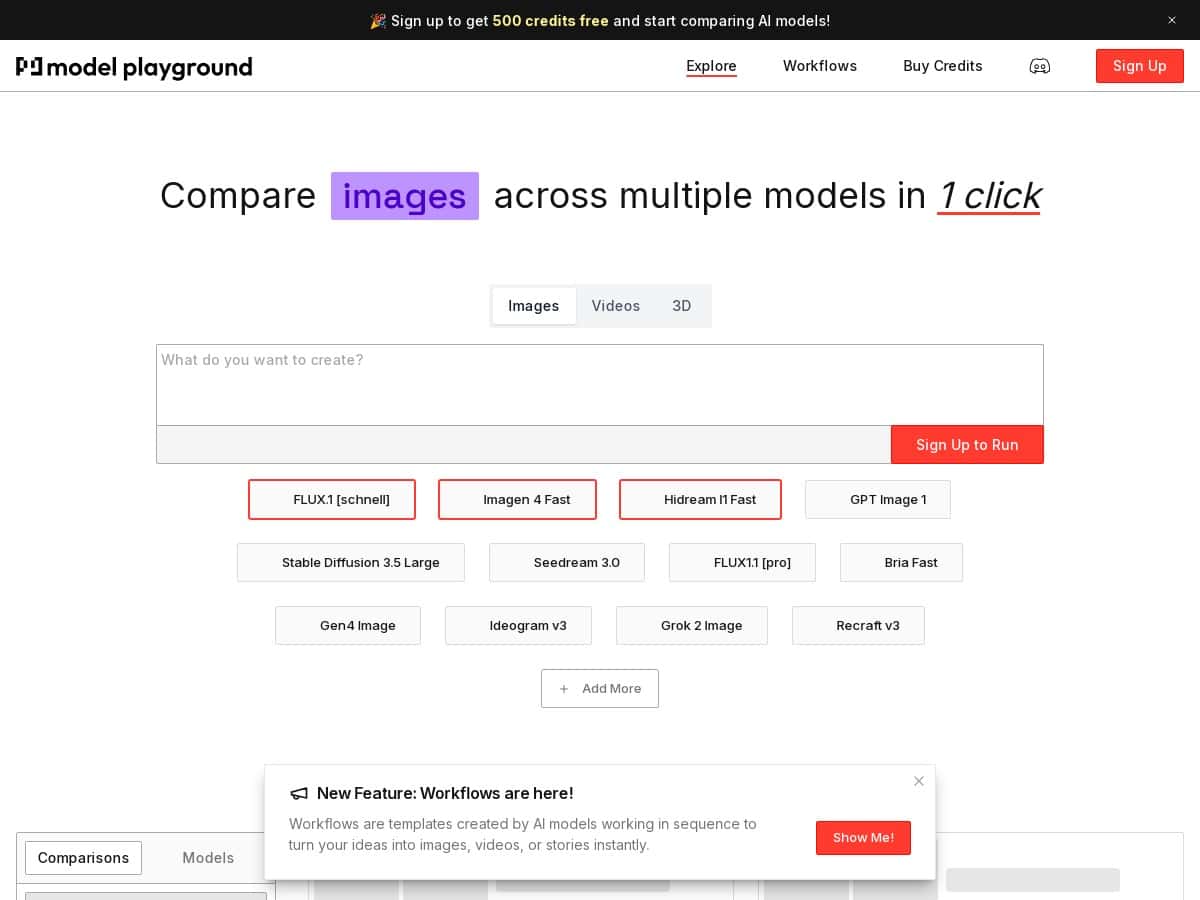
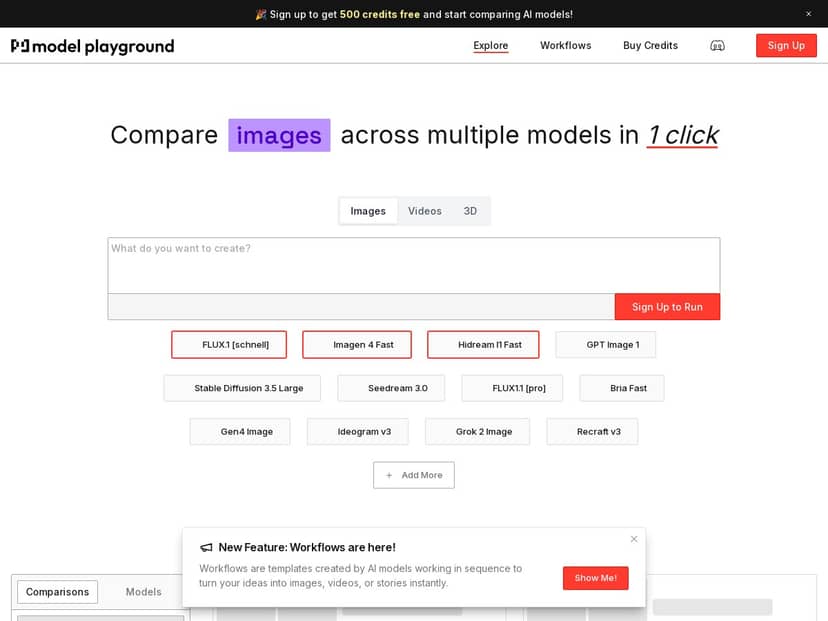
If you’ve ever tried to compare AI models and ended up bouncing between tabs, copying prompts, and hoping you didn’t change anything by accident… yeah, I get it. Model Playground AI is built to do that side-by-side thing in one place, with a library that claims 150+ models (text and image included).
In my experience, the main win isn’t just “lots of models.” It’s the workflow: you can run the same prompt across multiple models and quickly see what changes—tone, formatting, reasoning style, and for images, how the composition and detail level shift. That’s the part I actually care about when I’m testing—less fiddling, more signal.
Model Playground AI Review (What I’d actually use it for)
I went into Model Playground AI specifically to answer one question: can I benchmark models quickly without turning it into a whole project? The platform is set up for side-by-side testing, so instead of running one model at a time and manually comparing, you can keep things consistent and judge differences faster.
Here’s the kind of testing I ran (and what I noticed):
- Same prompt, multiple models: I used a “rewrite + keep structure” prompt for text tasks. What stood out was how some models stayed closer to the original formatting, while others were more likely to add extra sections or change the voice.
- Creativity vs. instruction following: With a prompt that asked for a specific output format (headings + bullet points), I noticed a split: some models were great at sticking to the structure, while others “helped” by reorganizing the content.
- Image generation consistency: For image prompts, the biggest differences were in composition and how literal the models were with details. Some leaned more artistic; others were more literal with the subject description.
Now, I can’t claim exact latency numbers or credit usage metrics without pulling the live pricing/usage screen and recording timestamps. What I can say is that the comparison workflow feels designed for speed: you’re not constantly switching tools, and you’re not reformatting your prompt every time.
If your goal is to try 10–30 models for the same task and pick a best-fit, that’s where this kind of platform shines.
Key Features
- 150+ models across categories: The library is the backbone here—text and image models are both part of the mix, so you’re not stuck in one narrow lane.
- Side-by-side comparison: This is the feature you’ll use most. The point is simple: run the same input and compare output quality quickly (clarity, formatting, adherence to instructions, and image composition).
- Unified interface: Instead of hopping between different model dashboards, you can keep your testing in one place. That alone reduces “accidental changes” when you’re comparing.
- Model browsing and selection: The platform makes it easier to find and switch models during a test run, which matters if you’re iterating prompts.
- Model refreshes: There’s a steady sense that the catalog isn’t frozen in time, which you’d expect from a playground-style service.
How to run a comparison that’s actually fair
If you want results you can trust, don’t just mash “run” and hope. I follow a quick routine:
- Pick one prompt template (same wording each time). If you’re testing text models, include explicit output requirements like “use 5 bullets” or “write in a friendly tone.”
- Choose 3–5 models to start. Too many at once can turn your notes into chaos.
- Judge on the same criteria every run:
- Instruction following: Did it obey the format?
- Quality: Is it useful, not just long?
- Consistency: Does it keep the same style across runs?
- Then expand if you find a clear winner (or a couple of strong contenders).
Example comparisons (what changed between models)
Below are a couple of scenarios I’d recommend if you want to see differences fast. I’m describing the patterns I saw, because the exact model lineup can vary over time.
Text task: “Rewrite + keep structure”
- Prompt idea: “Rewrite this paragraph for a non-technical audience. Keep it to 3 sentences. Use one analogy.”
- What I noticed: Some models stayed tightly within the 3-sentence limit and nailed the analogy. Others added extra sentences or included extra context that you didn’t ask for.
- My takeaway: If you care about strict constraints, prioritize models that consistently follow formatting rules.
Text task: “Format it exactly”
- Prompt idea: “Create a checklist with 7 items. Each item must start with a verb and be under 12 words.”
- What I noticed: The best outputs were readable immediately—no cleanup needed. The weaker ones drifted into longer sentences or didn’t follow the “verb-first” requirement.
- My takeaway: For production use, instruction-following beats “creative fluff.”
Image task: “Same subject, different style”
- Prompt idea: “A cozy desk setup with a vintage lamp, warm lighting, and a notebook. Photorealistic, 16:9.”
- What I noticed: Some models nailed the warm lighting vibe quickly. Others were more inconsistent—changing the camera angle or swapping details like the lamp style.
- My takeaway: If you’re building a repeatable image style, you’ll want to test a few candidates and stick with the one that’s most consistent.
Pros and Cons
Pros
- Side-by-side evaluation is genuinely useful: It cuts down the “copy/paste dance” when you’re comparing multiple models for the same task.
- Good for quick iteration: You can test variations of a prompt and keep the comparison context intact.
- Broad model variety: Having both text and image models in the same playground is convenient if you do mixed work.
- Less setup friction: You’re not juggling separate interfaces for every model, which is a big deal if you test often.
Cons
- Too many options can overwhelm: If you’re new, the model list can feel like drinking from a firehose. I’d start with a smaller shortlist.
- Model details may not be deep enough: Some models don’t give you the kind of parameter transparency you’d expect (like temperature/top_p controls). That means you can’t always fine-tune behavior.
- Credits/limits can affect how much you test: If you run lots of comparisons, you may hit usage caps sooner than you expect. For heavy testing, you’ll want to check the limits before going all-in.
Pricing Plans
I looked for specific pricing tiers and limits, but they weren’t included in the content you provided here. So I don’t want to guess. Here’s what I recommend instead:
- Check the live pricing page on the official site (because tiers and caps can change).
- Confirm whether there’s a free tier and what it limits (daily runs, monthly credits, image generations, etc.).
- Verify how credits map to usage if you plan to test a lot—especially for images, which often cost more.
If you want a practical rule of thumb: if you’re only doing a handful of prompts per week, a free tier (if available) might be enough. If you’re running dozens of comparisons daily, you’ll likely want a paid plan so you don’t constantly hit caps mid-test.
Wrap up
Model Playground AI is the kind of tool I’d use when I need fast, side-by-side model comparisons—especially if you’re testing prompts for both text and images. It’s not about “one perfect model.” It’s about making the selection process less painful.
My recommendation depends on your testing style:
- Go for it if you want to benchmark multiple models regularly and you don’t want to maintain multiple tabs/accounts.
- Be cautious if you need fine-grained parameter control (temperature/top_p) or you expect fully transparent model settings.
- Double-check pricing and limits before committing if you plan to run lots of image generations or high-volume comparisons.
Overall? It’s a solid playground for exploration and selection—just make sure you confirm the pricing/credits situation so your testing doesn’t get interrupted.


