Table of Contents
Here’s the uncomfortable truth: most people won’t “browse” your homepage. They’ll decide in seconds whether you’re worth their time. And yeah—design matters.
That said, I’m not a fan of vague stats thrown around without context. The “94% of first impressions are influenced by design” line is commonly traced back to research by Mehrabian (often cited in marketing contexts), and it’s usually used to emphasize that appearance and presentation heavily shape trust. What I take from it for creator homepages is simple: your layout has to make you look credible fast, not just “pretty.”
⚡ TL;DR – Key Takeaways
- •Build your homepage around intent: leads should land on a clear “next step” fast (hero + one primary CTA), not hunt for info.
- •Mobile-first isn’t optional. Use thumb-friendly buttons (44x44px), short sections, and fast-loading images (WebP/AVIF) to reduce drop-off.
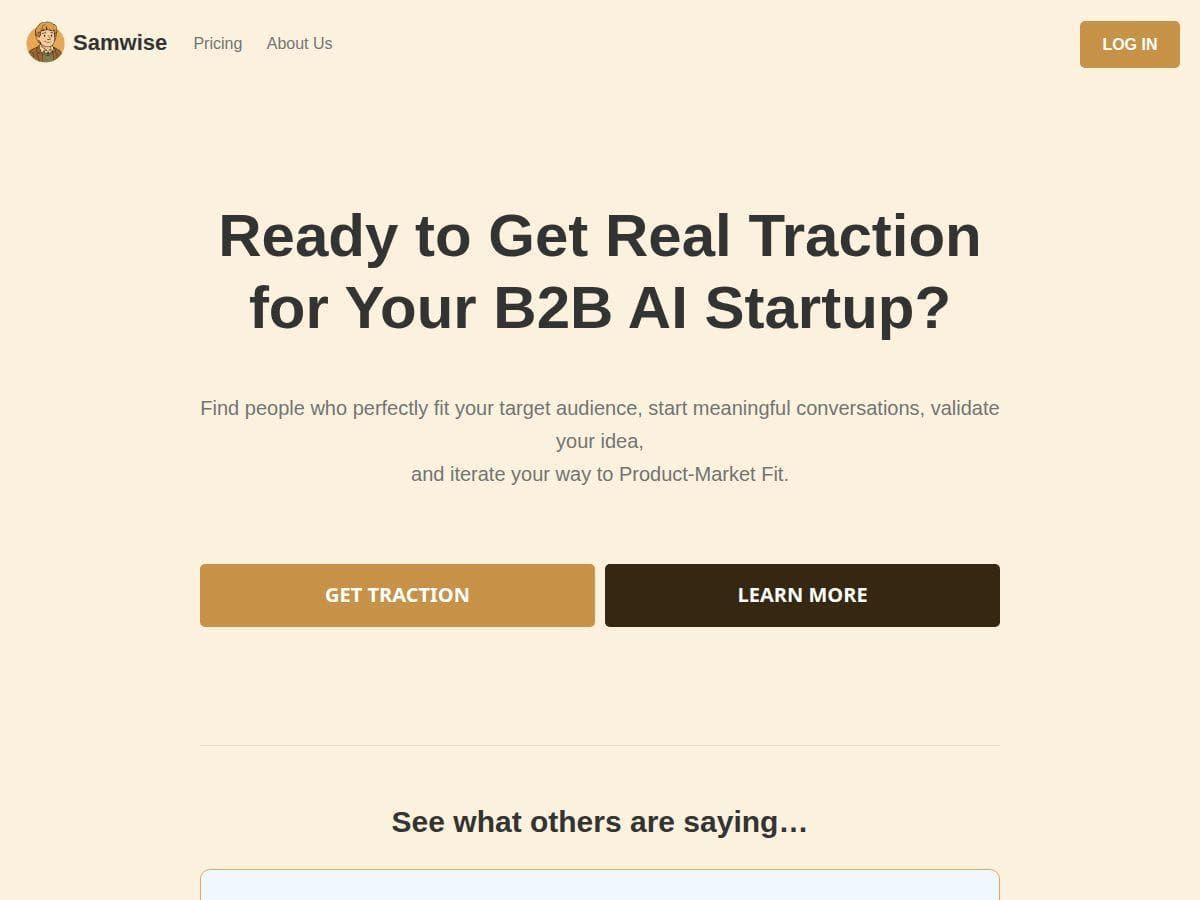
- •Your hero needs outcome-focused copy: who it’s for, what transformation you deliver, and a CTA that matches that visitor’s goal.
- •Keep navigation tight (5–7 items). If your menu is longer, your visitors will bounce before they “figure it out.”
- •Trust beats hype. Testimonials, logos, and specific results (even small ones) do more than generic claims.
Understanding the Essential Sections on a Creator Homepage (and what to put in each)
Your homepage is basically a sales page that doesn’t look like one. It has to answer three things immediately: what you do, who you help, and what happens next.
I like to think of your homepage like a guided path. New visitors get the “quick proof + quick next step.” Returning fans get deeper context (portfolio, blog, FAQs) without you making them work for it.
Below is the section order I usually recommend, plus the exact content blocks to include. Because naming sections is easy. Making them actually work? That’s the hard part.
The Hero Section / Above the Fold (your “stop scrolling” moment)
This is the part people see before they decide to stay. If your hero is vague, the rest of the page won’t save you.
What I put in a strong hero:
- Headline: One sentence that says what you do and who it’s for. Example for a coach: “I help busy founders lose the overwhelm and build a repeatable weekly plan.”
- Subheadline: 1–2 lines with a specific outcome or deliverable. Example: “Structured sessions, clear templates, and accountability—so you can execute without burning out.”
- Primary CTA: One button that matches intent.
- Secondary CTA (optional): For people who aren’t ready to book yet (ex: “See work” or “Read FAQs”).
- Visual: A real photo, a screenshot of results, or a clean brand graphic. Not a random stock image that doesn’t match your niche.
On mobile, your hero layout should feel breathable. Whitespace isn’t just aesthetics—it helps scanning. I also like subtle asymmetry (slight offset text blocks, staggered images) because it feels modern without looking messy.
CTA sizing: If you want people to actually tap your button, keep it thumb-friendly (44x44px minimum). And don’t hide it below the fold “for later.” Later doesn’t come.
Hero CTA wording ideas (use the one that matches your business):
- Lead capture: “Book a Free Call” / “Get a Quote” / “Join the Waitlist”
- Proof-first: “See Results” / “View Portfolio”
- Education-first: “Read How It Works” / “Watch the Quick Overview”
- Community-first: “Join the Newsletter” / “Get Updates”
Quick question: are you trying to sell now, or educate first? Your hero CTA should answer that instantly.
About / Who You Are (make it human, not corporate)
This section is where people decide if you’re someone they’d trust with their time, money, or attention.
What to include:
- Your origin story (short): 4–6 lines. Why you do this, and what you learned the hard way.
- Your mission: One sentence that sounds like you.
- What makes you different: Not “I’m passionate.” Something tangible (process, experience, niche focus).
- Mini credentials: Years in the field, notable clients, certifications, or publishing credits.
For example, a photographer might say: “I specialize in natural light portraits for couples who hate stiff posing.” Then back it up with a couple of portfolio examples nearby.
A course creator might say: “My courses are built for people who want results without spending months figuring things out.” Then link directly to a course page or a “what you’ll learn” section.
One more thing I always recommend: add a small trust block here—awards, client logos, or “as seen in” mentions. It doesn’t need to be huge, but it should be visible.
If you’re involved in community or events, this is a great place to reference it. For example, you can point visitors to author networking events (or your own version of that) to reinforce that you’re active in your niche.
Services / Offerings (scannable, specific, and outcome-based)
Don’t dump a list of services and call it a day. People skim. Your offerings should be structured like choices.
For each service, include:
- Service name (clear, not clever)
- Who it’s for (one line)
- What you deliver (bullets are perfect)
- Outcome (what changes for them)
- Timeline (even a rough one: “2–3 weeks” or “monthly”)
- CTA button that matches that service
Example (branding creator):
- Logo + Brand Starter — for new businesses that need clarity fast — includes logo concepts, color palette, and a mini brand guide — ideal if you want to launch in under a month.
And for SEO/accessibility, use semantic HTML properly—headings in order, lists for lists, and descriptive button text. Screen readers love clean structure, and Google does too.
Navigation Menu (tight, obvious, and not distracting)
I’m firmly in the “keep it simple” camp. If your menu has 10–12 items, you’re basically telling visitors to guess where to go.
My target: 5–7 menu items.
Common labels that work:
- Services
- Portfolio or Work
- About
- Blog (optional if you post regularly)
- FAQ
- Contact or Book
A sticky navigation bar can help, especially on longer pages. Just don’t let it cover content on mobile—test it.
Call to Action (CTA) strategy that matches visitor intent
CTAs aren’t one-size-fits-all. A visitor who wants proof isn’t ready for booking. A visitor who’s already convinced might be.
Where I place CTAs:
- Hero: Primary CTA (the fastest path for new leads)
- After Services: Secondary CTA (service-specific button)
- After Testimonials/Portfolio: “Ready to start?” CTA
- Footer: Repeat the easiest action (book/contact/newsletter)
CTA variants you can rotate:
- Book: “Book a Consultation”
- Get info: “Get Pricing”
- See proof: “View Portfolio”
- Start small: “Read FAQs First”
- Join: “Subscribe for Updates”
If you want a deeper look at content structure for conversion, you can check many chapters should an ebook have. It’s not “homepage-only” advice, but the same conversion logic applies: guide the reader step-by-step.
Also—about “testing” claims: I don’t like making numbers up. What I can say confidently is that CTA clarity (stronger verbs, fewer choices, tighter placement) usually improves clicks because it reduces friction. If you’re testing, measure the right thing: button clicks, not just page views.
Testimonials / Social Proof (make them specific, not generic)
Testimonials should answer: “Did this work for someone like me?”
What to collect:
- Before/after results (even simple ones)
- Timeframes (“within 2 weeks”)
- What changed (clarity, bookings, engagement, conversions)
- Who the client is (industry or role, if appropriate)
Logos and “as seen in” mentions help too—especially if you’re newer and still building momentum. Just don’t cram 30 logos into a tiny strip. Keep it clean and scannable.
If you can, pair testimonials with the relevant service card. That way, the proof feels connected, not random.
Portfolio / Work Samples (show the right work in the right format)
Your portfolio should feel like a “best-of” that answers questions fast.
Portfolio card checklist:
- Project thumbnail (high quality, consistent sizing)
- One-line description (“Brand identity for a wellness startup”)
- Outcome (optional but powerful) (“+32% signups after launch” if you have it)
- CTA (“View case study” or “See details”)
Make the grid responsive. On mobile, cards should stack cleanly without tiny text or awkward cropping.
Performance matters here. Use lazy loading so your images don’t slow down the initial view. If you animate, keep it subtle—no “everything moves” chaos.
Blog Preview / Latest Posts (keep it useful, not filler)
If you blog, use your homepage blog preview to show you’re active and helpful—not just to display links.
Include:
- 3–5 recent posts
- Clear titles (not vague)
- Short summaries (1–2 sentences)
- Who it’s for (optional but great)
For readability, I like keeping paragraphs short (think 2–4 sentences). And make sure your font size and line height are comfortable—especially on mobile.
You can also link to relevant internal resources. One example from your site is author networking events, if that matches your niche and audience.
FAQs / Frequently Asked Questions (pre-handle objections)
FAQs are where you reduce friction. People don’t ask questions—they bounce when they don’t feel confident.
FAQ questions that work well on creator homepages:
- “How does working together actually work?” — Answer with the process: discovery → proposal → delivery → revisions → handoff.
- “What’s included in your [service/product]?” — List deliverables and what’s not included.
- “How long will this take?” — Give a realistic timeline and what could affect it.
- “Do you offer revisions?” — Explain how many rounds and what counts as a revision.
- “Who is this not a fit for?” — This one is surprisingly effective at attracting the right clients.
- “What do you need from me to get started?” — Mention materials, access, or info.
Use collapsible sections to keep the page clean. And yes, accessibility matters—proper heading structure and ARIA support help everyone.
Here are two example answers in a creator-friendly way:
- “What is the best content for a website homepage?” — “The best homepage content is the stuff that answers intent: what you do, who you help, proof you can deliver results, and a clear next step. If a visitor can’t tell what to do in 10 seconds, your homepage isn’t doing its job.”
- “How do I structure my homepage for conversions?” — “Start with a clear hero (headline + outcome + CTA), then show services, then proof (portfolio + testimonials), then handle objections (FAQs), and finish with pricing/contact so people can act without hunting.”
Pricing / Plans (clarity beats mystery)
Pricing is one of those sections that can feel scary, but it usually builds trust. People don’t want guessing games—they want to know if you’re a fit.
What to do here:
- Show clear plan names
- List what’s included in each (bullets)
- Add “best for” notes
- Use light visual cues (badges or highlighted plan) without making it look like a casino
And mobile matters: keep the plan text readable and avoid tiny buttons.
If you want related event/offer structure ideas, you can reference book reading events—same principle: make it easy for people to understand what’s happening and why they should join.

Best Practices for Designing a Creator Homepage in 2026 (what actually helps)
In 2026, the “best” homepage isn’t the flashiest one. It’s the one that loads fast, reads easily, and guides people to an action without confusion.
Layout + hierarchy: Use size, contrast, and whitespace so the page has a clear visual order. If everything is bold, nothing is bold.
I also like using a 2–3 font system and sticking to a simple color strategy (many creators do well with a 60-30-10 approach). It keeps things consistent across hero, buttons, and section headers.
Mobile performance: Fluid grids, lazy loading, and modern image formats (WebP/AVIF) help a lot. I recommend checking performance with Google PageSpeed Insights and Core Web Vitals regularly—especially after you add new images or sections.
Accessibility: Semantic HTML, proper heading order, and meaningful alt text aren’t just “nice.” They improve real usability and can support SEO. If you’re unsure, run a quick Lighthouse check and fix the obvious issues first.
About the “whitespace update” idea: I won’t pretend I’ve personally run a controlled experiment on “whitespace by 20%” for this exact article. What I have seen in practice is that small headline and spacing tweaks can improve readability and reduce accidental taps on mobile—so engagement may improve. But the right way to validate it is to test your own page with a baseline metric (clicks, scroll depth, or conversions) and compare after the change.
If you want help experimenting with content and personalization ideas, you can use AI-powered tools like Automateed to speed up drafts and variations. Just make sure you still edit for your voice.
Common Challenges (and how creators usually fix them)
1) Cluttered layouts
Clutter overwhelms people. The fix is simple: reduce competing elements, increase spacing, and group related content. If your portfolio section feels like a random collage, reorganize it into clear categories or card layouts with consistent sizing.
2) Weak mobile experience
Fat-finger taps and slow load times kill conversions fast. Use thumb-friendly buttons (44x44px minimum), lazy load images, and test on actual devices (not just emulators). I always catch issues that way.
3) Unclear messaging
If visitors can’t tell what you do within seconds, they won’t wait for explanations. Tighten your hero headline, make sure your services section is scannable, and keep your CTA visible. Repeat the CTA after proof—people need a second chance to act.
4) SEO + accessibility gaps
Use semantic HTML, real alt text, and correct heading order. Then run audits with tools like Lighthouse to catch what you missed.
Emerging Trends and Industry Standards for 2026
Design trends are moving toward layouts that feel more organic—less rigid symmetry, more flexible grids, and fewer heavy scripts that slow sites down.
Performance still wins: keep an eye on Core Web Vitals, especially LCP and CLS. Optimize images with WebP/AVIF and avoid loading a ton of third-party scripts unless you truly need them.
Personalization is getting more common: dynamic CTAs and tailored content based on user behavior can improve engagement. But don’t overcomplicate it—start with simple variations (like CTA text or which section is highlighted) and measure results.
If you’re exploring new design ideas and want a niche example, you referenced tarotap. I’d only keep that link if it’s genuinely relevant to your audience. Otherwise, it reads like a random detour, and people notice.
Also, if your platform supports it, A/B testing is worth doing. Even small tests (button wording, CTA placement, hero layout) can reveal what your specific audience responds to.
For creators building on Showit, it can be easier to iterate on layout and testing without deep coding—use that advantage to make small improvements often.

Key Statistics on Homepage Design Impact (and how to use them)
Design influence stats are often used to highlight that presentation shapes trust quickly. That 94% figure is frequently cited in marketing conversations, but I treat it as a directional reminder: your homepage has to look credible and intentional right away.
For practical, measurable standards, focus on accessibility and mobile usability:
- Touch targets: 44x44px minimum helps prevent mis-taps on mobile.
- Contrast: aim for WCAG-friendly contrast (4.5:1 is a common benchmark for normal text).
- Readability: keep paragraphs short (often 2–4 sentences) and use comfortable line height (around 1.5 is a solid default).
- Performance: check Core Web Vitals and optimize images so the first view loads quickly.
As for conversion lift numbers like “up to 30%,” I’d only use those if you can tie them to a specific study or your own baseline testing. Instead of chasing generic percentages, track your own homepage metrics: hero clicks, scroll depth, form submissions, and booking requests.
Wrap-Up: A High-Impact Creator Homepage in 2026 (use this checklist)
If you want your homepage to work in 2026, don’t just add sections—make each one answer a question:
- Hero: What you do, who it’s for, and the next step.
- About: Why you’re credible and what makes you different.
- Services: Clear deliverables + outcomes + service-specific CTAs.
- Social proof: Testimonials/logos/case studies that feel connected to your offers.
- Portfolio: Best work with scannable cards and fast loading.
- Blog preview: Evidence you’re active and helpful (not random links).
- FAQs: Objections handled before people bounce.
- Pricing/contact: Reduce uncertainty so visitors can act.
Build it, test it, tighten it. Your “perfect homepage” isn’t a one-time project—it’s a living page you improve as you learn what your audience responds to.