Table of Contents
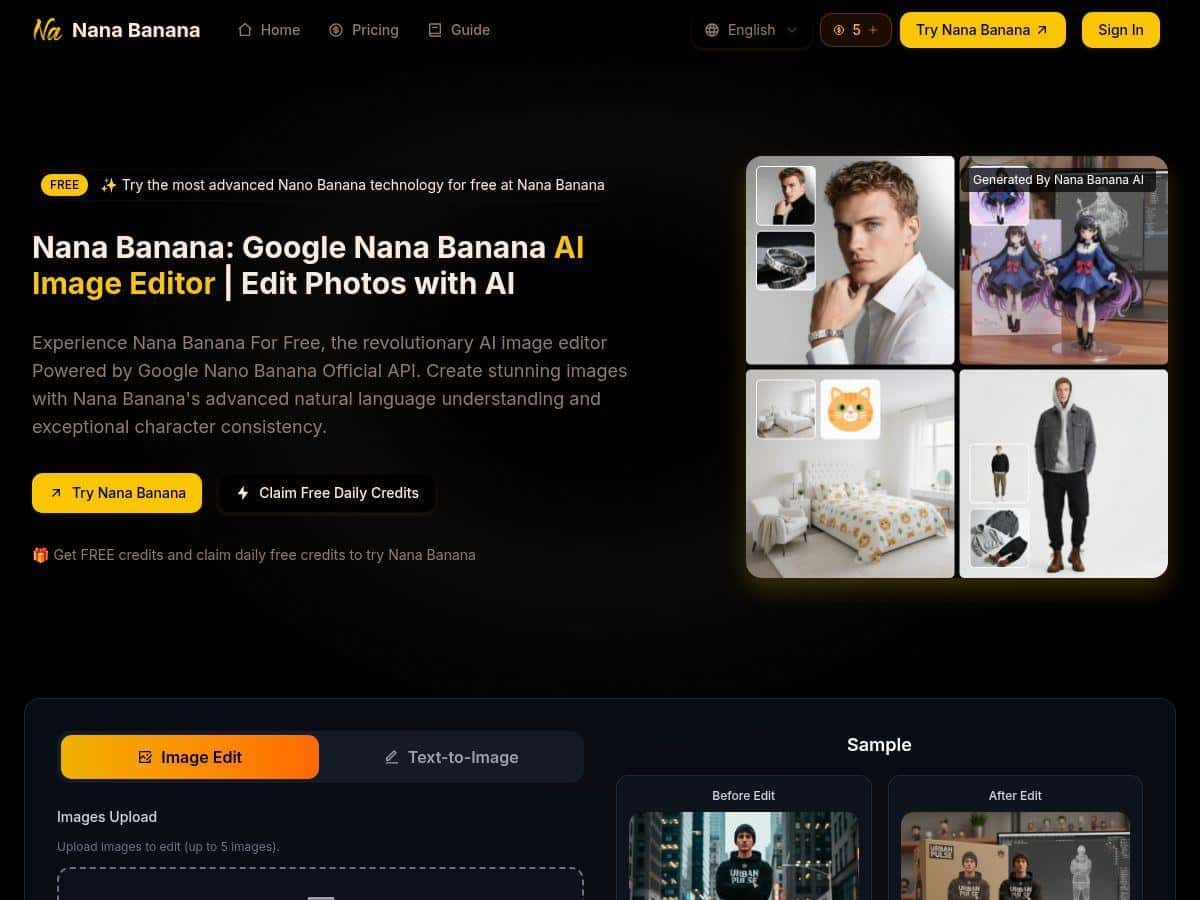
I went looking for an AI image tool that didn’t waste my time. You know the type—either the results look cool but the details fall apart, or you spend 20 minutes fighting settings just to get something usable. So I tested NanaBanana.ai to see if it could actually handle real creative work: generating images from prompts, keeping characters consistent, and doing edits without turning the whole piece into a different scene.
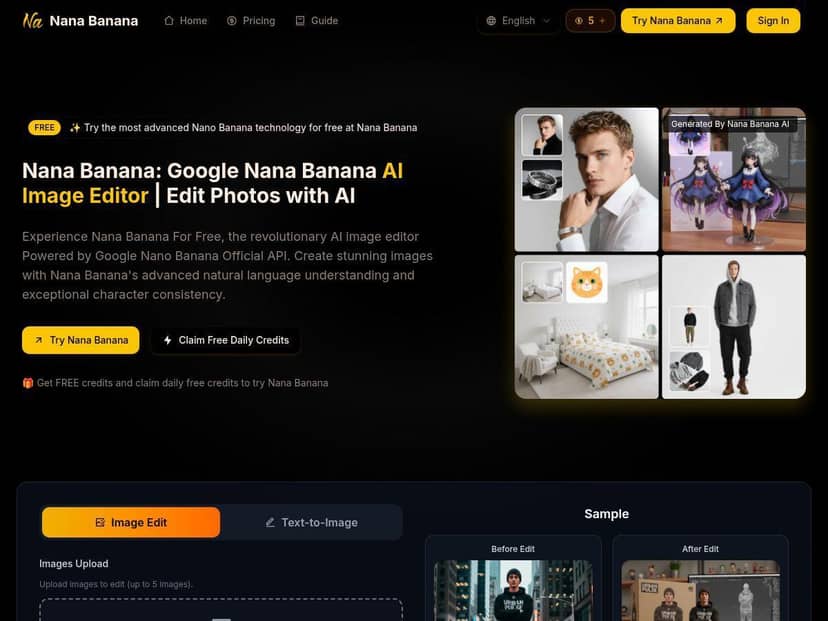
NanaBanana.ai Review
My test setup. I tried NanaBanana.ai on a desktop browser (Chrome) and kept notes as I went. I focused on three things: (1) prompt-to-image generation, (2) one-shot editing, and (3) whether character details actually stay consistent when you generate multiple images.
How many tries? Over the course of my testing, I ran about 30 generations/edits total. Not all of them were “perfect”—that’s the point. I wanted to see what breaks, not just what works on the first try.
Example 1: character consistency (where most tools struggle). I started with a character prompt like: “A cheerful female courier with short auburn hair, freckles, wearing a teal jacket and a small messenger bag, cinematic lighting, shallow depth of field, 35mm photo.” Then I asked for a second image using the same character description but with a scene change: “Same courier, now delivering a package on a rainy street at night, neon signs reflecting on the jacket, cinematic lighting.”
What I noticed: the overall look matched well—the outfit and facial “vibe” were close—but the freckles and hair shading drifted slightly in one variation. The way I fixed it wasn’t magic; it was repetition + tighter wording. When I adjusted the prompt to explicitly mention “freckles clearly visible” and “auburn hair, short bob,” the next result stayed much closer. So yes, consistency is a strength, but you may need a second prompt if you’re picky about facial micro-details.
Example 2: scenery + background blending (editing, not just generation). For editing, I used a prompt along the lines of: “Keep the person unchanged. Replace the background with a bookstore interior, warm lighting, cozy shelves, shallow depth of field.” In my experience, the best results came when I clearly said what to preserve (“keep the person unchanged”) and what to change (the background). If I just described the new scene without the “preserve” instruction, the tool sometimes reinterpreted the subject a bit.
Example 3: one-shot editing (fast when it’s clear). I also tested adding an object: “Keep the scene. Add a red umbrella in the person’s hand, matching the rain lighting.” On the first attempt, it got the umbrella style right, but the handle placement was slightly off. On the second prompt, I specified “umbrella handle aligned with grip” and it corrected quickly. So one-shot editing is real—but it’s not a guaranteed “always perfect” button. Clear constraints help a lot.
Key Features
- AI Image Generation from natural language descriptions
- Deep understanding of complex prompts for detailed images
- Character and element consistency across multiple images
- One-Shot Editing for quick results
- Seamless scene preservation and background blending
- Multi-Image Processing for batch edits
- Object editing: add, remove, or change items in images
- Artistic style transfer and filter application
Pros and Cons
Pros
- Fast, and the results look polished. In my testing, most generations landed in a “usable draft” quality quickly, and edits didn’t feel like a long back-and-forth. When the prompt was clear (especially with “keep X unchanged”), the tool produced images that needed fewer tweaks.
- Great for consistent character workflows. If you’re making a character set (same outfit, same face “read,” different environments), NanaBanana.ai is a solid fit. I saw the character stay close across multiple scene swaps, and when it drifted, a tighter prompt (freckles/hair details) brought it back.
- One-shot editing can save real time. For simple edits like background replacement or adding a single object, I often got a strong result in one go. Those quick wins matter when you’re iterating on marketing visuals or concept art.
- Commercial-friendly options on paid plans. The paid tiers include commercial usage rights, which is important if you’re producing assets for client work or ads. (More on plans below.)
Cons
- Free credits aren’t enough for heavy daily use. I can see why they limit it—once you start iterating with multiple prompts, credits disappear faster than you’d think. If you’re doing character sets or lots of variations, you’ll likely move to a paid plan sooner.
- Sometimes you’ll need multiple prompts. My “first try is perfect” rate wasn’t 100%. For object placement and fine facial details, I averaged about 2 tries to get something I’d actually reuse. When I changed wording from vague (“umbrella”) to specific (“umbrella handle aligned with grip”), results improved.
- Complex edits can take trial and error. The tool is good at scene blending, but if you ask for several changes at once (new background + outfit tweak + multiple new objects), you may need to break it into steps. I learned to edit one major thing per request whenever possible.
Pricing Plans
NanaBanana.ai has paid plans that start at $6.90/month for up to 100 images. There’s also a Pro plan at $13.90/month for 250 images, and higher tiers go up to $59.90/month for 1500 images (including Max and Pro Max options).
From what’s listed for paid plans, you get cloud storage, watermark removal, priority processing, and full commercial usage rights. In practice, “priority processing” usually means shorter waits when the service is busy—think faster queue times rather than a completely different model. And on watermark removal: I found that it’s included as part of the paid feature set, but if you’re working under a deadline, you still want to generate and download promptly so you don’t run into any timing/queue delays.
If you’re deciding which plan to pick, here’s how I’d think about it: if you’re testing concepts and doing a few edits per week, the entry plan might be fine. If you’re building a consistent character set (like 20–40 variations across scenes), the higher credits will save you from constantly hitting the limit.
What I’d use it for (and when I wouldn’t)
Honestly, NanaBanana.ai is best when you have a clear target: “same character, different environment,” “replace background,” “add/remove an object,” or “apply a style.” It’s a strong match for marketers, creators, and anyone who needs visuals quickly without spinning up complex editing software.
Where I’d be more cautious is when you need pixel-perfect control over tiny details—like exact hand anatomy, ultra-specific facial features, or complicated multi-object scenes. You can still get there, but you’ll probably spend more attempts than you expect.
Wrap up
After testing NanaBanana.ai, I’d describe it as a practical AI image tool that’s genuinely good at prompt-to-image and fast edits—especially when you care about keeping a character or scene consistent. It’s not perfect (I had a few moments where I had to refine prompts to lock in freckles/hair details and fix object placement), but overall it felt efficient and creator-friendly. If you’ve been stuck using tools that look impressive in demos but fall apart in real workflows, this one is worth trying—especially if you plan to iterate and don’t mind adjusting prompts until the result matches your vision.