Table of Contents

What Is Nano Banana 2?
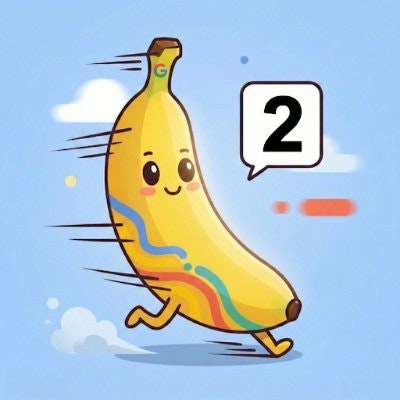
If you’ve ever wrestled with AI image generators and found yourself annoyed by slow turnaround times or inconsistent results, Nano Banana 2 might catch your eye. Honestly, I was curious because it promises to combine the quality of a pro-level tool with lightning-fast speeds — a combo that sounds almost too good to be true.
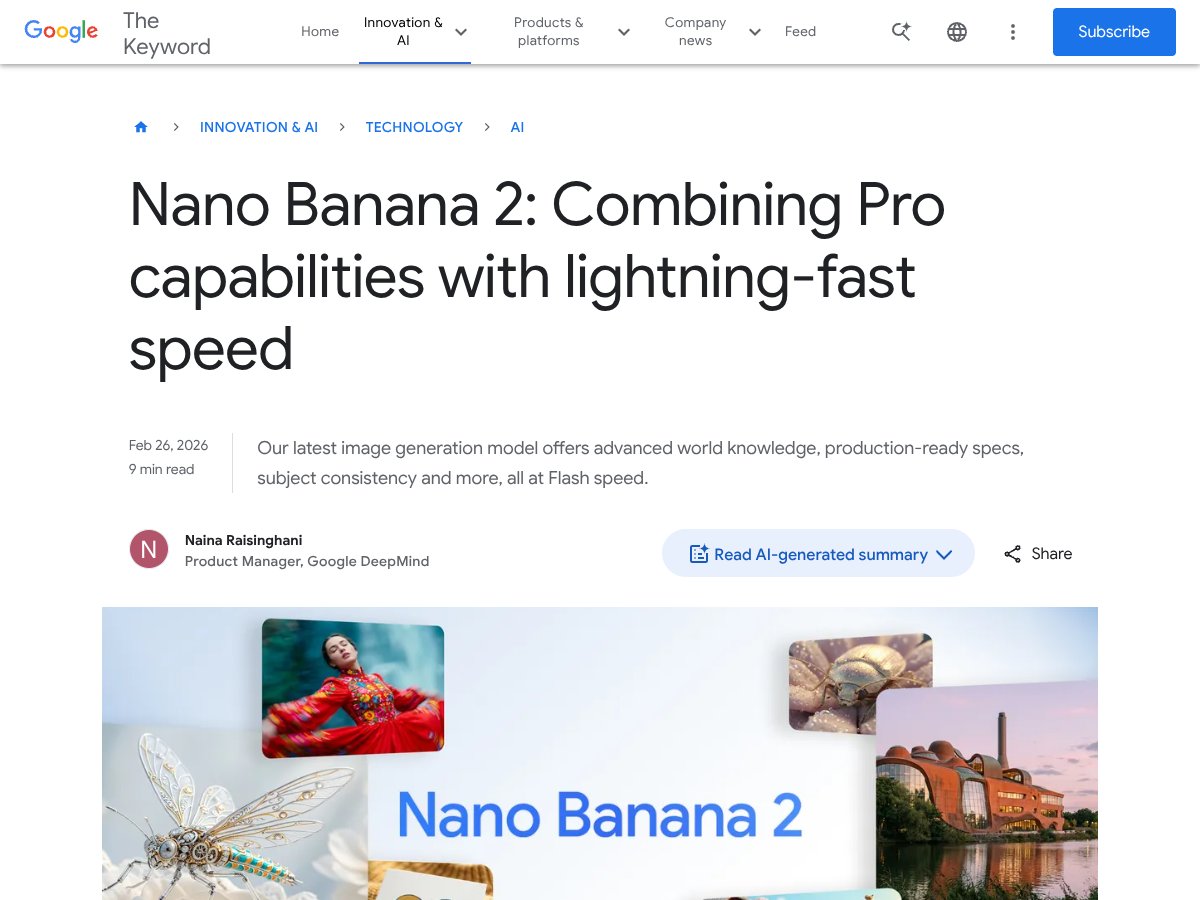
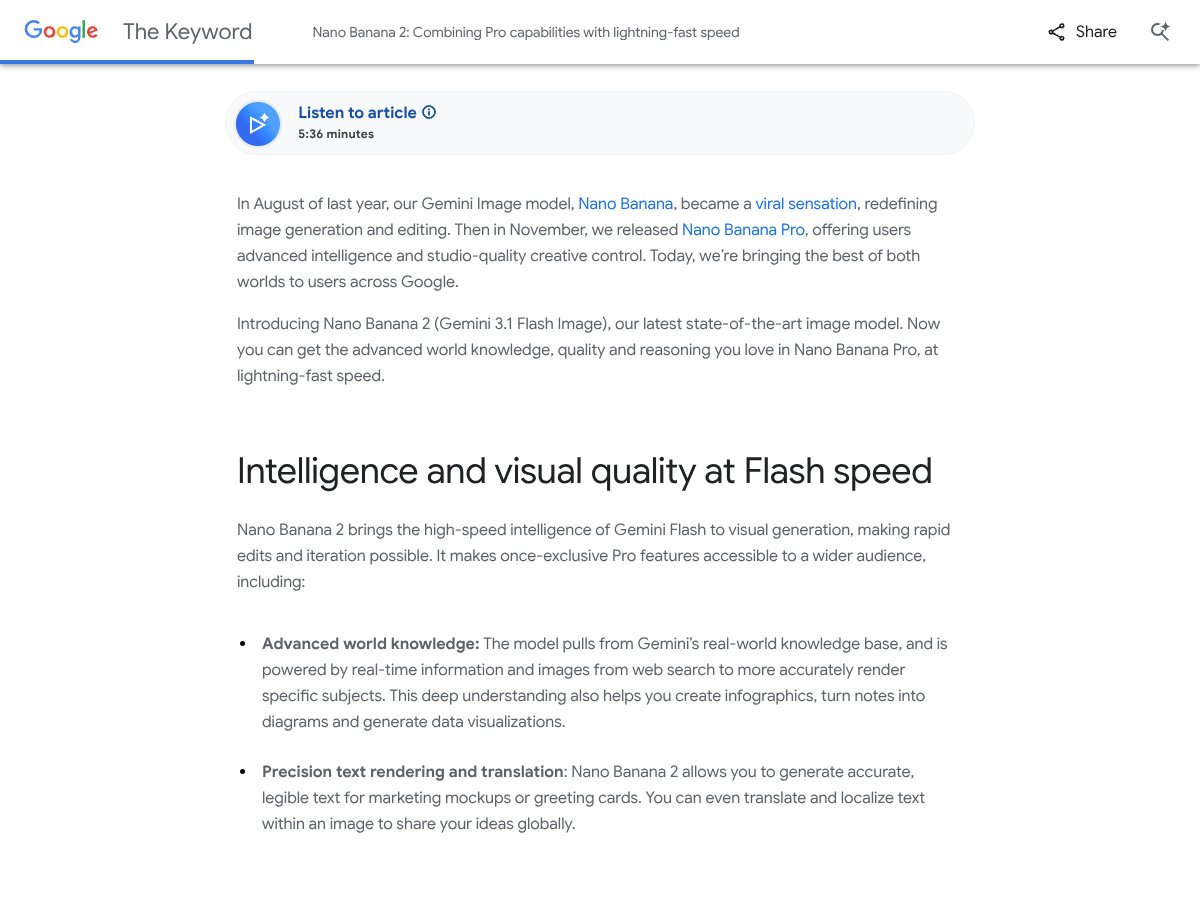
In plain English, Nano Banana 2 is an AI-powered image generation model developed by Google, built on their Gemini 3.1 Flash Image architecture. It’s designed to generate images based on text prompts, but with a few extras: real-time web search grounding (meaning it pulls in current info), improved subject consistency across multiple images, precise text rendering within images, and the ability to make quick edits without losing quality.
What it’s trying to solve is the common trade-off in AI art tools: either you get decent images fast, but they look generic or inconsistent; or you wait ages for high-quality results. Nano Banana 2 aims to deliver high-fidelity, photorealistic images at a speed that lets you iterate quickly, which is especially useful for marketers, designers, and content creators stuck in tight deadlines.
As for who’s behind it, it’s part of Google’s ongoing AI innovation push, specifically from Google DeepMind—so it’s backed by a major player with significant R&D resources. I’ll admit, that gave me some initial confidence that it’s not just a toy.
My first impression? It does seem to deliver on the speed promise, and the quality for simple prompts is decent. However, I kept in mind that it’s still an AI, so it’s not magic. It’s not a full-fledged design tool, and it doesn’t replace a professional artist or designer. Think of it as a very fast, very capable sketchpad—great for quick ideas, but not necessarily for polished, complex compositions.
One thing I want to be upfront about: While it touts advanced world knowledge and real-time info, I couldn’t verify how well it handles breaking news or very recent events. Also, it’s not clear how much control you have over fine details — more on that in the features section.
In summary, Nano Banana 2 looks promising if you need rapid image generation with decent quality, but don’t expect it to handle every complex request perfectly or to be a fully customizable design suite. It’s an interesting step up from earlier models, but not a silver bullet for all creative needs.
Nano Banana 2 Pricing: Is It Worth It?

| Plan | Price | What You Get | My Take |
|---|---|---|---|
| Free Tier | Not publicly disclosed | Limited features, possibly basic image generation and editing capabilities, maybe with usage caps | Given the lack of clear info, I’d assume the free tier is more of a demo or limited access option. If you're just testing or doing light work, it might be enough. But for serious projects, expect to move to a paid plan. |
| Paid Plans | Pricing not fully disclosed; likely per-image or subscription-based, possibly tiered | Full access to high-res upscaling, real-time web grounding, subject consistency, multi-reference editing, and production-ready specs | Here's the thing about the pricing: without concrete numbers, it's hard to judge if it’s fair. From what I can gather, it’s probably designed to be competitive with high-end tools like DALL-E 3 or Midjourney, but the lack of transparency means you should be cautious before committing. Expect potential usage caps or additional fees if you’re doing large-scale work. My guess is that small teams or individual creatives will find a range of plans, but heavy users might face costs that add up quickly. |
Fair warning: If you’re used to clear and upfront pricing, Nano Banana 2’s opaque fee structure could be a dealbreaker. It’s worth keeping an eye on your usage and understanding any hidden costs, especially if you plan to generate a lot of images for commercial purposes. For casual or hobbyist use, the free tier might suffice, but for professional workflows, you’ll want to get concrete pricing details before diving in.
The Good and The Bad
What I Liked
- Lightning-fast generation speeds: This isn’t just marketing fluff—being able to generate complex images in seconds really speeds up creative workflows, especially for iterative tasks like storyboarding or quick mockups.
- Improved text rendering: The crisp, legible typography in AI images is a game changer for marketing and presentation work—no more blurry or unreadable text, which was a persistent issue with older models.
- Real-time web grounding: Pulling current data and images from the web means your images can accurately depict landmarks, products, or events happening now, making it a powerful tool for localized content creation.
- Subject consistency across multiple images: Being able to maintain character or object fidelity across scenes simplifies complex projects like story sequences or product catalogs, saving hours of manual editing.
- High-quality upscaling options: The ability to generate 2K and 4K images with realistic detail means you can go from rough drafts to polished assets without switching tools.
- Multi-reference editing: Supporting multiple style references or scene inputs in a single request allows for nuanced compositing and style matching that was previously tedious or impossible.
What Could Be Better
- Limited knowledge cut-off: The model’s awareness stops at January 2025, so it might miss recent events or new landmarks unless grounded in web search, which can add latency.
- Subject limit constraints: Only up to five characters and 14 objects maintain fidelity—this might be restrictive for complex scenes or detailed storyboards, forcing manual edits or multiple passes.
- Pricing opacity: The lack of clear, public pricing details makes it hard to budget or compare directly with alternatives. You might end up paying more than expected if usage is high.
- Learning curve for advanced features: The configurable thinking levels and multi-reference editing sound powerful, but they could be confusing for new users or those without a technical background.
- Web grounding dependency: Relying on real-time web search can introduce latency or inconsistency if the connection is slow or if web data is unreliable.
Who Is Nano Banana 2 Actually For?
If you’re a professional or serious hobbyist working in digital marketing, branding, or content creation, Nano Banana 2 can be a real asset. It’s best suited for those who need rapid iteration, high fidelity, and consistent visuals—like social media managers producing multiple variations of campaign assets, or illustrators sketching out complex scenes quickly. Small design studios that want to streamline their concepting process will find value in its fast turnaround and advanced subject control. Also, educators or data visualization specialists can leverage its real-time web grounding to generate accurate infographics or diagrams based on current info.
For example, if you’re a solo marketer managing 5+ social accounts and need to create multiple localized images rapidly, Nano Banana 2 could cut your production time in half. Or if you’re a product photographer needing consistent images of a new gadget from various angles, its subject fidelity can help maintain brand consistency across multiple shots and scenes.
In essence, this tool is a good fit for users who require high-quality visuals, rapid turnaround, and a degree of technical control—especially if your work involves frequent updates or real-time data.
Who Should Look Elsewhere
If you’re a casual user, just experimenting with AI art as a hobby, or on a tight budget, Nano Banana 2 might be overkill. The lack of transparent pricing and the potential for usage caps could make it less flexible than free or open-source options like Stable Diffusion or community-driven tools like Midjourney. Additionally, if you need completely offline work or have strict data privacy concerns—since grounding relies on web search—this may not be the best fit.
Similarly, if your projects involve very high levels of customization or local data control, more open platforms or self-hosted solutions could serve you better. And if you’re expecting a plug-and-play experience with minimal learning curve, the advanced features and configuration options might feel overwhelming rather than empowering.
In short, Nano Banana 2 is powerful but not necessarily for everyone. Be honest about your needs and technical comfort before jumping in, or you risk frustration and unmet expectations.
How Nano Banana 2 Stacks Up Against Alternatives
DALL-E 3
- What it does differently: DALL-E 3 offers robust instruction following and impressive text rendering, especially for highly detailed prompts. It’s deeply integrated with ChatGPT, making workflows seamless for conversational AI and image generation combined.
- Price comparison: DALL-E 3 uses a credit-based system with pay-as-you-go or subscription options, generally costing around $15/month for a set number of credits, though exact pricing varies.
- Choose this if... you want tight integration with GPT for multi-modal workflows and are already in the OpenAI ecosystem. It’s great for detailed, creative prompts with complex instructions.
- Stick with Nano Banana 2 if... you need real-time web grounding, faster iteration speeds, or multi-reference editing. Nano Banana 2 excels in speed and subject consistency.
Midjourney
- What it does differently: Focused on artistic and stylistic images, Midjourney is known for its unique aesthetic and community-driven style filters. It’s excellent for creative, high-quality artwork.
- Price comparison: Typically around $10/month for basic plans, with higher tiers for more images and faster processing.
- Choose this if... you prioritize artistic style and community engagement, especially for creative projects like concept art and illustrations.
- Stick with Nano Banana 2 if... you need photorealism, real-time accuracy, or subject consistency across multiple images rather than stylized art.
Stable Diffusion 3
- What it does differently: As an open-source model, it offers deep customization and local deployment options. It’s highly flexible for developers wanting control over their image generation pipeline.
- Price comparison: Free if self-hosted; otherwise, cloud services charge per use, often around a few cents per image, depending on provider.
- Choose this if... you’re technically inclined and want to tailor your model or run it locally for privacy and customization.
- Stick with Nano Banana 2 if... you prefer a managed, faster solution with real-time web grounding and less technical setup.
Adobe Firefly
- What it does differently: Integrated into Adobe Creative Cloud, it offers professional-grade editing, vector tools, and seamless export options. It’s ideal for designers embedded in Adobe’s ecosystem.
- Price comparison: Subscription-based, often bundled with Adobe Creative Cloud plans starting at around $20/month.
- Choose this if... you need an all-in-one creative suite with AI-generated assets that fit into a larger design workflow.
- Stick with Nano Banana 2 if... you want faster, web-grounded image generation with subject consistency rather than a full creative suite.
Bottom Line: Should You Try Nano Banana 2?
Overall, I’d give Nano Banana 2 a solid 8/10. It’s a powerful tool for anyone who needs quick, high-quality images with accurate subject rendering and real-time grounding. The speed alone makes it a game-changer for rapid iteration, especially in professional workflows like product mockups or storyboarding.
If you’re a creative professional who values fast turnaround and precise control over multiple images, Nano Banana 2 is definitely worth trying out. Its ability to generate crisp text, maintain subject consistency, and incorporate real-time web info really sets it apart.
However, if your focus is purely artistic style or you’re comfortable with open-source options and local setups, alternatives like Midjourney or Stable Diffusion might suit you better. Also, if you need extensive customization or integration into Adobe’s ecosystem, Firefly could be the way to go.
For most users curious about AI image generation, I think the free tier is worth exploring to see if the speed and quality meet your needs. The paid version is worthwhile if you’re doing high-volume work or need the advanced grounding features. Personally, I’d recommend it if your workflow benefits from rapid, accurate visuals—if that’s your priority, give it a shot. If you’re more into artistic experimentation or local control, your money might be better spent elsewhere.
Common Questions About Nano Banana 2
- Is Nano Banana 2 worth the money? It’s a strong choice if speed and real-time grounding matter to you. The value depends on your volume and need for accuracy, but it’s a solid upgrade from earlier models.
- Is there a free version? Yes, basic access is available through Google’s integrations, but advanced features like high-res upscaling and multi-reference editing may require paid plans.
- How does it compare to DALL-E 3? Nano Banana 2 is faster and better at subject consistency, but DALL-E 3 excels in detailed instruction following and integrated AI workflows.
- Can I get a refund? Refund policies depend on the platform you purchase through; check Google’s or the specific service’s terms for details.
- What’s the max resolution? Supports up to 4K upscale, providing highly realistic and detailed images.
- Does it support multiple languages? Yes, it automatically translates and adjusts layouts for multiple languages, making it versatile internationally.
- Is it easy to use for beginners? Yes, especially with guided prompts, but mastering advanced features like multi-reference editing may take some practice.