Table of Contents
Introduction
Voice dictation on Linux is one of those features that sounds simple until you actually try to use it every day. A lot of the options either live in the browser, depend on cloud APIs, or feel more like a science project than a polished desktop tool.
What I wanted was straightforward: press a hotkey, talk, get text in the app I’m already using—without uploading audio somewhere. NexTalk is built around that idea: an offline, Linux-first voice input tool with a small “capsule” overlay so it doesn’t take over your whole screen.
In this review I’ll break down what NexTalk does well, what’s still unclear, and where it might frustrate you (especially if you’re not already comfortable on Linux or using Fcitx5). I’m also going to call out places where the documentation/pricing info isn’t as concrete as it should be, because that matters if you’re considering this for real work.
What is NexTalk?
NexTalk is a lightweight, open-source speech-to-text application made for Linux desktops. The goal is simple: dictate text into whichever window you’ve currently focused, without relying on a cloud transcription service.
From what’s described in the project, NexTalk uses Sherpa-onnx for offline speech recognition. That’s the key difference versus the typical “dictation” workflow on Linux, where you end up juggling browser tabs, privacy tradeoffs, or heavier software stacks.
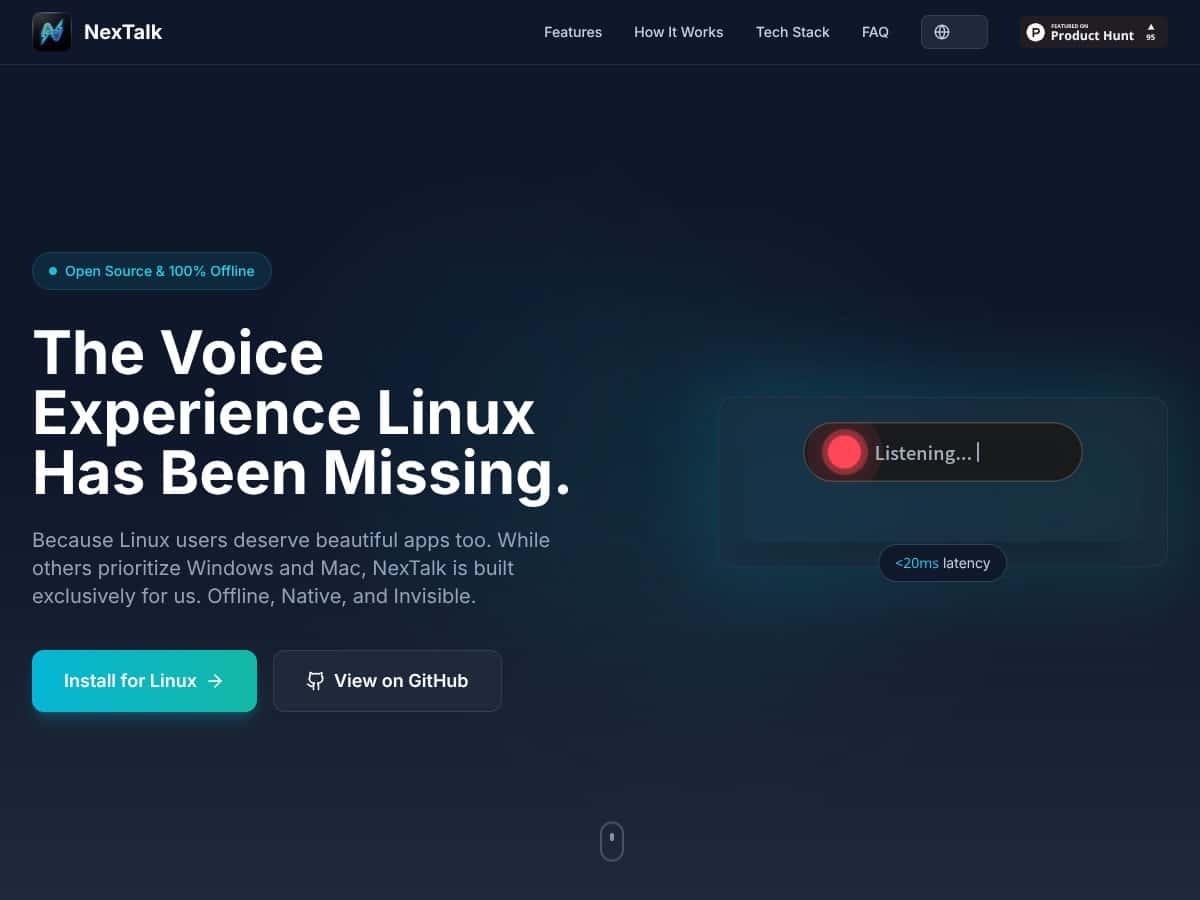
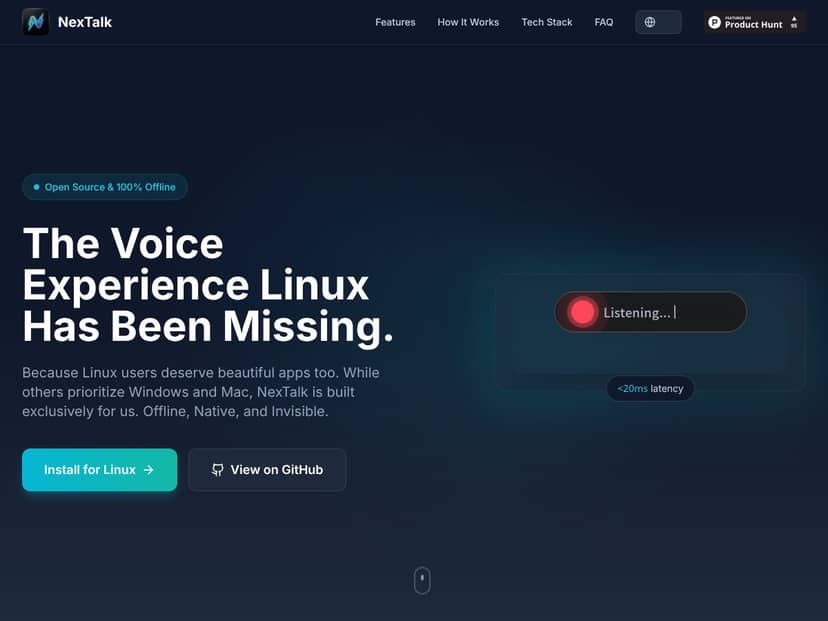
On the desktop side, NexTalk centers around a minimal floating capsule UI. It’s meant to appear when you trigger it and disappear when you’re done—so you’re not constantly dealing with a big app window while you’re trying to write, edit, or chat.
Under the hood, it’s built with Flutter for the interface, and it integrates with Linux input workflows through Fcitx5. If you already use Fcitx5, that’s a big plus. If you don’t, you’ll want to check whether your setup matches what NexTalk expects.
Key Features (In-Depth Analysis)
Offline speech recognition (and what “offline” really means)
The headline feature is offline transcription using Sherpa-onnx. In plain terms: NexTalk is designed to work without sending your audio to a remote service.
That said, I don’t like vague claims—so here’s how I’d verify it on your machine before trusting it for sensitive use. I’d start NexTalk, then block outbound network access temporarily (for example, with firewall rules or by disabling network), and watch what happens when you dictate. If transcription still works normally and there are no obvious network attempts, that’s a strong sign the pipeline stays local.
Latency is another part of the “offline” story. Some projects quote very low response times, but the real question is how it feels on your hardware. If you’re on a low-power laptop, you might see slower first-result times or more aggressive buffering. For best results, you’ll want to test with the same mic and phrases you use day to day.
The capsule UI: minimal, but pay attention to behavior
NexTalk’s UI is intentionally small: a transparent, floating capsule that shows up when it’s listening. In my experience, this kind of overlay is either a joy or a nuisance depending on details like focus handling, positioning, and how it behaves when you click around.
Here are the things I’d look for (and that you should try on your own desktop):
- How quickly the capsule appears after the hotkey (not just “fast,” but consistent)
- Whether it steals focus from your typing window or stays “out of the way”
- How it handles punctuation (does it insert commas/periods automatically, or does it leave that to you?)
- What happens if recognition fails mid-sentence—does it keep going, does it clear the text, or does it get stuck
- Editing behavior: can you correct the text easily, and does the cursor stay where you expect
Also, transparency can be tricky on some desktop themes/compositors. If you’re on Wayland with a custom compositor or unusual transparency settings, the capsule might look different than screenshots suggest.
Linux integration via Fcitx5 (where compatibility really shows)
NexTalk is positioned as a Linux-native tool that integrates with Fcitx5. That matters because Fcitx5 is the bridge between “system input method” and “text goes into the active application.”
If the integration is done cleanly, you should get dictation into real text fields—chat boxes, editors, and terminals (depending on how your environment handles input methods). If it’s not clean, you’ll see symptoms like text not appearing, appearing in the wrong place, or the capsule not responding to the hotkey.
NexTalk also claims compatibility across Wayland and X11. The honest takeaway? Wayland setups can be more sensitive to hotkey capture and focus rules. So even if it “supports Wayland,” it’s still worth testing on the exact desktop environment you use (GNOME, KDE, Sway, etc.).
Hotkey activation & auto-vanish (the workflow part)
The recommended hotkey is Alt + Space. I like that choice because it’s simple and easy to reach, but it’s also the kind of shortcut that might already be used by your desktop environment or input method.
Here’s what I’d test immediately:
- Does Alt + Space conflict with your window manager, accessibility shortcuts, or Fcitx5 settings?
- When you press the hotkey again, does it stop listening instantly, or does it wait for an end-of-speech pause?
- Auto-vanish timing: does it disappear right after you stop talking, or does it stick around longer than you want?
If you do a lot of short dictation bursts (one sentence, one question, one command), the “stop listening” behavior is what will make or break the experience.
Tech stack: Flutter UI + Sherpa-onnx models (what languages you can expect)
NexTalk uses Flutter for the UI and Sherpa-onnx for speech-to-text. The project’s current language focus is described as English and Mandarin Chinese.
Here’s the part I wish more reviews would handle better: language support isn’t just “it supports English.” It’s also about the quality on your accent, your microphone, your noise level, and the specific model files used.
What you can do:
- Test a small “benchmark” set of phrases (10–20 short sentences) in both languages.
- Compare results across quiet vs. normal room noise.
- Note common error types: missing words, wrong homophones, punctuation weirdness, and failures on numbers.
I didn’t see benchmark numbers included in the text you provided (like WER/CER), so I can’t honestly quote accuracy percentages here. If the repo or releases list model versions and test results, that’s where you should pull your real numbers from.
Open source + privacy posture
NexTalk is presented as open-source (MIT/GPL licensing is mentioned). I like open-source projects for one reason: you can actually check how the system behaves instead of trusting marketing.
If your privacy requirement is serious, the best approach is to verify offline behavior (as mentioned earlier) and then skim the repository for any logging or telemetry. Even “offline” tools sometimes write local logs—so you’ll want to know where those live and whether they store audio/transcripts.
How NexTalk Works
- Install and set up: You install NexTalk either via a provided Linux package or by building from source on GitHub. After install, you’ll configure the hotkey (default: Alt + Space) and make sure Fcitx5 is installed and running.
- Trigger the capsule: Press the hotkey. The capsule overlay should appear quickly, and you should see the listening state immediately. If you don’t, that’s usually a hotkey conflict or an input-method integration issue.
- Dictate and stream text: Speak naturally. NexTalk is designed to stream transcription into the target application in real time, so you can keep writing without waiting for a full audio clip to finish.
- Stop dictation: Press the hotkey again, or let it auto-submit after a pause (depending on the project’s behavior and your settings). The capsule should vanish once it’s done.
- Keep working: Because it integrates at the input layer, the text should land in the active field you’re using—whether that’s a document editor, a chat window, or another supported app.
The simplest way to think about NexTalk is this: it’s meant to feel like a keyboard feature, not a separate dictation app. When it’s set up correctly, that’s exactly the vibe—fast activation, real-time transcription, and minimal on-screen clutter.
Pricing analysis (what’s public vs. what isn’t)
| Plan Name | Price | Key Features | Best For |
|---|---|---|---|
| Free | Unknown / Not publicly specified |
|
Casual users, privacy-conscious Linux enthusiasts, developers testing the tool |
| Pro / Paid Tiers | Details not publicly disclosed; available via contact or GitHub (if posted) |
|
Power users and teams who want predictable support |
| Enterprise | Quote-based, available upon request |
|
Organizations with compliance needs and internal IT support |
As of the information in the content you shared, there isn’t a clearly published pricing page with exact numbers. So I wouldn’t assume “free” or “cheap” for anything beyond what’s explicitly stated in the repo/releases or on the project’s official channels.
What I can say: NexTalk’s offline-first, open-source approach usually means there’s less incentive to lock core functionality behind a subscription. Still, if enterprise support or extra models are offered, those costs would need to be confirmed directly from the project.
If you’re comparing value against cloud tools like Google Speech API or Microsoft Azure Speech, NexTalk’s advantage is privacy (audio stays local) and potentially lower ongoing cost. But cloud services can be more accurate out of the box—especially for multilingual speech or specialized vocab—so it’s not an automatic win for everyone.
Pros
- Offline-first dictation: Built around Sherpa-onnx for local speech-to-text, which is exactly what you want for privacy-sensitive work.
- Linux-native integration: Focused on Fcitx5, aiming to work across Wayland, X11, and typical desktop/IDE text entry without “type into a web page” limitations.
- Capsule UI that stays out of the way: A transparent overlay is a good match for fast dictation when you don’t want a separate window taking focus.
- Real-time workflow: The design intent is streaming transcription so you can keep talking and keep editing without waiting for a full clip.
- Open-source transparency: MIT/GPL licensing is a good sign if you care about auditing behavior and contributing fixes.
- English + Mandarin focus: If those are your languages, you’re not starting from scratch.
Cons
- Documentation isn’t as mature as big dictation tools: If you’re not comfortable setting up Linux input methods, you may need extra patience.
- Pricing clarity is limited: Public tier details aren’t clearly laid out in the content provided, so you’ll want to verify directly.
- Linux-only: If you live in a mixed environment, you’ll still be using something else elsewhere.
- Language coverage may be narrow (for now): Current focus is English and Mandarin, and other languages depend on future models.
- Feature details may be incomplete: Things like hotkey customization behavior, edge-case handling, and advanced workflow support aren’t clearly documented here.
- Performance varies by machine: Offline ASR can be fast on modern CPUs and slower on older hardware—there’s no hard performance table in the provided text.
Additional considerations
NexTalk looks like a strong option if you want offline dictation that feels integrated with your Linux desktop. The tradeoff is that you’re betting on an evolving open-source project. That can be great—until you hit a setup mismatch, a hotkey conflict, or a missing piece of documentation.
If you need guaranteed enterprise support, broad multilingual accuracy, or plug-and-play behavior for every desktop environment, you might want to test it first (or look at alternatives like Whisper-based GUIs, depending on your hardware).
Best use cases
- Privacy-conscious professionals: If you’re dictating sensitive notes and you don’t want audio leaving your machine, offline speech-to-text is the obvious fit.
- Linux power users: People who already use Fcitx5 and want dictation that works like a native input feature.
- Accessibility needs: A minimal capsule overlay can be easier to live with day-to-day than a full app window.
- Low-connectivity environments: Remote sites, secure facilities, or any situation where cloud services aren’t reliable.
- English/Mandarin bilingual work: If your daily writing is mostly those languages, you’ll likely get the most value.
- Developers building voice workflows: Open-source projects can be easier to integrate or extend than closed dictation apps.
Who shouldn’t use NexTalk
If you want a polished, “it just works” dictation product with huge language coverage and a massive user community, NexTalk may feel incomplete right now. The Linux-only focus and the current documentation gaps are the main barriers.
Also, if your work depends on guaranteed enterprise support, or you need accuracy across many languages (not just English and Mandarin), you’ll probably be happier starting with a more established solution—or at least testing alternatives that are known for broader model availability.
Alternative Name: Dictanote
- What it does differently: Dictanote is cloud-based and uses online speech APIs, with features aimed at note-taking and collaboration.
- Price comparison: Typically freemium, with free tier limitations and paid plans starting around $9/month for premium features.
- When to choose it OVER NexTalk: When you need strong multilingual recognition and don’t mind audio being processed online.
- When NexTalk is the better choice: When you want offline dictation, privacy-first behavior, and Linux-native integration through Fcitx5.
Alternative Name: Vosk/Coqui STT based tools
- What it does differently: These are speech-to-text engines you can embed or build into your own apps, usually with offline model options.
- Price comparison: Often free/open-source, but you might spend time downloading models and tuning the setup.
- When to choose it OVER NexTalk: If you want maximum control over models, languages, and integration—especially for custom workflows.
- When NexTalk is the better choice: If you want a ready-to-use desktop dictation experience with a simpler capsule workflow.
Alternative Name: Whisper GUI Tools (e.g., Whisper.cpp)
- What it does differently: Uses Whisper-style models for offline speech-to-text. Accuracy can be very strong, but performance depends heavily on your hardware and model choice.
- Price comparison: Free and open source.
- When to choose it OVER NexTalk: If you care most about recognition quality across multiple languages and you can run heavier models.
- When NexTalk is the better choice: If you want lightweight, Linux-native dictation with a minimal capsule UI and you’re mainly working in English or Mandarin.
Alternative Name: Dragon NaturallySpeaking (via Wine or VM)
- What it does differently: A mature, commercial Windows speech recognition system. Running it via Wine/VM can work, but it’s not the same as a native Linux pipeline.
- Price comparison: Paid, often $300+ for full licenses (varies by version and bundle).
- When to choose it OVER NexTalk: If you need the most established commercial accuracy and advanced features.
- When NexTalk is the better choice: If you want a fully offline, open-source approach on Linux without paying for a Windows-centric product.
Approach to same problem: Accessibility platforms like Sorenson Relay or Purple Communications
- What it does differently: These services focus on relay/interpretation rather than local dictation into your desktop apps.
- Price comparison: Typically enterprise/subscription based, with pricing that varies by region and contract.
- When to choose it OVER NexTalk: When you need remote interpreting and communication support for deaf or hard-of-hearing users.
- When NexTalk is the better choice: For individual, privacy-first dictation on a Linux desktop.
Our verdict
NexTalk is a solid 8/10 idea for Linux users who want offline dictation with a clean desktop experience. The Fcitx5 integration and the capsule UI concept are exactly the kind of “native feel” Linux often lacks.
But I wouldn’t call it a finished product yet. The documentation and community feedback (at least based on what’s included here) don’t look as strong as you’d want if you’re hoping for zero friction. And because pricing and detailed performance metrics aren’t clearly spelled out, you’ll want to verify those yourself before committing.
If you prioritize privacy, offline operation, and a minimal workflow that doesn’t turn your desktop into a dictation kiosk, NexTalk is worth serious consideration—especially if you’re working in English or Mandarin. For everything else (heavy multilingual needs, “set it once and forget it” expectations, or guaranteed enterprise support), you may want to compare against Whisper-based tools or more established commercial options.
Frequently Asked Questions
- Is NexTalk worth it?
- If you care about privacy and want offline dictation that integrates with Linux input workflows, NexTalk can be a great fit. If you need broad multilingual support or enterprise-grade polish, you’ll probably want to test alternatives first.
- Is there a free version of NexTalk?
- Public pricing details aren’t clearly stated in the content provided. Since it’s described as open source, it may be free to use, but you should confirm the current status in the official repo/releases or the project’s site.
- How does NexTalk compare to Dictanote?
- Dictanote is cloud-based and leans into collaboration and multi-user features. NexTalk is offline and Linux-native, which makes it more suitable for privacy-first, standalone dictation.
- What languages does NexTalk support?
- The provided content says English and Mandarin are supported. For the exact model versions and any measurable accuracy data, you’ll need to check the developer documentation/repo for the current Sherpa-onnx setup.
- Can I use NexTalk on other operating systems?
- No—NexTalk is described as Linux-exclusive.
- Is NexTalk easy to install and use?
- The UI is minimal, but installation may require some Linux familiarity—especially if you need to set up Fcitx5 and resolve hotkey/input-method conflicts.
- Does NexTalk require an internet connection?
- It’s designed to run offline. If you want to be 100% sure for your threat model, test it with network blocked and confirm transcription still works.
Ready to try NexTalk? Visit NexTalk to get started.




