Table of Contents
Writers don’t need more “ideas.” They need a system that helps them find the right idea fast, then turn it into a draft without losing weeks to messy research. That’s why I’m a bit skeptical of any claim like “productivity jumps 25%” without context. What I can say from my own workflow is this: when I tightened capture → organization → retrieval, I spent less time hunting and more time writing. And that shift is real.
⚡ TL;DR – Key Takeaways
- •A good note system reduces “search time” so you can draft sooner.
- •The note-taking app market is expanding fast—AI features and cross-platform syncing are a big driver.
- •Hybrid capture (handwriting + digital + voice) tends to work better than relying on one input type.
- •Use AI for organization and retrieval, but keep a review step so you catch mistakes early.
- •Pick a platform that exports cleanly (Markdown/PDF) so you’re not stuck later.
Understanding Note-Taking Systems for Writers in 2026
First, let’s talk about why note-taking systems feel different in 2026. The tools aren’t just “where you store thoughts” anymore. They’re becoming research hubs—syncing across devices, transcribing audio, suggesting tags, and helping you retrieve what you need when you’re drafting under pressure.
And yes, the market is growing. For example, multiple industry reports place the note-taking software market in the low-to-mid teens in billions around 2025–2026. One commonly cited estimate is that it could reach about $13.3B in 2026 (with growth over 20% annually). You can see similar figures referenced across market research summaries like this one: https://www.businessresearchinsights.com/market-reports/note-taking-software-market-100041.
In practical terms, that growth shows up as more choices: Notion-style workspaces, Obsidian-style link-based knowledge graphs, handwriting-first apps, and cross-platform tools that try to unify everything. What matters most, though, is not the hype—it’s whether the system matches how you write.
The Evolution of Note Apps: From Simple Capture to Intelligent Systems
Back when note apps were mostly text boxes, the “system” was just folders. Now the best tools try to connect ideas automatically—through backlinks, graph views, semantic search, and AI-assisted organization.
Here’s what I noticed when I switched from a folder-only setup to a linked-note workflow: I stopped treating research as separate piles. Instead, I created “nodes” that could grow over time. A character page could connect to themes, which could connect to a research snippet, which could connect to a scene outline. That web doesn’t just look cool—it makes drafting easier because you’re not starting from scratch every time.
Also, AI features moved from “nice to have” to “useful daily.” Automatic transcription and summarization are the obvious ones, but the real win is speed: you capture an interview, get a usable draft of notes, then clean them up instead of typing everything from scratch.
Core Features of Modern Note-Taking Apps for Writers
If you’re evaluating tools in 2026, I’d focus on a few non-negotiables:
- Cross-platform access: phone, tablet, desktop. If you can’t capture on the device you’re actually using, the system will break.
- Markdown (or an equivalent export format): writers need portability. If your notes can’t leave cleanly, it’s a risk.
- Rich media support: PDFs, images, audio, screenshots—especially for research-heavy projects.
- Offline mode + sync control: you don’t want to lose notes when Wi‑Fi is sketchy.
- Export and data portability: you should be able to export in Markdown/PDF (or at least a clean structure) so you can migrate later.
AI features can help a lot here—transcription, summarization, semantic search, and tagging suggestions. But I don’t treat AI as “set and forget.” I treat it like a fast assistant that needs a quick editorial pass.

Top Note-Taking Apps for Writers in 2026
Choosing an app is less about “best overall” and more about fit. When I compare tools, I ask three questions:
- Do I capture reliably (handwriting, audio, web clippings, screenshots)?
- Can I retrieve fast when I’m drafting?
- Can I export cleanly if I decide to switch later?
In my own testing and setup work (across different writing projects over time), I keep coming back to a few categories:
Evernote is still a solid choice if you want an easy interface and strong rich-media handling. If your notes are mostly images, PDFs, and quick text capture, it’s hard to beat for speed.
Notion is great when you want everything in one workspace—outlines, databases, tasks, and embedded content. It’s especially useful when your writing process includes management (deadlines, revision status, collaborators).
Microsoft OneNote is the handwriting-friendly option I see writers stick with—particularly if you’re using a tablet and you like to capture ideas the way you think them.
Obsidian is where link-based knowledge shines. If you like backlinks, graph views, and building a “second brain” that grows with your projects, it’s a strong fit.
Joplin appeals to writers who want local control and Markdown-first notes. The fact that it’s open source and supports local storage makes it attractive for privacy-focused workflows.
For more on one of the hardware + capture approaches, you can check our guide on plaud launches simple.
Other tools you might see in 2026 include Nebo for stylus-based handwriting and Automateed for workflow support around creation, formatting, and publishing. One thing I will separate clearly: app choice for note-taking is different from publishing automation. In other words, notes are your research and idea engine; automation should help you ship drafts faster.
Here’s a quick comparison of common options:
| App | Strengths | Pricing | Platform Support |
|---|---|---|---|
| Evernote | Rich media, easy sharing | Freemium | Web, Windows, Mac, iOS, Android |
| Notion | Flexible, collaborative, outlining | Free Plan | Web, Windows, Mac, iOS, Android |
| Microsoft OneNote | Handwriting, multimedia | Free | Windows, Mac, iOS, Android |
| Obsidian | Graph view, backlinks | Free Plan | Windows, Mac, Linux, iOS, Android |
| Joplin | Open source, markdown, local storage | Free | Windows, Mac, Linux, iOS, Android |
If you write long-form fiction with character sheets, themes, and evolving research, I’d lean toward a system that supports linking and structured notes (Obsidian-style backlinks, or Notion databases with consistent fields). If you’re doing academic work with lots of citations and PDFs, prioritize export, organization, and search over flashy graph visuals.
Organizing Notes Effectively for Writers
Organization is where most writers lose time—not because they don’t care, but because the system wasn’t designed for retrieval.
A “second brain” approach works best when it’s not just a pile of notes. It needs a structure that makes it easy to:
- capture quickly without thinking too hard
- connect related ideas (so research becomes usable)
- find the right note during drafting
Backlinks and graph views are useful here because they encourage you to build connections instead of duplicating information. And once your notes are connected, you can spot gaps—like “I have a theme note, but no scene examples.” That’s valuable.
Implementing Knowledge Graphs and Backlinked Notes
With a knowledge graph approach, you create notes that link to each other intentionally. In Obsidian, for instance, backlinks make it obvious what references a concept. That means you can keep your “character” or “theme” pages current as your project evolves.
What I’d do in a real project:
- Create a Character note (e.g., “Mara—motivation, flaws, arc”).
- Create a Theme note (e.g., “Belonging vs. control”).
- Create Research notes (e.g., “Interview: coping mechanisms—quotes”).
- Link them together as you draft (so scenes automatically point back to themes and research).
Example workflow (simple but effective): during drafting, whenever you use a detail, you add a backlink from the scene outline note to the character/theme/research notes. Later, when you revise, you can jump from the character page to every scene that touches it.
Using Tags, Metadata, and AI to Manage Large Note Repositories
Tags are great—until they become chaos. The trick is keeping tags small and consistent. I prefer a limited set like:
- Project (your current book/thesis)
- Stage (idea, research, outline, draft, revise)
- Type (quote, interview, citation, scene idea, character detail)
AI can help with tagging and semantic search, especially when you have hundreds or thousands of notes. But I always keep a review step. Why? Because even good AI can mislabel context—especially with names, jargon, or nuanced themes.
In practice, my weekly review looks like this: I search by each “Stage” tag to make sure nothing is stuck in “research” when it should move to “outline,” and I scan the top results for semantic search to confirm the notes it surfaces actually match what I meant.
How Writers Can Leverage AI and Multimodal Inputs
AI features can help with three parts of writing that are usually time sinks:
- Transcription (interviews, lectures, voice notes)
- Summarization (turning long research into usable chunks)
- Draft support (outlines, follow-up questions, reorganizing notes)
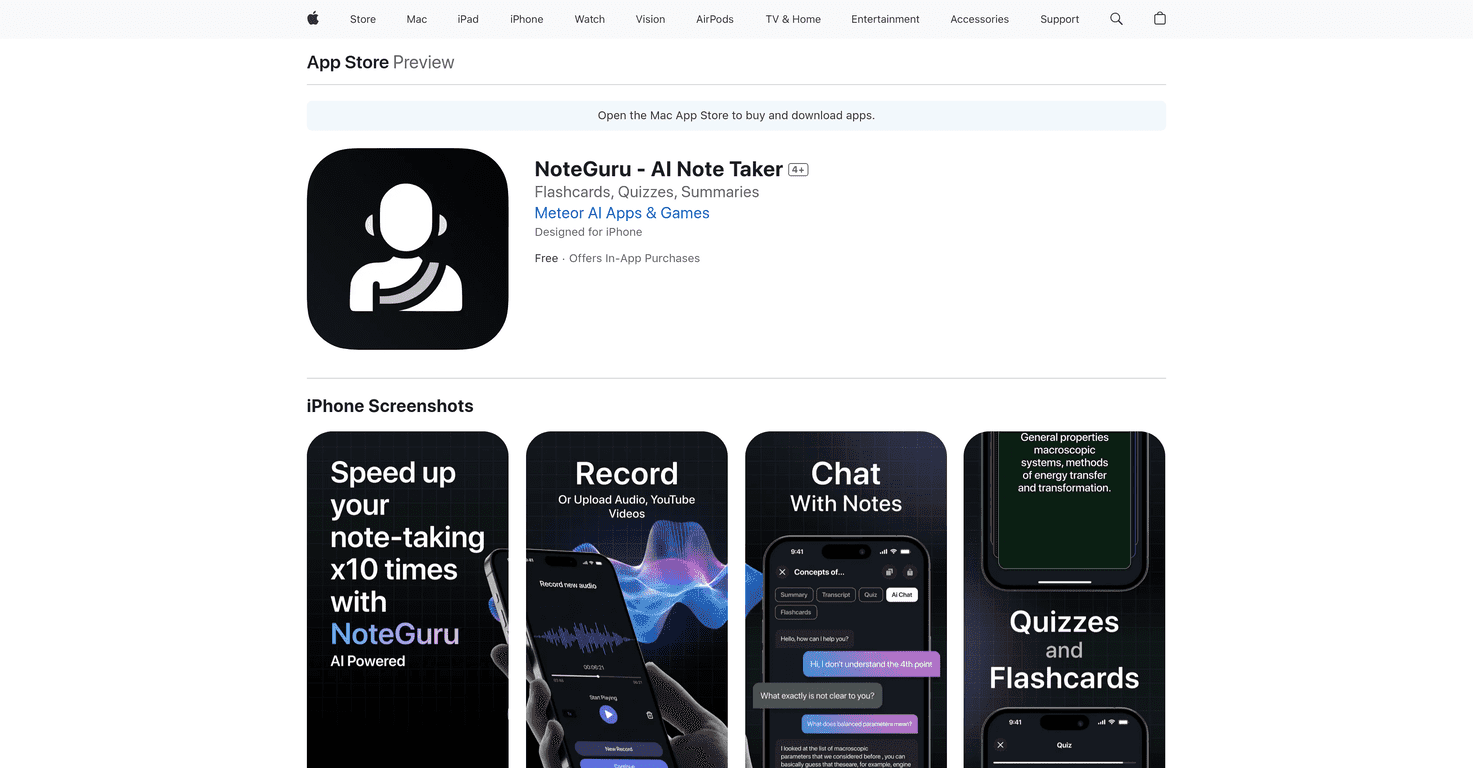
For more on a writing-focused AI tool, you can see our guide on noteguru.
Automatic transcription is especially useful when you’re gathering interview material. Instead of typing while someone talks, you capture audio and then clean up the notes afterward. Summarization helps too—but only if you treat it like a first pass.
Now, multimodal input is the “secret sauce” for a lot of writers. If you can capture by voice while walking, handwriting while thinking, and typing when you’re ready to structure, your notes feel more natural—and you’ll actually use the system. Tools like Nebo support stylus input, and iPads with Apple Pencil can make handwritten capture quick.
AI-Powered Summarization, Transcription, and Content Generation
Here’s a real-world use case I like: you record a 30–45 minute interview, transcribe it, then generate a short “quote bank” summary with key themes and follow-up questions.
Then you do the part AI can’t do perfectly: you verify. I skim the source transcript for the most important claims and I check that the quotes match what was actually said. If the summary invents nuance or misses a detail, you catch it before it contaminates your draft.
Limitations are real—transcription errors and “confident but wrong” summaries do happen. My mitigation steps:
- Use AI output as a draft, not final truth.
- Spot-check key passages against the original audio/transcript.
- Keep a “verify” tag for anything you’re not 100% sure about.
- If your tool offers confidence scores, use them to prioritize what you review.
Some writers also integrate these workflows with platforms like SpeedNote AI for a smoother capture-to-draft rhythm (especially during research-heavy weeks).
Combining Handwritten and Digital Notes for Better Retention
I’m a fan of hybrid capture because it matches how people think. Handwriting can be slower, but it forces attention. Digital notes are faster to organize and search. Together, they cover both bases.
There’s research suggesting hybrid note-taking can improve retention—one oft-cited figure is up to 13% improvement in retention when combining handwritten and digital approaches (see the referenced source [1] in your existing material).
Tools like Nebo and iPads with Apple Pencil make handwritten capture pretty effortless. I also like the “walk and jot” method: write rough ideas by hand while walking or thinking, then later digitize and link them to the right project notes.

Best Practices for Effective Note-Taking for Writers
These are the habits that actually keep a system usable after the first week:
- Review regularly: set a weekly (or biweekly) session to clean up tags, archive old notes, and link new ones to the right pages.
- Use a simple hierarchy: don’t over-engineer. If it takes 30 minutes to decide where a note goes, you’ll stop capturing.
- Keep retrieval in mind: your system should answer “where’s that detail?” quickly.
- Limit distractions: distraction-free modes can help you focus while capturing or drafting.
- Version safely: if your tool supports version history, use it when you’re editing important research notes.
PARA (Projects, Areas, Resources, Archives) is still one of the best “starter frameworks” for writers who want structure without complexity. It’s not perfect, but it’s practical.
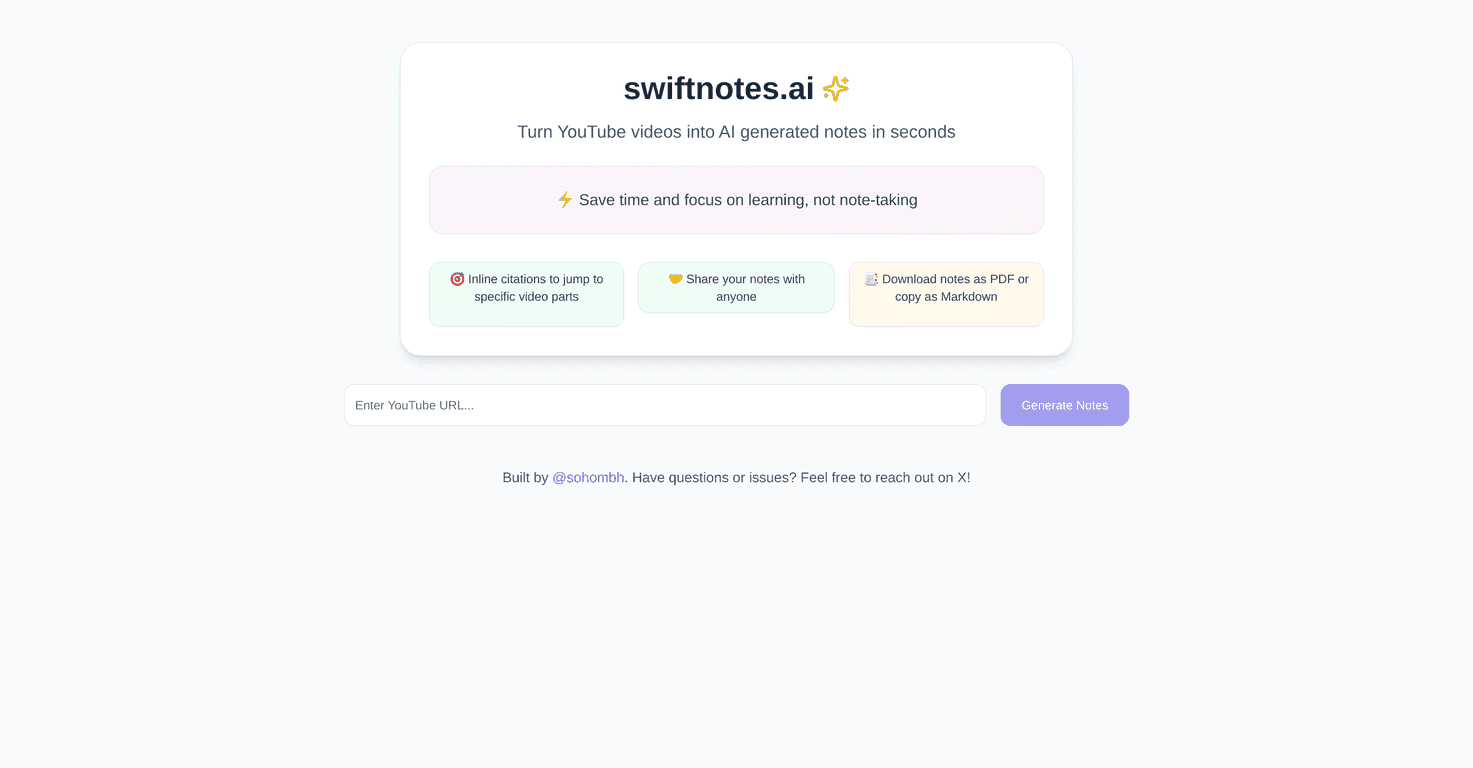
For more on another organizational approach, see our guide on swiftnotes.
Strategies for Organizing and Connecting Notes
Backlinks and graph views are great, but the real win is what you do during the writing cycle.
My rule of thumb: every time you draft a scene or section, you should connect it to at least one relevant research note and one relevant theme/character note. That turns your notes into a living drafting context instead of a static archive.
And when you revise? That’s when you use the graph: follow connections to find supporting evidence or discover where your story theme isn’t showing up enough.
Integrating Note-Taking into Your Writing Workflow
If you want this to feel seamless, map your workflow explicitly. Here’s a capture → synthesis → drafting example you can copy:
- Capture: record interview audio or voice notes while researching; clip PDFs/screenshots from sources.
- Transcribe: run transcription to get a clean draft of what was said.
- Tag: apply tags using a schema (Project, Stage, Type).
- Link: connect the note to the relevant outline node (scene/chapter), character page, and theme page.
- Synthesize: generate a short summary or “quote bank” draft, then verify the key lines.
- Draft: pull linked notes into your drafting tool (or manually copy the parts you need).
Where AI fits best is in the middle steps—transcription, initial summaries, and suggested tags. Where it fits worst is when you treat it like authority. Don’t do that. Review first. Draft second.
Also, cross-platform access matters. If you’re writing on your phone during travel and drafting on a laptop at night, you need syncing that doesn’t feel fragile.
On the publishing side, tools like Automateed can support workflow steps around formatting and shipping drafts—just don’t confuse that with note organization.
Challenges and Solutions in Modern Note-Taking
Modern note systems come with modern problems. The biggest ones I see:
- Information overload (too many notes, no retrieval)
- AI mistakes (mis-transcriptions, misleading summaries)
- Sync and security concerns (device failures, account issues)
Overcoming Information Overload
Information overload usually isn’t a “notes problem.” It’s a “workflow” problem. If you capture everything and never review, you’ll drown.
My solution checklist:
- Use semantic search to find related notes quickly, but don’t rely on it blindly.
- Summarize long documents into smaller chunks you can actually use in drafts.
- Prune ruthlessly: archive notes that don’t connect to any project or theme.
- Keep tags limited and meaningful (avoid 40 tag variants for the same concept).
Maintaining Cross-Device Synchronization and Security
Cloud sync is convenient, but you still need basic safety habits. If a tool offers encryption, use it. If it supports two-factor authentication, turn it on. And if you store sensitive research, don’t treat local-only storage as “safer” without backups.
Security basics I recommend:
- Enable two-factor authentication
- Keep regular backups (export periodically or sync reliably)
- Test access on a second device so you know your system actually works
For another tool review with a focus on AI writing workflows, you can see our guide on speednote.
Future Trends in Note-Taking Systems for Writers
Looking ahead, I expect note systems to get more “retrieval-first” and less “capture-first.” Instead of just storing notes, tools will help you answer questions like: “What did I decide about this character’s motivation last time?” or “Show me the research that supports this scene choice.”
On the tech side, the direction is pretty clear across the industry: better AI-assisted search and organization, more local-first approaches (so your data stays under your control), and more standard export formats so switching tools isn’t painful.
Market forecasts also suggest continued expansion—many reports point to note-taking software reaching over $13B by 2026 (with strong growth expectations). If you want one of the sources for the numbers, the same type of market summary referenced earlier is a good starting point: https://www.businessresearchinsights.com/market-reports/note-taking-software-market-100041.
And as APIs and data formats improve, writers should be able to move from one system to another without losing the structure that makes notes useful.

A Practical Recap: My Recommended Note-Taking Workflow for Writers
If I had to boil everything down into something you can implement this week, it would be this:
- Capture fast (voice/handwriting/text) into one place.
- Tag consistently with a small schema (Project, Stage, Type).
- Link intentionally (character/theme/research ↔ scene/outline nodes).
- Use AI as a starter for transcription and summaries, then verify key details.
- Review weekly to prune, reorganize, and update connections.
- Export periodically so you’re never trapped by a platform.
Do that, and your notes stop being a “storage habit” and start acting like a writing partner.
FAQs
What is the best note-taking app for writers?
There isn’t one magic app. If you want rich media and simple capture, Evernote can be great. If you want databases and flexible outlining, Notion is hard to beat. If you want linked notes and a knowledge graph, Obsidian is the obvious contender. Choose based on capture style, retrieval needs, and how cleanly you can export.
How do writers organize their notes effectively?
Use a consistent structure (PARA is a popular option), then add backlinks or linking so related notes connect naturally. Keep tags limited and meaningful, and do a quick weekly review so your archive stays searchable.
What features should a note-taking system have for writers?
Cross-platform support, Markdown or clean export, strong search (ideally semantic), offline access, and version history. If AI features are included, you should also be able to review and edit the output easily.
Are free note-taking apps sufficient for professional writers?
Often, yes—if the free plan covers the basics you need (sync, search, export). Paid plans can be worth it for better AI, more reliable sync, or advanced organization features. Just make sure you’re not giving up portability.
How does Markdown support improve note-taking for writers?
Markdown keeps notes clean and portable. You can export them, version them, and reuse them later without fighting proprietary formatting. It’s also easier to move your notes into drafting workflows when you’re ready.