Table of Contents
I’ve tried a few “text to audio” tools over the years, and most of them sound… fine. Not great. Not really “podcast-ready.” That’s why I was curious about Notebooklm Podcast. It’s built to turn written text into spoken audio using AI voices, so you can take something you already wrote—notes, scripts, blog posts, outlines—and get an audio version without staring at a blank recording screen.
In my experience, the biggest win here is speed. You paste or upload your content, pick a voice, and you’re listening pretty quickly. And if you’re making content for different audiences, the voice and language options matter more than people think. A global audience doesn’t want a “one-size-fits-all” narration style.
Notebooklm Podcast Review: Text to Audio, But Actually Usable
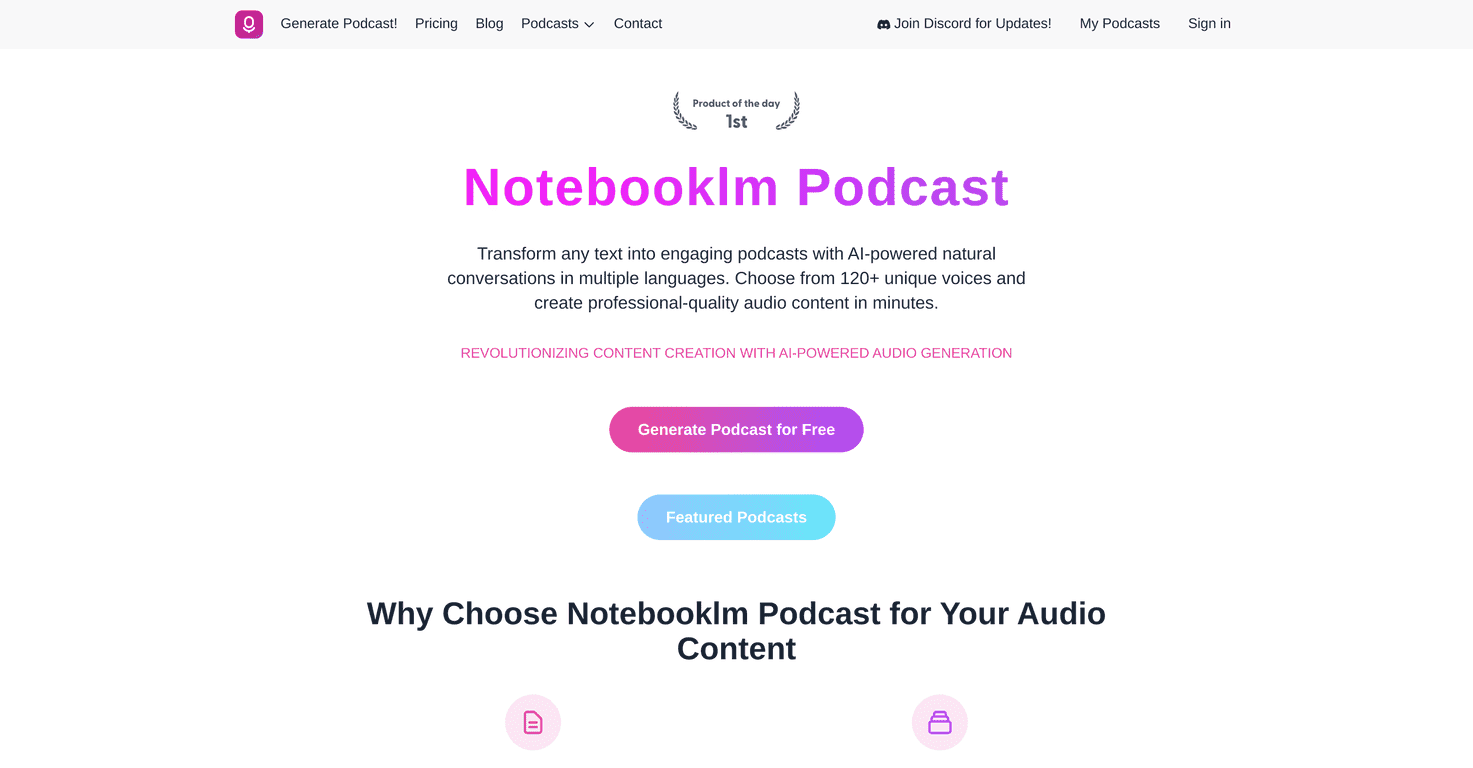
The Notebooklm Podcast tool is an AI-powered podcast generator that converts written content into spoken audio. The idea is simple: take your text and turn it into something you can listen to—whether you’re studying, prepping a presentation, or repurposing an article for people who prefer audio.
What I noticed right away is that it’s not just “read the words.” It’s meant to sound like narration, which matters if you’re turning notes into a lesson or turning a script into a voiceover. If you’ve ever tried converting a dense paragraph into audio manually, you know how painful that gets.
It also supports a voice library with 120+ unique voices and lets you choose multiple languages. That’s a big deal for me because I don’t want to force everything into one accent and one pace. If your content targets, say, Spanish-speaking learners or an international audience, being able to switch languages without rebuilding the whole workflow is huge.
Another practical win: you can generate audio quickly. I don’t want to spend 30 minutes tweaking formatting just to get something to play. The quicker you can go from draft to listening, the more likely you’ll actually use it for content repurposing.
Key Features I’d Pay Attention To
- Diverse Voice Library (120+ voices): More than just “one voice.” You can match narration tone to the content.
- Flexible AI Models: Different audio qualities depending on what you’re making (quick listen vs. higher polish).
- Multiple Input Methods: You can use direct text entry and also upload files, which is convenient if you’re working from docs.
- Personalized Voices (enterprise): If you’re a brand and want consistency, this is where it starts to matter.
- Global Content Creation: The language options help you localize without rewriting everything from scratch.
- Instant-ish Transformation: Fast turnaround is the whole point—especially when you’re iterating.
- Multiple Format Options: Helpful if you need different output types for different platforms.
Pros and Cons (Real-World Take)
Pros
- Voices sound natural enough to keep listening. I didn’t feel like I was fighting the narration like I’ve had with other tools.
- Text-to-audio workflow is quick. You can repurpose content without turning it into a full production.
- Voice and language selection is genuinely useful. If you need accents or multilingual narration, you’re not stuck.
- User-friendly input options. Both typing and file uploads make it easier to fit into an existing workflow.
- AI output quality is strong for the time it saves. You’re getting something you can publish or at least refine.
Cons
- Lower-tier plans can feel limiting. If you’re planning to generate a lot, you’ll likely hit constraints sooner than you expect.
- Voice cloning/customization isn’t guaranteed on every plan. If that’s a must-have, double-check what’s included before you commit.
Pricing Plans: What You’ll Likely Want
Notebooklm Podcast includes a free trial, which is honestly the smart way to test it. You can get a feel for the voice quality and how the output sounds with your own text before paying.
After that, there’s a Hobby Plan for casual users—good if you’re making occasional episodes, study audio, or small content experiments. If you’re more serious (or you publish regularly), you’ll probably want one of the professional plans with premium features.
Then there’s the Enterprise Plan, which is aimed at teams that need more volume and consistency. It also mentions unlimited podcast generation and options for custom voice creation. That’s the kind of feature that’s great for brands or organizations, but it’s not something most casual creators need.
Wrap up
If you’re trying to turn written content into audio without turning it into a whole project, Notebooklm Podcast is worth a look. The voice variety (120+), the multi-language support, and the fast text-to-audio workflow are the standout parts. I also like that it feels built for both creators and teams—not just one narrow use case.
That said, if you’re expecting advanced customization like voice cloning on day one, make sure you check which plan includes it. And if you’re going to generate a lot, don’t assume the lower tiers will keep up.
Overall? It’s one of the more practical AI audio tools I’ve used for repurposing content into something people can actually listen to.
Promote Notebooklm Podcast



