Table of Contents
What Is Notra? (And What I Actually Tested)
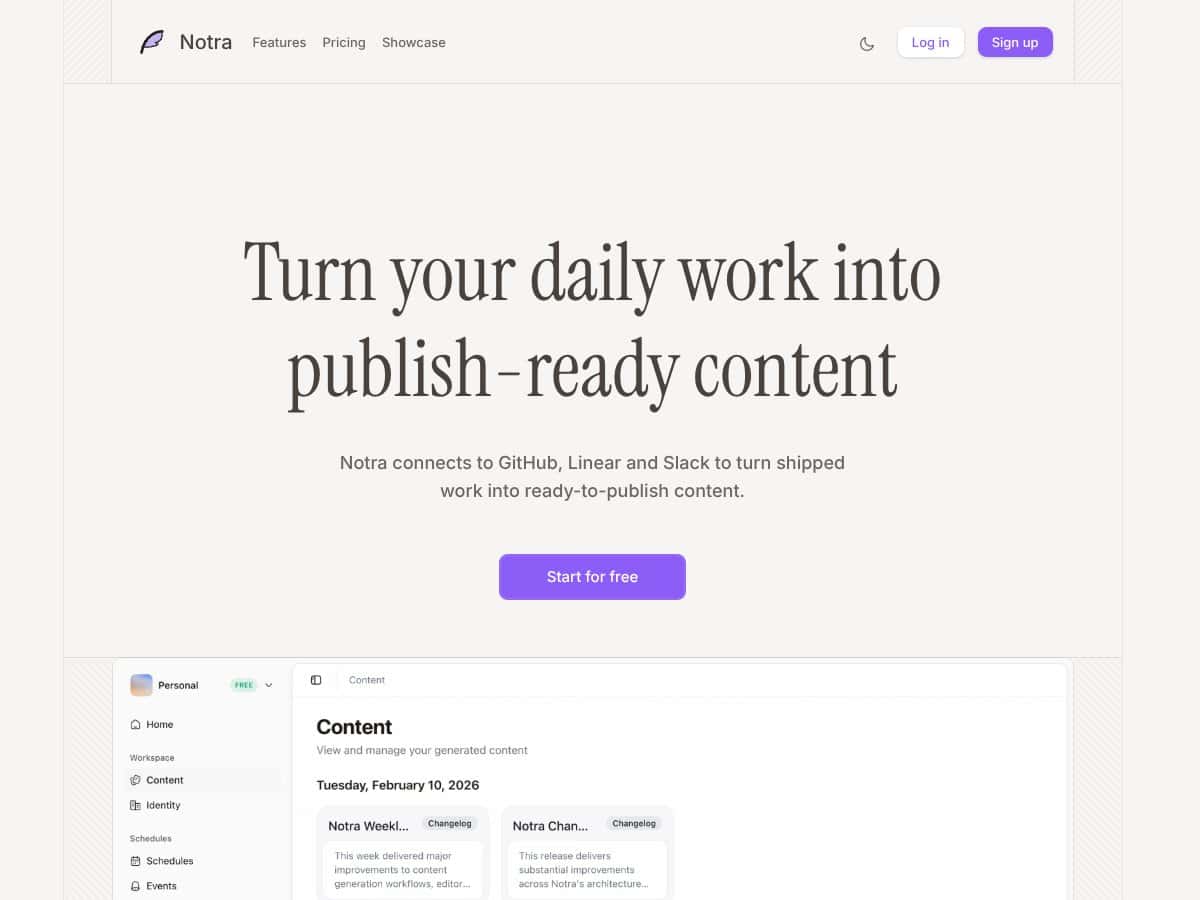
I’ll be honest—I went into Notra a little skeptical. The pitch is that it can take your team’s day-to-day work (pull requests, issue updates, even Slack chatter) and turn it into publish-ready content. That’s the kind of promise that usually turns into “cool demo, messy reality.”
So I tested it the only way that makes sense: I connected the tools I actually use, then watched what it produced after real activity—not just one lucky run.
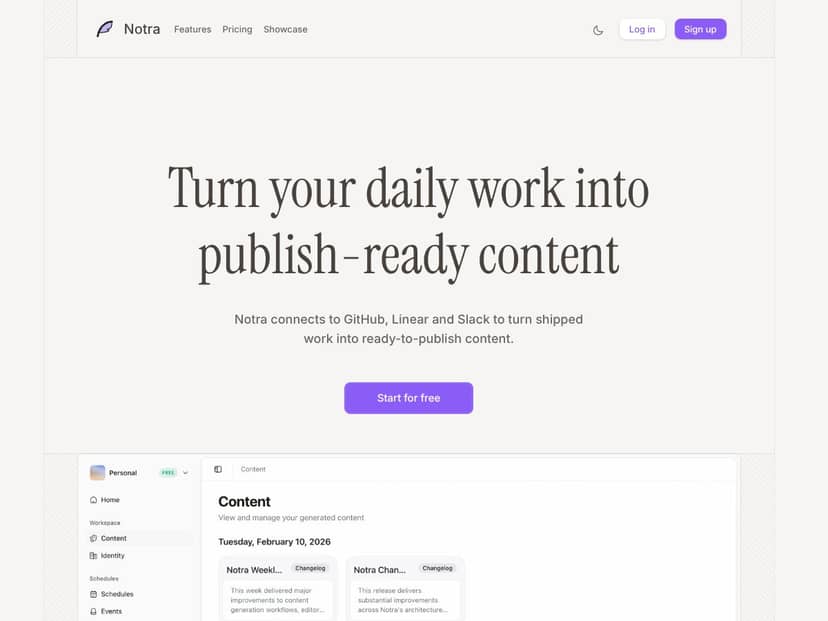
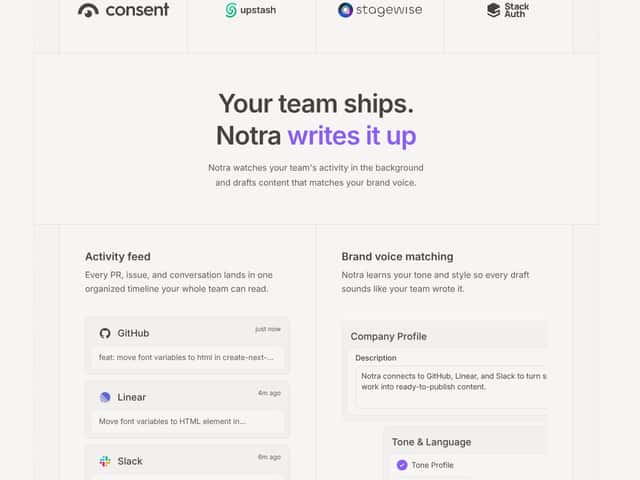
Notra is essentially an automation layer that connects with GitHub, Linear, and Slack. Once those integrations are connected, it monitors activity and generates drafts when something meaningful happens—like a pull request getting merged or a Linear issue moving forward.
In practice, the content it generates is usually in the form of:
- Release notes / changelog-style drafts tied to merged PRs
- Blog post draft content based on shipped features
- Social updates that summarize what changed (and why it matters)
The big goal is to reduce the “someone has to write this every time” tax. Instead of manually turning PRs into a release post, you get a first draft and then edit it. That part is pretty clear in the product messaging—and that’s exactly how it felt in my testing.
One thing I noticed pretty quickly: Notra isn’t pretending to be a full content engine. It’s more like a “draft generator tied to your workflow” than a marketing platform that handles strategy, distribution, and analytics end-to-end.
Also, I couldn’t find much about the company behind it (founders, background, long-term roadmap) from the usual places you’d expect. That’s not automatically bad, but when you’re trusting a tool with your workflow and writing, it’s fair to want more transparency. I ended up relying heavily on what the product itself did during setup and testing.
What I did wish I had upfront: clearer visibility into how the drafts are built. The docs and examples I found weren’t detailed enough for me to confidently predict the output quality across different types of work. In other words, it worked, but I couldn’t fully “audit” the process before using it.
Notra Pricing: Is It Worth It? (With a Real Usage Lens)
- 2 team members
- 15 AI credits/month
- 3 workflows
- 2 integrations
- 30 references
- 7 days log retention
- Up to 5 team members
- Unlimited workflows and integrations
- 30 days log retention
- 100 references included, then $0.05 per reference/month
- 100 AI credits/month, then $0.01 per credit/month
- Unlimited team members
- Unlimited AI credits and workflows
- Custom integrations and references
- Dedicated support
| Plan | Price | What You Get | My Take |
|---|---|---|---|
| Free | $0/month | Good for testing the workflow-to-draft idea. But the credit and reference limits mean you won’t stress-test volume for long. | |
| Pro | $50/month | More flexible for teams that publish regularly. Still, the usage-based add-ons are the part you should actually model before you commit. | |
| Enterprise | Custom pricing | For orgs with higher volume, security requirements, and custom workflow needs. You’ll want to review terms carefully. |
Honestly, here’s the thing about the pricing... It looks simple at first glance, but it’s usage-driven in a way that can surprise you if you don’t pay attention to references and AI credits.
On the Pro plan, you get 100 AI credits/month and 100 references included. After that, it’s:
- $0.01 per extra credit/month
- $0.05 per extra reference/month
Here’s a worked example (not a guess—just math based on the plan structure). If you have a busy team and you end up using 350 references/month, you’d pay for 250 extra references:
250 × $0.05 = $12.50/month added on top of $50. That’s still not catastrophic, but it’s real. And if your team also burns through AI credits faster than expected, those add-ons stack.
In my experience, the “gotcha” isn’t that Notra is expensive—it’s that drafts can become a habit. If you generate multiple versions, rerun drafts, or set up workflows that trigger more often than you planned, credits/references can ramp up quietly.
So what’s the best approach? Treat the Free tier like a calibration period. Use it long enough to estimate your monthly draft volume and how many reruns you do after reviewing results. Then decide if Pro’s $50 plus usage add-ons matches your reality.
The Good and The Bad (After Using Notra for Real)
What I Liked
- Integrations felt practical: Connecting GitHub, Linear, and Slack wasn’t the painful part. Once they were hooked up, the workflow-to-draft idea made sense immediately.
- Activity-to-content is the core value: When PRs get merged or issues move forward, Notra doesn’t ask you to start from scratch. It starts from the work you already have.
- Drafts usually land in the right lane: The tone and structure were generally consistent with what you’d expect from release communication (clear summary, some context, and a “what’s new” vibe).
- Brand voice matching helps (but it’s not magic): I saw drafts that were more aligned with the style I set compared to totally generic output. Still, it didn’t eliminate editing—more like it reduced the amount of rewriting I had to do.
- Automation reduces the “blank page” moment: I didn’t have to stare at a release doc and wonder how to phrase everything. I could jump straight into editing.
What Could Be Better
- Not enough “how it works” transparency: I wanted more detail on the generation workflow—what fields it pulls, what it prioritizes, and how it decides structure. The product does the job, but it doesn’t fully explain the logic behind the drafts.
- Customization is limited beyond voice: I didn’t find deep controls for things like strict formatting rules, exact template blocks, or advanced tone sliders. If you want highly specific output formats, you’ll likely end up editing.
- Credit/reference usage isn’t obvious: The free tier is tight enough that you’ll feel limits quickly. What’s less clear is how quickly you’ll consume credits under different workflow setups.
- Workflow examples are harder to evaluate than you’d think: I tried to map the “promised workflow” to my actual process, but there weren’t enough concrete case studies showing different scenarios (small PRs vs big epics, refactors vs customer-facing features, etc.).
- Social outputs can need tightening: Some drafts were good, but the “tweet-ish” summaries still needed human passes to avoid sounding slightly generic or overly broad.
Who Is Notra Actually For?

Notra makes the most sense if you’re already living in GitHub + Linear + Slack and you ship often enough that release communication becomes repetitive.
In my view, the best fit is:
- Solo developers who want release notes without spending an extra afternoon every sprint
- Small product teams (3–10 people) that need consistent updates for users or stakeholders
- PMs or devrel folks who want a draft to start from, then refine it
Here’s a realistic example of how it can work day-to-day: a PR merges with a clear summary and linked issue(s). Notra generates a changelog-style draft. Then you tweak the wording so it’s accurate, user-friendly, and consistent with your previous releases.
It’s also helpful if you care about consistency across channels. I found that when you’re publishing similar types of updates repeatedly, a “draft-first” workflow helps keep formatting and tone from drifting over time.
That said, if you’re expecting it to replace your marketing workflow completely—campaign planning, multi-channel scheduling, deep content strategy—Notra isn’t built for that. It’s focused on turning shipped work into updates, not running a full content pipeline.
So if you want less manual writing and your team already uses those tools, you’ll probably feel the value quickly.
Who Should Look Elsewhere?
If your main job is creating highly customized marketing content—long-form blog posts with very specific structure, custom landing page copy, or elaborate campaign messaging—Notra may feel limiting. It’s not trying to be a full CMS or a content production suite.
Also, if you don’t use GitHub, Linear, or Slack, you’ll lose a lot of the “it just plugs in” benefit. You can still generate drafts in other ways, but the whole point is that it ties into your actual activity.
Another group that may get frustrated: teams who want analytics and performance tracking for generated content. In what I reviewed, there wasn’t a clear, detailed set of engagement metrics (like click-through, read-time, or conversion tracking) tied to the output.
Finally, if you’re strict about security and compliance, you’ll want to verify the details with the sales team. I didn’t see enough deep, specific information in the materials I checked to confidently say it covers every enterprise requirement out of the box.
How Notra Stacks Up Against Alternatives

Changelog.ai
- What it’s best at: Changelog.ai is focused on changelog generation and can be more flexible depending on how you want formatting handled.
- Where it differs: It tends to lean into changelog customization and multi-VCS workflows more than “multi-source content” across dev tools.
- Price reality: Many users land in the $15–$20/month range depending on usage/tier, but it’s worth checking current plans directly on their site.
- Pick this if: you want more control over changelog formatting and you work across multiple version control setups beyond GitHub.
- Pick Notra if: you want a more out-of-the-box workflow that connects your dev activity to drafts across GitHub/Linear/Slack without building a bunch of glue yourself.
Release Drafter
- What it is: Release Drafter is basically a GitHub Actions workflow that drafts release notes from PR labels and commit messages.
- Big difference vs Notra: It’s deeply GitHub-first. If you want Linear and Slack-aware drafts, you’re not getting that same “all-in-one” experience.
- Cost: It’s open source and free, but you do need to set it up and maintain the workflow configuration.
- Pick this if: you want a no-cost solution and you’re comfortable managing GitHub Actions and label/commit conventions.
- Pick Notra if: you want something more turnkey that plugs into multiple tools and produces drafts without continuous workflow tuning.
Backport
- What it’s best at: Backport focuses on versioning and release management workflows, especially around cherry-picking changes to release branches.
- Where it differs: It’s more developer workflow oriented (and often CLI/engineering-driven) than “generate release marketing drafts from PR narrative.”
- Cost: Open source and free, but again—setup is on you.
- Pick this if: you want tooling for backporting and release management rather than content generation.
- Pick Notra if: you want the output to be publishable drafts tied to shipped work, with less manual plumbing.
Contentful or CMS-based tools
- How teams use them: Many teams use a CMS (Contentful, WordPress, etc.) to manually publish blog posts or update social channels based on release info.
- Trade-off: This is more “content operations” than automation. You still have to write or coordinate the copy.
- Pricing varies: You’re often paying for hosting, CMS features, and publishing workflows.
- Pick CMS if: your workflow is content-first and you need full publishing control.
- Pick Notra if: you want automation that starts from code activity and produces drafts you can publish (with editing) quickly.
Final Verdict: Should You Try Notra?
I’d rate Notra about 7/10 based on my testing. It’s genuinely useful if you want faster release updates and you’re already using GitHub, Linear, and Slack. The drafts are a real time-saver compared to starting from scratch.
But it’s not a “set it and forget it” tool. The limitations I ran into were mostly about control and visibility—not whether it can generate something. You’ll still edit, and if you need strict formatting or deep customization, you may end up doing more work than you expected.
Who should try it? Small to mid-sized teams who ship regularly and want consistent communication without adding a whole extra writing process. If you’re a solo developer or early startup, the Free tier is a smart way to test the workflow without committing.
Who should look elsewhere? Teams that need:
- highly customized marketing output (not just release summaries)
- deep analytics tied to content performance
- advanced formatting controls and strict template logic
- or a tool that works outside GitHub/Linear/Slack ecosystems
Would I recommend it personally? Yes—if your goal is to cut down on manual release note writing and keep your messaging consistent. If you want total control over every word and layout, you’ll probably be happier with a more configurable system or a more manual workflow.
If your team ships regularly, give Notra a shot. If your process is heavily content-driven or you require deep customization, you might want to spend that time evaluating alternatives first.