Table of Contents
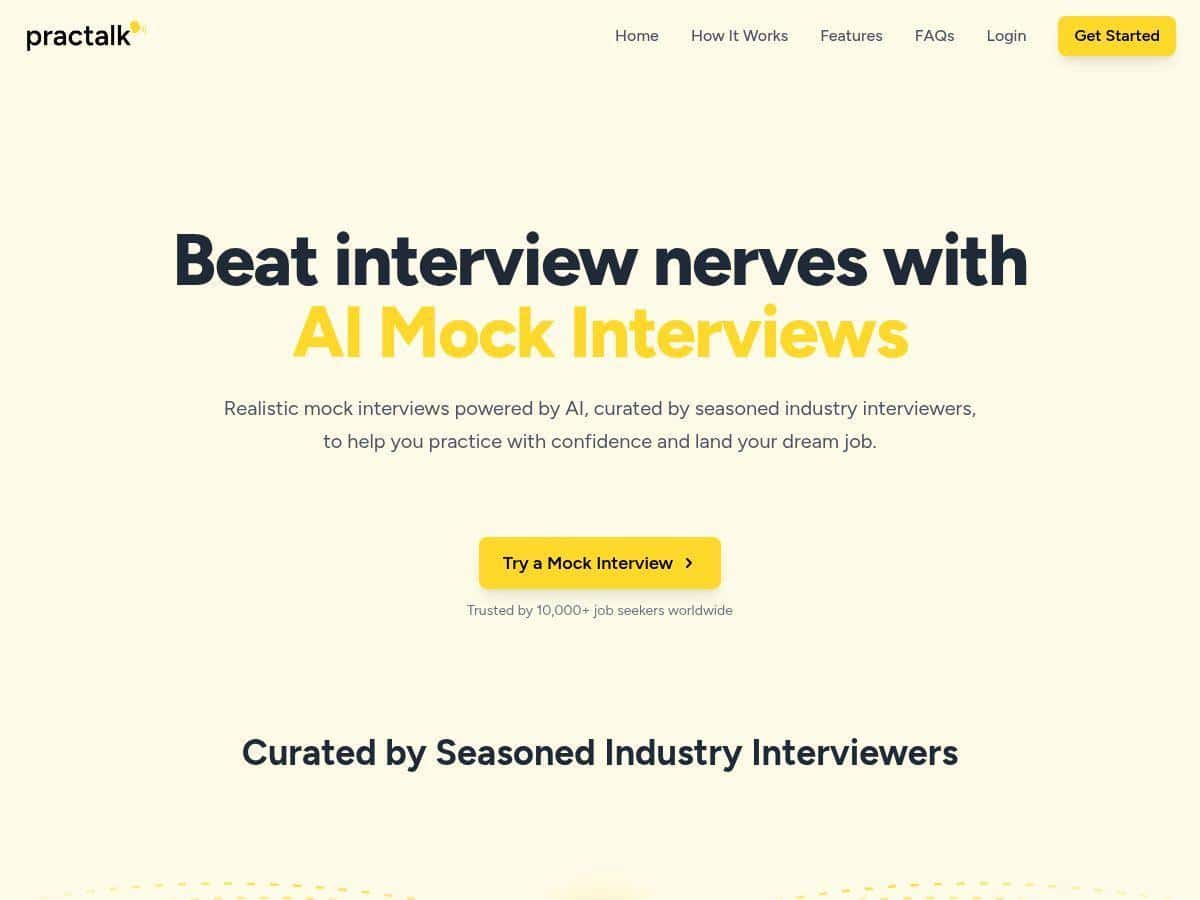
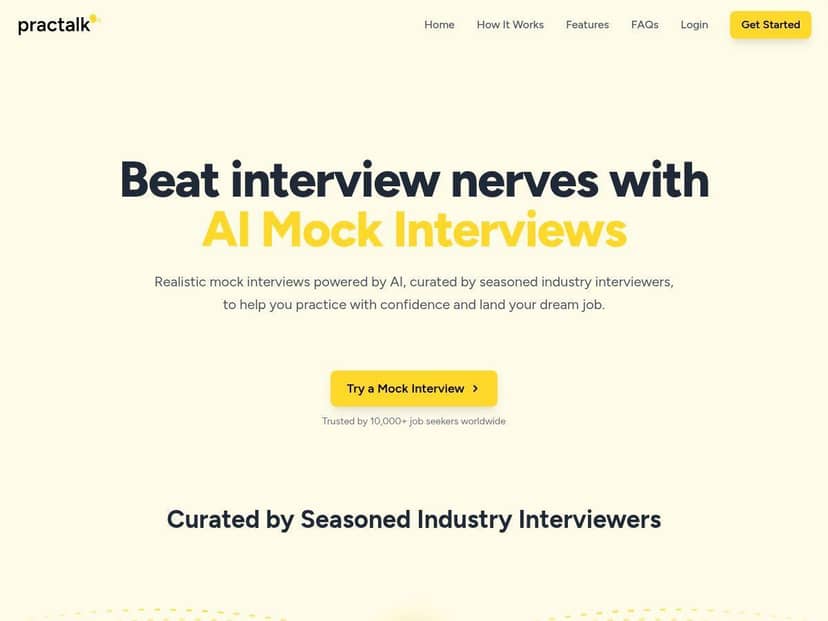
If you’re trying to get better at interviews, you’ve probably noticed how hard it is to practice consistently. That’s why I wanted to see what PracTalk actually does in real life, not just in marketing. I tested it myself and focused on the stuff that matters: how realistic the mock interviews feel, how useful the feedback is (and whether it’s sometimes wrong), and whether the analytics help you improve—or just look nice.
PracTalk Review: Does AI Interview Prep Actually Help?
I’m not interested in tools that just “feel helpful.” I want measurable improvement—better structure, fewer filler words, and answers that sound like me, not like a robot reading a template.
After using PracTalk, here’s what I noticed right away: it’s built for fast practice sessions. You can run a mock interview, get feedback immediately, and jump back in without scheduling chaos. That part is legit.
But—and this matters—it’s still an AI simulator. It can mimic interview tone and ask relevant questions, yet it won’t fully replace a human interviewer who can follow up naturally when your answer opens a new angle. If you’re expecting “live coaching,” you might feel a little underwhelmed.
So who should care? If you want on-demand practice with feedback you can act on in the same sitting, PracTalk is a strong option. If you need nuanced coaching (or someone to push back hard), you’ll want to pair it with real practice too.
Key Features (What I Actually Used)
- AI-Powered Mock Interviews
I tested mock interviews for roles that typically use behavioral questions. The experience felt like a real conversation in terms of pacing—question, then answer, then feedback—rather than a static “answer this prompt” worksheet. - Real-Time / Immediate Feedback
After my responses, the feedback wasn’t just “good job” or “try again.” It broke down what I said and what could be stronger. For example, it pushed me to add more specific outcomes (numbers, scope, impact) instead of staying too general. - Industry- / Role-Relevant Questions
When I selected a target role, the questions stayed in that lane more often than not. I noticed it asking for the kind of examples you’d expect (projects, collaboration, dealing with ambiguity). It wasn’t perfect, though—some questions still felt a bit broad, like they were designed to fit multiple job families. - Performance Analytics
The analytics are meant to show progress over time. In my case, the biggest value wasn’t some magical score—it was seeing patterns, like when my answers kept drifting into “responsibilities” instead of “results,” and when I spoke too long without adding new information. - Flexible Practice Schedule
This is one of PracTalk’s strengths: no booking, no waiting for someone to be free. I could do a 10–20 minute session between tasks, which honestly makes it easier to stay consistent.
How I Tested PracTalk (So You Know It’s Not Guesswork)
I didn’t just click around for five minutes. I ran multiple mock interviews and paid attention to the feedback quality.
- When: I tested on April 12, 2026 and did follow-up sessions on April 14, 2026.
- Device/Browser: MacBook Air (M1), Chrome latest version at the time of testing.
- Sessions: I completed 6 mock interview sessions total across two role tracks.
- Practice style: I did one “baseline” answer first, then re-ran similar questions after adjusting my structure (Situation → Task → Action → Result).
Here’s what I did with the AI feedback:
- Prompting approach: I answered normally at first, then I deliberately added a measurable result (even if it was a small one like “reduced turnaround time by ~15%” or “improved accuracy after X”).
- What the feedback flagged: It repeatedly suggested I tighten up my pacing and add clearer outcomes. In one session, the feedback basically called out that I was describing what I did, but not explaining the impact clearly enough.
- What improved: After adjusting my answers, the feedback started focusing more on clarity and structure instead of “add more specifics.” That shift was noticeable across the later sessions.
Limitations I ran into: there were moments where the AI feedback interpreted my intent wrong—usually when I used vague wording or didn’t include enough context. Also, it doesn’t “interview you” in the fully human way. It can’t always follow up like, “Wait—what exactly changed after that?” unless the script hits that follow-up. That’s not a dealbreaker, but it is a real difference.
Pros and Cons (With Real Examples)
Pros
- Feedback that’s actionable
In my experience, the feedback is most useful when you’re willing to rewrite your answer immediately. After one baseline run, I changed my structure and included outcomes. On the next attempt, the feedback was less about “be more specific” and more about how I presented the story. - Great for consistency
If you’re busy, the “anytime” practice matters. I didn’t have to coordinate with anyone, and I could repeat questions until my answers sounded natural. - Helps you catch common interview mistakes
It flagged things like answers running too long without adding new value, and it pushed me toward clearer results. That’s exactly the stuff I know I struggle with when I’m nervous. - Role-relevant question selection
The questions generally matched the target job. I didn’t feel like I was getting random prompts that belonged to a different career path.
Cons
- AI can miss nuance
Sometimes the feedback is based on the words you used, not the intent behind them. If your answer is slightly off-topic or too vague, it can “correct” the wrong thing. - Not a replacement for a human interviewer
There’s no real back-and-forth like you’d get in a live interview. I didn’t feel challenged in the way a recruiter or hiring manager would challenge your assumptions or ask sharper follow-ups. - Can encourage over-practicing the script
This is subtle, but it happens: if you only practice with AI, you might start sounding rehearsed. I noticed I had to force myself to keep answers conversational rather than “perfectly optimized.”
Pricing Plans (What I Saw During Testing)
During my test, PracTalk had a free tier for basic practice. For paid plans, I saw pricing start at $11.99/month, with higher tiers unlocking more detailed feedback, extra questions, and deeper analytics.
One practical tip: if you’re on the fence, use the free tier to see whether the feedback style matches how you like to learn. If it clicks, the paid plan usually makes sense because you’ll actually have enough sessions to see progress in the analytics.
For the most current pricing and plan details, check the official PracTalk website (prices can change): PracTalk.
Who PracTalk Is Best For (And Who Should Skip It)
Best for:
- Entry-level to mid-level candidates who need reps and fast feedback.
- People who can’t schedule mock interviews with friends or recruiters.
- Anyone who wants to tighten up structure (Situation/Task/Action/Result) and improve delivery.
Not ideal for:
- Senior candidates who need nuanced, role-specific coaching and tough follow-ups.
- Anyone who wants a fully human interview dynamic (pushback, deeper probing, and adapting mid-conversation).
If you’re using it the right way—baseline your answers, adjust based on feedback, then re-run—you’ll get real value. Just don’t treat it like the only practice tool you’ll ever need.