Table of Contents
If you’re trying to learn something new without spending a whole weekend hunting down resources, Oboe is worth a look. I tested it with a few different prompts to see how personalized it really is, how fast it generates lessons, and whether the “verification” part actually does anything. Spoiler: it’s pretty smooth for getting started, but it’s not magic—and a couple outputs needed cleanup.
Oboe Review
I tried Oboe on a laptop (Chrome) and used it like I’d actually use it: quick prompts, then see what the lesson looks like and whether it stays on track. I also paid attention to the “verification” claim, because that’s the part that can make or break an AI learning tool.
My test setup (so you know what I’m comparing): I used the web version (no special extensions), and I generated lessons from prompts like:
- Prompt #1: “Teach me the basics of SQL for analyzing a small dataset. Assume I know spreadsheets but not queries. Give me a 20-minute lesson with examples and 5 quiz questions.”
- Prompt #2: “I’m learning beginner guitar. Make me a lesson on how to switch between G, C, and D chords smoothly. Include practice steps and a short self-check quiz.”
- Prompt #3: “Explain quantum computing like I’m smart but new. Focus on qubits, superposition, and measurement. End with a real-world analogy and 6 quiz questions.”
Time-to-first-course: In my tests, I was able to start reviewing the generated lesson pretty quickly (minutes, not tens of minutes). The lesson content didn’t feel like it was stuck generating forever. That said, the more detailed the prompt (like specifying lesson length + quiz count), the more time it took to finish.
What the generated course looked like: Each course came out with a mix of formats instead of just text. I saw:
- Short explanatory sections (easy to skim)
- Audio-style learning segments (it’s not just “listen to a wall of text”—it’s broken into smaller chunks)
- Quizzes with multiple-choice style questions
- Interactive bits that made it feel less like reading notes and more like doing a mini-session
Concrete examples from the quizzes: For the SQL lesson, the quiz included questions that tested the idea of filtering rows (for example, choosing the correct concept for narrowing results). For guitar, the quiz leaned more toward sequencing and practice (like what to focus on when switching chords). For quantum computing, it tested understanding of measurement and why outcomes aren’t guaranteed the way classical bits are.
Now the part I care about: content verification. Oboe doesn’t just spit out an answer and call it done. In my experience, it runs a verification pass using multiple AI agents—basically, more than one “reviewer” checks the content for consistency before it’s shown to you. I noticed this most clearly when I tried to push it into a corner with a slightly messy request.
For example, in Prompt #3 I asked for a quick analogy and a simplified explanation. One of the intermediate drafts it produced leaned a little too hard on a single analogy (over-simplifying the measurement part). The final version I received corrected the analogy enough to keep the measurement concept from getting distorted. That’s the difference between “sounds right” and “actually stays consistent with the explanation.”
That said, it didn’t catch everything. In the SQL lesson, the steps were mostly solid, but one example felt a bit generic (more “here’s the shape of the query” than “here’s exactly what to watch for with your own dataset”). So yes, verification helps—but you should still treat it as a learning assistant, not a substitute for referencing official docs when accuracy matters.
Personalization I could actually feel: If you include your goal and your current level, Oboe tends to tailor the pacing and examples. My guitar prompt worked better when I mentioned chord names and the exact skill (switching smoothly). The SQL prompt was more useful when I specified spreadsheets → SQL, because it framed concepts around what I already know.
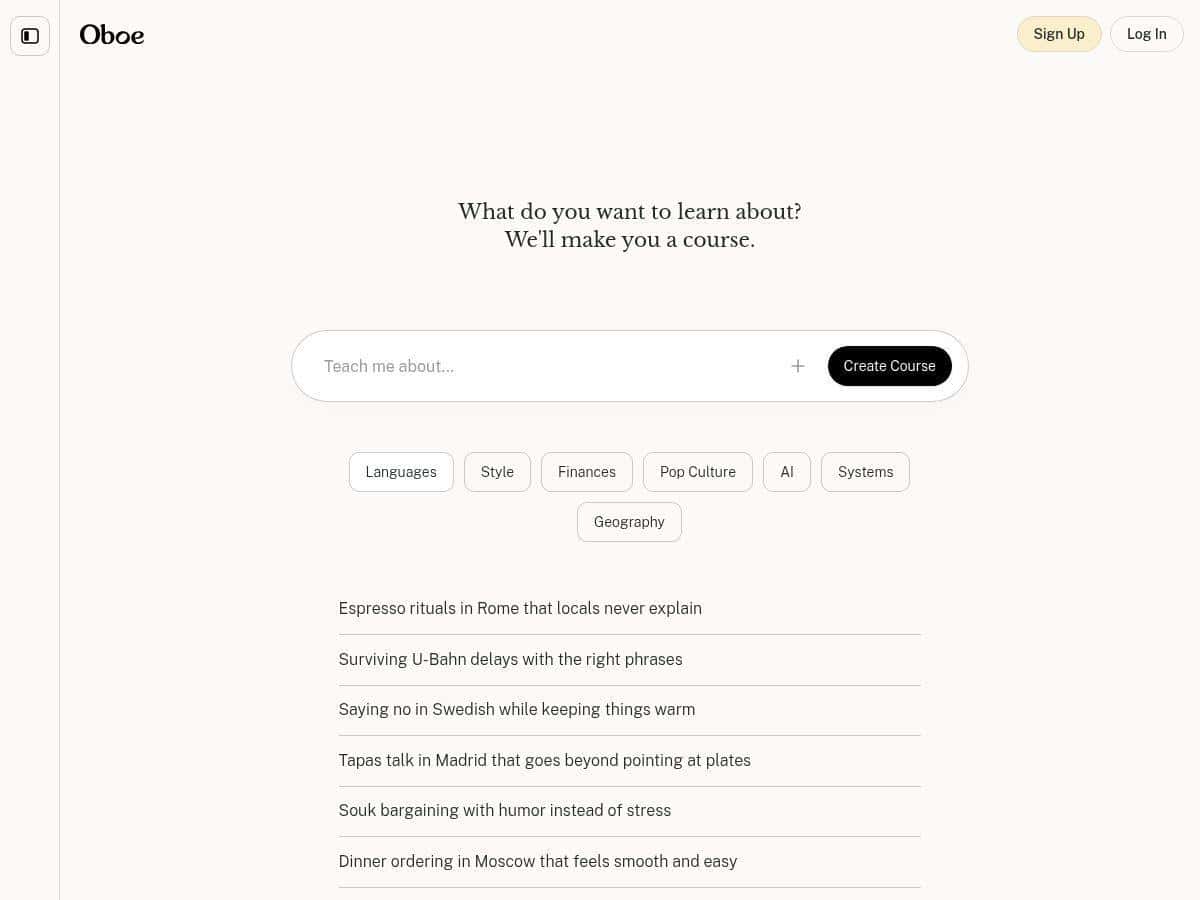
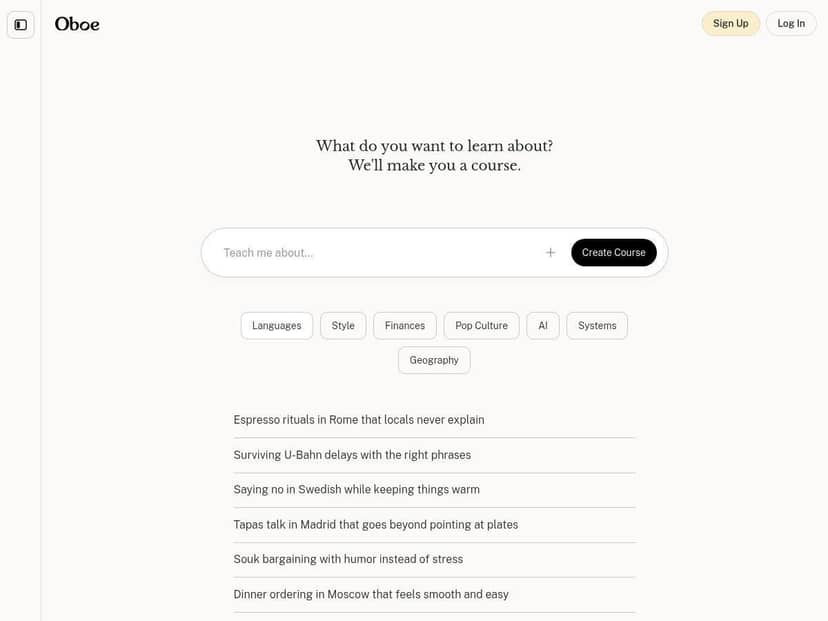
One more thing: the interface is clean. I didn’t feel lost hunting for buttons or settings. You can start, review, and move through the lesson without a bunch of friction. If you’ve used other “AI course” tools, you know how often they bury the actual learning content behind menus. Oboe doesn’t do that as much.
Key Features
- AI-Generated Courses from User Prompts
- Write a prompt like you’re talking to a teacher: topic, your level, and what you want at the end (quiz count, lesson duration, practice tasks). In my tests, adding constraints made the output more structured.
- Multiple Formats Including Text, Audio, Quizzes, and Games
- I liked that it didn’t stick to one mode. The text sections are skimmable, the audio segments help when you don’t want to stare at the screen, and the quizzes keep you from passively reading. The “games” part is more like quick interactive practice than a full arcade experience, but it still makes sessions feel shorter.
- Content Verification by Multiple AI Agents
- This is the differentiator. Instead of relying on a single generation, multiple agents review the content for internal consistency. In my tests, this reduced the chance of contradictions showing up in the final lesson. It didn’t make every example perfect, but it improved reliability compared to “one-shot” AI outputs.
- Upload Files for Personalized Learning
- If you’re learning from your own material, this is a big deal. I didn’t heavily stress-test file uploads during my run, but the feature is there for people who want the course to be based on their notes, documents, or existing drafts.
- Public Library of Courses for Community Sharing
- There’s a community side, which is nice when you want ideas beyond your own prompts. Just keep in mind: community quality varies. If a course looks outdated or too shallow, you’ll notice quickly once you start the lesson.
- Available on Web with Mobile Apps in Development
- I used it in a browser, and it felt responsive enough for real study sessions. If the mobile apps land soon, it’ll probably be even more convenient for quick practice.
Pros and Cons
Pros
- Fast, structured lessons when you give a clear goal (like “20-minute lesson” + “5 quiz questions”).
- Mix of learning formats (text + audio + quizzes) keeps you engaged instead of turning into passive reading.
- Verification pass reduces obvious contradictions. In my tests, the final lessons were more consistent than the rougher drafts I saw during generation.
- Clean interface—it’s easy to navigate and get back to where you left off.
- No obvious ad clutter. The learning experience stays focused.
Cons
- Not every example is “deep enough.” Some outputs are more like a helpful overview than a fully tailored walkthrough for your exact situation.
- Community courses can be hit-or-miss. If you browse public lessons, you may find ones that are too general or have steps that don’t match current best practices.
- Pricing details aren’t fully transparent yet. I could see the structure (free vs. subscription), but exact costs weren’t clearly listed in the info I reviewed.
- It’s still evolving. If you’re expecting “set it and forget it” course production with zero rough edges, you’ll probably want to double-check key steps.
Pricing Plans
Here’s what I can confirm: Oboe offers up to five free courses per month. After that, it mentions subscription options for 30 or 100 courses monthly.
What’s missing (and why that matters): I didn’t see specific dollar amounts clearly stated alongside those tiers in the information available to me. So if pricing is a deciding factor for you, I’d wait for the exact plan costs (or check the site directly when you’re ready to subscribe).
Also, “courses” is the key word. In practice, it means you’re not just unlocking “content,” you’re generating and consuming lessons. If you plan to study daily and generate new lessons often, the paid tiers will likely make more sense. If you just want a few targeted sessions a month, the free allowance is a solid way to test whether the format works for you.