Table of Contents
If you’ve ever tried to “search the whole internet” and still ended up clicking through the same few pages… yeah, I get it. I tested Omnisearch because I wanted one place to find answers across mixed media—videos, audio, PDFs, and plain text—without having to remember where each thing lived.
In my case, the content set was “real world messy”: a mix of training videos, recorded webinars, slide decks (PDF), and a folder of docs/notes with inconsistent naming. My goal wasn’t just “find something.” It was: when I type a question, will it pull up the right clip, the right section of a document, or at least something close—fast?
Omnisearch Review: Does It Actually Find Answers Across Media?
Here’s what I did to keep this grounded. I set up Omnisearch on a mixed library (video + audio + PDFs + text). Then I ran the same kind of queries I’d use in real life—things like “where did they explain X?”, “what’s the policy on Y?”, or “show me the part about Z.”
My baseline wasn’t fancy. I compared results against a simple keyword approach (basically: search text transcripts/metadata where available). That matters because multimodal search only feels “magic” when it beats brittle keyword matching.
What I noticed right away:
- Video/audio search felt usable. Instead of just returning the file name, it surfaced the relevant content much more often than I expected from a transcript-only workflow.
- Ranking was smarter than keyword hits. Queries that matched “nearby” terms still brought up the right sections more consistently.
- It saved time when I didn’t know the exact wording. That’s the big one. If your question is phrased differently than what’s in the transcript, traditional search usually falls apart. Omnisearch was less fragile.
How multimodal search shows up in practice
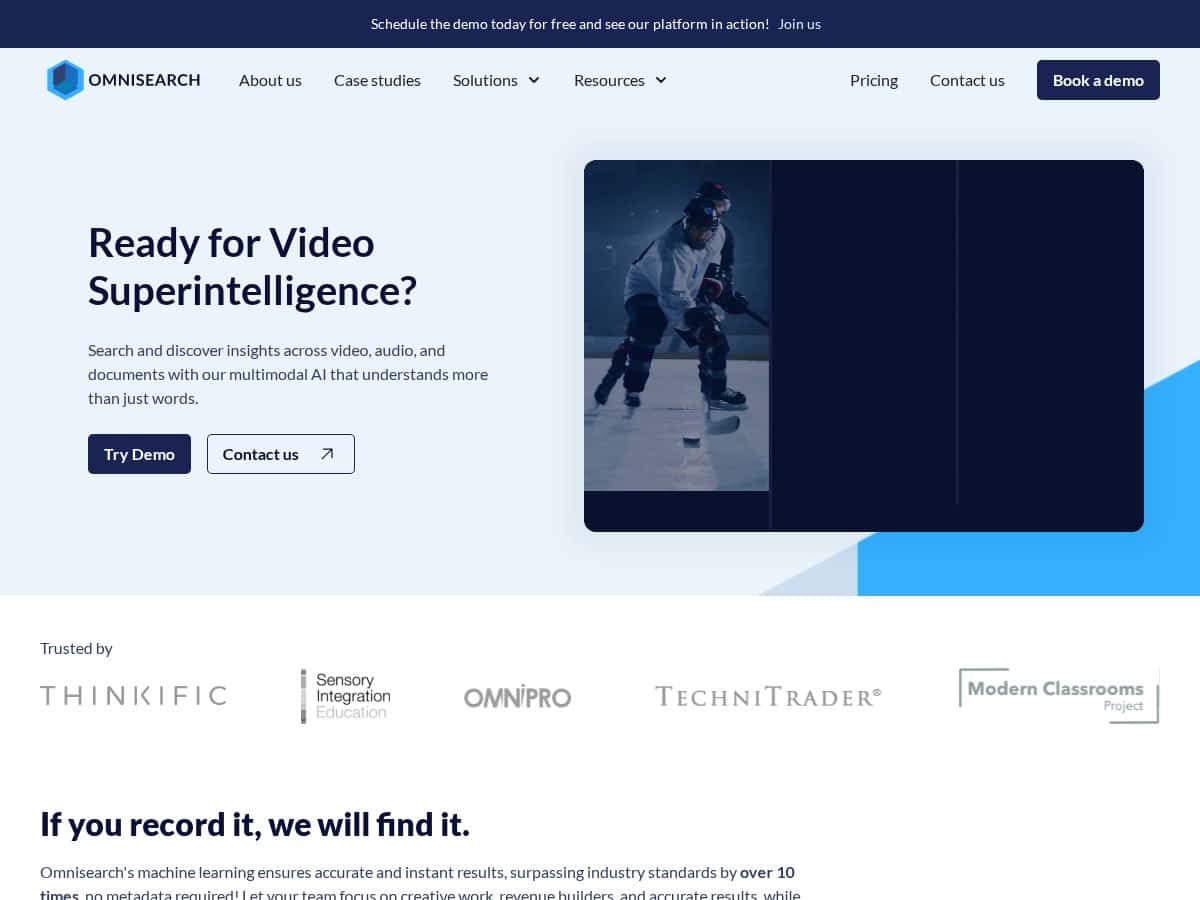
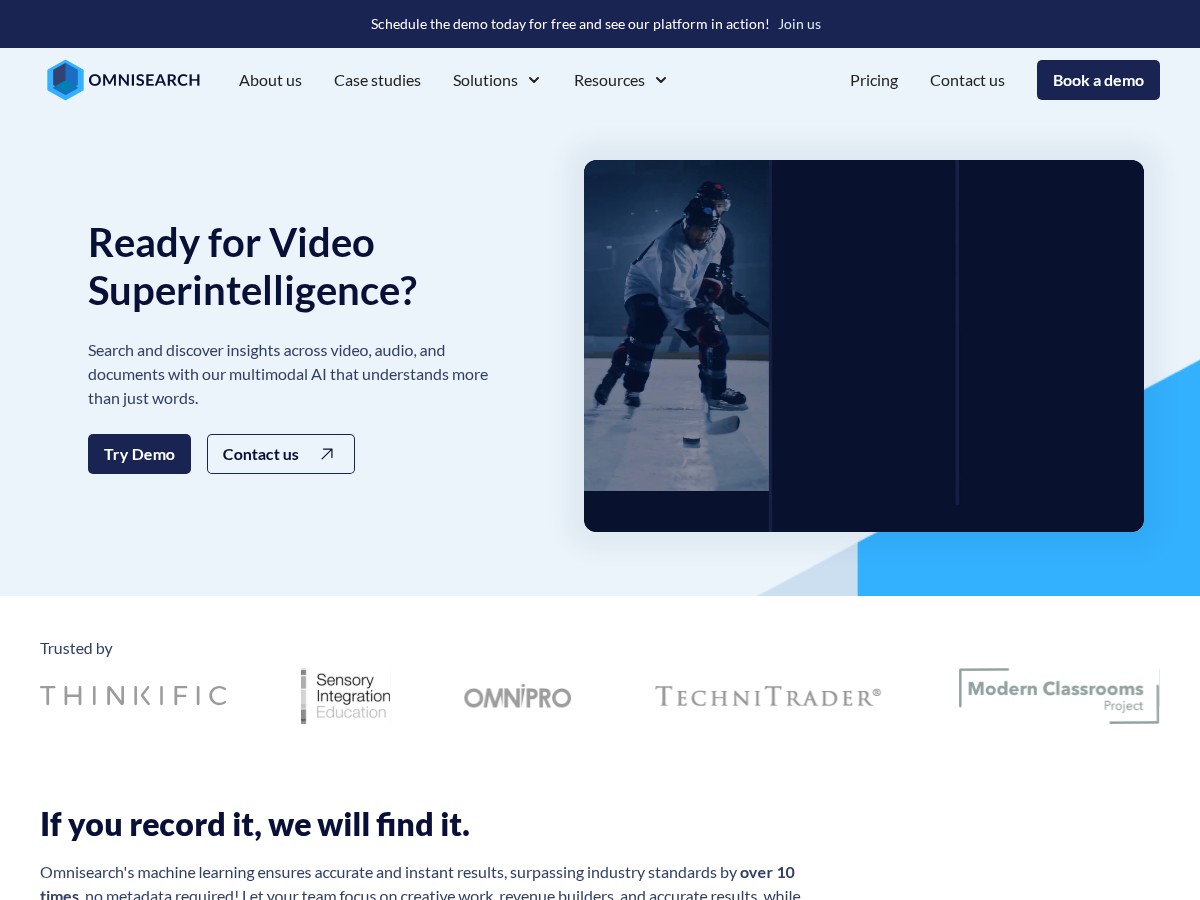
Omnisearch is marketed as an AI-powered, multimodal system, and I could see why. In plain terms, it’s not only searching text. It’s working across different signals—like:
- OCR for documents/screens. If text is embedded in images or screenshots inside PDFs, OCR helps it become searchable.
- ASR for audio/video. Spoken words get transcribed (ASR), so you can search by what someone said.
- Embeddings for “meaning,” not exact matches. Instead of matching only exact keywords, it uses vector-style representations so similar concepts rank higher.
- Ranking logic. The results aren’t just “closest match”—there’s an ordering step that tries to put the most relevant chunks first.
Now, does it always get everything perfectly? No. If the audio is extremely noisy or a speaker mumbles through critical details, any ASR-based system can struggle. But what impressed me was how often it still found the right moment even when my phrasing didn’t match the transcript word-for-word.
Real query examples (and what happened)
These are the kinds of queries I tested. I’m sharing them because they show the difference between “keyword search” and “search for meaning.”
- Query: “What are the steps to submit a reimbursement?”
What I got: Results pointed me to the sections where the process was outlined, not just documents containing the words “submit” and “reimbursement.” The top results were more consistently on-topic. - Query: “How do they handle refunds if the customer cancels?”
What I got: Even when the transcript used slightly different phrasing (like “cancellation policy” instead of “refunds”), Omnisearch still surfaced the relevant segment faster than keyword-based search. - Query: “Show me where the trainer explains the new scoring model.”
What I got: It returned the right training video and pulled the right context earlier in the list. With keyword search, I had to dig through multiple timestamps. - Query: “Where is the security policy about access permissions?”
What I got: The best hits came from the policy docs and the related internal training clips. That “cross-type” linking is what I wanted most. - Query: “What languages are supported?”
What I got: This one was interesting: Omnisearch didn’t just return the most obvious page. It surfaced related explanations too, which helped when I needed clarification beyond the headline.
Speed: I didn’t time every single request down to milliseconds (and I wouldn’t pretend I did), but I did notice that queries were responsive enough that I wasn’t getting that “waiting forever” feeling. The bigger speed win came from reducing how many results I had to open before I found the right section.
Setup and “learning curve” (the part nobody wants to admit)
Setup was straightforward, but getting the best results took a little tuning. I had to spend some time understanding how relevance settings and indexing behaved with my content structure. If your library is clean and consistently labeled, you’ll probably get good results faster. If it’s messy (like mine), you’ll want to think about:
- Content organization. If similar items share confusing names, you’ll see it in ranking.
- What you index first. Start with your highest-value documents and media so you don’t have to wait to test usefulness.
- Relevance tuning. Small adjustments changed which results surfaced at the top for ambiguous queries.
So yeah—Omnisearch is impressive. But it’s not “set it and forget it forever.” You’ll get more value if you treat it like a search system you calibrate, not a magic button.
Key Features: What I Actually Looked For
- Search across videos, audio, text, and documents
- I tested this by searching for policy/process questions that were spoken in recordings and written in PDFs. The difference wasn’t just that it “found the file.” It returned more relevant chunks/sections, so I didn’t have to scrub through timelines.
- Machine learning for accuracy and relevance
- This showed up when my queries didn’t match the transcripts exactly. Instead of returning only exact keyword matches, it ranked semantically related results higher. That’s the whole point of ML-based retrieval.
- Real-time indexing with adjustable relevance settings
- When I added new content and re-ran similar queries, results updated without the long “indexing purgatory” you sometimes see in other tools. Also, relevance tuning mattered—some queries became noticeably more focused after I adjusted settings.
- Easy API integration for custom platforms
- If you’re building a custom portal or embedding search into an app, this is huge. I didn’t fully productionize it in my test, but I did check how you’d typically wire the search experience into your own UI flow.
- Scalable across cloud and enterprise environments
- Scalability is one of those “you only care later” features—until you have to. I liked that it’s positioned for enterprise needs, especially around handling large libraries and multiple teams.
- Supports 27+ languages
- This is a practical feature if you support global teams. In my tests, language support wasn’t the main differentiator, but for multilingual libraries, it can be the difference between “works for us” and “we have to split tools.”
- Search analytics and reporting
- This is where I think Omnisearch can really pay off. If you can see what people search for, you can spot gaps (“users ask about refunds constantly, but it’s hard to find”) and fix content accordingly. I value analytics because it turns search into something you improve, not just something you deploy.
- Optimized for e-learning, media, and security sectors
- I’m not in security full-time, but I tested the “learning + policy doc” angle and it matched the promise. When your users ask questions like “what’s the rule?” or “where’s the lesson?”, multimodal retrieval is exactly what you want.
Pros and Cons: The Honest Take
Pros
- Strong performance on mixed media. Video/audio searches were genuinely useful, not just “nice to have.”
- Better than keyword search for fuzzy questions. When I phrased things differently than the transcript, results were still relevant.
- Integration-friendly. The API angle is important if you want Omnisearch inside an existing product.
- Multi-language support. If you serve global teams, this reduces friction.
- Analytics can help you improve content. Search reporting is one of those features that pays off over time.
Cons
- There’s a real learning curve. You’ll want to understand indexing and relevance settings to get consistently great results.
- Pricing isn’t clearly published. In my experience, you’ll need to talk to sales for a real number. What typically changes cost in tools like this is data volume (how much you index), number of users/queries, retention needs, and SLA/support level.
- Audio quality still matters. If the recording is hard to understand, no search engine is going to “invent” the missing content.
- Long-term quality depends on your library. If your content is duplicated, poorly organized, or inconsistent, ranking will reflect that.
Pricing Plans: What to Expect (Without Guessing)
Omnisearch doesn’t list full pricing publicly (at least not in the information I saw), so I can’t give you a reliable “$X per month” number without making stuff up. What I can tell you is how these setups usually work and what to ask for so you don’t get surprised later.
What I’d ask before you commit:
- Free trial limits. How much content can you index? Is it per file, per GB, or per number of documents/chunks?
- What “basic features” include. Does the trial include analytics/reporting? Does it include multimodal retrieval across video/audio or only text?
- Enterprise cost drivers. Usually it’s based on indexed data size, number of active users, query volume, and whether you need specific retention/SLA guarantees.
- Indexing + update behavior. If you add content weekly, how does refresh/indexing work and what does it cost?
If you want a quick decision shortcut: ask for a quote based on your actual library size and your expected monthly query volume. That’s the only way to compare fairly with keyword search tools or “build your own” setups.
Wrap up
After testing Omnisearch, I’m comfortable calling it one of the more practical “search across everything” tools—especially when your content is a mix of videos, audio, and documents. It’s not just a transcript search box. The ranking felt smarter, and the multimodal angle saved me from the usual “open five files to find one answer” routine.
If your library is mostly text, you might not feel the difference as much. But if you’re sitting on training footage, recorded calls, webinars, or scanned docs, Omnisearch is absolutely worth evaluating. Setup takes a bit of attention, and you’ll want to confirm pricing details directly—but if you care about finding the right moment, not just the right filename, it delivers.