Table of Contents
Stay ahead in the AI realm with our weekly newsletter, filled with breaking news, innovative tools, and insightful prompts to spark your creativity.
📢 BREAKING NEWS
Here are the latest breaking news updates:
- OpenAI
- Starting tomorrow, OpenAI will kick off its 12 days of events, featuring 12 live streams where they will introduce new features and products.
- Genie 2
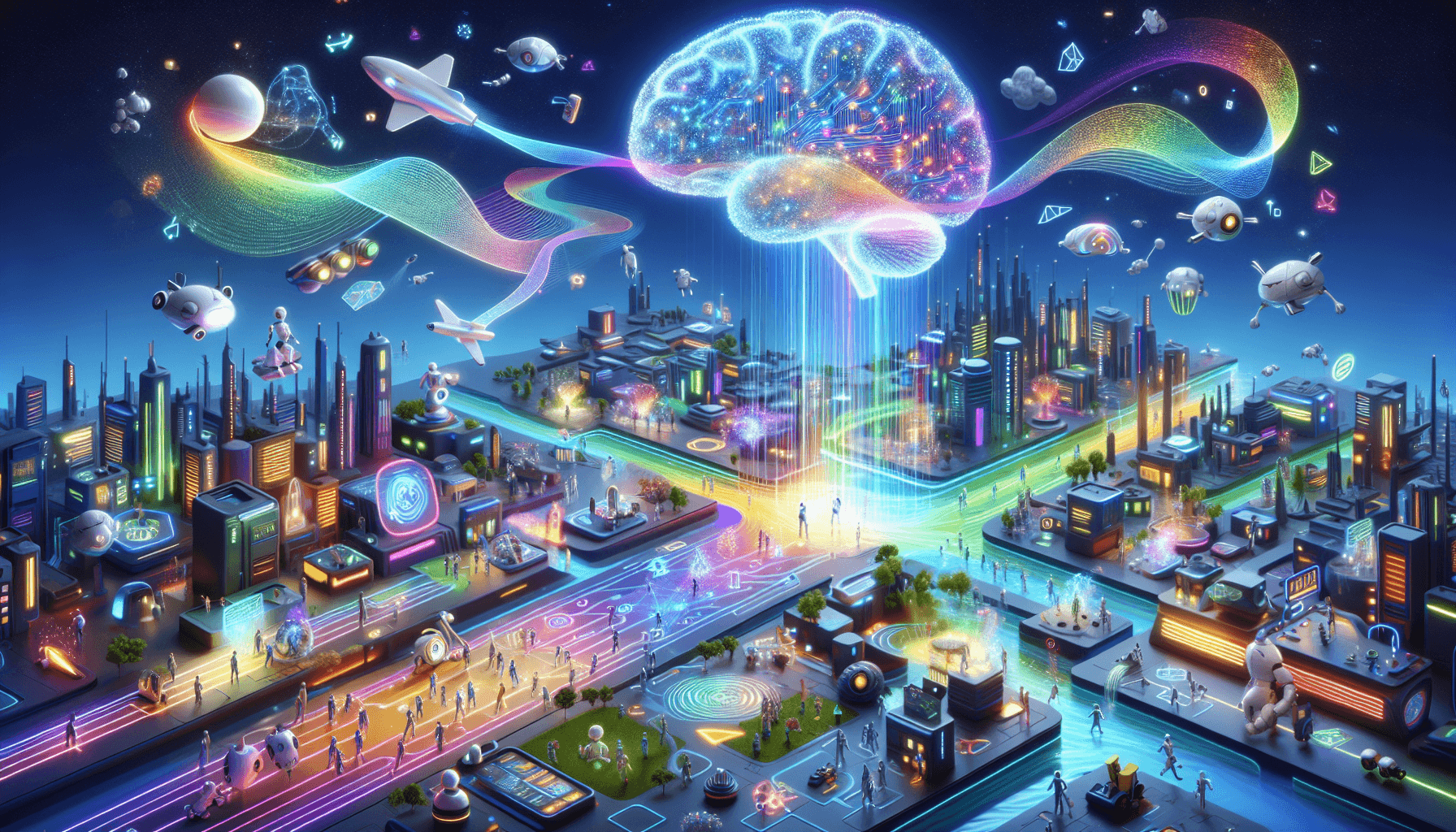
- Google DeepMind has introduced Genie 2, a new AI system that can create interactive 3D spaces from just one image prompt.
- Nova
- Amazon has introduced Nova, a new lineup of AI models that features four designed for text, one for creating images, and one for generating videos.
🤖 BEST NEW AI TOOLS
Check out these awesome new AI tools:
- Automateed– Make full ebooks using AI, adding pictures and text, in just a small part of the usual time
- Scisummary– Easily understand research papers using AI summaries sent to your email from documents, websites, or PDFs
- Bubbles Notetaker– Boost the efficiency of meetings using AI tools for recording notes writing down what was said and summarizing tasks to do
- Conversion Agent AI– Boost conversion rates by using AI to chat in real-time and give tailored replies to visitors on your site
- iBriefPage– Improve understanding of online material with AI summaries that focus on important details, which helps save time
- Formester– Develop smart forms that change based on user input using AI to improve interaction and data accuracy
- Lueur Reels– Create great video clips using AI to boost interaction and spark imagination for those making content
- JustHeadshots.ai– Make your photos look like studio-grade headshots made by AI without needing a skilled photographer
- HelloQuery– Count how many words the text has is 16 words
- Make data analysis easier with chat tools using AI so users can create dashboards and look at data on their own
- Ask AI Chat Bot– Have conversations like a person on macOS with ChatGPT and GPT-4o for correct and natural replies
- Releem– Improve MySQL speed by using AI to adjust settings and analyze queries for the best database performance
- Nuws– Count your news with tailored updates and feel sure with AI-driven overviews that present various viewpoints
- Hairscope AI– Explore possible hair problems and solutions by talking to experts for complete care
- MusoLink– Count your training habits by using AI tools that track your progress and let you connect with others to boost your drive and development
📝 PROMPT OF THE DAY
Today’s prompt to inspire your creativity:
"Generate a comprehensive strategy for [insert niche or industry] that includes the following components: target audience definition, content creation ideas, engagement tactics, platform recommendations, and performance metrics. Additionally, provide insights on current trends and potential challenges in [insert niche or industry]."