Table of Contents
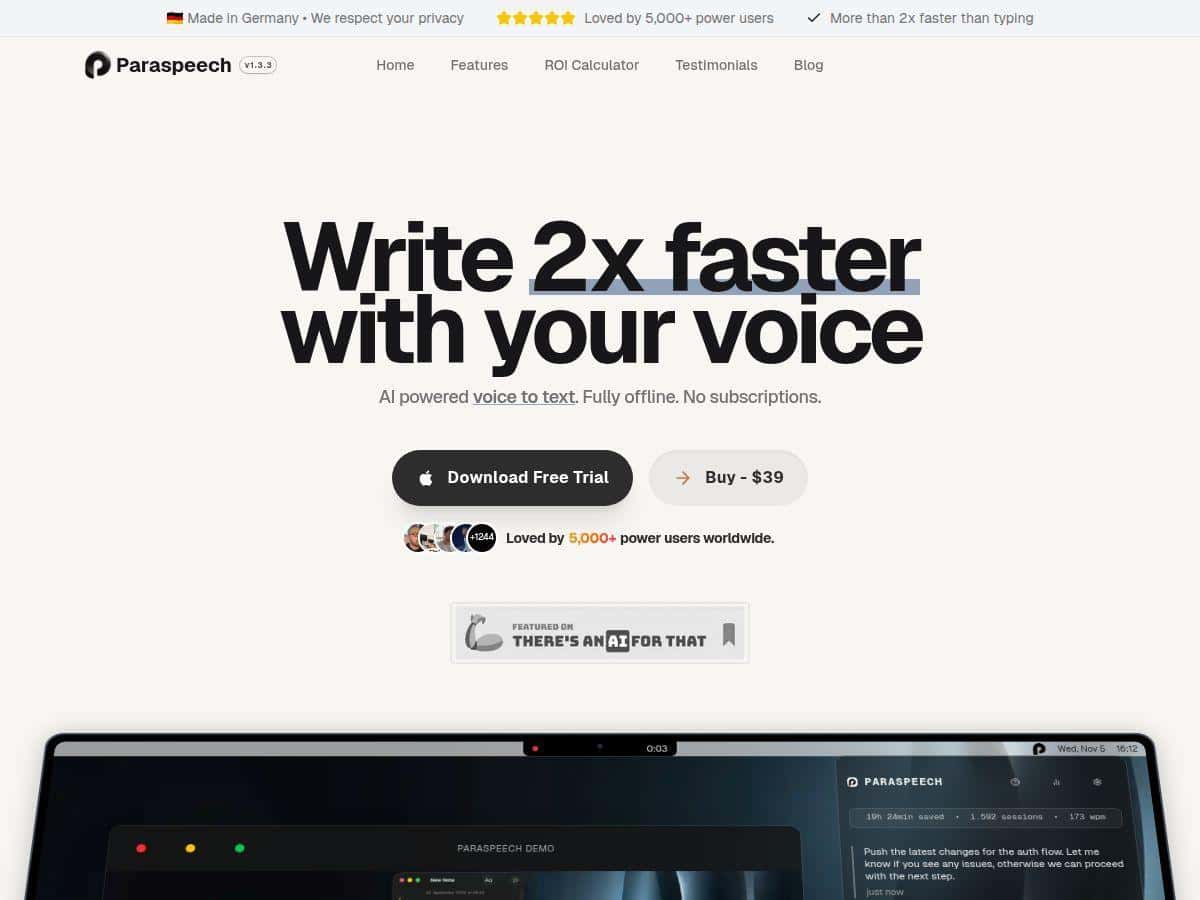
I’ve tried a bunch of speech-to-text tools on macOS over the years, and what I wanted this time was simple: fast dictation that doesn’t feel “chatty” or invasive. So yes—I tested Paraspeech as a real daily-dictation app, not just a demo. I ran it on macOS (Apple Silicon, specifically an M2 MacBook Air), and I focused on tasks I actually do: writing email replies in Apple Mail, drafting notes in Apple Notes, and dictating into Google Docs. I also tested it with shorter “phrase dictation” (single sentences) and longer paragraphs to see where it starts to trip up.
What I noticed right away is that it behaves like an on-device dictation tool should—text appears quickly, and the app doesn’t bog down the computer while it’s working. The setup took me only a few minutes: download, initial setup, and then I was dictating. No complicated configuration screens, no “sign in and hope” steps. And for the privacy side, the big thing for me is that it’s designed to keep processing local once it’s set up, which matters when you’re typing anything sensitive.
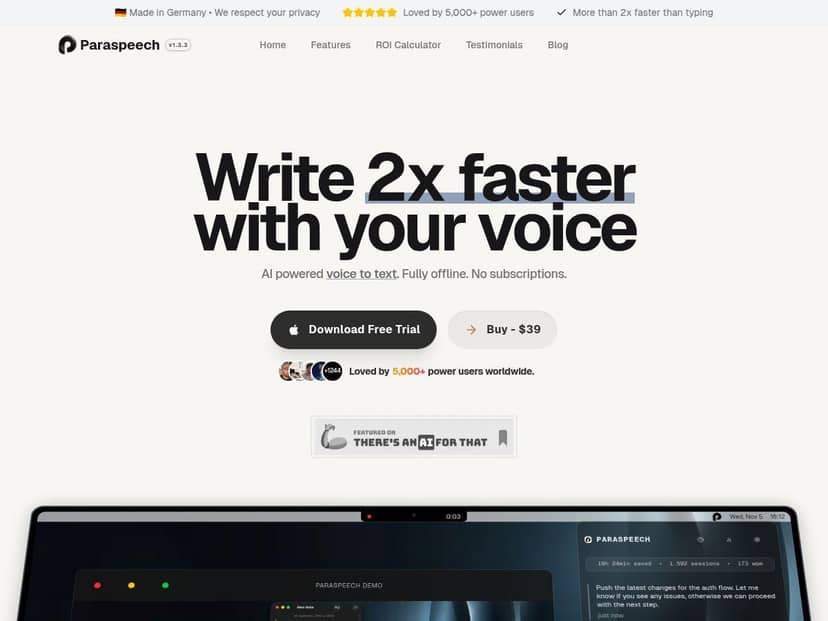
Paraspeech Review (What I Tested on macOS)
I’ll be honest: I care about three things when I’m testing dictation apps—speed (how fast text shows up), accuracy (how much I have to fix), and privacy (what’s happening under the hood). Paraspeech checked a lot of boxes for me.
Speed & latency: In my tests, the text didn’t feel “laggy.” I could dictate a short sentence, pause, and have the result land quickly enough that I wasn’t breaking my train of thought. I also tried a ~30-second voice sample (a mix of normal sentences and a couple of proper nouns), and I didn’t feel like I was waiting around for transcription to catch up.
Accuracy in the real world: Dictation is never perfect—especially with punctuation and names—but Paraspeech was good enough that I mostly corrected small things instead of retyping whole chunks. The biggest accuracy hiccups I saw weren’t random; they showed up when I was in noisy conditions or when I said longer sentences without pausing. In those cases, I’d get a few words that needed cleanup.
Where it mattered most: I tested it in a few workflows: writing email replies (Apple Mail), jotting down meeting-style notes (Apple Notes), and drafting paragraphs in Google Docs. It also worked as a system-wide dictation tool in the sense that I didn’t have to switch apps or manually copy/paste each time. That “just type and dictate anywhere” experience is the difference between a novelty app and something you actually use daily.
Privacy: The pitch here is privacy-friendly, and what I liked is that it’s built to work offline after the initial setup. That means you’re not constantly sending audio off to the cloud while you’re writing. If you’re drafting anything sensitive—client details, internal notes, personal stuff—that’s a big deal.
Key Features That Actually Show Up in Use
- Ultra-fast transcription: The app is positioned as “twice as fast as typing.” In my experience, it feels quick enough that dictation can beat manual typing for many paragraphs.
- 25+ languages: I didn’t test every language, but having multi-language support is useful if you switch between them in notes or drafts.
- Lightweight footprint: It’s advertised as using under 200MB RAM. On my machine, it didn’t feel heavy or disruptive.
- Offline after initial download: This is the part I cared about most. Once the initial model download is done, you can keep dictating without being dependent on an internet connection.
- System-wide support: I was able to dictate across standard macOS apps without jumping through hoops.
- One-time purchase: $39 with 12 months of updates (more on what that means in the pricing section).
- Optimized for Apple Silicon: If you’re on an M-series Mac, you’ll likely get the best experience.
Pros and Cons (The Stuff You’ll Notice)
Pros
- Fast dictation that doesn’t feel “behind”: Text appears quickly enough to keep your writing rhythm.
- Privacy-forward approach: Built around local/offline processing after setup, so you’re not constantly sending voice data out.
- Low friction across apps: I didn’t have to do weird copy/paste workflows. It’s closer to “press, talk, write” than “open a separate transcription window.”
- Resource-friendly: It stayed lightweight on my M2 MacBook Air and didn’t cause noticeable slowdowns.
- Multi-language support: Helpful if your work spans languages or you take multilingual notes.
Cons
- Initial internet requirement: You need internet at least once to download the model. After that, it’s smoother, but the first run isn’t fully offline.
- Older Intel Macs may feel slower: Since it’s optimized for Apple Silicon, I’d expect weaker performance on older Intel hardware.
- Punctuation and niche terms still need human cleanup: Like most dictation tools, you’ll occasionally need to correct names, uncommon words, or punctuation choices.
Pricing Plans (And What Happens After 12 Months)
Paraspeech is a one-time purchase for $39, and it includes 12 months of updates. There are no subscriptions or monthly fees. After that first year, you may need to buy again to get further updates—so if you’re the type who wants new versions automatically, it’s something to keep in mind.
If you want to double-check the current policy, I’d recommend reviewing the vendor’s latest pricing and update details on their site (since update terms can change). For reference, the purchase page is linked above via the Paraspeech offer.
Who Paraspeech is best for (and who might not love it)
Based on how I used it, Paraspeech is a strong fit if you:
- Write a lot and want dictation to feel “native”: Email replies, notes, drafts—stuff you do repeatedly.
- Care about privacy: Offline/local processing after setup is exactly what I look for when I’m typing sensitive details.
- Prefer a one-time cost: If you don’t want subscriptions, this pricing model is refreshing.
It might be less ideal if you:
- Need the absolute best dictation accuracy in every language and accent: No offline dictation tool is magically perfect, especially with noisy audio or very specific vocabulary.
- Are on older Intel Macs: You may notice performance differences compared to Apple Silicon.
Wrap up
After testing Paraspeech in actual writing—emails, notes, and docs—it ended up being one of the more practical dictation apps I’ve used lately. It’s quick, it stays out of your way, and the offline/local setup is a real advantage for privacy-sensitive work. Is it flawless? No. You’ll still do some corrections, especially with punctuation and tricky words. But if you want fast, private speech-to-text on your Mac without a subscription, Paraspeech is definitely worth considering.