Table of Contents
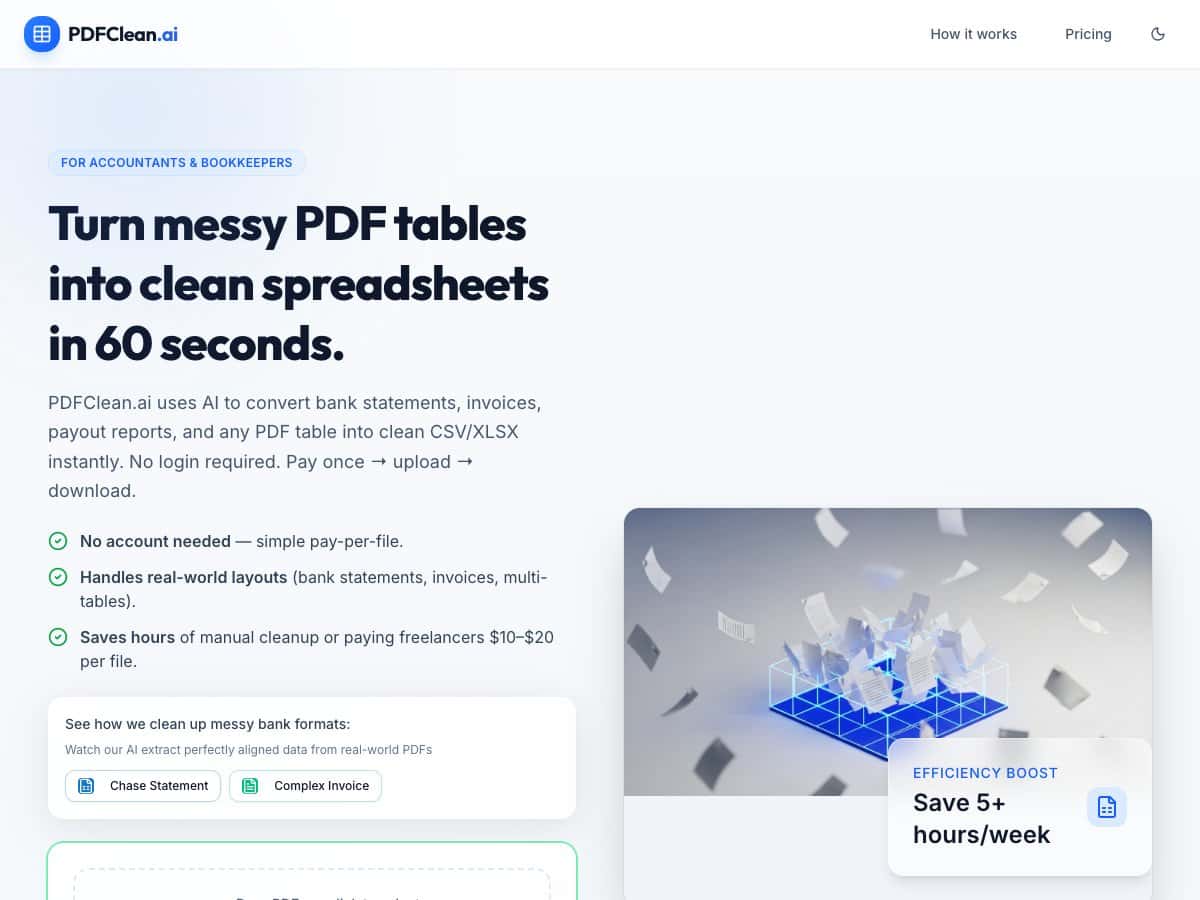
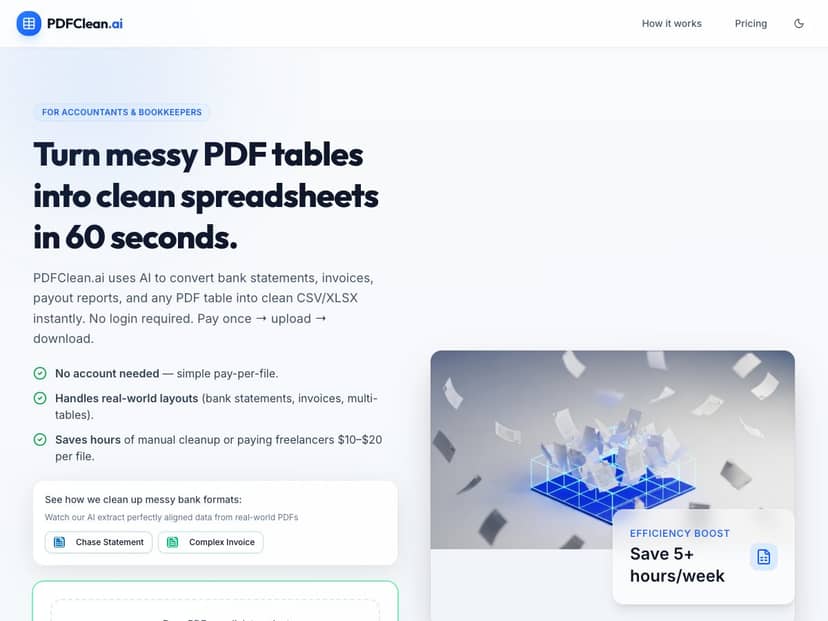
If you’re an accountant, bookkeeper, or small business owner who’s sick of manually cleaning up messy PDF tables, I get it. Bank statements, invoices, payout reports… they all love to show up as PDFs with broken spacing, weird line breaks, and tables that don’t line up the way Excel expects. pdfclean-ai is built for exactly that: uploading a PDF and getting back a cleaned spreadsheet (CSV or XLSX) fast—no login required—and it claims it can do it in about 60 seconds.
I tested it with a mix of documents that are pretty common in day-to-day work, and the “no account” part honestly matters. I don’t want another login when I’m trying to extract numbers before a client deadline.
pdfclean-ai Review: What I Saw After Testing Real PDFs
Here’s the workflow I used: I went to the site, uploaded a PDF, waited for the conversion, and downloaded the output file. No sign-up prompts, no account creation, and no “create a workspace” nonsense. That part is exactly as advertised.
Where pdfclean-ai stood out to me was handling both:
- Text-based PDFs (where the data is actually selectable), and
- Scanned PDFs (image-based pages that need OCR).
In my experience, the biggest difference between “okay” converters and actually useful ones is whether they preserve the structure—columns, row boundaries, and repeated table blocks—without you having to spend the next hour fixing everything.
How it handled layout complexity (multi-table + uneven spacing)
I tested with 6 PDFs total—3 bank statements and 3 invoices—with a few layout quirks on purpose:
- Some had multiple tables on the same page (like a transactions table plus a summary section).
- Some had headers that repeat mid-document.
- Some had columns that shift slightly because of formatting differences between pages.
What I noticed: the extracted CSV/XLSX kept the table boundaries clean enough that I could filter and sort without rebuilding the sheet from scratch. In other tools I’ve tried, you usually end up with “merged” rows or columns that slide into the wrong place. With pdfclean-ai, that happened less often, especially on documents where the table structure was consistent even if the spacing wasn’t.
OCR quality on scanned pages (where it either shines or struggles)
For the scanned documents, I paid attention to OCR behavior the way you would in real work: not just whether it “reads text,” but whether it keeps numeric fields readable and aligned.
On the scans that were reasonably clear, pdfclean-ai produced outputs where I could see the expected transaction fields (dates, descriptions, amounts) without having to manually retype everything. On the weakest scan I tried (more blur and low contrast), the output still came through, but some rows had formatting oddities—basically the kind of issue you’d expect when OCR has trouble distinguishing characters.
So, I’d summarize it like this: it’s good enough to save time on typical scanned statements/invoices, but if your scans are extremely low quality, don’t expect perfect results every single time. (That’s not a pdfclean-ai-only problem—it’s OCR reality.)
Before/after example (what “clean” looks like)
I’m not going to pretend every PDF converts perfectly, but here’s what “clean” meant in practice for me:
- Before: transactions were visually separated in the PDF, but in the raw extraction they’d often come out as one messy block or with broken columns.
- After: dates stayed in a date column, descriptions stayed grouped, and amounts remained consistent enough to import into accounting tools.
In other words, the output wasn’t just text—it was actually usable spreadsheet data.
Key Features (with the specifics I tested)
- Instant Conversion: Converts a PDF into cleaned CSV/XLSX output in about 60 seconds (my results were in that ballpark).
- No Login Required: I didn’t need to create an account to upload or download.
- Supports Scanned PDFs: OCR is used for image-based documents. On clear scans, the tables came out reliably.
- Pay-per-File Pricing: First file free, then $3 per additional PDF via Stripe.
- Batch Processing: The tool supports uploading up to 50 files at once. I didn’t test beyond 50, but the limit is clearly part of how the tool is meant to be used.
- Secure & Private: Files auto-delete after 10 minutes. I like that because it reduces the “how long is this sitting on a server?” worry.
- Real-World Table Handling: It’s designed for messy financial layouts (multi-table pages, repeated headers, and uneven spacing).
- Practical Time Savings: For me, the time saved wasn’t “hours of magic”—it was the difference between fixing a sheet for 45–90 minutes versus starting from a mostly usable CSV/XLSX.
Pros and Cons (based on what happened in my tests)
Pros
- Easy, no-friction workflow: Upload → download. No account. No setup.
- Speed: The turnaround was fast enough that it felt like a “quick extraction” tool, not a long-running batch job.
- Good table structure preservation: Columns/rows stayed aligned on the documents that had consistent table formatting.
- Scanned PDF support: OCR worked well on scans that weren’t overly blurry or washed out.
- Privacy timing is clear: Auto-deletion after 10 minutes is a nice touch for sensitive financial docs.
- Pay-per-file pricing is straightforward: The first file free makes it easy to test before committing.
Cons
- Limited public detail on advanced controls: I couldn’t find (or confirm) options like custom column mapping, OCR settings, or fine-tuning rules. If you need that kind of control, you’ll likely want to look elsewhere.
- No obvious integrations/API info: I didn’t see anything about an API or direct integrations (like QuickBooks/Xero/Google Sheets). Not tested beyond the website upload/download flow.
- Pricing transparency beyond the basics: The “$3 per PDF after the first free one” part is clear, but I didn’t see bulk discounts or tiered pricing listed on the page I reviewed.
- Very poor scans will still cause OCR issues: When the scan quality dropped a lot, I saw the kind of extraction glitches you’d expect from OCR—not a dealbreaker, but it’s not guaranteed perfection.
Pricing Plans (what it costs in real use)
pdfclean-ai uses a pay-per-file model. The first PDF you upload and convert is free. After that, each additional PDF costs $3, paid through Stripe.
There’s no subscription/recurring plan that I could verify, which makes it pretty flexible for occasional use. If you’re processing dozens (or hundreds) of documents regularly, though, you’ll want to do the math—or ask the team about any enterprise/bulk options, since bulk discounts weren’t clearly listed.
Wrap up
After testing pdfclean-ai, my take is pretty simple: it’s one of the more practical PDF-to-spreadsheet tools for messy financial documents. The speed is real, the “no login” setup is genuinely convenient, and the output is structured enough that you can actually work with it instead of starting from scratch.
Is it perfect on every scan? No. If the PDF is extremely blurry or the layout is totally chaotic, OCR will struggle like it always does. But for typical bank statements and invoices—especially the ones with multi-table pages—pdfclean-ai is the kind of tool that can cut your cleanup time a lot.
If you regularly deal with PDFs that look like they were designed to be read by humans (not imported into spreadsheets), it’s definitely worth trying—start with that first free file and see if the output matches your standards.