Table of Contents
If you run an e-commerce store, you already know the pain: you need product photos, lifestyle shots, ad creatives… and you need them fast. I tested PhotoFox AI to see if it can actually replace (or at least reduce) some of the time-consuming work—without turning everything into that “AI-ish” look. Spoiler: it’s pretty impressive when your input image is clean, but it’s not magic for every product photo.
PhotoFox AI Review (What I Actually Tested)
Here’s what I did so you’re not just getting vague impressions. I tested PhotoFox AI using a few product images with different “real world” challenges: a pair of sneakers with a clean background, a simple t-shirt photo, and a small electronics accessory (think: compact gadget with lots of edges and highlights). I also tried one image with slightly messy lighting to see how much it would fall apart.
Setup: Uploading was quick and the workflow is pretty straightforward. You upload, then choose the type of output you want (photos, try-on style visuals for apparel, and marketing-style variants like ads). I didn’t need to fiddle with advanced settings to get usable results.
Time to results: On my end, the first batch took only a few minutes per image. If you’re generating multiple variants, you’ll wait a bit longer—but it still felt faster than scheduling a reshoot for every background or lifestyle scenario. I’d estimate “ready enough to review” within roughly 3–8 minutes depending on what you selected.
What the outputs looked like: The best results were when my input image was sharp, well-lit, and the product was clearly separated from the background. In those cases, the generated scenes looked like legitimate product photography—nice depth, consistent lighting, and backgrounds that didn’t look like random stock images.
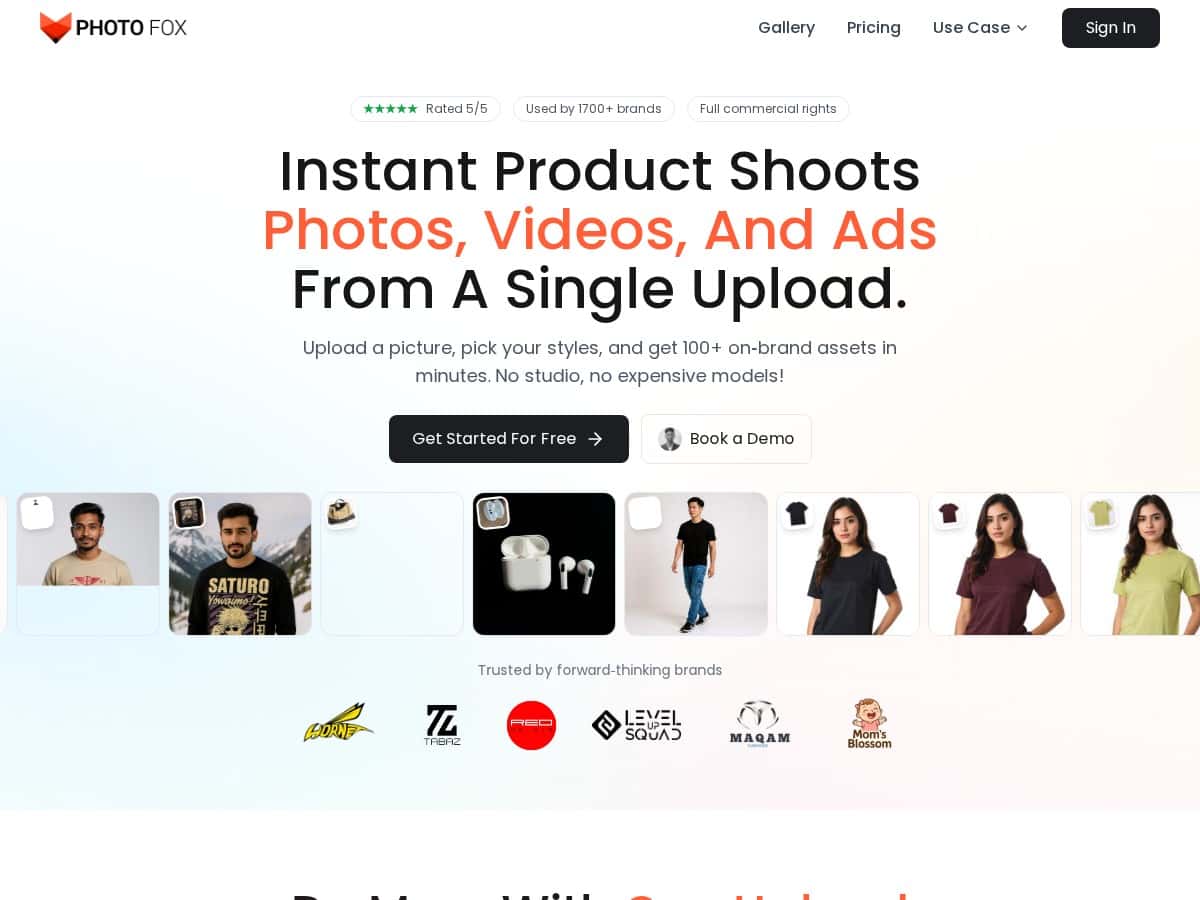
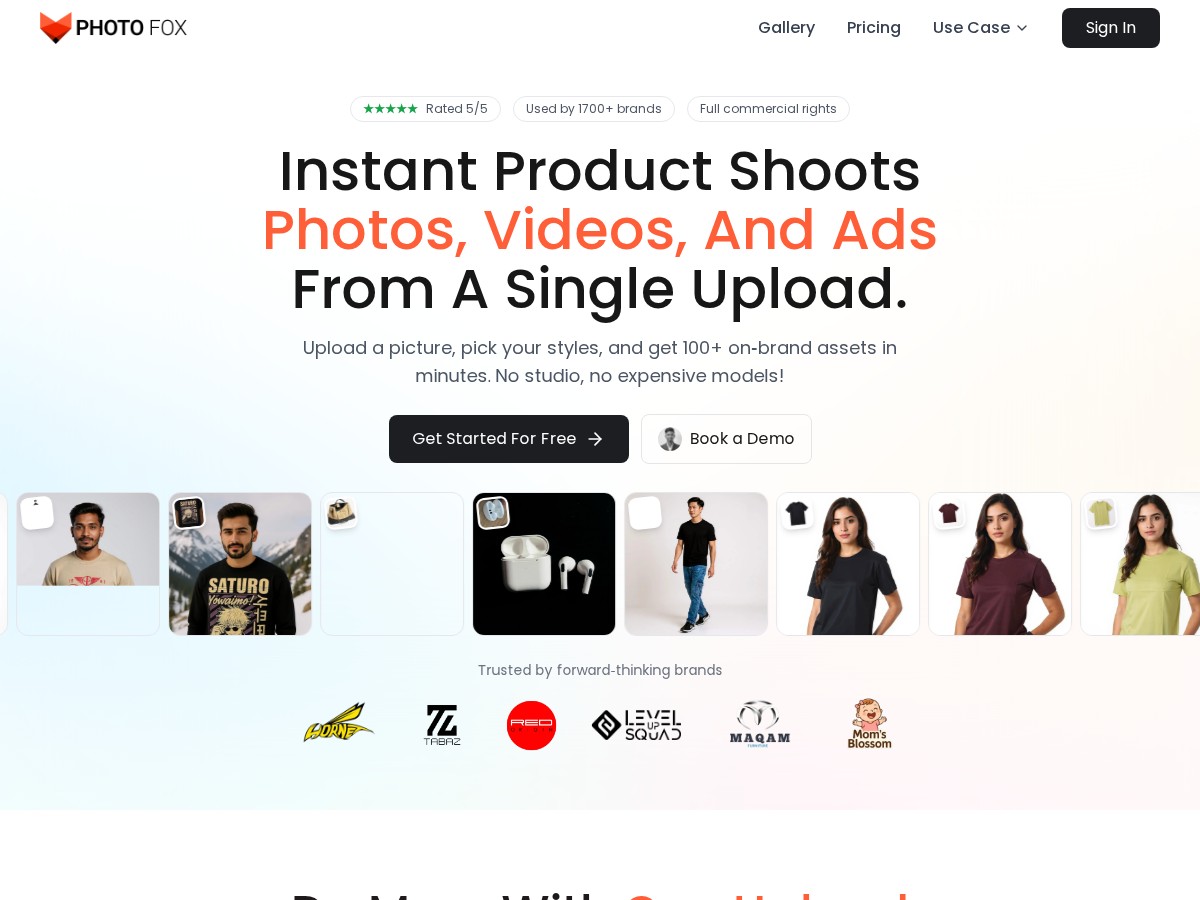
What surprised me (in a good way): You can generate multiple media variations from a single upload. Instead of “one image, one background,” I got a set of different styles/contexts to pick from. That’s the part that actually saves time—because you can choose the top 1–3 variations and move on, rather than starting from scratch.
Where it struggled: When the original photo had glare or busy reflections, a few outputs showed weird highlight behavior on edges (especially on the electronics test). Also, if the product photo wasn’t centered or had cut-off parts, some variants looked slightly “off” around the edges. It’s not disastrous, but it means you might need to re-upload a cleaner shot if you’re aiming for production-level consistency.
So does it live up to the hype? For most routine marketing needs—background changes, lifestyle-style scenes, and ad-ready variants—yes. If you need perfect pixel-level realism on complicated reflective products every single time, you’ll still want a human review step (and sometimes a better input image).
Key Features (How They Worked for Me)
- Instant Generation of Photos, Videos, and Ads
- I tested photo + ad-style outputs first. The “how it works” is basically: upload one product image, then choose the output type and style options. I did not expect video to be identical to a full studio shoot, but the platform can generate video-style results from your product input. For ads, the visuals produced looked like they were intended for marketing use—clean product focus with a designed background/scene.
- Test result: Ads were the fastest to get “usable” because the composition was already set up for promotional viewing. Photos were great for picking a best background and lighting match.
- AI-Driven High-Quality Visuals
- The quality was strongly tied to your starting image. With clean, front-facing product shots, I got outputs that looked realistic enough for product pages and campaigns. With trickier lighting, I noticed occasional artifacts on fine details (small seams, reflective edges, and thin parts).
- Test result: Sneakers and apparel came out noticeably cleaner than the electronics accessory.
- Brand-True Customization
- This is where I wanted to see if it could match a consistent “brand look.” In my tests, the platform made it easier to keep the product styling consistent across multiple variants—so you’re not hunting for the right background every time. I still recommend reviewing a few outputs to confirm brand colors and contrast stay consistent.
- Test result: Backgrounds varied, but the product remained the focal point without getting swallowed by the scene.
- Fashion Try-Ons for Apparel Visualization
- If you sell apparel, try-ons can be a huge time saver. I tested an apparel-style output using a simple t-shirt image. The results were good for “browse and imagine” use—helpful for marketing and reducing returns when customers can visualize fit/style expectations.
- Limitation I noticed: Like any try-on generator, it’s not a substitute for perfect sizing accuracy. It’s best used as a visual aid, not as a measurement tool.
- Commercial Rights Included
- This matters if you’re running paid campaigns. The platform claims commercial rights, which is a big relief compared to tools that only allow personal use. I still recommend checking the current terms on their site for exact limitations (especially if you’re using outputs in large-scale distribution).
- Supports 8K Upscaled Content
- Higher-resolution exports are what you want for crisp ads and product pages. I tested outputs that were suitable for upscaling, and the results looked sharp when viewed at larger sizes. That said, upscaling can’t fix a blurry input—so start with a decent original image if possible.
- Test result: Upscaled versions held up well for marketing thumbnails and larger placements.
- Easy to Use with Quick Turnaround
- The interface is simple enough that you can start producing results quickly. The only “learning curve” I ran into was figuring out which options produced the kind of background/scene I wanted. Once I chose a style direction, repeating the process for additional products was much easier.
- Test result: After the first run, generating additional variants was noticeably faster.
Pros and Cons (Evidence-Based)
Pros
- Fast turnaround for marketing variants: I got reviewable results in minutes per upload, which is a real time-saver compared to scheduling a full shoot.
- Multiple variations from one input: Instead of one “best guess,” I got a set of different backgrounds/styles to choose from.
- Good realism when inputs are clean: Apparel and sneakers looked especially strong—clean edges and believable lighting.
- Commercial usage is addressed: If you’re using visuals for ads and storefront pages, commercial rights being included is a big deal (still verify the fine print).
- Export quality is practical for real campaigns: Upscaled outputs are sharp enough for typical e-commerce and ad placements.
Cons
- Input image quality matters a lot: Blurry, glare-heavy, or poorly centered photos can lead to edge artifacts or odd highlights.
- Not every product type will look perfect: Reflective or highly detailed items (like electronics) were more likely to show minor imperfections.
- You still need a review pass: I wouldn’t publish blindly. I checked outputs for edge cleanup, lighting consistency, and whether the product stayed true to the original.
- Some features may require a bit of experimentation: The “best settings” aren’t always obvious on the first try.
- Pricing can change: I recommend checking the current pricing on their site before assuming a tier includes everything you need.
Pricing Plans (What I Found)
PhotoFox AI uses subscription tiers, and pricing is positioned as starting around $20/month for lower tiers (exact amounts can change). They also offer a free trial so you can test outputs before committing.
What I’d do before paying: open their pricing page and compare what each plan includes—things like the number of generations/credits, export resolution limits (especially for 8K upscales), and whether commercial rights are included on all tiers. If you’re planning to produce ads at scale, also check limits around video-style outputs and any watermarking (some tools watermark on lower tiers).
If you want the most up-to-date details, use their official site pricing page rather than relying on cached numbers.
Final Thoughts
After testing PhotoFox AI, I’d call it one of those tools that earns its keep when you’re producing lots of product visuals and you don’t want to pay for (or wait on) a full photoshoot every time you need a new background or ad variation. It’s not perfect—especially with reflective or messy input images—but for clean product shots, the results are fast and genuinely useful.
If you’re running an e-commerce catalog and you need consistent, campaign-ready visuals, PhotoFox AI is worth trying—especially with the free trial—just make sure you review a few outputs before you fully swap it into your production workflow.