Table of Contents
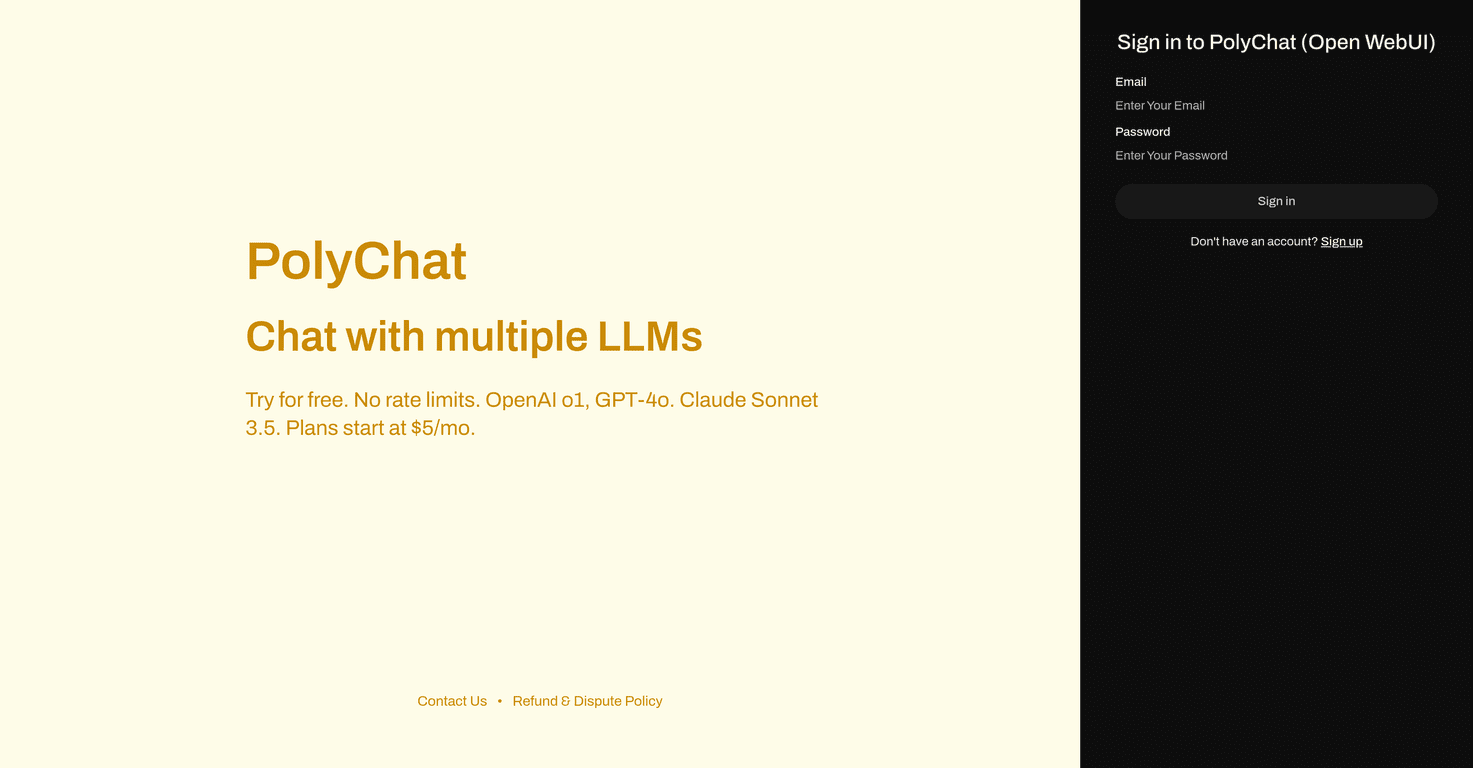
If you’re juggling multiple chat apps for work and personal life, you already know the pain: messages get scattered, notifications don’t line up, and you end up repeating yourself. I tested Polychat with that exact problem in mind—trying to see if it can bring conversations together without turning everything into a complicated setup.
From what I noticed, Polychat is built around one simple idea: keep your conversations in one place, even if they originate from different channels. The interface feels straightforward, and the app is clearly trying to reduce “where did that message go?” moments. That said, some details (especially around advanced features and pricing) aren’t as transparent as I’d like, so I’m going to call out what’s solid and what’s still a bit unclear.
Polychat Review: Does It Actually Make Messaging Easier?
Here’s the thing: most messaging tools promise “everything in one place,” but then you still end up with messy setup or notifications you can’t tame. Polychat’s pitch is closer to what I want—pull conversations together and let me focus on replying, not managing tabs.
In my experience, the biggest win is the overall flow. Conversations feel like they’re meant to be handled in one workflow, not stitched together after the fact. The UI doesn’t feel cluttered, and it’s easy to get oriented quickly—especially if you’ve used Slack, Teams, or common chat apps before.
Polychat also emphasizes integrations. The idea is that you can link your favorite apps so messages don’t live in separate silos. That’s exactly where the time savings come from. If you’re the kind of person who’s constantly switching between tools, consolidating even a couple of channels can make a noticeable difference after a few days.
One quick reality check though: I didn’t see a ton of detailed documentation in the content I reviewed, so I can’t confidently say how deep the advanced settings go. If you’re the type who wants granular controls (permissions, message rules, admin features), you’ll want to verify those on the official site before committing.
Key Features I Looked For in Polychat
- Cross-platform messaging: The core promise is that your chats stay accessible across devices, so you’re not locked into one screen.
- Integrations with popular apps: Polychat is designed to connect with other communication tools so you can centralize conversations.
- Customizable settings: You can adjust how the experience feels, rather than forcing everything into a single default layout.
- Real-time notifications: This matters a lot—if notifications are delayed or noisy, the whole “one place” idea falls apart.
- User-friendly interface: In practice, it means you can start using it without a long learning curve.
If you’re evaluating Polychat for daily use, I’d pay extra attention to how notifications behave across connected apps. That’s usually where consolidation either works brilliantly or becomes annoying fast.
Pros and Cons (What I Liked vs. What’s Still Unclear)
Pros
- Intuitive interface: I didn’t feel like I had to “figure it out” for long. The layout is easy to navigate.
- Easy integration direction: The overall setup flow feels geared toward connecting other tools without making it a project.
- Works across multiple platforms: If you bounce between desktop and mobile, cross-platform support is a big deal.
- Real-time collaboration features: When things update quickly, it keeps conversations moving instead of stalling.
Cons
- Limited info on advanced features: I couldn’t confirm how powerful the deeper feature set is from the available content.
- Pricing isn’t clearly shown: If pricing details aren’t upfront, it makes it harder to decide quickly—especially for teams.
- Still relatively new: New tools sometimes move fast, but that also means updates and long-term support can be a question mark.
Honestly, the “unclear pricing + unclear advanced features” combo is the main reason I’m not ready to call Polychat a no-brainer yet. If you’re just looking for a clean way to consolidate messaging, it sounds promising. If you need enterprise-level controls, you’ll want to dig deeper.
Pricing Plans: What You Should Check Before You Sign Up
In the content I reviewed, detailed pricing plans weren’t available. That’s not unusual for some services, but it does mean you shouldn’t rely on a guess.
What I’d do in your shoes:
- Check the official Polychat site for the latest plan tiers and any free trial details.
- Look for limits (like number of connected apps, message history, or notification controls). These limits often matter more than the monthly price.
- If you’re using it for a team, confirm whether there’s admin management, onboarding, and support included.
You can start at Polychat and compare what you need versus what the plan actually includes.
Wrap up
Polychat feels like it’s aiming at a very real problem: too many messaging apps, too many tabs, and too little time. The interface is easy to get into, the integration-based approach makes sense, and the focus on real-time updates is exactly what you want for day-to-day communication.
Just don’t skip the basics—verify advanced features and pricing directly on the official site, because that’s where the current information is thin. If Polychat matches your workflow, it could genuinely cut down on the back-and-forth. If not, you’ll know quickly before you commit too much.
Promote Polychat