Table of Contents
Managing multiple social media accounts can be overwhelming. That’s where Postiz comes in, offering a streamlined solution for creators and businesses alike. In this Postiz review, we’ll explore how this tool can elevate your social media game. Let’s dive in to uncover its features, pricing, and everything in between to help you make an informed choice.
Postiz Review
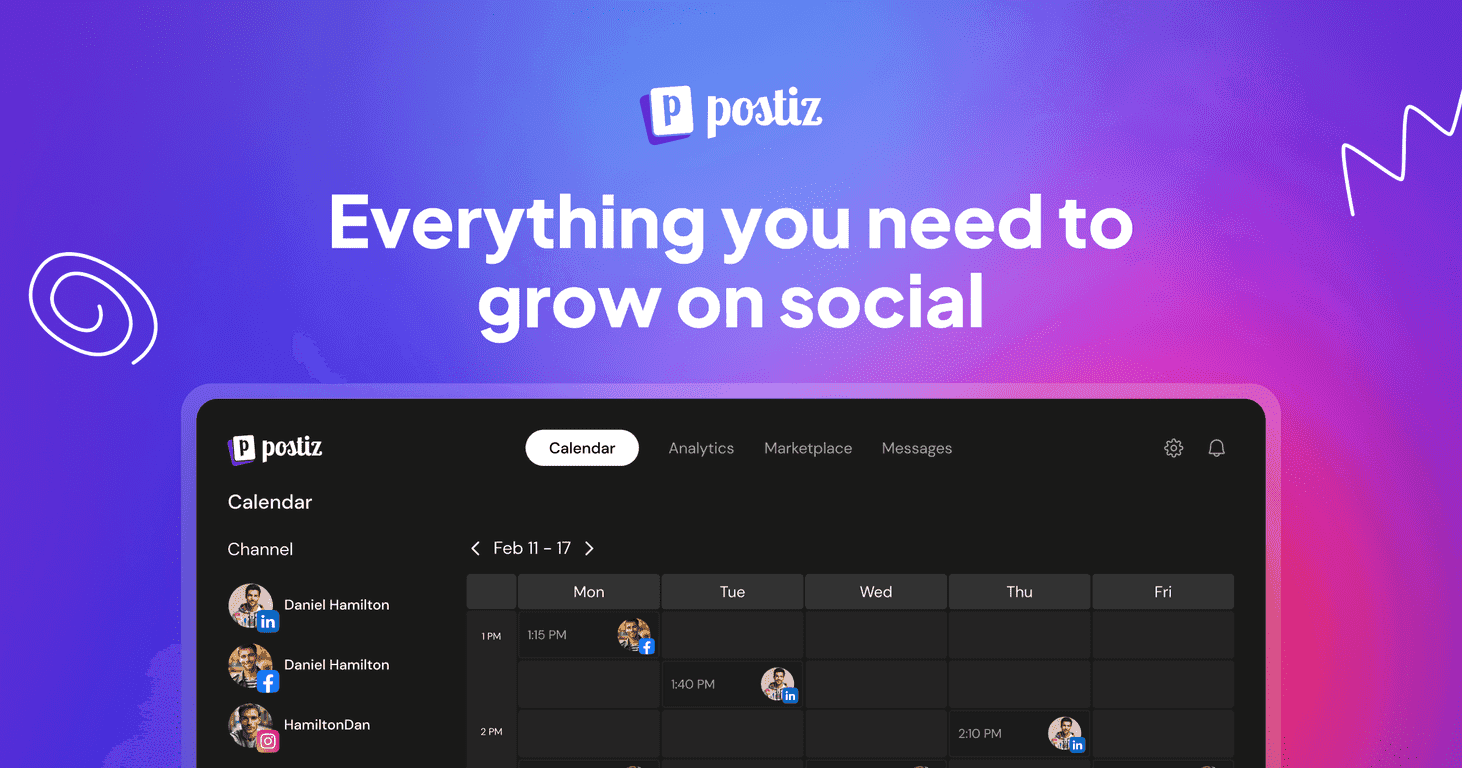
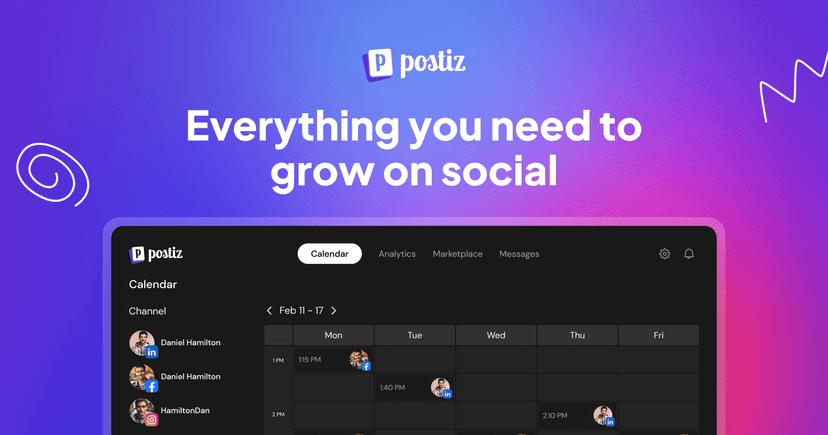
Postiz is a robust social media management tool that aims to simplify how users schedule posts, engage their audience, and measure performance across different platforms. Whether you’re a content creator, a small business, or an established agency, Postiz has features designed to cater to your needs. Its intuitive layout allows users to navigate easily, making social media management feel like a breeze. The AI-driven content assistant and design tools also empower users to create high-quality posts in just a few clicks, saving time and enhancing creativity.
Key Features
- Seamless scheduling across multiple platforms
- AI content assistant for effortless content creation
- AI-powered image design capabilities
- Comprehensive analytics for performance tracking
- Team collaboration tools designed for businesses and agencies
- Marketplace access for influencers and brands
- Support for major social media channels including Facebook, Instagram, TikTok, YouTube, Reddit, LinkedIn, and more
Pros and Cons
Pros
- User-friendly interface simplifies social media tasks
- Advanced AI tools enhance content generation and scheduling
- Supports multiple channels, reducing the need for platform switching
- Open-source nature promotes transparency and community involvement
- Flexible pricing plans to match diverse user requirements
Cons
- May take some time to explore all available features
- Performance dependent on connectivity and external platform APIs
Pricing Plans
Postiz offers four pricing plans to suit various needs. The Standard Plan at $29/month is perfect for content creators, allowing up to 5 channels and 400 posts per month. The Team Plan at $39/month supports small brands with 10 channels and the same posting limits. The Pro Plan at $49/month is designed for larger businesses, offering 30 channels and unlimited posts. Finally, the Ultimate Plan at $99/month is optimized for agencies, allowing management of 100 channels and unlimited posts. A 7-day free trial is available for new users to explore all features.
Wrap up
In conclusion, Postiz is an all-in-one solution for social media management that can help users streamline their efforts and enhance their online presence. Its mix of AI-driven features, comprehensive analytics, and community-oriented design sets it apart as a noteworthy tool. Whether you’re a content creator or running a large agency, Postiz is worth considering, especially with the risk-free 7-day free trial offered to new users.
Promote Postiz