Table of Contents
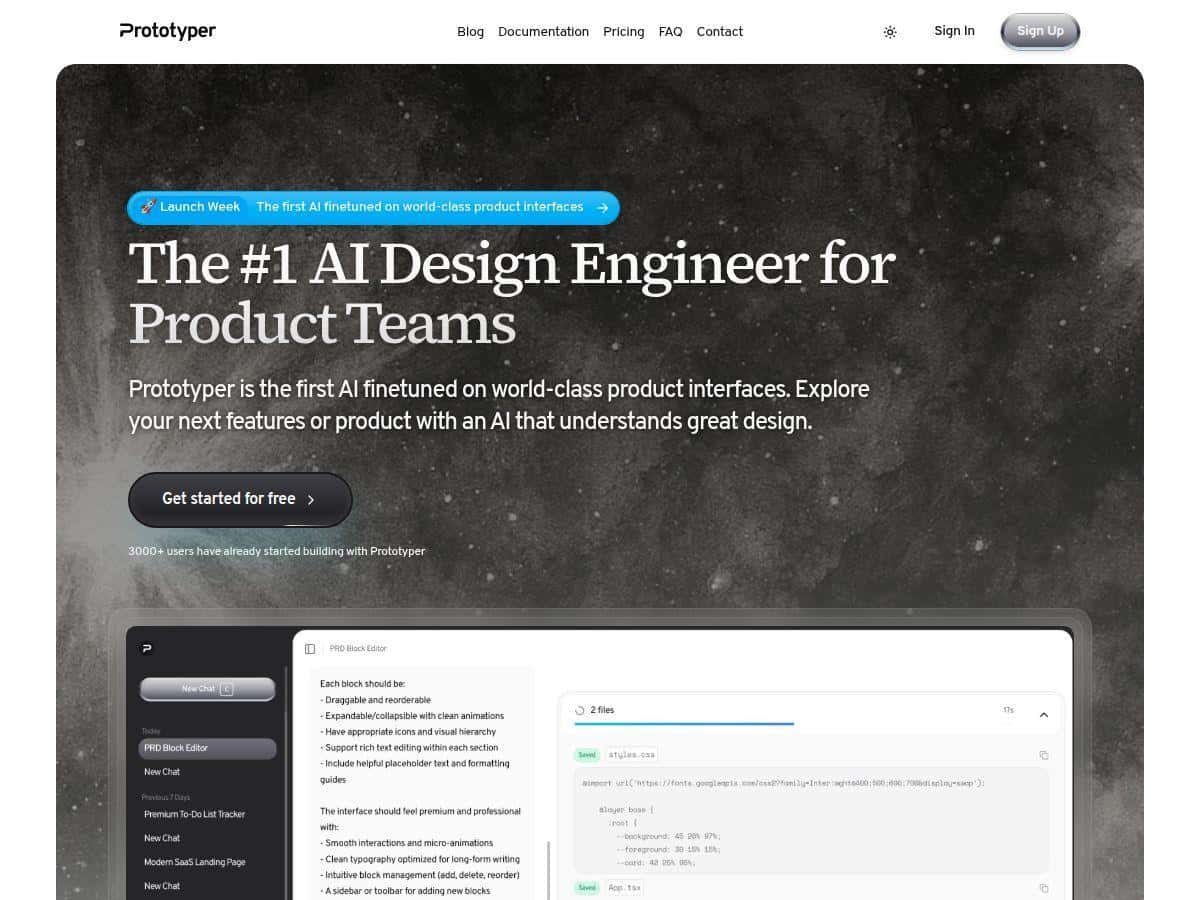
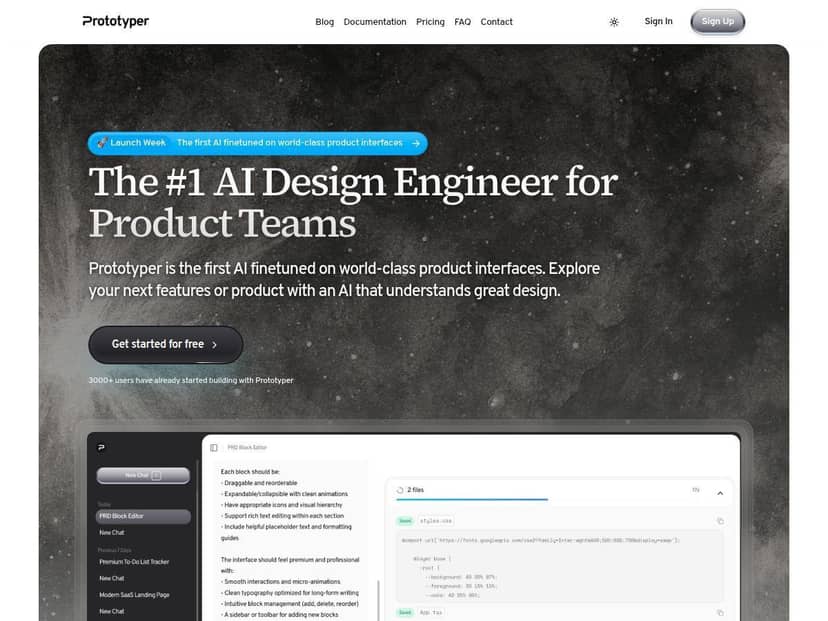
I don’t usually start projects with a blank page. Most of the time, I’m trying to get from “we have an idea” to something a designer and a developer can actually react to. For my latest side project, I used Prototyper to generate UI prototypes from both text and screenshots—then export the result into code so I could speed up the handoff.
Here’s what I did, what worked, what didn’t, and who I think Prototyper is actually best for.
Prototyper Review: what I tested (and what I actually got)
I spent about a day testing Prototyper end-to-end. I’m not talking “I clicked around for 10 minutes.” I built a small multi-section UI, iterated twice based on feedback, and then tried the export to see if it was usable for a real dev handoff.
1) Text prompt → UI prototype (my first run)
My goal was simple: generate a dashboard layout with a sidebar, top bar, a couple of cards, and a table. I used prompts that were specific about spacing and style, because generic prompts tend to produce generic layouts. Here’s the kind of prompt I used:
Prompt #1: “Create a SaaS admin dashboard UI. Left sidebar (icons + labels), top navbar with search and user menu, main area with 3 KPI cards, then a table with columns: Name, Plan, Status, Last active. Use a clean modern style, consistent spacing, rounded cards, and subtle borders.”
What I noticed: the first output already looked like something I could show. The hierarchy (cards first, table second) was correct, and the spacing didn’t feel chaotic. Still, I had to refine things manually—mainly alignment and the exact table density. In my experience, you’ll get a strong “starter” quickly, but you’ll still do a pass before it looks production-ready.
2) Screenshot upload → faster iteration
Then I tried the screenshot route. I took a rough Figma export of a screen (just a plain layout—no fancy component system) and uploaded it to see how well Prototyper could translate it into an editable prototype.
Result: it was faster than rebuilding from scratch, but it wasn’t perfect. The biggest mismatch was typography scaling—some headings came out slightly larger than I expected, and a few labels wrapped when they shouldn’t have. That’s not a deal-breaker, though. It’s the kind of issue you can usually correct in one or two refinement cycles.
If you’re planning to use screenshots as your “source of truth,” I’d recommend keeping the screenshot clean and readable. Tiny text, low contrast, or angled mockups can confuse the generator.
3) Export to React + Tailwind (the part devs care about)
The feature I cared about most was export. I wanted to know if the React + Tailwind output was clean enough that I wouldn’t hate my life after copying it into a project.
In my test, the export produced a component structure that was straightforward to work with. I didn’t see the “random div soup” problem I’ve run into with other AI tools. Tailwind classes were present and readable, and the layout translated well.
That said, I did run into a couple of practical issues:
- Styling tweaks were still needed: button padding and some card border colors needed small adjustments to match my intended design system.
- Data is still “placeholder”: tables and repeated items came through with sample content. You’ll still wire it up to real data.
- Complex components take more cleanup: if your UI has nested interactive pieces (filters, multi-step forms, custom toggles), expect manual work.
4) Collaboration + sharing (how it felt in real feedback loops)
Sharing links was genuinely useful. I sent the prototype link to a teammate to get quick feedback on layout and spacing. The real-time editing aspect helped because we weren’t bouncing between screenshots and comments.
One small thing I liked: versioning/iteration makes it easier to compare “before we changed the sidebar” vs “after we changed the sidebar.” When you’re iterating fast, that matters.
So… who is Prototyper best for?
If you’re a designer who wants code-friendly outputs, or a developer who wants to move faster on UI scaffolding, Prototyper makes sense. If you’re building a highly bespoke, complex app with lots of custom interaction logic, it won’t magically replace your component engineering. It can still help, but you’ll spend more time polishing.
Key Features: what stood out in my workflow
- AI-generated designs from text prompts and images: prompts work best when they include layout structure (sidebar/top bar/table/cards) and UI constraints (rounded cards, borders, spacing).
- Real-time collaboration: sharing a link made feedback faster than sending static images.
- Customizable themes and components: I used theme changes to quickly match a more “product-like” look without redesigning everything.
- Export to clean React + Tailwind code: the exported output was readable and usable, not just a screenshot in disguise.
- Public and private sharing options: useful depending on whether you’re showing stakeholders or testing internally.
- Version history: helped me track changes between iterations.
- Support and documentation: I didn’t need to contact support much, but the help resources felt more practical than generic marketing docs.
Pros and Cons: the honest take
Pros
- Fast “first draft” prototypes: in my testing, I was able to get a usable dashboard layout in minutes, not hours.
- Export is actually practical: React + Tailwind output saved me a lot of manual UI scaffolding time. I didn’t have to rebuild the layout from scratch.
- Collaboration is smoother: link-based sharing plus real-time editing made feedback loops quicker.
- Good balance of speed and control: you can generate quickly, then refine instead of starting over every time.
Cons
- Not everything is “one-click perfect”: typography scaling and alignment sometimes need manual refinement, especially after screenshot-based generation.
- Complex UIs need extra cleanup: if your design includes deeply nested interactive components, expect more manual work after export.
- Some features are gated by plan: I noticed the full experience leans toward paid tiers (collaboration/versioning depth and limits can matter depending on your team).
- Learning the prompting style helps: if you write vague prompts, you’ll get vague layouts. Specific structure gets better results.
Pricing Plans: what you’ll pay
As of my test, Prototyper’s pricing is structured like this:
- Starter: $25/month — core features, public sharing, and email support.
- Pro: $59/month — unlimited projects, real-time collaboration, version history, and priority support.
- Enterprise: custom pricing — security-focused options and onboarding.
They also offer a free trial, so you can validate the export and the collaboration flow before committing. (In my opinion, that’s the smart way to evaluate any AI prototyping tool—test the part you’ll actually use.)
Wrap up
Prototyper is one of those tools that feels fastest when you already know what kind of UI you’re trying to build. If you give it a clear structure (sidebar + cards + table, etc.), it can get you to a presentable prototype quickly and then export React + Tailwind in a way that doesn’t feel totally disposable.
Just don’t expect it to handle every edge case automatically—especially with complex interactions, typography-perfect designs, or component systems that require tight consistency. For teams that want speed on the early and mid stages (and a cleaner handoff to code), it’s a solid pick.