Table of Contents
What Is Provyx?
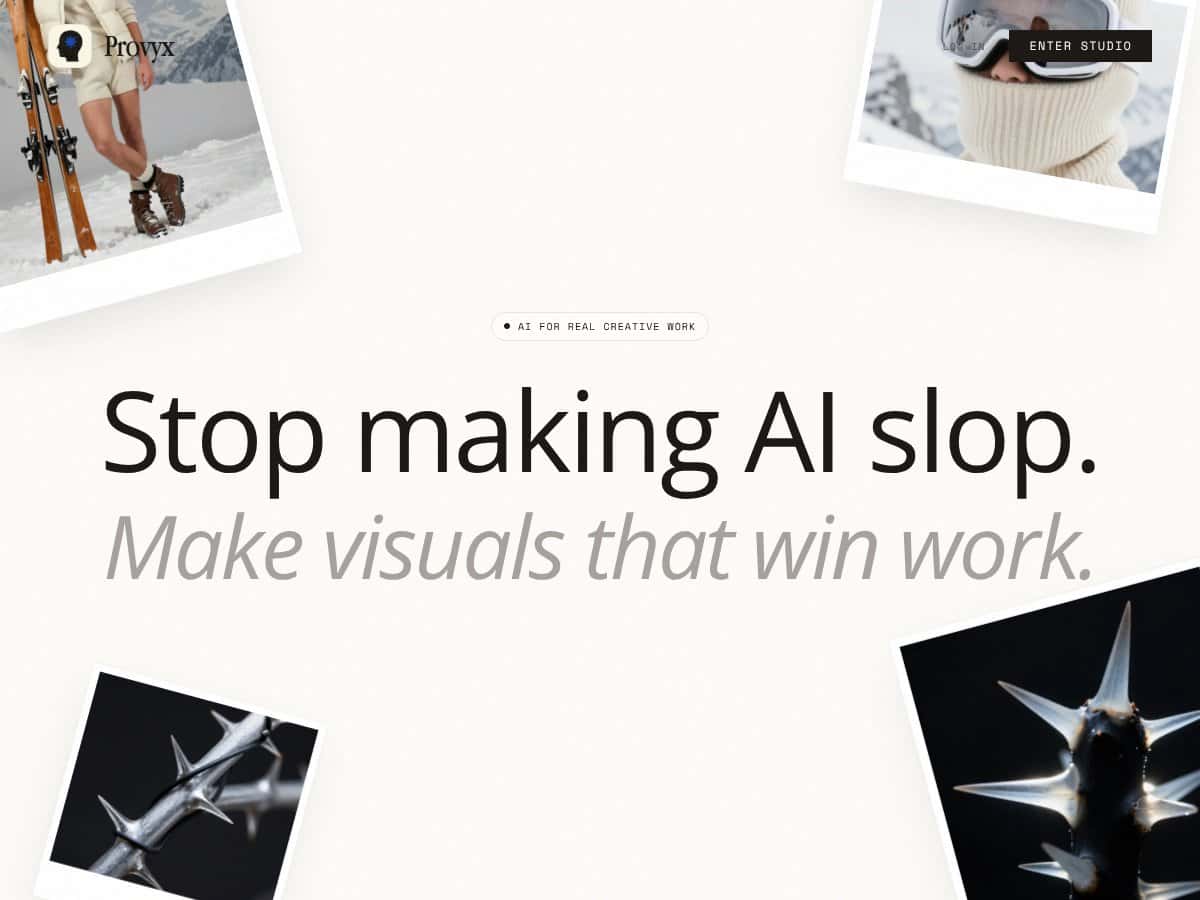
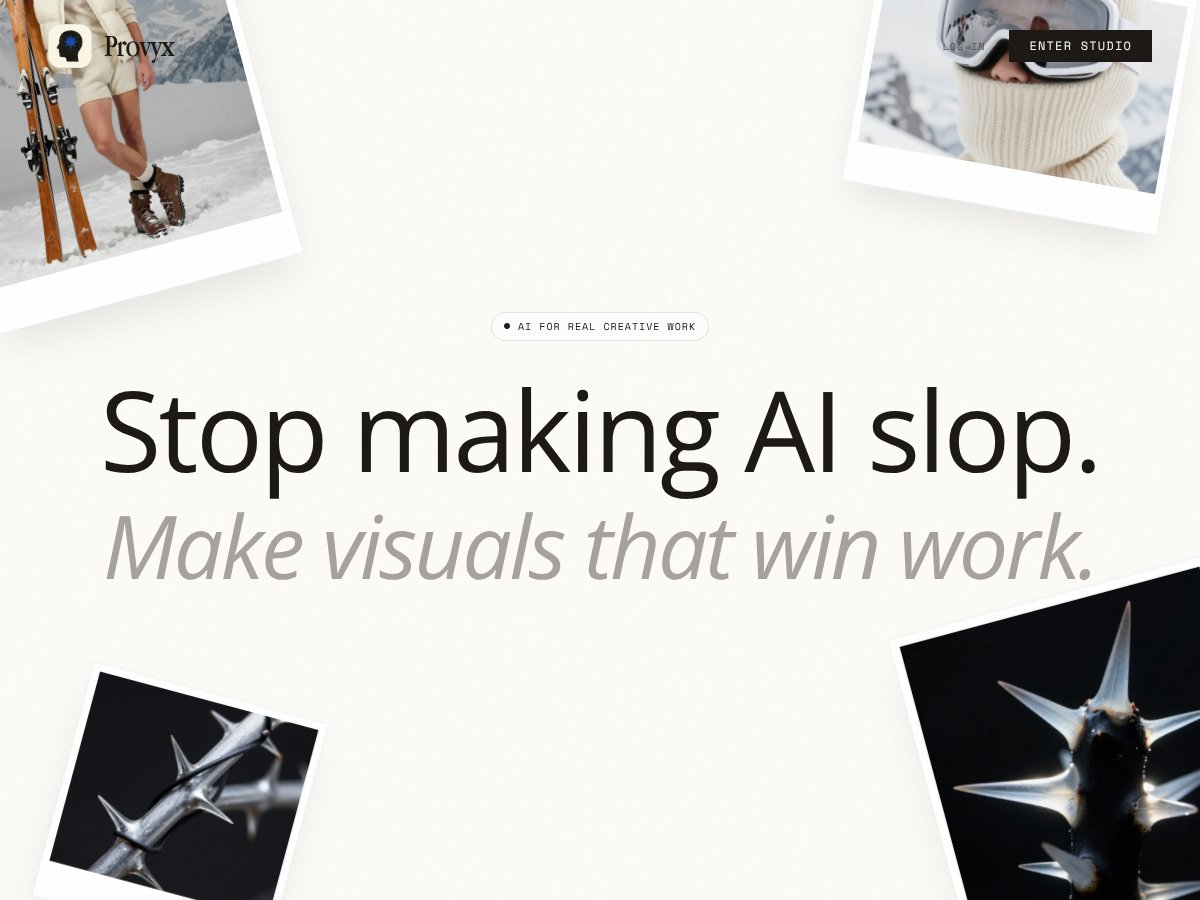
Honestly, when I first heard about Provyx, I was a bit skeptical. The website touts it as an AI image platform for creatives wanting more control, but the details are pretty sparse. I’ve tested plenty of AI image tools—some good, some just hype—and what I noticed was that Provyx claims to let you bring references, lock in your style, and refine on a spatial canvas. Sounds promising, right? But in practice, I wasn’t quite sure what I was getting into, especially since there’s no clear onboarding process or demo videos.
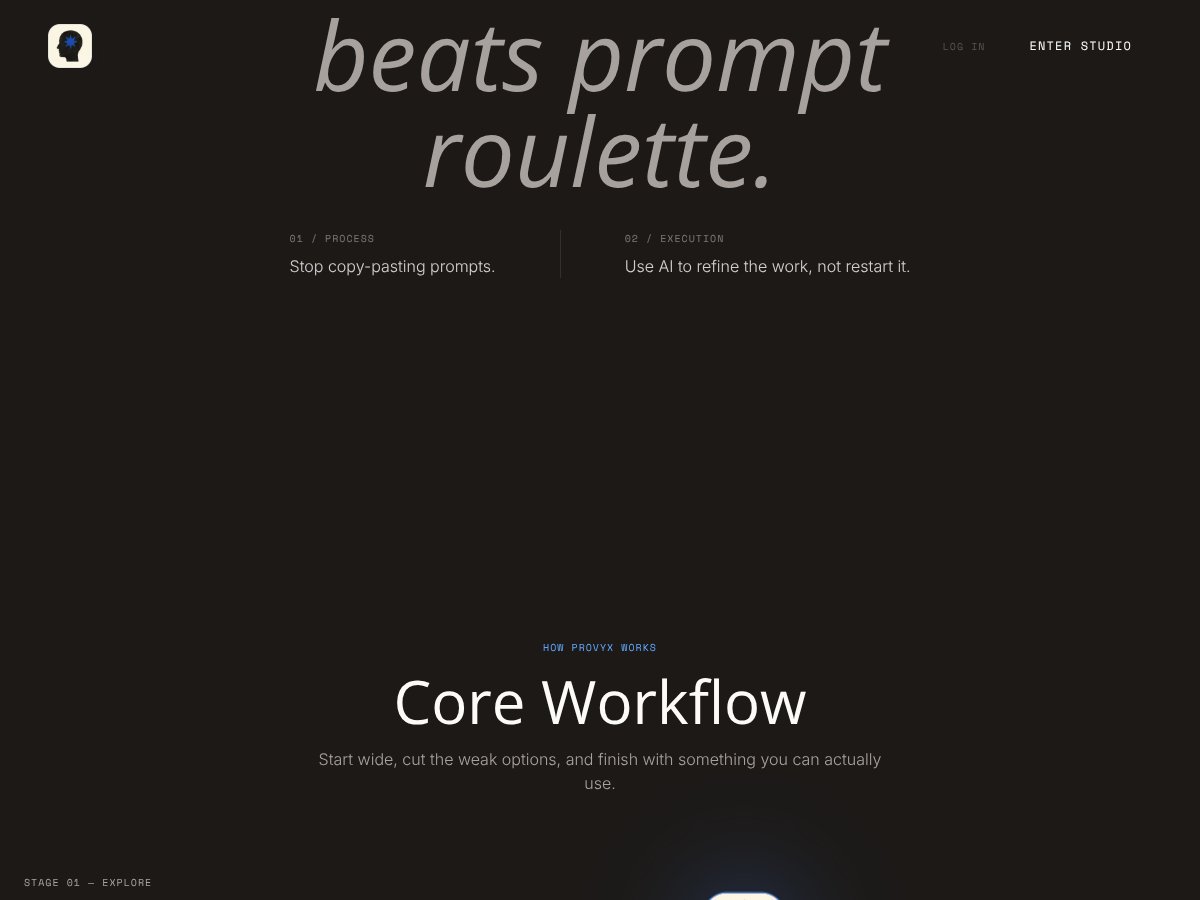
What it seems to do is help artists and designers generate visuals that align more closely with their references and style preferences. The core idea is to avoid the typical AI-generated mess—what you might call “AI slop”—and instead produce images that can actually be used professionally. The problem it’s trying to solve is giving creators more control over their outputs without starting from scratch every time, which is a common pain point with many AI image generators.
As for who’s behind it, the official website doesn’t reveal much. There’s no company info, no founder bios, nothing to establish credibility. They do mention a beta program with free credits, but that’s about it. I was surprised to find so little transparency about the team or the technology behind it, which makes me a bit cautious. Is this a small startup? A well-funded project? Who’s maintaining it? Those questions remain unanswered.
My initial impression was that Provyx is as advertised—an AI tool aimed at professionals wanting more control. It’s not a plug-and-play generator where you just type prompts and get something decent. Instead, it seems to focus on a workflow that incorporates references and iterative refinement, which could be useful if that’s what you’re after. But I want to be upfront: It’s not a finished product with a lot of bells and whistles. It’s more of a canvas for experimentation, and that’s both a plus and a minus.
One thing I want to manage expectations on is that there’s no public pricing info or detailed documentation available. Also, I didn’t find any independent reviews, which makes it hard to judge how effective or reliable it really is. So, in summary, Provyx appears to be a tool that’s trying to give more control over AI-generated images, but it’s still pretty early-stage and somewhat opaque about its capabilities and the team behind it.
Provyx Pricing: Is It Worth It?
| Plan | Price | What You Get | My Take |
|---|---|---|---|
| Free Tier | Unknown / Not publicly disclosed | Limited credits to explore basic features | It’s great to see a free option, but without clear limits or capabilities, it’s hard to gauge its usefulness. Expect restrictions, and be cautious about assuming you can do much without upgrading. |
| Pay-As-You-Go Credits | $10 for 1,000 credits | Flexible credit packs, starting at $10, for generating images or refining work - Approx. 83 high-res images at 1K output - 34-58 ultra-high-res images at 2K-4K | This seems fair if you’re only doing occasional projects. But beware: without subscription plans or bulk discounts, costs can add up quickly if you’re a heavy user. Also, the actual value depends on how much control and quality you get per credit. |
Here's the thing about the pricing: it's not explicitly transparent beyond the credit packs. Unlike many competitors who offer tiered subscriptions, Provyx's pay-per-credit model could be a plus for casual users but might feel limiting or unpredictable for frequent creators. What they don't tell you on the sales page is whether there are additional fees, usage caps, or feature gates based on your credits or plan.
Fair warning: if you’re planning to produce a high volume of images, you’ll want to do the math beforehand. The absence of clear subscription tiers might lead to unexpected costs, especially if you need higher-res outputs or tighter control.
This might be a dealbreaker for some—especially those used to all-you-can-eat plans from other platforms. For occasional, targeted work, the credit system could work well, but for ongoing projects, it’s worth considering whether the costs and flexibility meet your needs. Ultimately, without more details, I’d suggest approaching with caution and doing some quick calculations based on your typical output before committing.
How Provyx Stacks Up Against Alternatives
Midjourney
- What it does differently: Midjourney is known for its stunning, highly artistic images generated through a Discord-based interface. It emphasizes creative exploration with less control over specific styles or references, making it more of a black box for users wanting precision.
- Price comparison: Midjourney offers a subscription model starting around $10/month for a limited number of images, with higher tiers for more usage. It’s generally cheaper than premium plans of other tools but less customizable.
- Choose this if... you want quick, beautiful results without needing to fine-tune or lock styles, and you're comfortable with a more artistic, less controlled process.
- Stick with Provyx if... control, reference-based creation, and iterative refinement matter to you. Provyx’s spatial canvas and style locking give it an edge in precision and consistency.
DALL·E
- What it does differently: DALL·E focuses on generating highly realistic images from text prompts with broad versatility. Its interface is user-friendly, but it offers less direct control over style or references compared to Provyx.
- Price comparison: DALL·E has a credit-based system, starting at around $15 for 115 credits, which can be used for image generations. It’s comparable in cost but less flexible in control features.
- Choose this if... you want quick, high-quality images from simple prompts without fussing over style locking or spatial editing.
- Stick with Provyx if... you need more control, reference integration, or iterative editing beyond basic prompt generation.
Stable Diffusion
- What it does differently: An open-source model that you can run locally or via third-party services, offering extensive customization, including fine-tuning and style control, but often requiring technical know-how.
- Price comparison: Free if you run it locally; paid cloud options range from free tiers to premium services, depending on provider. It’s more DIY and may involve setup costs.
- Choose this if... you're technically inclined and want full control over the model, training, and customization without vendor lock-in.
- Stick with Provyx if... you prefer a user-friendly, controlled environment with fewer technical hurdles.
Adobe Firefly
- What it does differently: Integrated into Adobe’s ecosystem, Firefly offers AI-generated images with a focus on professional workflows, style transfer, and seamless integration with Creative Cloud tools.
- Price comparison: Subscription-based, starting at around $20/month as part of Adobe Creative Cloud plans, making it pricier but more integrated for Adobe users.
- Choose this if... you already use Adobe tools and want AI generation that fits smoothly into your existing workflow.
- Stick with Provyx if... you need more control over references and iterative editing, which Firefly currently offers less robustly.
Bottom Line: Should You Try Provyx?
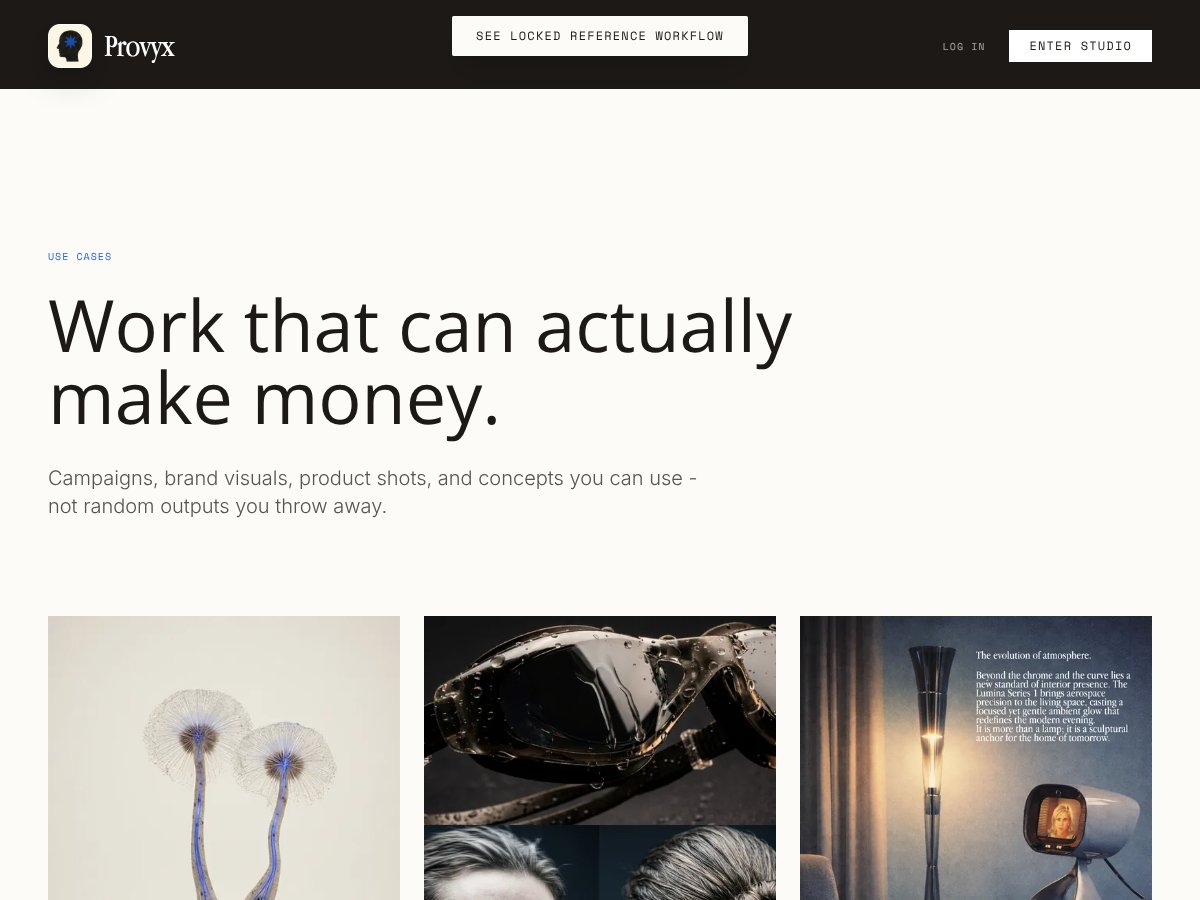
Overall, I’d rate Provyx around a 6.5/10. It’s promising for creators who want more control over their AI-generated visuals, especially with reference-based creation and style locking. However, the lack of detailed public info, clear pricing, and independent reviews makes it a bit of a gamble right now. If you're a creative professional who values precision and iterative refinement, Provyx could be worth exploring, especially if you’re comfortable with a less tested platform.
Who should definitely try Provyx: Creatives seeking tight control over style, references, and iterative editing to produce polished visuals tailored to their brand or project.
Who should skip it: If you need a straightforward, plug-and-play image generator with lots of third-party reviews, you might want to hold off until Provyx matures or becomes more transparent about its capabilities.
The free tier (if available) could be worth trying to get a sense of the control features, but I’d be cautious about investing heavily until the product’s pricing and limits are clearer. Personally, I’d only recommend upgrading if you find the features align with your workflow and you need that extra layer of control.
If your goal is simple, quick image generation, or you prefer a more established ecosystem, alternatives like DALL·E or Midjourney might serve you better. But if control, reference use, and iterative refinement are your priorities, give Provyx a shot — just keep your expectations measured.
Common Questions About Provyx
Is Provyx worth the money?
It’s hard to say without clear pricing and benchmarks. If you need advanced control and reference-based editing, it might be worth exploring, but for casual use, other tools may be more cost-effective.
Is there a free version?
There’s no publicly confirmed free tier at the moment. If available, it may have limited features or usage caps, so check the official site for the latest info.
How does it compare to DALL·E?
Provyx offers more control with references and refinement, while DALL·E excels at quick, realistic images from simple prompts. Choose based on whether you prioritize control or ease of use.
Can I get a refund?
Refund policies aren’t publicly detailed. If you’re considering a paid plan, review the provider’s terms or contact support for clarification before subscribing.
Does it support batch processing?
There’s no public info on batch capabilities. Check with Provyx support or documentation for specific workflow options.
Is Provyx suitable for professional projects?
Potentially, if you need detailed control and iterative editing. However, due to limited independent reviews, proceed cautiously and test thoroughly before committing to large projects.
What skills do I need to use Provyx effectively?
Basic familiarity with digital editing and an understanding of referencing and style concepts will help you maximize its features. No advanced technical skills seem necessary, but exploration may be required.