Table of Contents
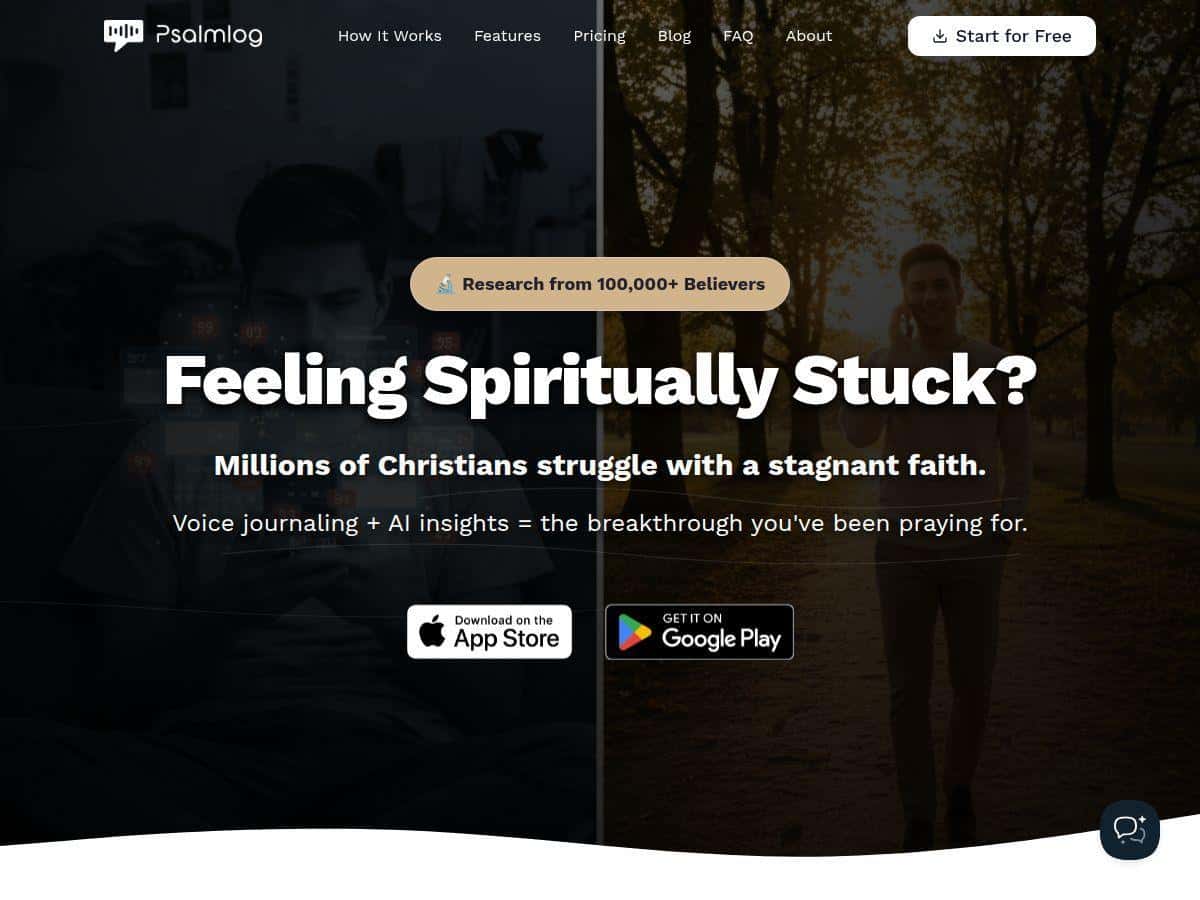
If you’re trying to build a more consistent prayer habit, I get it—life is busy, and typing out thoughts can feel like a chore. That’s why I gave Psalmlog a real test.
In my experience, the biggest win is that it turns “I’ll pray later” into “I can say this out loud right now.” You speak, it transcribes, and then (when you’re online) it tries to connect your reflection with Bible verses. It’s not just journaling—it’s journaling with scripture suggestions that help you slow down and think.
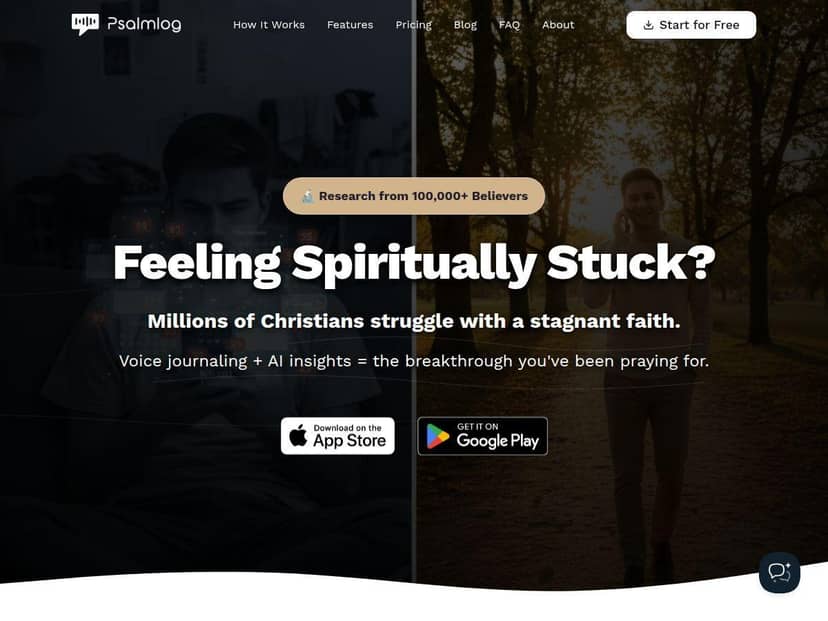
Psalmlog Review: Voice Journaling With Scripture Suggestions
I tested Psalmlog as a daily reflection app for a week, using the same basic workflow each time: open the journaling screen, record a short voice entry, review the transcription, and then see what scripture it suggested. I focused on three things: how well it understood my speech, how the verse suggestions landed, and what I actually did differently afterward.
1) Voice-to-text felt natural. I didn’t have to “talk like an app.” I just spoke like I was talking to God—short sentences, a few pauses, some emotion. The transcription came back quickly enough that I didn’t lose my train of thought. In my experience, clearer audio (less background noise) gave cleaner results, while mumbling or talking over the mic led to a few obvious mistakes I had to fix.
2) Scripture connection is the real hook. After the transcription, Psalmlog doesn’t just dump random verses. It tries to match what you said to scripture. Sometimes it was spot-on—like when I wrote about anxiety before a meeting and it pointed me toward passages about peace and trust. Other times, it felt a little broad, like it picked a “general encouragement” verse rather than one that directly addresses the exact situation.
3) It changes your reflection rhythm. This surprised me. Even when the verse suggestion wasn’t perfect, having a Bible reference in the middle of my journaling nudged me to slow down and actually read. I’d normally skim and move on. With Psalmlog, I caught myself rereading the verse and turning it into a prayer instead of just a diary entry.
Internet note (important): Psalmlog’s full “AI features” rely on a connection. When I tested it offline, the voice journaling still worked as a way to capture thoughts, but the scripture/AI layer didn’t behave the same way. So if you want the “verse suggestion + reflection” effect, plan to use it when you’ve got data or Wi‑Fi.
Key Features (and What They Actually Look Like)
- Voice-to-text prayer journaling
- You press record, speak your prayer or reflection, and the app turns it into text you can edit. What I liked: I could keep it messy and honest. What I didn’t love: if the audio is unclear, you’ll want to proofread before relying on the AI output (because it uses your transcription).
- AI-driven scripture connection
- After your entry is transcribed (while you’re online), Psalmlog generates a scripture match and ties it back to what you wrote. The output is meant to help you reflect, not just “quote a verse.” In practice, it gave me a reference and then helped me connect the verse to my situation so my next sentences were more prayer-focused.
- Emotional and spiritual growth tracking
- This part is less “clinical dashboard” and more “ongoing themes.” I noticed the app encourages you to keep returning to similar areas—like stress, gratitude, repentance, or hope—so you can see growth over time. If you like journaling prompts, you’ll probably appreciate this. If you prefer a simple notes app with zero analysis, you may find it a bit extra.
- Personalized encouragement and action steps
- When the AI is active, it doesn’t stop at scripture. It also offers follow-up encouragement and suggested next steps. For me, that was helpful when I felt stuck—because it gave me something to pray about immediately instead of staring at a blank screen.
- User-friendly design
- It’s built to be quick. The whole flow is designed around voice-first journaling, so you’re not fighting menus before you can pray.
Pros and Cons (Based on Real Usage)
Pros
- Fast, low-friction journaling — If you don’t want to type, voice makes it easier to show up daily.
- Scripture suggestions add depth — Even when I disagreed with the exact match, it still pushed me to read and respond instead of just venting.
- Helpful when you’re emotional — The app nudged me toward prayer language and reflection, especially during stress-related entries.
- Encouragement + next steps — I didn’t have to invent “what now?” every time. That matters more than people think.
Cons
- Internet required for the full AI experience — Offline is more limited, especially for scripture connection and AI reflection.
- Verse relevance isn’t always perfect — Sometimes the verse felt general rather than tightly matched to my specific situation.
- Community/social features are minimal — If you’re looking for a faith community feed or discussion space, this isn’t really that.
- Transcription accuracy depends on your audio — Background noise or unclear speech can lead to mistakes, and the AI follows whatever it “thinks” you said.
Pricing Plans (Free vs Paid: What to Check Before You Commit)
I looked for clear pricing before writing this, but the exact numbers can change depending on where you sign up (app store vs. the official site). So instead of guessing, here’s what I recommend you verify on the Psalmlog landing page or in your app store listing:
- What’s included in the free tier — Can you still use voice journaling fully?
- What “paid” unlocks — Is it more scripture suggestions per entry, deeper AI reflection, or extra history/tracking?
- Limits — Daily/weekly caps on AI usage are common with apps like this, and it’s worth checking so you don’t get surprised.
My practical tip: If you’re deciding between free and paid, test the free tier for a few days and compare the outputs side-by-side. For example, record 3 similar entries (stress, gratitude, and a need for guidance) and see:
- How many scripture suggestions you get per entry
- Whether the follow-up encouragement feels more specific on paid
- How consistent the matching is across different days
That comparison will tell you faster than any marketing claim.
Wrap up
Psalmlog is a solid option if you want a more natural way to pray and reflect—especially if voice journaling is your preference. The scripture connection is the feature that makes it stand out, and in my experience it helped me turn reflections into actual prayer instead of just thoughts on a screen.
If you want something simple and faith-focused, try it with the free tier first and pay attention to how relevant the scripture suggestions feel to your real life. If it consistently helps you read, reflect, and respond, you’ll probably get value from upgrading.