Table of Contents
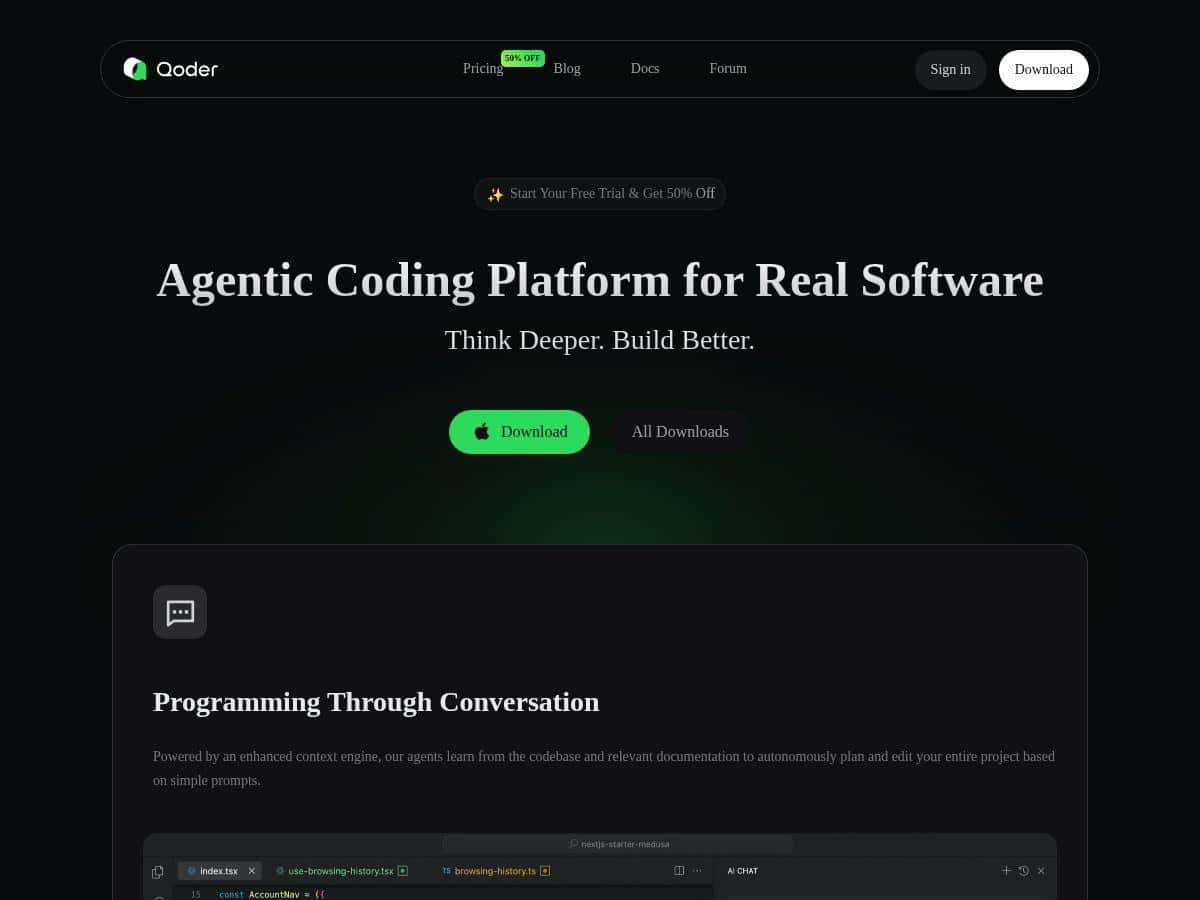
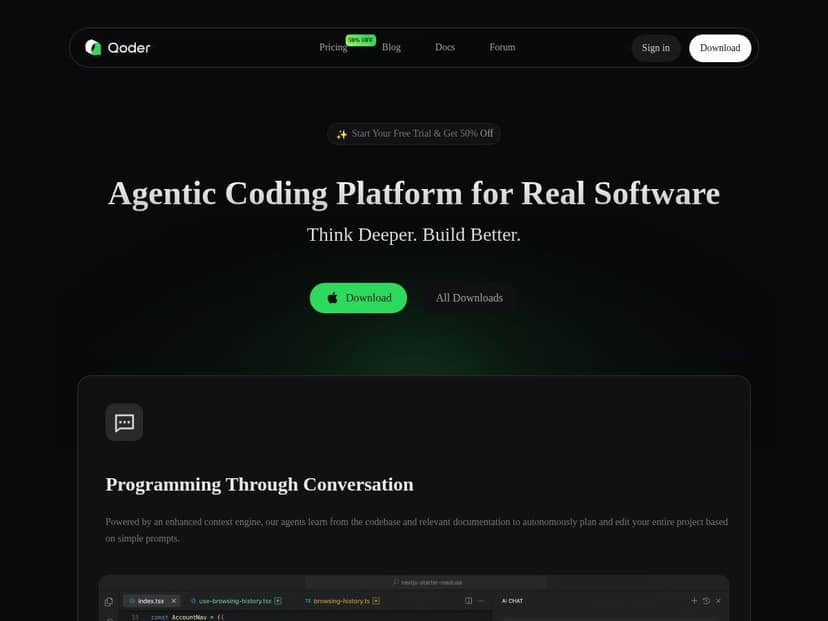
Looking for an AI coding tool that doesn’t just spit out random snippets? Qoder bills itself as a platform for working on real projects—planning, coding, testing, and documentation—rather than “here’s some code, good luck.” I tested it on a couple of practical tasks (small-to-medium repo work, plus a documentation pass) to see how well it actually holds up when you need the AI to understand context, not just generate answers.
Qoder Review
Here’s what I actually did while testing Qoder, so you can judge whether my experience matches yours. I used it on a small web/service repo (a typical mix of routes, services, and a few utility modules). The goal wasn’t “generate a hello world.” It was more like: “Add a small feature, make sure it doesn’t break existing behavior, and update the docs so onboarding isn’t painful.”
First impressions? The biggest difference vs. a chat-only assistant is that Qoder tries to keep the whole project in view. When I asked it to implement a change, I noticed it wasn’t just guessing file names—it behaved like it had a map of the repository and could reference the right components. That matters because most AI coding tools fall apart when you move beyond a single file.
Second, I tested the workflow on tasks with a clear “before/after” outcome. For example:
- Feature change + validation: I gave Qoder a task to adjust one behavior and then asked it to help verify it with testing. What I liked was that it didn’t stop at code generation—it pushed toward checking the impact, and the output included a plan for what to run next.
- Documentation update: I had it generate/update a README-style section and internal docs for a couple of modules. The docs it produced were more structured than what I usually get from generic prompts, and it referenced the relevant parts of the codebase instead of staying vague.
Now, I’ll be honest about limitations too. If your repo is huge or messy (lots of legacy patterns, inconsistent naming, sprawling dependencies), the “deep context” approach can hit friction. In my tests, it still worked, but the speed and responsiveness dipped when the project footprint grew. And like any coding AI, it can misunderstand intent if your spec is sloppy—so you can’t just say “make it better.” You need to be specific about what “better” means.
So, is it “a super-smart teammate”? In some moments, yes—especially when you want the AI to follow a workflow instead of bouncing around. But it’s not magic. It’s still software engineering, and you still need to review what it writes. I found myself doing the usual sanity checks: confirm assumptions, run tests, and make sure the changes align with the existing architecture.
Key Features
- Enhanced Context Engineering — In practice, this is what helps Qoder talk about your actual project structure. During my testing, it was able to reference the relevant modules and propose changes that matched the existing organization, instead of treating everything like one big blob of code.
- Agentic Workflow — This is the “don’t just answer, do the job” part. When I kicked off tasks, Qoder didn’t only generate code; it moved through planning and execution-style steps (plan → implement → check → report). That workflow consistency is what made it feel different from typical AI chat.
- Automatic project documentation — I had it update documentation for modules tied to my changes. The outputs were more useful when I gave it constraints (what users need to know, what endpoints exist, how setup works). It didn’t replace my judgment, but it did save time on structure and wording.
- Knowledge visualization (Action Flow) — I actually used this to understand what the AI intended to do. When you’re coordinating multi-step tasks, seeing the “action flow” helps you catch mismatches early instead of discovering issues after the fact.
- Model support (Claude, GPT, Gemini) — Qoder supports multiple advanced AI models, which matters if you have preferences or want to compare output quality. In my experience, different models handled explanation vs. code differently, so switching can be useful.
- Cross-platform availability (Windows and macOS) — I tested on a desktop setup and it behaved like a normal dev tool rather than something that only works in one environment.
Pros and Cons
Pros
- Project-aware behavior: The “whole repo” focus reduced the amount of back-and-forth I usually do with chat assistants. I didn’t have to constantly tell it where things lived.
- Workflow-driven output: Agentic steps made it easier to review progress. Instead of one giant response, I could follow what it planned to do and why.
- Documentation that’s actually structured: The docs weren’t just filler. They had headings, relevant details, and a better alignment to the code areas I asked about.
- Multiple model options: Being able to try different models is a practical advantage—sometimes one model is better at reasoning through edge cases, while another writes clearer implementation details.
Cons
- Specs matter a lot: If you’re vague, Qoder can still produce something, but it may not match your intent. In one test, I asked for “improve the API error handling” without specifying the expected response format, and it made assumptions I had to correct.
- Large projects can slow things down: As repo size and context complexity increase, responsiveness can drop. It’s not unusable—it just becomes less snappy than you’d want for rapid iteration.
- Community/support ecosystem is still growing: There isn’t the same depth of community knowledge you’d find with older, more established dev tools. If you get stuck, you may rely more on trial-and-error than ready-made solutions.
Pricing Plans
Qoder uses a credit-based system, and the cost can vary depending on the model and how complex the task is. That part is consistent with how most AI coding platforms operate (bigger context + more steps usually means more credits).
What I couldn’t verify from the information available in the original draft is the exact public pricing table—like whether there are monthly tiers, credit bundles, or a trial amount. So here’s the most honest guidance I can give: check the official Qoder site for the current credit rates, model availability, and whether there’s a trial or starter package.
If you’re deciding whether it’s worth paying for, I’d evaluate it like this during a trial or first month:
- How many credits does a typical “feature + tests + doc update” take? Run one small task and compare it to your expectations.
- Does the model choice change output quality enough to justify higher costs? Try the same task with two models and see which one produces fewer review fixes.
- Are you getting real deliverables? You want code changes plus a reasonable verification/report step—not just a polished explanation.
Wrap up
Qoder is one of the more practical AI coding tools I’ve tried because it leans into workflow and project context, not just “answer the prompt.” If you like structured progress—plan, implement, check, document—it fits that style really well. If your specs are tight and your repo isn’t wildly chaotic, you’ll likely save time and reduce the amount of manual coordination.
On the other hand, if you expect it to work like a magic autopilot with zero review, or if you’re dealing with extremely large codebases where context gets heavy, you may feel the slowdown and you’ll still need to guide it.
My recommendation: try it if you want a tool that helps you manage real dev tasks (especially documentation and multi-step changes). Before you commit, confirm the current credit/pricing details on the official site and run one small “end-to-end” test so you know what it costs in practice.