Table of Contents

What Is Qwen3.5 Small?
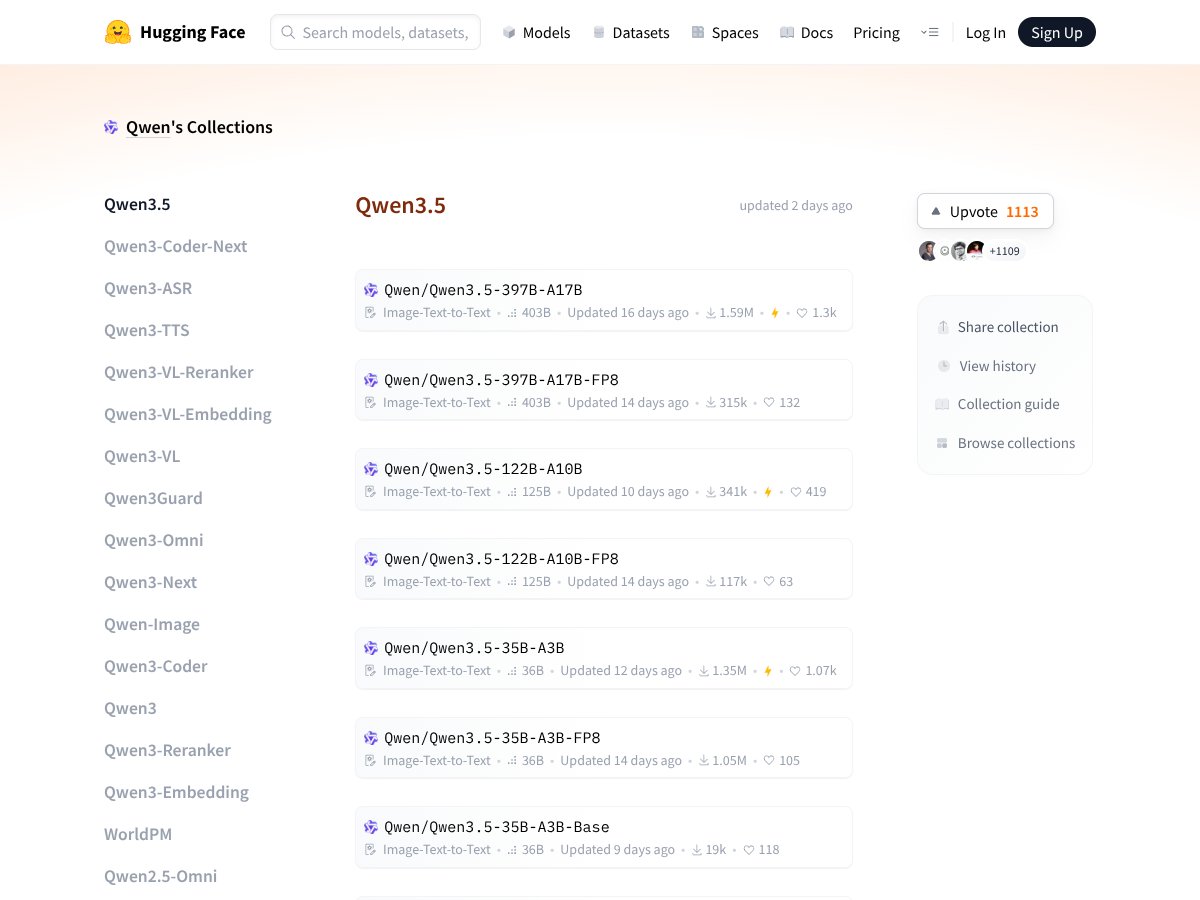
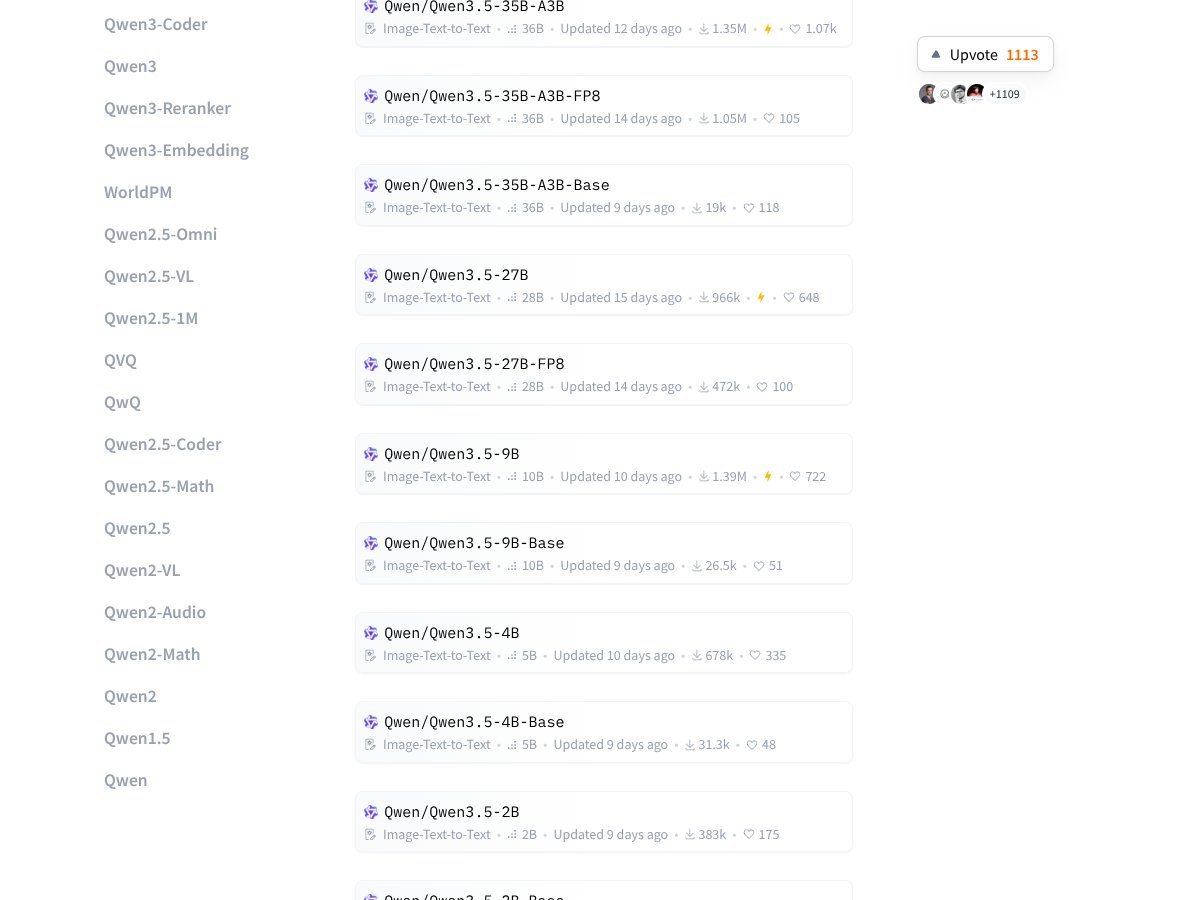
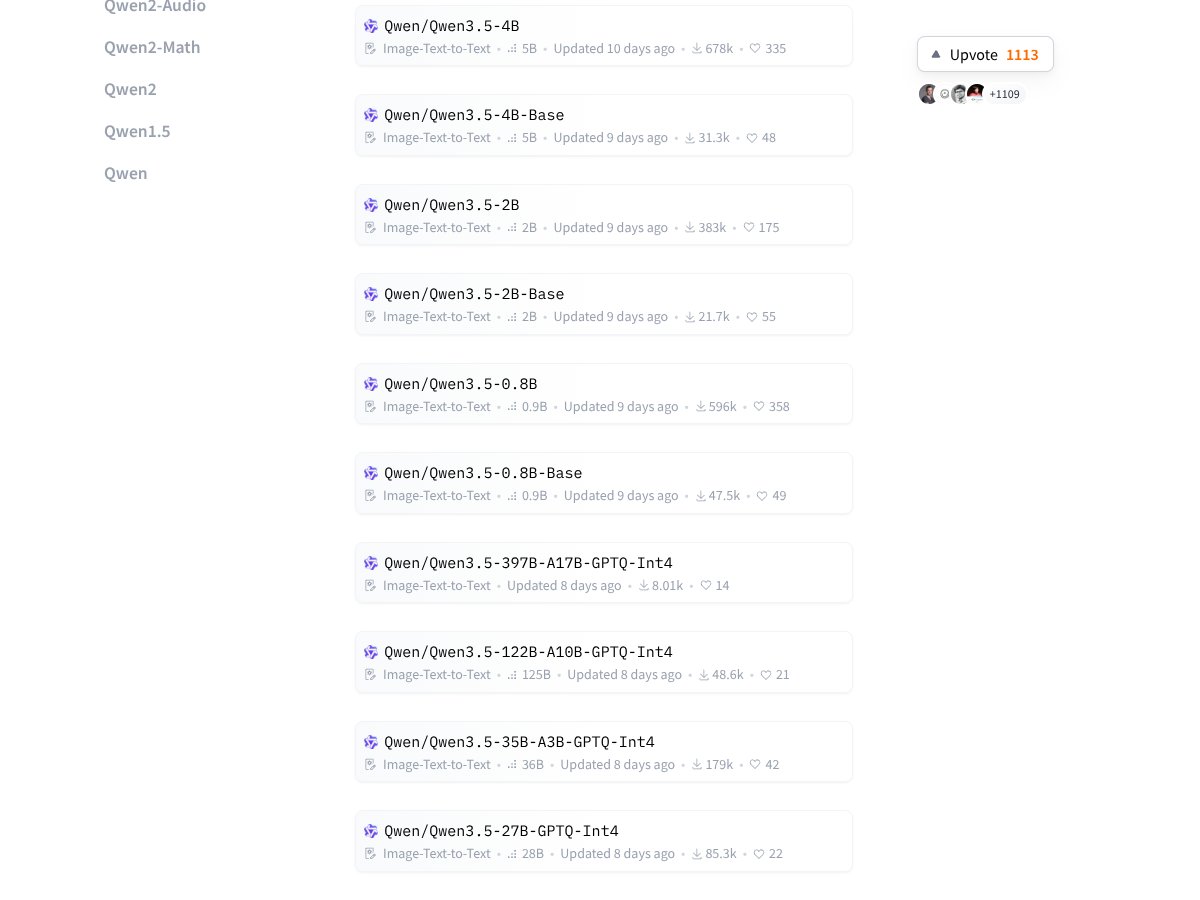
Honestly, I’ve been pretty curious about the whole hype around edge-friendly AI models lately, especially ones that claim to do a lot without needing heavy cloud infrastructure. That’s what drew me to Qwen3.5 Small — a lightweight, open-source model from Alibaba designed to run on your laptop or even a smartphone, not just massive data centers. It promises multimodal capabilities (text, images, UI interaction) and the ability to process long documents, all while being resource-friendly.
What it actually does, in plain English, is serve as a sort of AI assistant that can understand and generate text, interpret images, and even interact with user interfaces. Think of it as a mini AI brain you can run offline, capable of tasks like analyzing photos, following multi-step workflows, or just chatting without needing an internet connection. The main problem it aims to solve is making powerful AI models accessible for everyday users, especially those who care about privacy or don’t want to rely on cloud services that can be slow or expensive.
As far as who’s behind it, Alibaba is the main name associated with these models, and they’ve been quite active in releasing open-source AI variants lately. I was initially skeptical — as always with open-source AI — but I have to admit, the fact that it’s backed by a major company gives it a bit more credibility than some anonymous GitHub project.
My first impression? It kind of matches what the docs and hype suggest: a smaller, efficient model that can do a lot of what bigger models do, but on a smaller scale. What I want to be clear about upfront, though, is that it’s not a plug-and-play tool with a slick interface or a cloud-based API. It’s primarily a model you download, run locally, and then figure out how to use via code or command line. If you’re expecting a fancy app or seamless integration, you might be disappointed.
In fact, there’s no official UI, no app store, and no dashboard — it’s basically a set of models and scripts. So, don’t expect something that ‘just works’ out of the box if you’re not comfortable with technical setups. That’s an important heads up for anyone hoping for a ready-made AI assistant.
Qwen3.5 Small Pricing: Is It Worth It?

| Plan | Price | What You Get | My Take |
|---|---|---|---|
| Free Tier | Unknown | Likely access to basic models, possibly limited usage or features | Honestly, I couldn't find specifics. If it’s truly free, it might be worth experimenting with, but expect restrictions. |
| Paid Plans | Check the website | Potential access to larger models, priority support, or enhanced features | Here's the thing about the pricing... without clear details, it's hard to judge value. Since these are open-source models, the costs may primarily be hosting or deployment-related. Be wary of hidden costs or limits that aren’t clearly spelled out. |
My honest assessment? If Alibaba or the hosting provider charges for access, it could add up quickly, especially if you're doing heavy inference. Since the models are open source under Apache 2.0, technically, you could run them locally for free—assuming you have hardware capable of that. But if you want a hosted service with support, expect to pay. Be sure to verify any usage limits, API calls, or feature gates before committing.
For whom does this make sense? If you're a developer or researcher looking to experiment locally or on a modest budget, and you're comfortable handling deployment yourself, then the open-source model is a win. If you prefer a fully managed service with predictable costs, look into the hosting options or alternative commercial APIs.
The Good and The Bad
What I Liked
- Powerful performance in a small package: The 9B variant hitting 81.7 on GPQA Diamond is impressive—especially given its size. It’s a clear step up from many other lightweight models.
- Native multimodal capabilities: Being able to process images, text, and even UI screenshots without extra modules is a game-changer for edge applications.
- Offline operation and privacy: No cloud dependency means sensitive data stays local, which is a huge plus for enterprise or privacy-conscious users.
- Open source licensing: Apache 2.0 license means freedom to customize, redistribute, and deploy without licensing fees.
- Multilingual support: Over 200 languages with efficient token usage—especially useful for global projects or apps.
- Resource efficiency: The hybrid architecture allows running on consumer hardware, making it accessible beyond big data centers.
What Could Be Better
- High token consumption during reasoning: The models, especially in their reasoning tasks, tend to use more tokens than comparable models, which could lead to higher inference costs or slower responses in practice.
- Default reasoning disabled: You need to manually enable reasoning capabilities, which could be confusing for newcomers or those expecting out-of-the-box functionality.
- Limited real-world benchmarks: Most of the performance data is academic—it's unclear how these models perform on complex, real-world tasks or in production environments.
- Smaller models' limitations: The 0.8B or 2B variants, while lightweight, show significantly reduced capabilities, so they might not meet demanding use cases.
- Lack of clear pricing info: Without explicit costs, it's hard to plan budgets—especially if deploying at scale or in production.
Who Is Qwen3.5 Small Actually For?

If you're a developer, researcher, or enthusiast looking for a capable, open-source AI model that can run locally on consumer hardware, this might be your best bet. Particularly if your work involves multimodal data—images, UI screenshots, and structured content—and you value privacy and offline operation.
For example, if you're building a mobile app that needs to analyze images and text without relying on cloud APIs, or a desktop automation tool that navigates interfaces and fills forms, Qwen3.5 Small's visual agentic capabilities are a big plus. It’s also suitable for multilingual projects or those requiring extended context windows for long documents.
However, if your focus is on enterprise-level deployment with predictable costs, or if you need ultra-high reasoning accuracy without custom configuration, you might hit some limits. Also, those expecting out-of-the-box reasoning capabilities or minimal token usage may need to look elsewhere or be prepared to tweak the models.
Who Should Look Elsewhere
If your main goal is easy-to-use, cloud-based AI services with straightforward pricing, this isn’t it. Large-scale commercial applications requiring guaranteed uptime, support, or SLAs probably won't find this suitable. Also, if you need models with proven, real-world benchmarks across a variety of tasks—like complex dialogue, long-form content generation, or domain-specific knowledge—you might be disappointed.
Finally, if you're not comfortable with deploying open-source models yourself, or lack the hardware resources for local inference, then a managed API from providers like OpenAI, Anthropic, or Google might serve you better, even if it comes with ongoing costs and privacy trade-offs.
{"pros": ["Exceptional performance-to-size ratio, especially in the 9B variant, enabling high-level reasoning on edge hardware.","Native multimodal capabilities that process images, text, and UI screenshots without extra modules.","Complete offline operation ensures data privacy and reduces latency, ideal for sensitive or remote applications.","Open-source licensing (Apache 2.0) offers flexibility for customization and redistribution.","Supports over 200 languages with efficient token usage, broadening international usability."],"cons": ["High token consumption during reasoning tasks, potentially increasing inference costs and response times." ,"Reasoning capabilities are disabled by default, requiring manual configuration, which can be confusing." ,"Limited real-world performance benchmarks, making practical deployment assessments difficult." ,"Smaller models like 0.8B or 2B may not meet demanding application needs due to reduced capabilities." ,"Lack of transparent pricing details, making budget planning challenging."],"useCases": ["Local multimodal AI applications on mobile or desktop devices where privacy is paramount.","UI automation tools that navigate and interact with app interfaces using visual data.","Long-form document analysis or processing in offline environments.","Multilingual content analysis and generation for global projects.","Research experiments requiring customizable, open-source models with extended context capabilities."]}How Qwen3.5 Small Stacks Up Against Alternatives
Gemini 2.5 Flash-Lite
- What it does differently: Gemini 2.5 Flash-Lite is optimized for visual reasoning and multimodal tasks but is smaller and more lightweight, focusing on quick inference over deep reasoning. It’s generally designed for on-device use with less emphasis on extensive multimodal capabilities.
- Price comparison: Usually available via API with usage-based costs; smaller models tend to be cheaper than larger ones like Qwen3.5, but exact prices vary depending on provider and scale.
- Choose this if... You need a lightweight, fast visual reasoning model for simple tasks and are okay with lower reasoning performance.
- Stick with Qwen3.5 Small if... You want a more capable, multimodal model with broader language support and better reasoning, especially if offline operation matters.
Ministral 3 8B
- What it does differently: Ministral 3 focuses on general-purpose language understanding and reasoning, with a smaller size (8B) and less emphasis on multimodal features. It’s more of a traditional LLM with some fine-tuning for reasoning tasks.
- Price comparison: Open-source, so free to use; deployment costs depend on infrastructure, but no licensing fees apply.
- Choose this if... You need a solid reasoning model for text-heavy tasks and don’t require multimodal or UI interaction features.
- Stick with Qwen3.5 Small if... You want multimodal capabilities or offline UI automation—areas where Ministral 3 falls short.
Qwen3 VL Series
- What it does differently: The previous generation of Qwen models, with lower multimodal performance, primarily designed for text and basic image tasks, without the extended context windows or visual agentic abilities.
- Price comparison: Open-source, similar free-to-use model, but potentially less capable in multimodal tasks than the Small series.
- Choose this if... You’re okay with less advanced multimodal features and want a lightweight model for basic text/image tasks.
- Stick with Qwen3.5 Small if... You need cutting-edge multimodal capabilities and longer context handling.
OpenAI GPT-OSS 120B
- What it does differently: This is a much larger, cloud-based model, offering top-tier reasoning and language understanding but requiring significant hardware or cloud access.
- Price comparison: Paid API usage, often costly, especially for high-volume tasks; compared to free or open-source models, it’s more expensive but highly capable.
- Choose this if... You need the absolute best reasoning and language understanding in the cloud, and cost is less of a concern.
- Stick with Qwen3.5 Small if... You prefer offline, privacy-focused solutions and don’t want to rely on cloud APIs.
Bottom Line: Should You Try Qwen3.5 Small?
Overall, I’d say Qwen3.5 Small is a solid 7/10. It’s impressive for its size—delivering near-frontier reasoning in a compact, open-source package—and the multimodal features are a real game-changer for small models. It’s perfect if you want privacy, offline operation, and multi-language support without breaking the bank. But watch out for its high token usage and the default disabled reasoning, which can trip up newcomers.
If you’re someone who wants to run AI locally on a decent laptop or smartphone, and is willing to tinker a bit, this is definitely worth trying. The open-source license means you can customize it freely, which is a huge plus. However, if you need the absolute best reasoning performance and are okay with cloud reliance and higher costs, bigger models like GPT-4 or GPT-OSS 120B might be better.
Personally, I recommend giving the free version a shot if you’re curious. Upgrading to a paid setup makes sense only if you’re pushing heavy workloads or need specific enterprise features. If offline privacy and multimodal abilities are your priority, Qwen3.5 Small is a compelling choice. Otherwise, consider alternatives that better fit your specific needs.
In short: if you want a versatile, open-source multimodal model that runs on your hardware, give it a try. If you’re after pure, high-end reasoning and don’t mind the cloud, look elsewhere.
Common Questions About Qwen3.5 Small
- Is Qwen3.5 Small worth the money?
- It’s free to download and use due to its open-source license, but deployment costs depend on your hardware and infrastructure. It’s a good value for offline, privacy-focused use.
- Is there a free version?
- Yes, the models are open-source and free. However, running them efficiently may require hardware you already own or cloud resources you pay for.
- How does it compare to GPT-4 or GPT-OSS 120B?
- Qwen3.5 Small offers impressive reasoning for its size and can run locally, but it generally doesn’t match the raw power of larger cloud models like GPT-4 in complex tasks.
- Can it do video analysis or UI automation?
- Yes, the multimodal capabilities include video analysis and UI navigation, making it more versatile than most small models.
- Is reasoning enabled by default?
- No, reasoning is disabled in the Small models but can be turned on with some configuration.
- Can I get a refund?
- Since it’s open-source, there’s no purchase or refund process. You can freely download and experiment with it.