Table of Contents
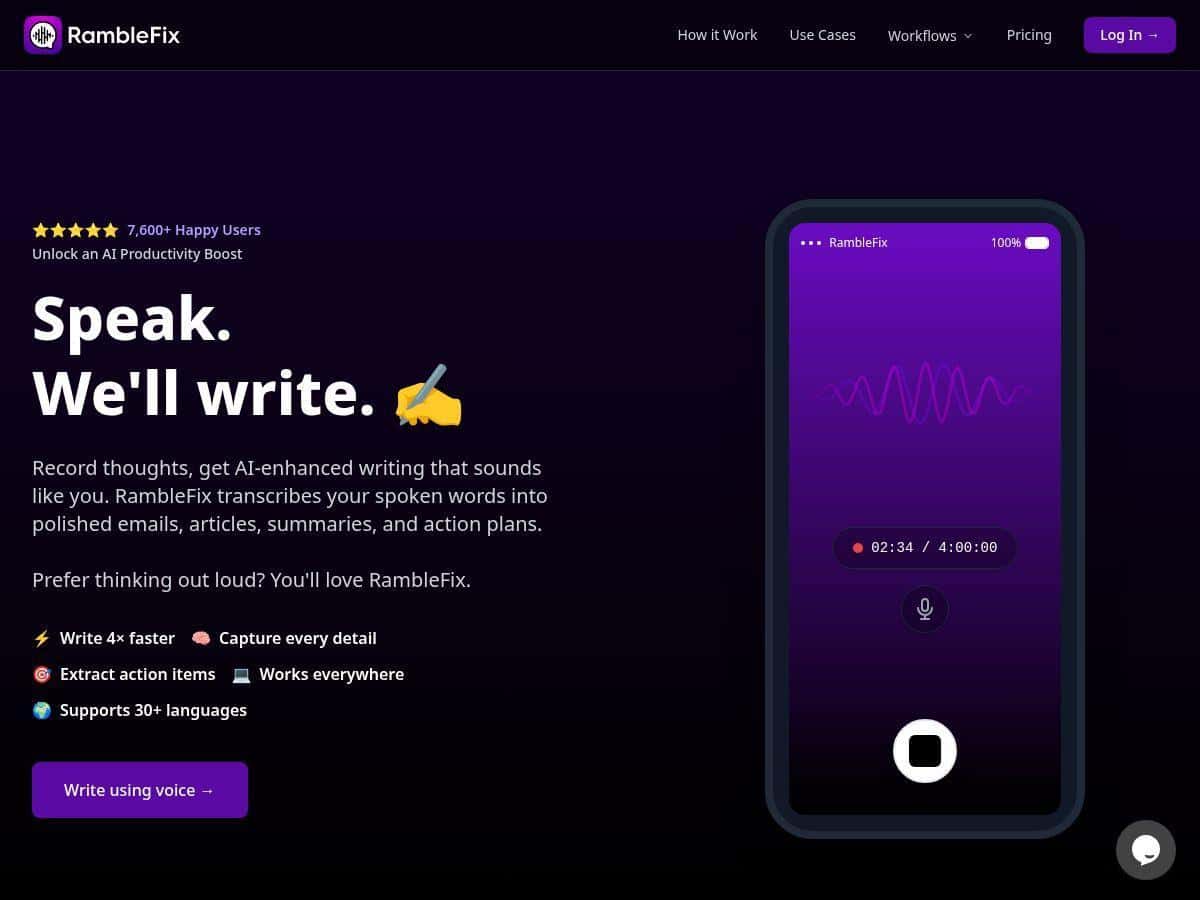
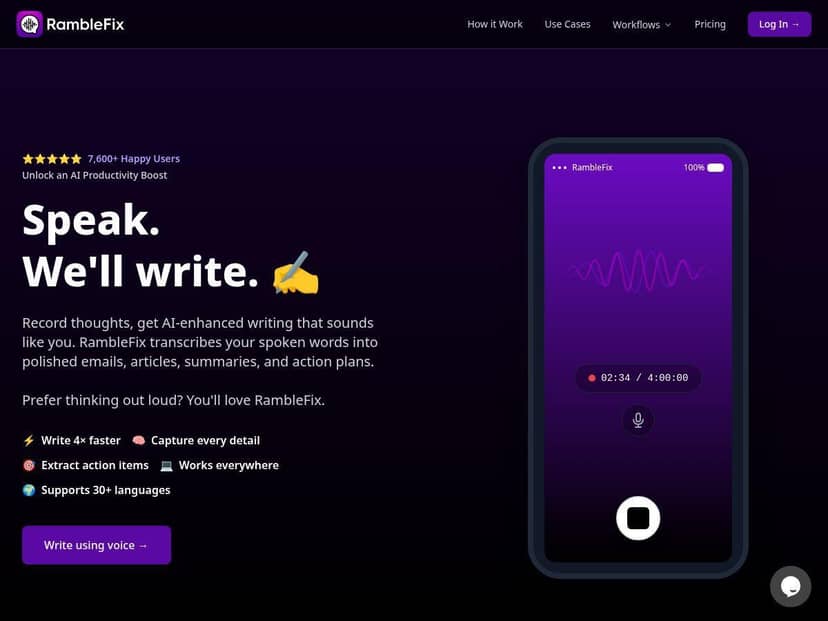
If you’ve ever tried to “just type this out real quick” and ended up with a half-finished thought, you already get why tools like RambleFix are so tempting. I tested RambleFix by recording messy, real-world voice notes—stuff I’d normally mumble into my phone—then comparing the raw transcript to the polished output it generates.
What I noticed right away: it doesn’t just “paste words into a document.” It tries to clean things up so the result reads like you actually meant to write it. And for anyone who’s tired of wrestling with punctuation, capitalization, and formatting while their ideas are still fresh? That’s the whole point.
RambleFix Review
Here’s the workflow I used so I could judge it fairly: I recorded a few short voice clips (about 2–4 minutes each) in a quiet room, then another clip with mild background noise (fan on, TV low). I also tried a “real meeting” style note with names, dates, and a few action items.
Then I compared two things:
- Transcription accuracy (did it capture the words correctly, and did it handle punctuation?)
- Polish quality (did the final text sound like something I’d actually send or paste into a doc?)
Overall, RambleFix does a strong job when your audio is reasonably clean. The punctuation and formatting improvements are the biggest “wow” moment for me—especially after you’ve spent years manually adding commas and turning “yeah so basically” into something readable.
But it’s not magic. When I threw in more complex jargon and a couple of proper nouns, I still had to do light cleanup. Still, that’s a lot better than starting from scratch.
Key Features
- Advanced Voice Recognition and Speech-to-Text Transcription
- In my tests, it handled normal conversational speech well and was fairly consistent with punctuation. The main factor wasn’t “smartness”—it was audio clarity. With clearer speech, I got fewer word swaps and fewer “wait, what did it say?” moments.
- Example (before → after):
- Raw spoken note: “Send the draft to Sarah by Friday, and then we’ll review it Monday morning.”
- Polished text: “Please send the draft to Sarah by Friday. Then we’ll review it Monday morning.”
- That shift—from rambling to readable sentences—is exactly where it earns its keep.
- AI-Powered Content Polishing and Editing
- This is the feature I used the most. It takes the transcript and rewrites it into something with a more natural flow. What I liked is that it doesn’t just “summarize”—it actually edits for readability.
- My prompt habit: I’d record, then ask for an email-style version. It turned my notes into a message with a clear subject-like intro and a more structured body.
- Raw transcript vibe: “Okay so I need to update the doc and I also need to check the numbers.”
- Polished version vibe: “I’d like to update the document and verify the numbers before we share it.”
- Support for Over 30 Languages
- I didn’t run through all 30+ languages, obviously, but I did test switching languages for a short bilingual clip. The output stayed coherent, and the transcription didn’t fall apart the way some tools do when you change language mid-stream.
- If you work multilingual—this matters. You don’t want to export something that suddenly becomes unusable.
- Automatic Action Item Extraction
- This one’s handy, especially for meetings or team updates. It tries to pull out tasks and present them as action items instead of burying them inside paragraphs.
- Example format I saw:
- Action Items: Send draft to Sarah (due Friday)
- Action Items: Review updated doc (Monday morning)
- Where it slipped: when I said a name that’s uncommon (or pronounced it quickly), it sometimes “guessed” a similar-sounding word. Dates were mostly fine, but I still recommend a quick scan for proper nouns.
- Versatile Use Cases like Meeting Summaries, Emails, Blogs
- I tried three common scenarios:
- Meeting recap: It produced a clean summary with next steps.
- Email draft: It converted notes into a message that didn’t sound like a voice memo.
- Idea dumping: It helped turn scattered thoughts into structured paragraphs.
- It won’t replace your judgment—if you said “we’ll probably do X,” it may phrase it more confidently than you intended. Still, that’s easy to correct.
- Cross-Platform Accessibility via Web App
- Using it in a browser was convenient. I didn’t have to install anything, and I could jump between devices to review outputs. If you’re working on a shared computer or traveling, that matters.
Pros and Cons
Pros
- Polished output is genuinely useful: The biggest win is how it turns messy speech into readable text with punctuation and structure.
- Good transcription with decent audio: In quiet conditions, it captured my words accurately enough that I didn’t need to “re-listen” every line.
- Action items save time: For meeting notes, extracting tasks into a list is a real productivity boost.
- Multi-language support: Helpful if you work in more than one language.
- Web-based workflow: Easy to access without setting up a new app.
Cons
- Audio quality really matters: With background noise and fast speech, accuracy dropped and I had to correct a few words.
- Jargon and proper nouns can trip it up: Industry terms and uncommon names sometimes come out wrong—especially if pronounced quickly.
- It can over-edit: Sometimes the polished version changes tone slightly (more “confident” than your original phrasing). Quick review fixes that.
- Not a “set it and forget it” tool: You’ll still want to skim—especially for names, dates, and anything you’d send to a client.
Pricing Plans
RambleFix offers subscription options with a free 14-day trial that includes up to 10 hours of transcription. After that, you’ll need to choose a monthly or yearly plan.
I can’t reliably quote exact current plan prices here because they can change, but you can check the latest numbers directly on the official website. If you want a quick way to decide, here’s what I’d do:
- If you’ll record short notes (2–5 minutes) a few times a week, try the trial and see how often you hit the polishing/action-item needs.
- If you’re doing long meetings, time it—10 hours can go faster than you think once you start capturing everything.
Tip: During the trial, record one “easy” clip and one “hard” clip (noisy room + jargon). Compare how the polished text handles both. That’ll tell you more than any marketing claim.
Wrap up
RambleFix is best for people who have ideas in their head but don’t want to spend forever typing them out. The transcription is solid when your audio is decent, and the polishing makes the final text feel ready to use instead of “transcript-first, edit-second.”
If you’re willing to do a quick skim for names and tricky terms, it can save a surprising amount of time. My suggestion? Try the 14-day trial, record a 3-minute meeting note, and then check whether the punctuation and action-item extraction match what you actually meant. If it does, you’ll probably stick with it.