Table of Contents
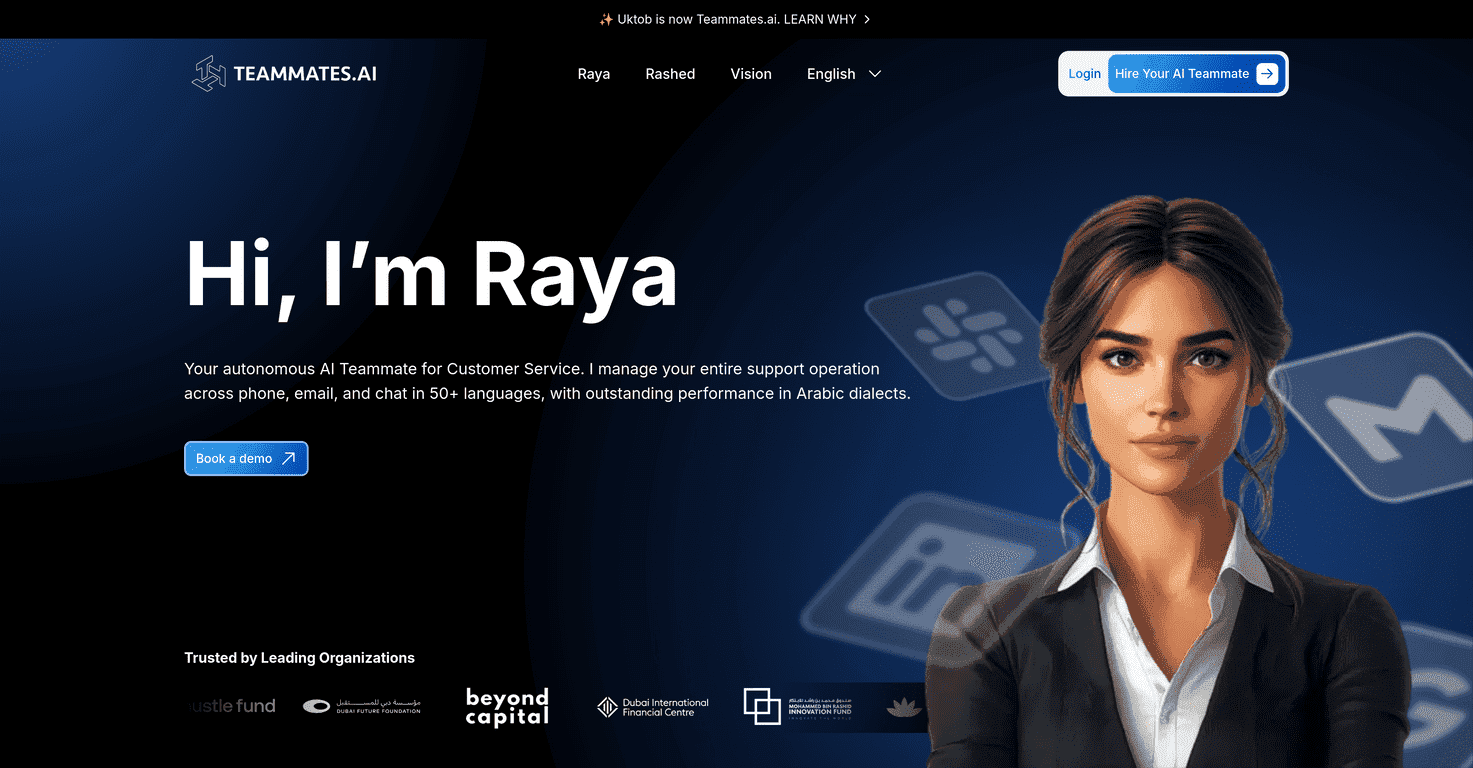
Let me be honest: I’m always skeptical when a tool says it can “handle everything” without much oversight. That said, Raya by Teammates.AI is one of those platforms that actually sounds built for real business use—not just chat for the sake of chat.
In my experience, the biggest win with Raya is that it’s positioned to take over whole job functions (not just answer a few FAQs). If you’ve got repetitive customer service questions, lead qualification, or sales follow-ups eating up your day, this is the kind of automation that can free people up for higher-value work. And because it supports 50+ languages, it’s also aimed at teams that need customer communication across regions, not just one market.
Below, I’ll break down what it does, what I like, what I’d watch out for, and what you should check before you commit.
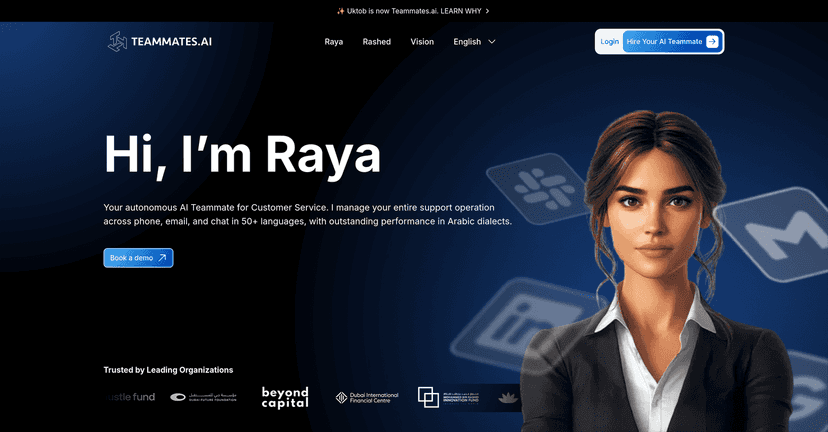
Raya by Teammates.AI Review: What It Actually Does for Teams
Raya by Teammates.AI is built around the idea that AI shouldn’t just respond—it should carry parts of the work. The core pitch is “fully autonomous AI technology,” which means it’s meant to handle entire job functions like customer service and sales, not just draft messages occasionally.
Here’s what stood out to me when I looked at the positioning: it’s designed to plug into your existing operations, so you’re not starting from scratch. If your team already has a process (ticketing, inbound leads, common objections, order questions), that’s where automation usually pays off fast.
And the language support matters more than people think. When a platform can communicate in 50+ languages, it’s easier to support global customers without building separate workflows for every region. That’s a big deal if you’re scaling internationally or if you already get inbound from multiple countries.
Key Features (and how they show up in real work)
- Fully autonomous AI technology — not just “assistive” responses. The goal is to execute job functions more end-to-end.
- Handles entire job functions like Customer Service and Sales — think handling common support questions, qualification, and follow-ups instead of only drafting replies.
- Supports more than 50 languages — useful for multilingual customer conversations and sales outreach without constant manual translation.
- Seamlessly integrates into existing workflows — you shouldn’t have to rebuild your whole stack to get value.
If you’re trying to picture it: the simplest starting point is usually the “repeat” work. For example, customer service teams often deal with the same order status questions, policy questions, and basic troubleshooting. Sales teams deal with similar lead questions and follow-up sequences. That’s the kind of workload where an autonomous assistant can reduce back-and-forth quickly.
Pros and Cons (my honest take)
Pros
- Less operational burden on your human team. When repetitive questions get handled automatically, agents can focus on the edge cases.
- Efficiency gains for high-volume workflows. Even small reductions in average handling time add up when you’re dealing with lots of tickets or inbound chats.
- Stronger global reach thanks to multi-language support (50+ languages isn’t just a checkbox).
- More time for strategy — and yeah, that’s the part leadership actually cares about.
Cons
- Human touch can drop if you automate too aggressively. Customers sometimes want empathy, not just accuracy. You’ll likely need clear escalation rules.
- Setup and implementation take time. Even when the AI is “autonomous,” you still have to map it to your policies, tone, and workflows so it doesn’t go off-script.
- Data security and privacy concerns are real. Any AI handling customer or sales data should come with clear controls—so don’t skip the security questions.
One practical tip I always recommend: start with one workflow (like customer service FAQs or lead qualification) before expanding. It’s the easiest way to see where the AI performs well—and where you’ll need human review.
Pricing Plans
I didn’t see specific pricing details included in the content I reviewed. Because pricing can change (and because AI tools often depend on usage, seats, or workflow scope), the best move is to check the latest info directly on the Teammates.ai site or contact their team for a quote.
When you ask about pricing, I’d also ask a couple quick questions: what’s included in the base plan, what triggers extra costs (language volume, message volume, integrations), and what the onboarding/support timeline looks like.
Wrap up
Raya by Teammates.AI looks like a serious option if you want automation that goes beyond “helpful answers” and into handling real business functions—especially for teams dealing with repetitive customer service and sales workflows. The multi-language angle (50+ languages) is a strong reason to consider it if you’re serving customers globally.
That said, I wouldn’t treat it as a set-it-and-forget-it solution. You’ll want guardrails for the human touch, and you should verify how data security and privacy are handled before you route customer conversations through it. If you’re ready to invest a bit upfront for setup, the payoff could be real—quicker responses, fewer repetitive tasks, and more time for your team to focus on the work that actually needs people.
Promote Raya by Teammates.AI