Table of Contents
If you’ve ever stared at a blank LinkedIn post and thought, “I know what I want to say… I just can’t get it into words,” you’re definitely not alone. I’ve had weeks where I’m active, I’m networking, and then posting suddenly turns into this awkward scramble. That’s why I tried RedactAI.
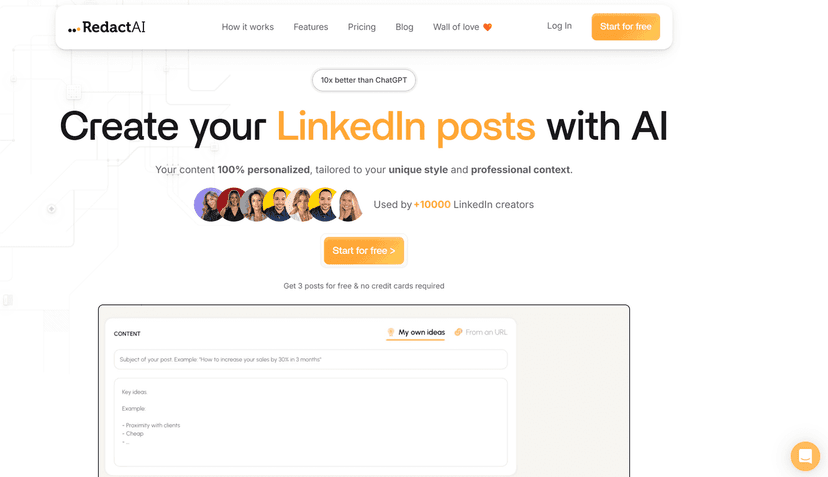
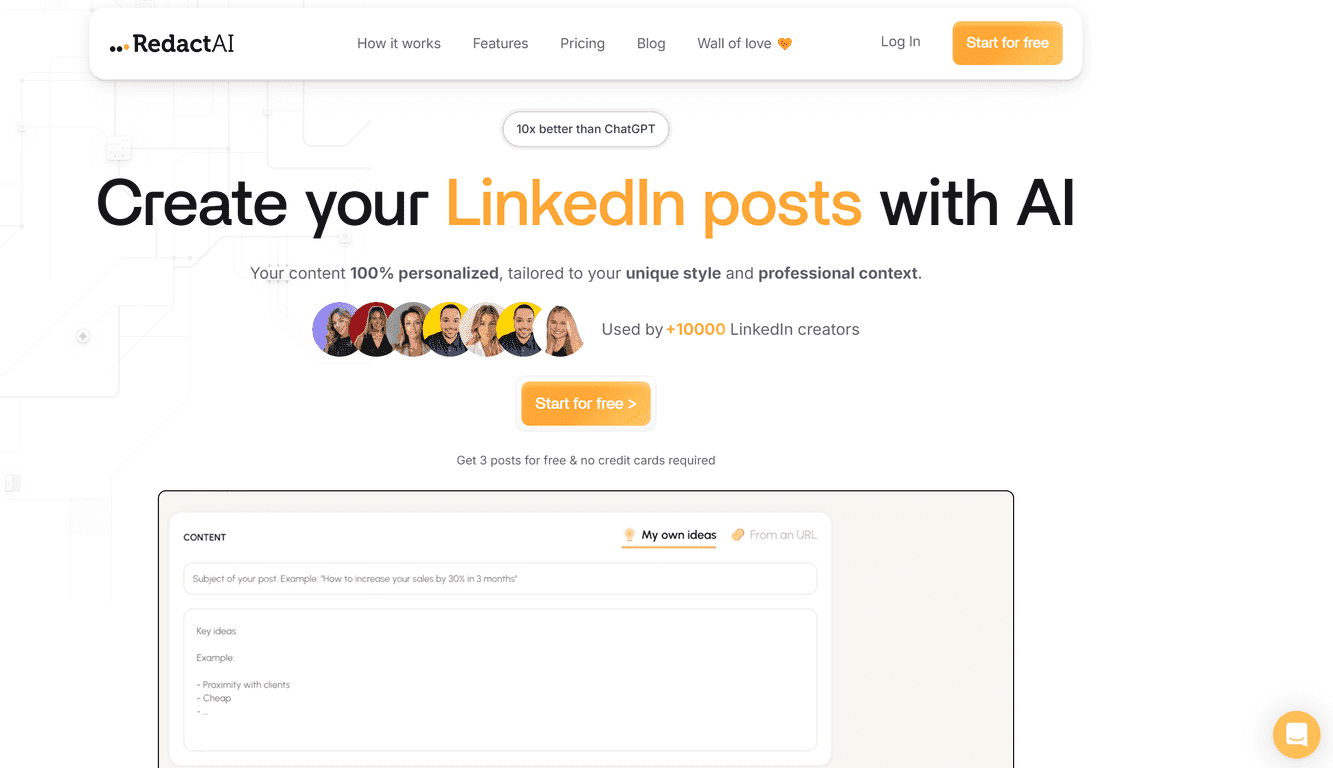
RedactAI is built specifically for LinkedIn-style writing. The big promise is that it can help you generate posts that match your voice—so it doesn’t feel like you’re posting something that came from a generic template. In my experience, that matters a lot. People can tell when something sounds “AI-ish,” even if it’s technically correct.
It also helps you stop overthinking. If you’ve got a backlog of ideas, you can recycle what already worked. If you don’t, you can generate fresh angles fast. The interface is pretty straightforward too, so you’re not stuck learning a complicated workflow before you can even draft a post.

One feature I liked right away was the integrated chat. Instead of just generating a draft and hoping for the best, you can ask follow-up questions and steer the output. Want it more direct? More story-driven? Shorter? That back-and-forth makes a difference when you’re trying to keep your tone consistent from post to post.
That said, no tool can magically guarantee viral posts. What RedactAI can do (and what I found useful) is reduce the time between “I should post” and “I actually posted something decent.” And on LinkedIn, consistency beats perfection most of the time.
RedactAI Review: Does It Actually Help You Post More (and Better)?
Let me be straight: I don’t want a “write me a random LinkedIn post” button. I want something that sounds like me and doesn’t waste my time. RedactAI is built around that idea—helping you replicate your LinkedIn writing style so your posts feel consistent.
Here’s what stood out when I tested it:
- It’s easier to start. Instead of blank-page stress, you get a draft structure quickly, then you can tweak it.
- It encourages reuse. Recycling past posts is underrated. If you’ve already written something that got good engagement, you can update it with a new lesson, a fresh example, or a different takeaway.
- It’s actually tailored to LinkedIn. The prompts and output feel aligned with the way people read on LinkedIn—short paragraphs, clear points, and a hook that tries to earn attention.
Also, the chat feature is handy. I found myself using it like an editor: “Make this more direct,” “Add a quick personal story,” or “Shorten the intro by 1–2 lines.” You don’t have to accept the first draft as-is, which is where a lot of AI tools fall apart.
One more thing: it supports multilingual output, which matters if you’re targeting more than one region. I didn’t test every language, but the option is there and it’s useful to have if your audience is global.
Key Features I’d Use on Repeat
- Replicate Your LinkedIn Style for consistency
This is the core feature. The goal is to keep your voice recognizable across posts, not just create “good English.” - Post Recycling
Reuse what already worked—then improve it. I like this because it turns past wins into new content without starting from scratch. - URL Content Generation
If you’ve got a blog or YouTube link you want to reference, you can generate content from it. It’s a nice shortcut when you’re doing research and want to convert it into a post quickly. - Post Preview with Insights
Before publishing, you can preview and adjust. I’m not expecting magic analytics, but having feedback helps you tighten up the hook and overall flow. - Idea Generation
When you’re stuck, it’s quick to get multiple angles. I usually pick 1 idea and then rewrite the intro until it sounds like something I’d actually post. - Multilingual Support
Good if you post for different audiences or want to expand beyond your native language. - Access to Recycle Post for quick re-iterations
This makes it easier to revisit an earlier draft and refresh it instead of starting over. - Chat with RedactAI for personalized assistance
This is where you can nudge tone, length, and structure. It’s like having a writing partner—though you still need your judgment.
Pros and Cons (Real Talk)
Pros
- More “you-like” drafts. The style replication is the main reason I’d keep using it. Generic AI writing tends to sound flat; this aims to avoid that.
- Faster drafting. If you’re posting even 2–4 times a week, saving time adds up quickly.
- Built for LinkedIn, not just writing. The output feels closer to what LinkedIn readers expect.
- Simple interface. I didn’t feel lost trying to figure out where to start, and subscription management is easy to handle.
Cons
- No tool can guarantee viral posts. You still need a good topic, a strong hook, and relevance to your audience.
- You’ll still need to provide input. If you give it vague info, you’ll get vague output. I found that adding a few specifics (your experience, a number, a result, a lesson learned) improves everything.
Quick tip from my workflow: I treat RedactAI like a draft generator + editor. I’ll ask for 2–3 variations, then I pick the one closest to my voice and rewrite the first 2–3 lines manually. That’s usually where the “AI vibe” shows up first.
Pricing Plans: What You Pay for (and What You Get)
RedactAI has pricing that’s pretty straightforward. From what’s listed:
- Essential: $20.90/month
Includes 8 posts generation, unlimited idea generation, and 24/7 multilingual support. - Creator: $38.90/month
Includes unlimited post generation and access to the ChatWithRedactAI feature. - Annual plans: Save 20% if you pay annually.
If you’re just testing the waters or posting occasionally, Essential might be enough. But if you want to iterate with chat and generate a lot more drafts, Creator is the plan I’d lean toward.
Wrap up
RedactAI is one of the better “LinkedIn-focused” writing tools I’ve tried. It doesn’t just spit out generic posts—it tries to keep your style consistent, and the chat feature makes it easier to refine drafts instead of starting over. The biggest limitation is also the most honest one: it can’t guarantee performance. That still comes down to your ideas, your audience, and how you frame your story.
If you’re tired of wrestling with what to post next and you want a faster way to publish consistently, it’s worth checking out. I’d recommend giving it a couple of sessions—generate a few drafts, recycle one successful post, and see if it matches your voice well enough for you to hit “publish” with confidence.