Table of Contents
What Is Rekreate? (And What I Actually Tested)
I’ll be honest—I went into Rekreate pretty skeptical. I’ve tried a few “AI product photo” tools before, and too many of them either smear edges, mess up colors, or generate backgrounds that look obviously synthetic. So when I came across Rekreate, I decided to test it with the kind of products I’ve struggled with: small retail items where clean cutouts and realistic shadows matter.
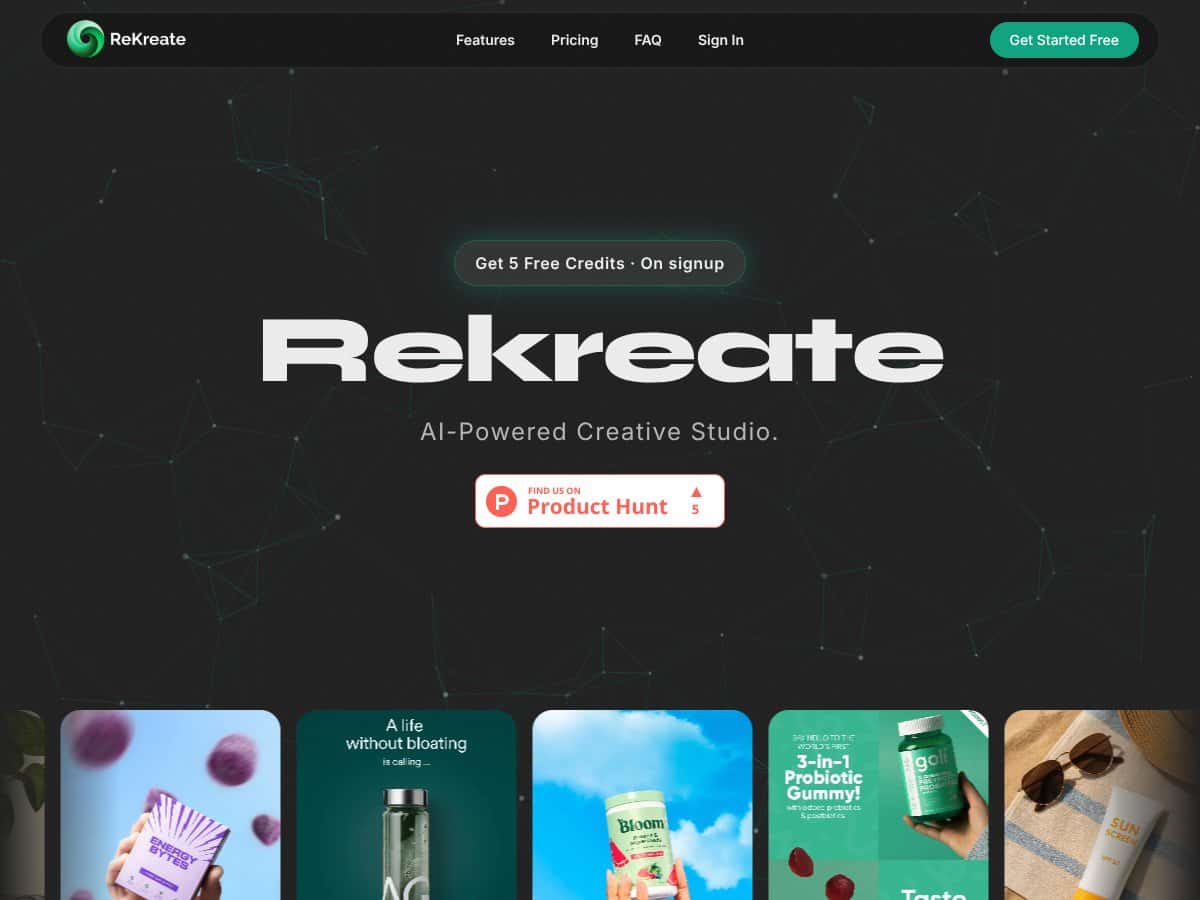
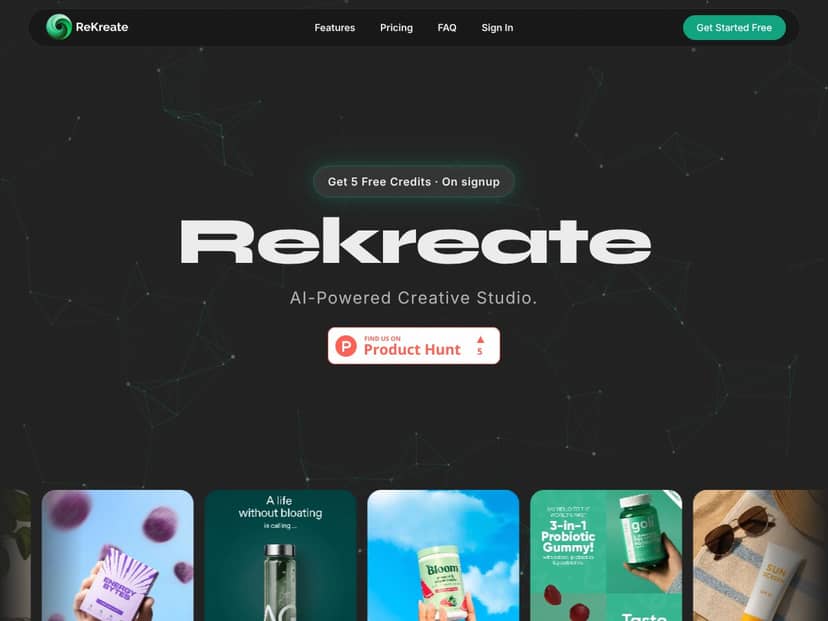
Here’s the basic idea: Rekreate uses AI to generate studio-style product images. You upload your product photo, and it creates images that are meant to work on common e-commerce placements like Amazon, Shopify, and social media. It’s positioned as a time-saver for people who don’t want to book a photographer or build a full studio setup.
One thing I noticed right away, though: I couldn’t find much about the company itself—no strong founder story, no team page I could point to, and not a lot of “who’s behind this” info. That doesn’t automatically mean the tool is bad, but it did make me cautious when it came to pricing and limits.
Also, the onboarding experience wasn’t very guided. The UI looks clean and modern, sure, but it doesn’t hold your hand. After upload, you’re basically left to figure out what to do next—no “start here” checklist, no sample gallery showing exactly what different settings produce, and no clear explanation of how credits relate to outputs. For a tool that’s supposed to be quick, I expected a bit more clarity.
My upload-to-result workflow (step-by-step)
In my experience, the workflow looked like this:
- 1) Upload a product image (I used a plain product shot first, since that’s usually the easiest test).
- 2) Start generation (there weren’t many obvious controls for “quality,” “background intensity,” etc.).
- 3) Wait for outputs (the turnaround felt fast—think minutes, not hours—but it wasn’t instant like some tools claim).
- 4) Download/export results (the generated images were usable immediately for web, but I still checked edges and background realism before calling it done).
What I was missing most: a clearer “what to expect” panel. I wanted to know, up front, what kinds of backgrounds it would produce, whether it tries multiple angles automatically, and what the maximum output resolution actually is. Instead, I had to learn by generating images.
Before/after examples from my test
To make this less hand-wavy, here are a few of the specific cases I tested. (I’m describing what I saw in the generated results, not just the marketing promise.)
-
Example 1: Small bottle (white background)
Before: clean product shot, but the shadow was a little flat.
After: Rekreate added a more realistic studio shadow and cleaned up the background look. Edges looked fairly crisp on the front-facing areas. Strength: the overall “product photo” vibe improved immediately.
Failure case: on the bottle’s label edges, a couple of areas looked slightly fuzzy—like the label wasn’t perfectly respected. -
Example 2: Boxed accessory (dark product)
Before: dark packaging with some glare and a busy original background.
After: the background got simplified and the product stood out more. Strength: contrast improved, and the shadow placement made it feel less “cutout.”
Failure case: the brightest glare areas got “smoothed over,” which sometimes dulled the packaging details. -
Example 3: Small apparel item (soft fabric)
Before: fabric texture was visible, but folds were uneven.
After: Rekreate produced a more uniform studio-style look. Strength: consistency across variants was decent.
Failure case: fabric folds became slightly generic—less like my original material and more like a “typical” studio render. -
Example 4: Multi-color retail item (high color variation)
Before: strong color separation, but colors were slightly different due to lighting.
After: colors generally stayed close, but I noticed minor shifts in a couple of mid-tones. Strength: it didn’t completely blow out the palette.
Failure case: one accent color looked a bit muted compared to the original.
So yeah—“decent” is the right word, but I’m not going to pretend it’s perfect. If your product depends on exact color matching, razor-sharp label edges, or highly detailed texture, you’ll want to verify every output.
Rekreate Pricing: What I Saw (Credits, Costs, and Limits)
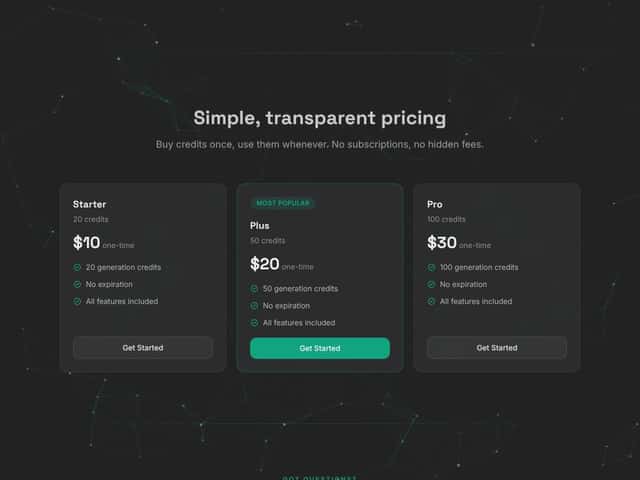
Rekreate uses a credit model. That part is straightforward: you buy credits, then generate images using those credits. No monthly subscription is required (at least based on what I saw during my test).
Now for the part that matters: the pricing transparency. The site didn’t give me a super clear breakdown of what the free tier includes. I also didn’t see a clean “credit usage per generation” calculator that told me exactly how many credits my first run would consume.
How much does it cost per credit?
In the original pricing section I checked, the per-credit cost was described as around $0.10–$0.20 per credit. I’m repeating that range because it’s what was shown, but I can’t pretend it’s precise without a screenshot or exact plan details. What I can tell you from my usage: it’s easy to burn through credits if you keep regenerating because you’re trying to get “perfect” edges and shadows.
What a typical workflow costs (example)
Let’s say you want 10 usable product images for different listings/variants (main image + a few alternates). If you’re paying in the ballpark of $0.10–$0.20 per credit, your total could land somewhere around $1–$2 for that set—assuming you generate exactly what you need on the first few tries.
But here’s the real-world caveat: if your first outputs have edge fuzziness or imperfect label handling, you’ll regenerate. That’s when the cost creeps up fast.
Limits: what’s actually stated vs what I observed
I didn’t find a clearly stated daily or monthly cap in the UI during my test. I also don’t want to guess about “fair use” the way some reviews do. What I can say is this: the free tier wasn’t unlimited in practice. It allowed generation, then I hit a point where I needed credits to keep going.
So if you’re planning to produce a big catalog, don’t assume there’s a generous unlimited window—test first, then scale once you understand how many generations you’ll need to get consistently “publish-ready” images.
How Rekreate Stacks Up Against Alternatives
Rekreate vs Canva (design-first vs product-photo-first)
- What it does differently: Canva is a design suite. You can absolutely make product visuals, but you’re usually composing, editing, and formatting yourself (templates, background removal, overlays, etc.). Rekreate is focused on generating studio-style product images from your upload.
- Price comparison: Canva’s Pro plan starts around $12.99/month (depending on billing and promotions). Rekreate is more “pay for outputs,” not “pay for a monthly editing toolbox.”
- What I noticed: Canva is better if you need banners, landing pages, and marketing graphics in one place. Rekreate is better if you specifically need product photos fast and you don’t want to spend time building layouts.
Rekreate vs Photoshop (control-first vs speed-first)
- What it does differently: Photoshop (especially with generative tools) gives you serious control, but it takes time and skill. Rekreate is built to be quick: upload and generate.
- Price comparison: Adobe Creative Cloud pricing is roughly $20.99/month for Photoshop (again, depending on plan details). Rekreate can be cheaper if you only need product image generation and not the full editing suite.
- What I noticed: If you’re picky about label text, color accuracy, and edge perfection, Photoshop wins—hands down. Rekreate wins when you want “good enough for listing pages” without learning a complex workflow.
Rekreate vs Placeit (mockups and lifestyle scenes)
- What it does differently: Placeit is heavy on mockups and lifestyle presentation. Rekreate is more about generating studio-style product shots.
- Price comparison: Placeit plans start around $14.95/month. Rekreate’s credit model is different—you pay for generation rather than “access to a library.”
- What I noticed: If your brand sells through lifestyle imagery (wearing the product, in-room scenes, etc.), Placeit-style mockups are usually the better fit. If you mainly need clean e-commerce shots, Rekreate is the faster route.
Rekreate vs Printful Mockup Generator (POD-focused)
- What it does differently: Printful is built around print-on-demand products and mockups for specific merchandise workflows. Rekreate is broader for product photo generation.
- Price comparison: Printful mockups are free to use, and you pay when you order physical products. Rekreate charges for generated images.
- What I noticed: If you’re doing POD and need merch previews, Printful makes sense. If you’re selling standard products and want consistent product photos for multiple marketplaces, Rekreate is more aligned.
Bottom Line: Should You Try Rekreate in 2026?
I’d rate Rekreate a 7/10 based on what I actually generated and checked. It’s genuinely convenient for getting consistent, studio-style product images without setting up lights or booking a shoot. If you’re trying to keep your listings looking uniform, it can help a lot.
Where it impressed me: the generated backgrounds and shadows usually look more “real” than basic cutout tools. Across multiple runs, the overall style stayed fairly consistent, which is exactly what e-commerce sellers need.
Where it let me down: ultra-fussy details—like crisp label edges, exact color matching, and realistic texture on softer materials—weren’t always perfect. Sometimes it smoothed things in a way that made the product look slightly less like the original.
Who should try Rekreate?
If you sell on Amazon, Flipkart, or Shopify and you need quick, consistent product photos for listing pages, Rekreate is worth a test. It’s especially useful if you’re trying to build a catalog without spending studio money on every SKU.
Who should skip it?
If your brand relies heavily on lifestyle imagery, or if you need highly accurate label/text reproduction, or you’re targeting print/display where tiny imperfections matter, you’ll probably be happier with a photographer or a more controllable editing workflow.
Is the free tier worth it?
Yes—use it. Generate for your product types, not someone else’s. Upload one item you care about, run a few generations, and see if the edges, colors, and shadows meet your standards. If they do, upgrading makes sense. If not, you’ll save yourself credit burn.
Would I recommend it personally? For quick, decent product images—yes. For premium, editorial-level visuals—no. Rekreate is a practical tool, not a replacement for top-tier production.




