Table of Contents
What Is remio 2.0? (And What I Actually Saw After Testing)
Honestly, I was pretty skeptical about remio 2.0 at first. The pitch—an AI that quietly captures your digital life (web pages, meetings, files, emails) and then turns it into something you can search by asking questions—sounds great… but I’ve also seen a lot of “automatic” tools that end up needing constant babysitting.
So I tested remio 2.0 like I’d actually use it: I installed it on my Windows machine and let it run while I did normal work. In my case, that meant browsing a mix of sites (news + documentation), opening a handful of PDFs, and recording a few meetings. The goal wasn’t to “try it.” It was to see if it captured the stuff I care about and whether the search answers felt grounded in what I’d actually done.
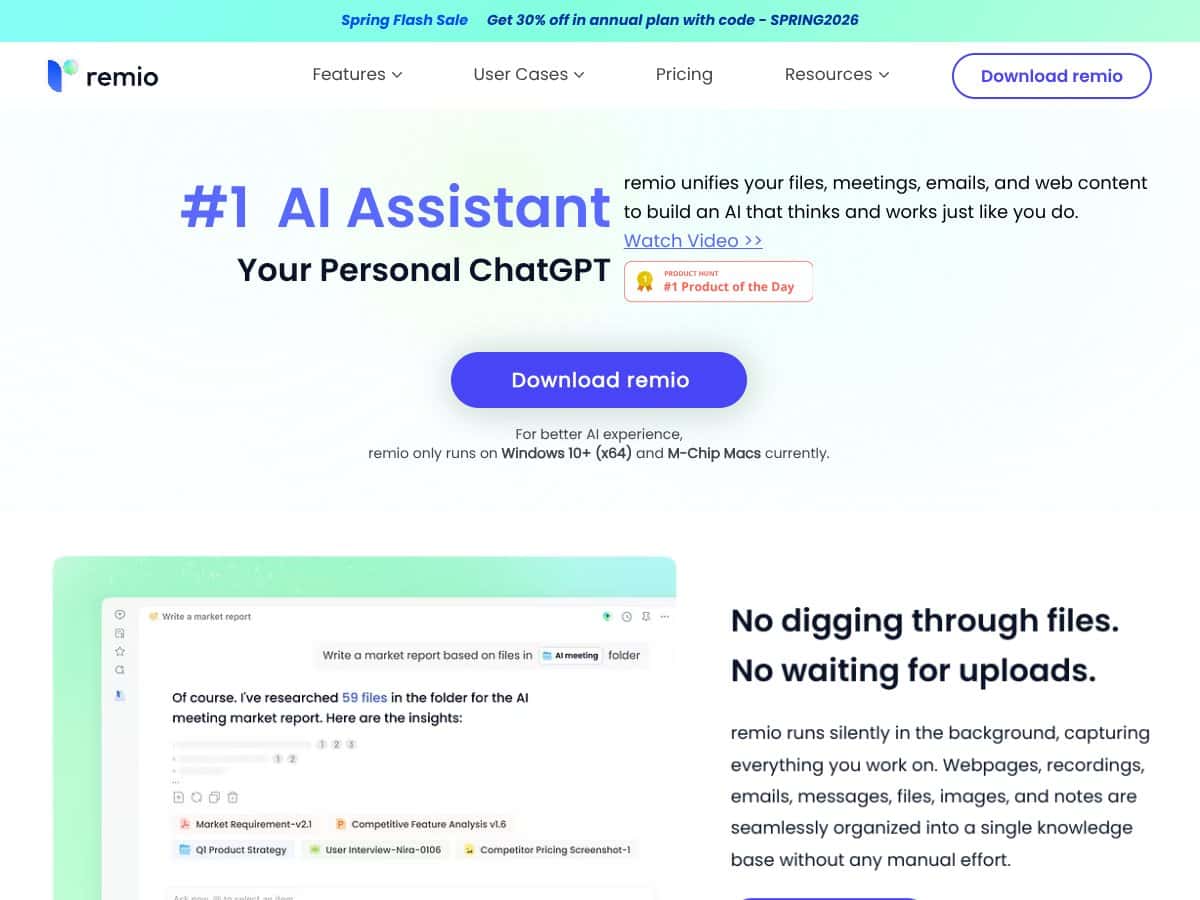
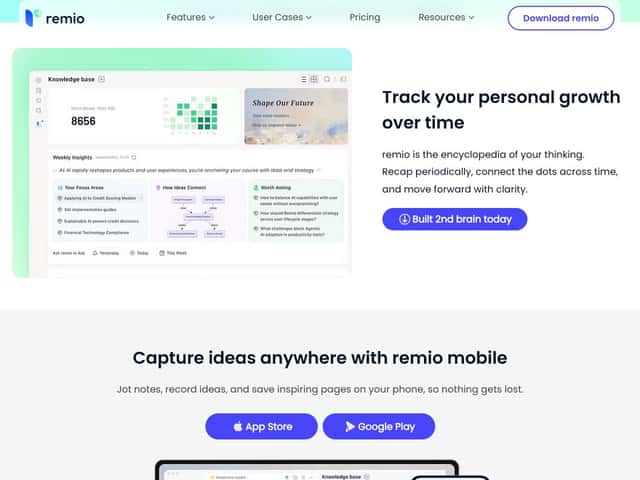
Here’s the core idea, in plain terms: remio runs in the background and builds a local-first knowledge base from what you interact with. Then, instead of searching folders or scrolling through meeting transcripts, you ask remio questions and it retrieves and summarizes from your captured content.
What remio says it does is simple on the surface: capture web activity, meeting recordings, emails, and files—then index it so you can query it. The privacy angle is the big headline too: it’s designed to keep data on your local machine, and you can optionally bring your own API key for more advanced AI features. That local-first approach mattered to me, because I’m not trying to upload everything I read and write to some random cloud service.
Now, I want to be straight about what it’s not. remio 2.0 isn’t a full productivity suite. It’s not trying to replace your calendar, your notes app, or your email client. It’s more like a “memory layer” for your existing workflow—an assistant that helps you retrieve and synthesize what you already captured.
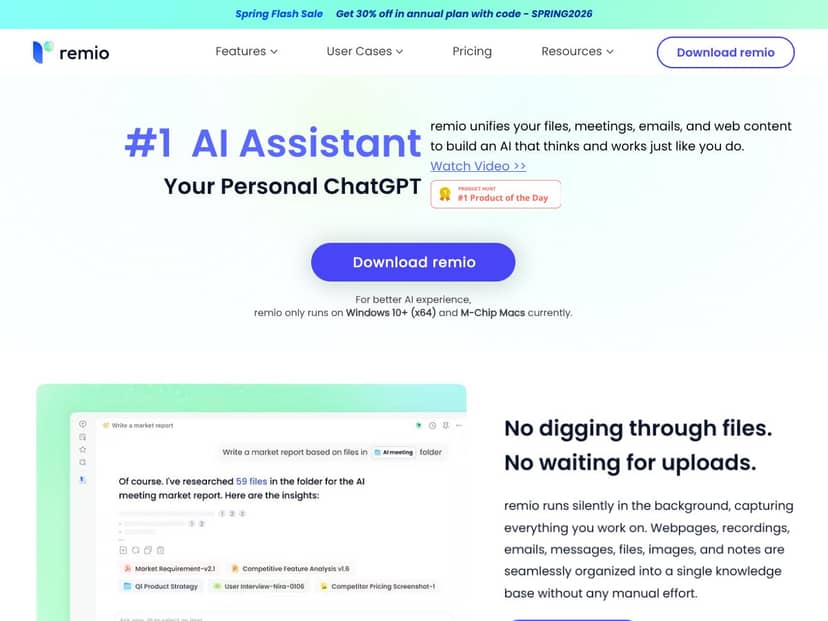
One more practical limitation I ran into: platform support is currently limited to Windows 10+ and M-Chip Macs. There’s no native mobile app, so if you’re hoping to ask questions on the go from a dedicated app, you’ll likely rely on their mobile browser experience or extensions (which don’t feel as complete as the desktop setup).
After using it for a bit, my initial impression is basically this: it’s as advertised in the sense that the capture + search concept works. But it’s not magic. It’s only as good as the capture quality and indexing that happens on your side. If you expect perfect coverage and instant answers for everything, you’ll be disappointed.
If you’re a researcher, educator, or knowledge worker who’s constantly juggling scattered information, remio 2.0 can be genuinely useful. I can see it helping most when your “inputs” are messy: lots of tabs, PDF reading, meeting recordings, and follow-up messages you don’t want to re-find later. It’s the kind of tool that shines when you need synthesis—“What did we decide in that meeting?” or “Pull the key points from these documents”—without manually stitching everything together.
In my testing, the biggest win wasn’t that it “summarized everything.” It was that it reduced the annoying part of searching across different sources. Instead of hopping between a transcript, a PDF, and an email thread, I could ask one question and get an answer that referenced multiple captured items.
How remio 2.0 Stacks Up Against Alternatives (With Real-World Gaps)
Obsidian
- What it does differently: Obsidian is a local-first note system with graph-style linking. It’s fantastic if you want to build a knowledge network from notes you create. But it doesn’t natively capture web pages, meeting recordings, or emails the way remio is designed to.
- Price comparison: Obsidian’s core note-taking is free, and syncing costs extra (like Obsidian Sync). Remio’s free plan includes 100 AI credits/month, which you’ll want to understand before you rely on it heavily for summarization and Q&A. (More on credits later.)
- Choose this if... You like writing your own notes and you’re comfortable setting up plugins to add AI features. If your workflow is “capture → write notes → link ideas,” Obsidian fits.
- Stick with remio 2.0 if... You want an AI layer that captures across sources automatically and lets you ask questions over your existing digital activity without manually rebuilding everything into notes.
Notion
- What it does differently: Notion is a flexible workspace for notes, databases, and tasks—mostly manual organization. It can do AI features, but it’s not built around automatic capture from browsing, meetings, or files.
- Price comparison: Notion starts free for personal use, with paid plans typically around $8/user/month. Remio’s paid tiers start around $6.20/month and include AI credits, plus the local-first angle.
- Choose this if... You need collaboration, databases, and a shared workspace—and you’re okay doing some manual structuring.
- Stick with remio 2.0 if... Your priority is privacy + automatic capture + asking questions across your own content.
Roam Research
- What it does differently: Roam is all about networked thinking and bidirectional linking. It’s great for writers and researchers who want ideas to connect visually.
- Price comparison: Roam typically costs $15/month or $165/year. Remio’s entry is cheaper, especially if you’re okay starting with the free tier and then upgrading once you’ve confirmed it works for your workflow.
- Choose this if... You’re building a linked graph of ideas and you want the “thinking tool” experience.
- Stick with remio 2.0 if... You want automatic capture and retrieval across web, meetings, and files, without manually converting everything into a graph.
Microsoft OneNote
- What it does differently: OneNote is solid for note-taking, multimedia, and basic organization—especially if you’re already in the Microsoft ecosystem. But it doesn’t offer the same automatic capture from web + meetings + files into an AI-searchable memory base.
- Price comparison: OneNote is free, but advanced features often depend on Microsoft 365 subscriptions (frequently $69.99/year for some plans). Remio’s pricing focuses more on AI-driven organization and local-first storage.
- Choose this if... You just want a simple place to write and store notes, and you don’t need heavy AI retrieval.
- Stick with remio 2.0 if... You want privacy-focused AI search that pulls from your web activity, meeting recordings, and files.
Bottom Line: Should You Try remio 2.0?
I’d give remio 2.0 a 7/10 based on my testing. It’s a promising tool, and the combination of automatic capture, local-first privacy, and AI-powered search is exactly the direction I want knowledge tools to go.
What I liked most wasn’t the marketing language—it was the day-to-day usefulness. When it captured correctly, asking questions felt fast and relevant. The interface is clean, and you’re not forced into a steep learning curve just to get started.
But I also hit the limits you’d expect from something still maturing. The biggest “real world” issues for me were:
- Coverage isn’t universal: if the capture doesn’t trigger for a specific action, the search can’t pull it later. (So you have to test with your actual workflow, not someone else’s.)
- Platform support is still limited: Windows 10+ and M-Chip Macs right now, and no native mobile app.
- Free plan credits can become a factor: if you ask lots of questions, request lots of summaries, or run repeated queries, you can hit the credit cap faster than you think. I didn’t run a “lab” credit spreadsheet, but I did notice the tool encouraging me to be more intentional with prompts once I started doing more queries in a day.
Here’s what I recommend: start with the free plan and use it for a few sessions where you already have content to capture—like a week of meetings, a batch of PDFs, and your normal browsing. If it finds the right items and your answers are actually grounded, you’ll feel it quickly.
Paid plans make more sense once you know two things: (1) it captures what you care about, and (2) you’re comfortable with how the AI credits are consumed for summaries and Q&A. If you’re a heavy user—someone who asks lots of follow-up questions—credits matter. If you’re more casual and you mainly want occasional retrieval, it’ll probably feel more than fair.
Personally, I think it’s worth trying if you want an automatic, private, AI-powered knowledge hub that pulls from your digital life without you manually organizing everything first. If you want a highly collaborative workspace or a graph-based writing environment, tools like Notion, Obsidian, or Roam might still be a better fit.
Give remio 2.0 a shot—just do it with realistic expectations and real content. That’s the only way you’ll know whether it’s actually helping you, or just looking good in screenshots.