Table of Contents

What Is Rouze.ai (and What I Actually Tested in 2026)?
I first heard about Rouze.ai in early 2026, and I’ll be honest—I was skeptical. A “marketplace of ready-to-use AI agents” sounds great on paper, but I’ve learned that a lot of tools like this end up being more demo than day-to-day utility. So I tested it myself to see if it’s genuinely plug-and-play or if it turns into a “works great until you try real work” situation.
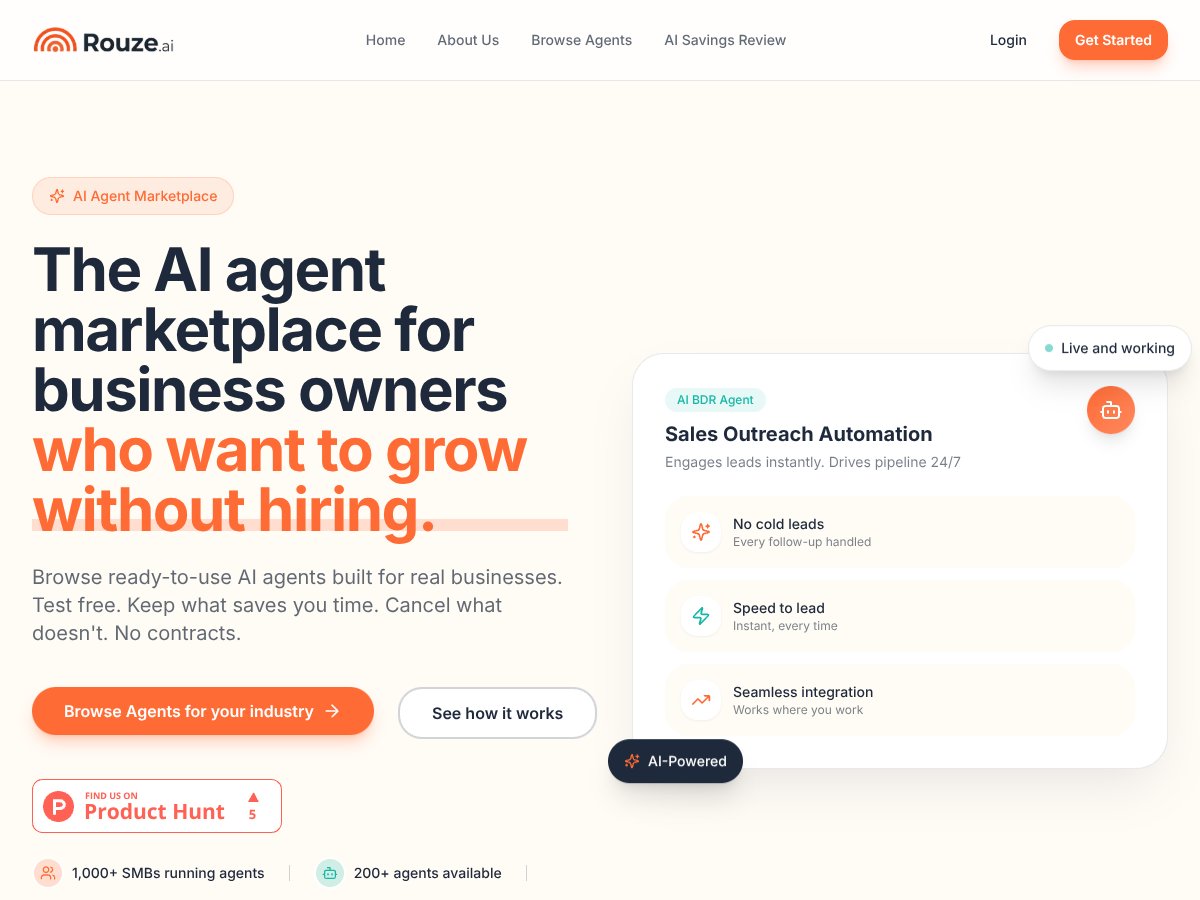
The basic promise is pretty simple: Rouze.ai is supposed to let you browse industry-focused AI agents (think sales outreach, client follow-ups, overdue patient reactivation, and similar workflow automation). The idea is that you can test the agents, deploy them, and automate parts of your business without hiring a developer or stitching everything together manually.
Here’s what I liked right away: the platform concept is straightforward. Instead of building automations from scratch, you’re selecting pre-made agent workflows. That’s the whole appeal—less time setting up, fewer technical decisions, and faster “try it and see” for common business tasks.
That said, I also noticed something important: Rouze.ai isn’t positioned like a full automation suite. There’s no “everything dashboard” experience like you’d expect from an enterprise workflow platform. What it feels like (based on my testing) is closer to a marketplace where you run specific agents and get outputs, rather than a deeply integrated system with built-in analytics, a native CRM, and a ton of reporting.
Also—pricing. I couldn’t find clear pricing information upfront during my evaluation. I checked the main site and the areas where pricing is usually shown, and the details weren’t obvious. That’s a red flag for me, because it makes it harder to estimate ROI before you commit.
On the “who’s behind it” side, Rouze.ai is described as being powered by RainesDev. I looked for more concrete company info (team pages, history, documentation depth, anything that builds trust) and I didn’t find much that felt detailed or verifiable. I’m not saying it’s bad—just that I personally prefer tools with more transparent documentation and company context, especially when the product touches customer-facing communication and revenue workflows.
Who Rouze.ai Is Best For (Based on How It Felt to Use)
If you’re a small or mid-sized business owner (or a manager) who’s stuck doing repetitive outreach or follow-ups manually, Rouze.ai could make sense. It’s aimed at people who want quick deployment of AI workflows without turning their week into a technical project.
In my experience, it’s most appealing when your workflows are “common enough” that a ready-to-use agent can cover them. You’re not trying to automate something ultra-specific that needs custom logic across multiple systems—you’re trying to reduce manual work in sales, customer follow-up, or reactivation-style outreach.
Example categories the marketplace claims: sales outreach, client follow-ups, overdue patient reactivation, and other business processes that can be handled by an AI agent workflow.
But here’s the part I want to be clear about: if you need highly customizable agents that plug into complex multi-platform workflows (with deep integrations, custom fields, and advanced reporting), Rouze.ai may frustrate you. The experience I had leaned more “choose an agent and run it” than “design a system end-to-end.”
Limitations I Hit While Testing (Not Just Theoretical Problems)
Let me call out the issues that mattered to me, because they’re the difference between “cool idea” and “actually useful.”
- Pricing clarity wasn’t upfront: I couldn’t find a clean pricing page with obvious plan tiers and costs during my evaluation. That makes it hard to calculate ROI before you sign up.
- Limited transparency around documentation and setup depth: The platform felt accessible, but I didn’t see the kind of detailed documentation that would make complex deployments feel predictable.
- Not a full automation stack: There wasn’t a “one place for everything” feel—no native CRM layer or robust analytics dashboard that I could rely on for performance measurement.
- Workflow fit matters: If your process doesn’t match what the pre-made agents expect, you’ll spend more time adapting than you’d like.
None of that means it’s unusable. It just means you should go in with realistic expectations: this is more “agent deployment marketplace” than “all-in-one automation platform.”
Workflow Walkthrough: How I Tested Rouze.ai (Step-by-Step)
To keep this grounded, I’m describing the workflow I ran during my evaluation. I’m not going to pretend I measured every metric possible—this is a practical walkthrough of what I did and what I observed.
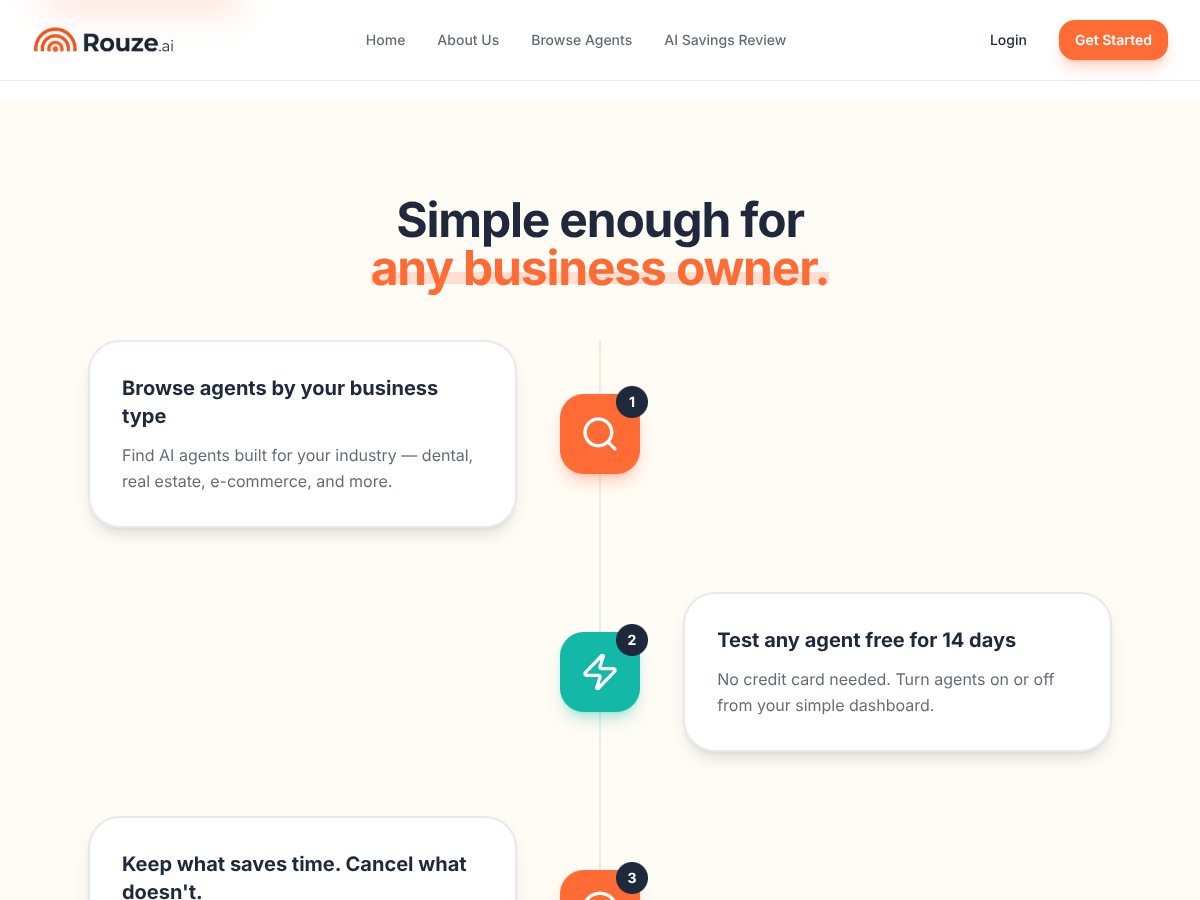
- Browse the available agents: I started by scanning the marketplace for agent options aligned with business processes (sales outreach / follow-up style workflows).
- Pick an agent to test: I selected an agent that matched a common outreach/follow-up need, then reviewed what inputs it asked for.
- Run the test workflow: I executed the agent and watched the output quality, formatting, and how “ready to use” it felt.
- Evaluate usability: I paid attention to how many steps it took to get from “start” to “usable result.” In my testing, the interface didn’t feel overly complex.
- Look for the AI Savings Review: I specifically checked whether Rouze.ai offers an “AI Savings Review” style analysis and what it outputs.
What I noticed: It’s designed to reduce friction. The interface felt simple, and I could get to results without a ton of configuration. But the more you want deep integration, reporting, and hard ROI dashboards, the more you’ll feel the gaps.
AI Savings Review: What It Claims and What You Should Expect
The vendor pitch includes an “AI Savings Review” that’s meant to identify where automation could save time and money. Here’s the part I tried to validate: what inputs it needs, what it outputs, and whether it’s actually usable for decision-making.
How it should work (based on the concept presented): you provide details about your workflow, then the system estimates areas where automation could reduce manual effort. The output should help you estimate time saved (hours/week) and translate that into cost savings.
What I recommend you do when you test it:
- Write down your baseline. For example: how many follow-ups are you handling per week?
- Estimate your time cost. Even a rough number helps (e.g., 30 minutes per follow-up cycle).
- Ask for the output to show assumptions. If the savings number doesn’t explain inputs clearly, treat it as directional.
Simple example calculation (so you can sanity-check the review): Let’s say you have 400 follow-ups/month. If the workflow automation saves 5 minutes per follow-up, that’s 2,000 minutes/month—about 33.3 hours/month. If your loaded labor cost is $35/hour, that’s roughly $1,166/month in time savings. Then you compare that against what you’d pay Rouze.ai.
In my view, the “savings review” is only as good as its assumptions. If the tool gives you a number without showing the math, you should verify it with your own baseline like the example above.
Rouze.ai vs Alternatives: What Overlaps and What Doesn’t
I’m going to be upfront: I didn’t verify live pricing for every competitor inside this review, because pricing can change fast and I don’t want to guess. If you’re using this as a buying guide, double-check current pricing on each vendor site before you commit.
Still, here’s the practical comparison based on what each tool category is typically built for—and where Rouze.ai seems to overlap.
Ryze AI
- What it does differently: Ryze AI is centered on AI-powered PPC management. It’s more about ad performance optimization than business-process automation across departments.
- Where Rouze.ai overlaps: Both are “AI-driven,” but Rouze.ai is positioned more like workflow agents for tasks like outreach and follow-ups.
- Which I’d pick: If your main goal is PPC optimization, Ryze AI is the category fit. If your goal is automating outreach-style workflows, Rouze.ai is the closer match.
De Rouze
- What it does differently: De Rouze is more in the ERP / operational management lane—internal workflows and management tooling.
- Where Rouze.ai overlaps: Both touch operational processes, but Rouze.ai’s focus appears to be deploying task-specific AI agents.
- Which I’d pick: If you need internal resource/process management, De Rouze likely fits better. If you want ready-to-run AI agents for specific outreach or follow-ups, Rouze.ai is the more direct bet.
Rose AI
- What it does differently: Rose AI is geared toward AI tools for analysis and content-style work, often with a more “user-friendly” approach for individuals and small teams.
- Where Rouze.ai overlaps: Both can support automation and AI output, but Rouze.ai is more workflow-agent marketplace oriented.
- Which I’d pick: If you need “AI for tasks” (analysis/content) Rose AI may be enough. If you want automated agent workflows tied to business processes, Rouze.ai is the better category match.
Browse AI
- What it does differently: Browse AI is commonly used for web data extraction and web automation (scraping, pulling data from websites, building data pipelines).
- Where Rouze.ai overlaps: Some people use both—extract data with Browse AI, then use an agent workflow to act on it.
- Which I’d pick: If your core need is scraping/data extraction, Browse AI is the natural choice. If your core need is automating customer or operational workflows, Rouze.ai is the better fit.
Bottom Line: Should You Try Rouze.ai?
After testing, I’d put Rouze.ai at a 7/10 for the specific problem it’s trying to solve: deploying ready-to-use AI agents for common business workflow automation without going full developer mode.
What earns the points: the interface felt simple enough to get results quickly, and the concept of pairing agent execution with an “AI Savings Review” is genuinely useful—if the assumptions are clear and the savings estimate matches your real workflow.
What knocks it down: pricing transparency wasn’t clear during my evaluation, and I didn’t see the kind of deep analytics/CRM-style integration that would make it feel like an end-to-end automation platform.
Who should try it: If you manage repetitive outreach or follow-up workflows and you want to test AI agents fast—Rouze.ai is worth trying, especially if you’re comfortable validating outputs and measuring results yourself.
Who should skip it: If you need transparent pricing, detailed documentation, and deep integrations with your existing systems, you’ll probably be happier elsewhere. And if your workflow is very niche, you may spend too much time forcing a pre-made agent to fit.
One more thing: if there’s a free tier or trial available, use it. Don’t skip that step. I’d only consider paying once you’ve checked output quality, confirmed the workflow assumptions, and made sure the “savings” math lines up with your baseline.
Common Questions About Rouze.ai
Is Rouze.ai worth the money?
It can be, but only after you test. The biggest issue for me is that pricing wasn’t clearly available upfront during my evaluation, so you can’t easily estimate ROI before you try. If you can run a trial and validate time savings with your own numbers, then it becomes a lot easier to justify.
Is there a free version?
I couldn’t confirm specific free-tier details from what I reviewed. The best move is to check the Rouze.ai site directly for the latest trial or tier options before you invest.
How does it compare to Browse AI or Rose AI?
Rouze.ai is more about deploying ready-to-use AI agent workflows for business tasks. Browse AI is more about web scraping and data extraction. Rose AI tends to focus more on AI tools for analysis/content. So the “best” choice depends on whether you need data, content/analysis, or automated business-process agents.
Can I get a refund?
I didn’t see a clearly outlined refund policy in the public info I checked. If you’re considering a subscription, contact support and ask for the refund terms in writing.
What kind of workflows can I automate?
Rouze.ai is designed for business-process automation through AI agents—things like customer support style tasks, marketing/outreach workflows, data analysis, and internal operations. The practical limitation is that you’re working within the workflows/agents the marketplace provides (or whatever custom options they support).
Is it easy to set up?
From my testing, it didn’t feel heavy or overly technical. The “time-to-first-result” was quick. The learning curve mostly showed up when I tried to align the agent output with how my workflow actually runs.
Does it require technical skills?
It’s built to be accessible to non-technical users because the agent workflows are pre-made. That said, you’ll still want to be comfortable reviewing outputs, providing the right inputs, and doing basic validation—because AI can sound confident even when it’s off.