Table of Contents
If you’re trying to make bedtime feel less like a battle and more like something your kid actually looks forward to, I get it. I tested Scarlett Panda with my family for a week, and here’s what stood out—both the genuinely fun parts and the stuff you’ll want to plan around before you commit.
Scarlett Panda Review: What It’s Like After a Full Week
Quick context first: I used Scarlett Panda on a family iPad (iOS) with Wi‑Fi at night. Setup was straightforward, and I could get to the story builder without digging through menus.
Setup (what I actually did)
- Account: I created an account, then added my child’s profile. It didn’t take long—about 5–10 minutes total from opening the app to being ready to generate a story.
- Story builder: The flow is basically: choose characters → add personalization details (name, traits, and a few prompt-style inputs) → pick a theme/vibe → generate.
- Characters: The app lets you build stories with up to four characters. My kid immediately gravitated toward the “main” character options and then picked 2 extra characters for “helpers” in the story.
- Personalization prompts: For one story, my child asked for a “space adventure” where the characters “help someone who feels nervous.” For another, they wanted “a cozy night mission” where the panda finds “a lost bedtime sock.” Those are the kinds of prompts kids can understand and steer.
How fast the stories were (my timing)
I tested the “instant story” style flow a few times. In my experience, the time from hitting generate to getting the story ready to play was usually under 30 seconds on a decent connection. It wasn’t instant like flipping a switch every time—one night it took closer to 40 seconds because the Wi‑Fi was spotty—but most nights it was quick enough that it didn’t break bedtime momentum.
What a typical story looks/sounds like
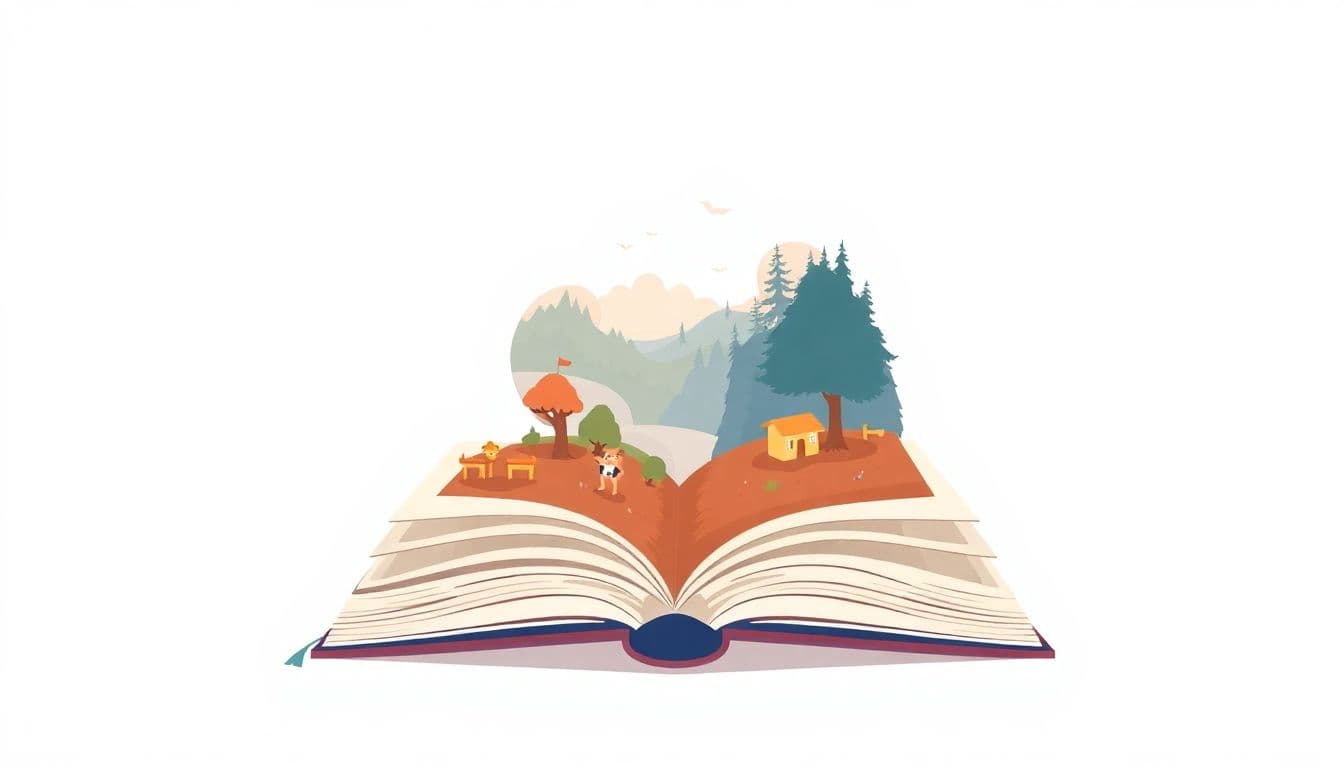
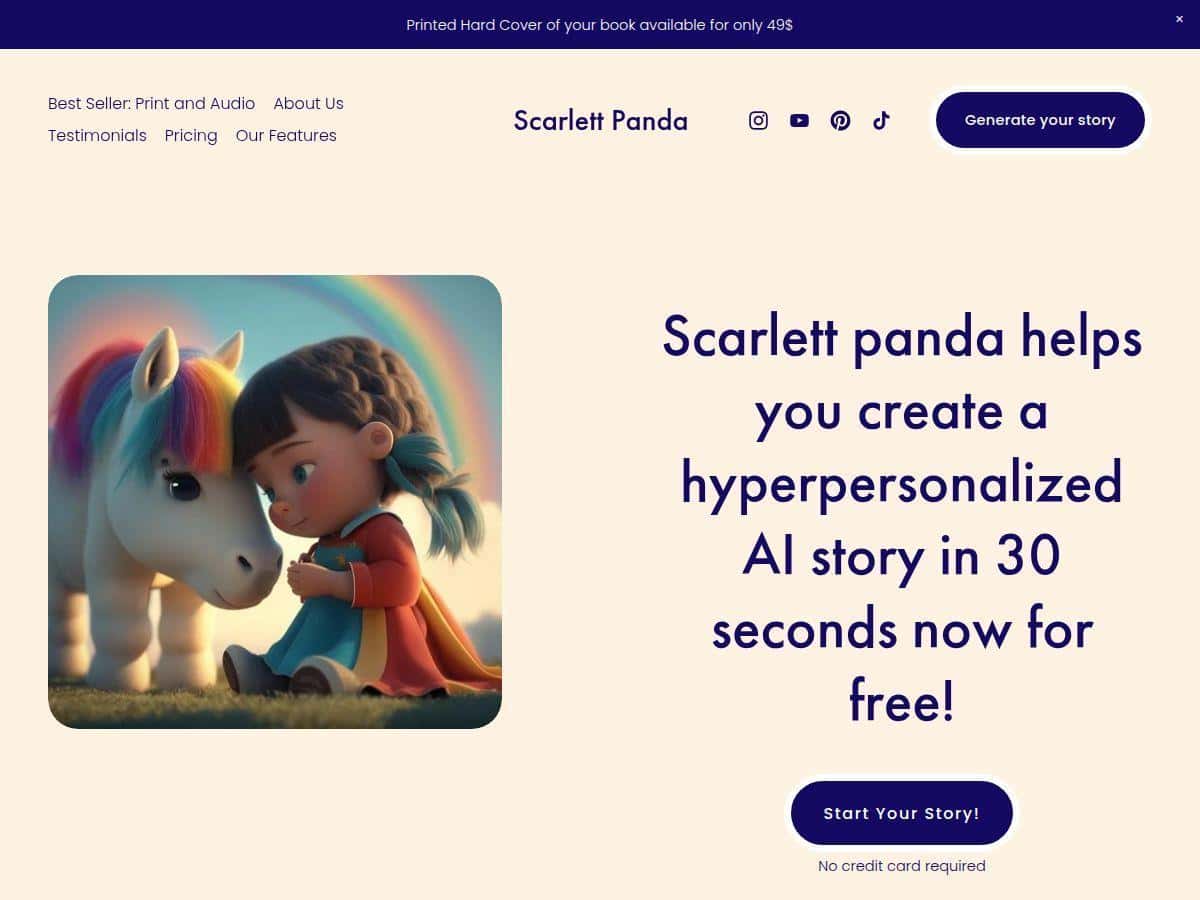
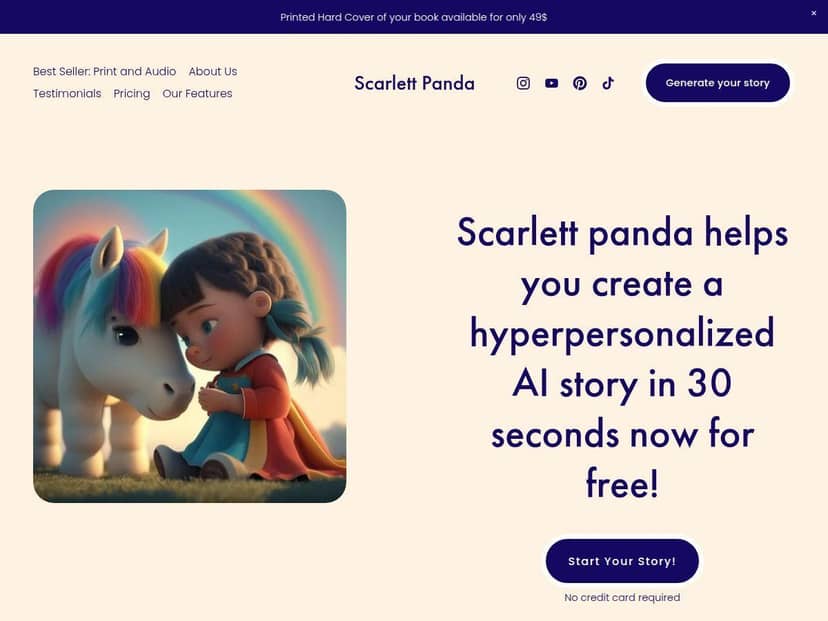
The app generates a short story with illustrated scenes and audio. The audio was one of the biggest wins for us. My kid didn’t just listen—they followed along with the pictures and pointed out “that’s me!” moments when the personalization hit.
Multiple nights results (7-day observation)
- Night 1: High excitement. My kid wanted to watch the story “loading” and asked to pick characters again.
- Night 2–3: Less novelty, more routine. The scheduled bedtime delivery mattered here—having it show up at the right time meant fewer arguments.
- Night 4–5: We started reusing favorites. The app’s ability to create new stories without making us “start from scratch” every night helped a lot.
- Night 6–7: We hit the paywall limits. The free access felt like a sampler, and after that point, the subscription became the deciding factor for whether we kept generating new personalized stories.
Where I noticed limitations
- Internet dependency: Story creation (and sometimes playback) worked best with a stable connection. If you’re hoping for offline generation, that’s not how Scarlett Panda felt in practice.
- Paywall impact: The free portion is limited. Once you run through the initial free stories, you’ll be prompted to subscribe for more personalized content.
- Screen time reality: Any app that creates stories can become “one more story.” I ended up setting a simple rule: one personalized story + then lights out.
Overall? I liked it. It’s not just “random bedtime content”—it’s the kind of personalization that makes kids feel seen. That emotional hook is powerful at bedtime, and it’s exactly why it worked for us.
Key Features: How Scarlett Panda Personalizes Bedtime Stories
- Up to four characters per story
This is big for families where kids want “their friends” in the tale. My kid loved adding extra characters to shape the adventure. - Personalized story prompts
You’re not stuck with generic plots. You can input details that influence the story output—names, traits, and theme preferences—so the story feels tailored. - Instant story generation
In my tests, it was typically under 30 seconds on Wi‑Fi. If your connection is slow, expect longer waits. - Story formats: digital, audio, and printed options
We mainly used the digital + audio versions. I can see how printed stories would be great for parents who want something physical, but you’ll want to check what’s included in your plan. - Multilingual support (74 languages)
This matters if you’re raising bilingual kids or want different language options for different family routines. - Scheduled story delivery
This is honestly one of the most practical features. Instead of “what do we do tonight?” every evening, you can plan bedtime delivery so the app becomes part of the routine. - Emotional/meditation-style content
The meditations and calmer moments were a nice add-on for nights when my kid was wound up. It didn’t replace the story for us, but it helped as a wind-down step.
Pros and Cons: What I Loved (and What Made Me Pause)
Pros
- Personalization that kids actually notice
Not “generic personalization.” When the details match what your kid cares about, they light up. - Fast to generate
Most of the time, it’s quick enough to be used on a real bedtime schedule without feeling like a chore. - Audio + illustrations make it feel like a real bedtime story
This combo kept my child engaged longer than text-only apps. - Multilingual support
If language variety is part of your routine, this is a plus rather than a gimmick. - Scheduled delivery is genuinely useful
It reduced decision fatigue for us at night.
Cons
- Free access is limited
I didn’t get “unlimited sampling.” We ran through the initial free stories and then had to decide whether to subscribe. - Internet is important for the experience
If you’re often offline, you may run into friction when trying to generate new stories. - Screen time creep is real
The app makes it easy to keep going. If you don’t set a boundary, you’ll probably end up with “just one more story.”
My practical screen-time mitigation tip
I set a simple bedtime rule: one personalized story (or one audio story) and then a consistent “lights out” step. That way, Scarlett Panda becomes the fun part—not the entire bedtime routine.
Pricing Plans: What You Get for Free vs Subscription
Here’s the part parents will care about most: how far you can go before you’re asked to pay.
- Free option: Scarlett Panda offers a free trial with the first three stories.
- After that: You’ll need a subscription for continued access to unlimited personalized stories and premium features.
What I recommend you check before subscribing
- How many stories/month are included (if there are limits by plan)
- Which formats are included (digital vs audio vs printed)
- Whether new story themes are locked behind the premium tier
Because pricing can change, I’d suggest confirming the latest tiers and costs on the official site before you pick a plan. The app’s pricing details are available through the official page linked from the app and offer page.
Wrap up
Scarlett Panda is one of the few bedtime apps I’ve tried where personalization feels meaningful—not just cosmetic. If your kid likes choosing characters, steering the theme, and hearing a story that feels like it’s “about them,” it’s a great fit. If you need offline-only options or you’re not comfortable with subscription limits after a short free trial, it might feel frustrating.
For our family, it became a solid bedtime routine tool—especially once we used scheduled delivery and stuck to a one-story rule. If you want bedtime to feel more magical and less negotiable, Scarlett Panda is worth a try.