Table of Contents
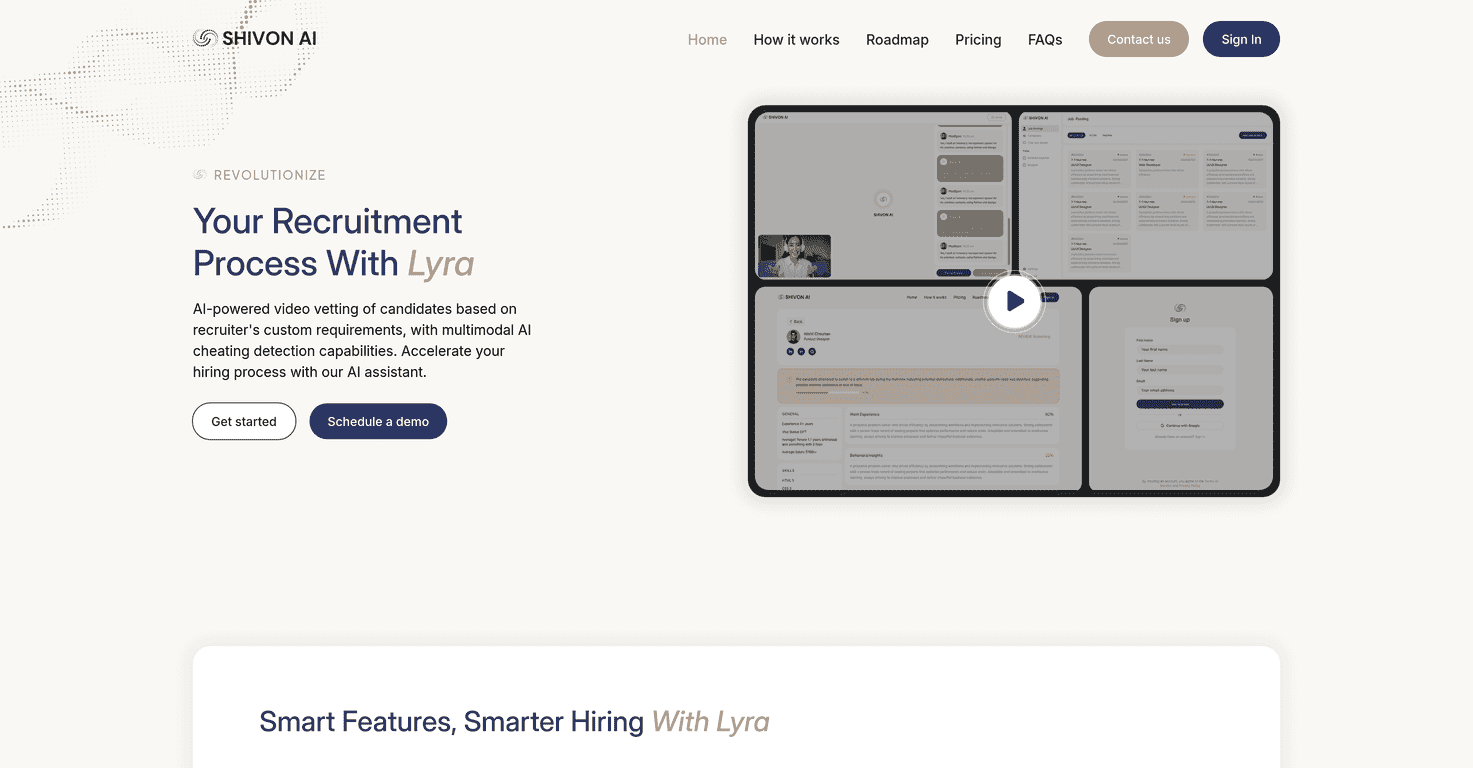
If you’re looking into Shivon AI, you’re probably wondering one thing: does it actually help, or is it just another tool with buzzwords? I spent some time checking out what’s publicly available and comparing the claims to what users seem to be doing with it day-to-day. What I noticed right away is that Shivon AI has a bit of a “moving target” feel—there’s interest and momentum, but the details aren’t always as clear as you’d expect from a more established platform.
So instead of pretending I have a full inside look, I’m going to focus on the parts that are easiest to verify: the feature categories people talk about, what you can realistically expect from an AI assistant/product, and where the gaps are. If you’re the type who likes specifics (like me), you’ll probably appreciate the honest rundown.
Shivon AI Review: What You Can Expect (and What’s Still Murky)
Here’s my honest take: Shivon AI is getting attention for a reason—people want AI tools that can handle real work, not just generate generic text. But when I tried to pin down the “full capabilities” from the platform itself, the information wasn’t as detailed or consistent as I’d want before recommending it to a friend.
That doesn’t automatically mean it’s bad. It just means you should do a little homework. In my experience, smaller or newer AI platforms often move fast, and the public documentation doesn’t always keep up. So if you’re considering Shivon AI for anything serious—customer support, content at scale, internal operations—make sure you check what users are saying and test it with your own tasks.
Quick examples of the kind of tasks people typically try with AI assistants include:
- Drafting emails and proposals (and then editing them to match your voice)
- Turning messy notes into structured content
- Summarizing long text so you don’t lose an hour reading
- Generating ideas for posts, scripts, or marketing angles
If Shivon AI performs well for those basics, it can absolutely save time. If it struggles there, it’s probably not going to magically become a “pro workflow” tool later.
Key Features That Matter in Real Use
- User-friendly interface — This is a big deal. I’m always looking for tools where I can get started in minutes, not hours. A clean layout usually means fewer clicks and less fiddling when you’re trying to get output quickly.
- Machine learning for efficiency — “Advanced algorithms” is marketing-speak, but the practical question is: does it learn from context or improve results over time? In most AI tools, this shows up as better relevance, fewer rewrites, and more consistent formatting when you give clear instructions.
- Integration capabilities — If Shivon AI can connect with other systems (even basic ones), that’s where productivity gains happen. For example, being able to feed it content from a document workflow or use it alongside common productivity tools can cut down manual copy/paste.
- Customer support — I care about this more than people think. When something breaks (or you’re confused by a feature), fast support can be the difference between “this is useful” and “I’m done with it.”
Pros and Cons: The Good Stuff vs. the Stuff to Watch
Pros
- Easy to get started — If you’re new to AI tools, Shivon AI seems built for quick usage. I like tools that don’t require a technical background just to make progress.
- Flexible for different needs — It’s positioned to handle a range of tasks. That matters if you’re not using AI for one narrow purpose.
- Regular updates — Updates are usually a sign the product is actively being worked on. I’m always watching for improvements that fix real friction (bugs, slow responses, confusing settings).
- Community support — Active forums can be underrated. When you’re stuck, it’s nice to find examples of prompts, workflows, and troubleshooting tips from other users.
Cons
- Not enough public detail — This is the biggest issue I ran into. If you can’t clearly see what it can do (or how it does it), it’s harder to evaluate properly.
- Complex tasks may require extra effort — Even the best AI tools can fall short when you ask for something highly specific. You might need better prompts, more context, or multiple attempts to get consistent results.
- Pricing transparency could be better — If pricing isn’t clearly listed, you’ll likely end up waiting for a quote or hunting through documentation. That’s annoying, especially if you’re comparing options.
Pricing Plans: What I Found (and What You Should Verify)
Right now, Shivon AI’s pricing details aren’t clearly spelled out in the information that’s easy to find. That means if you’re trying to estimate cost for things like daily content generation or team usage, you’ll want to confirm pricing directly with the provider or look for updated documentation.
If you’re evaluating pricing, here are a few questions I’d ask before you commit:
- Is pricing based on usage, seats, or features? (This affects whether it stays affordable as you scale.)
- Are there limits? For example: message caps, file size restrictions, or slower responses at peak times.
- What’s included in each tier? Make sure the tier you want includes the features you actually care about.
- Do they offer a trial? Even a short trial helps you judge output quality and speed.
Not having pricing upfront doesn’t automatically mean it’s overpriced. It just means you should be more careful with assumptions.
Wrap up
Shivon AI looks promising—especially if you want an AI tool with a straightforward interface and the ability to support a variety of tasks. But I don’t think it’s wise to treat it as a “fully understood” product yet, because the public details are still limited and pricing transparency isn’t great.
My recommendation? Test it with a couple of real tasks you do every week. If it reduces your editing time and produces outputs you can actually use, great. If you keep hitting the same wall—unclear capabilities, inconsistent results, or vague pricing—that’s your signal to look elsewhere while the product continues to develop.
Promote Shivon AI