Table of Contents
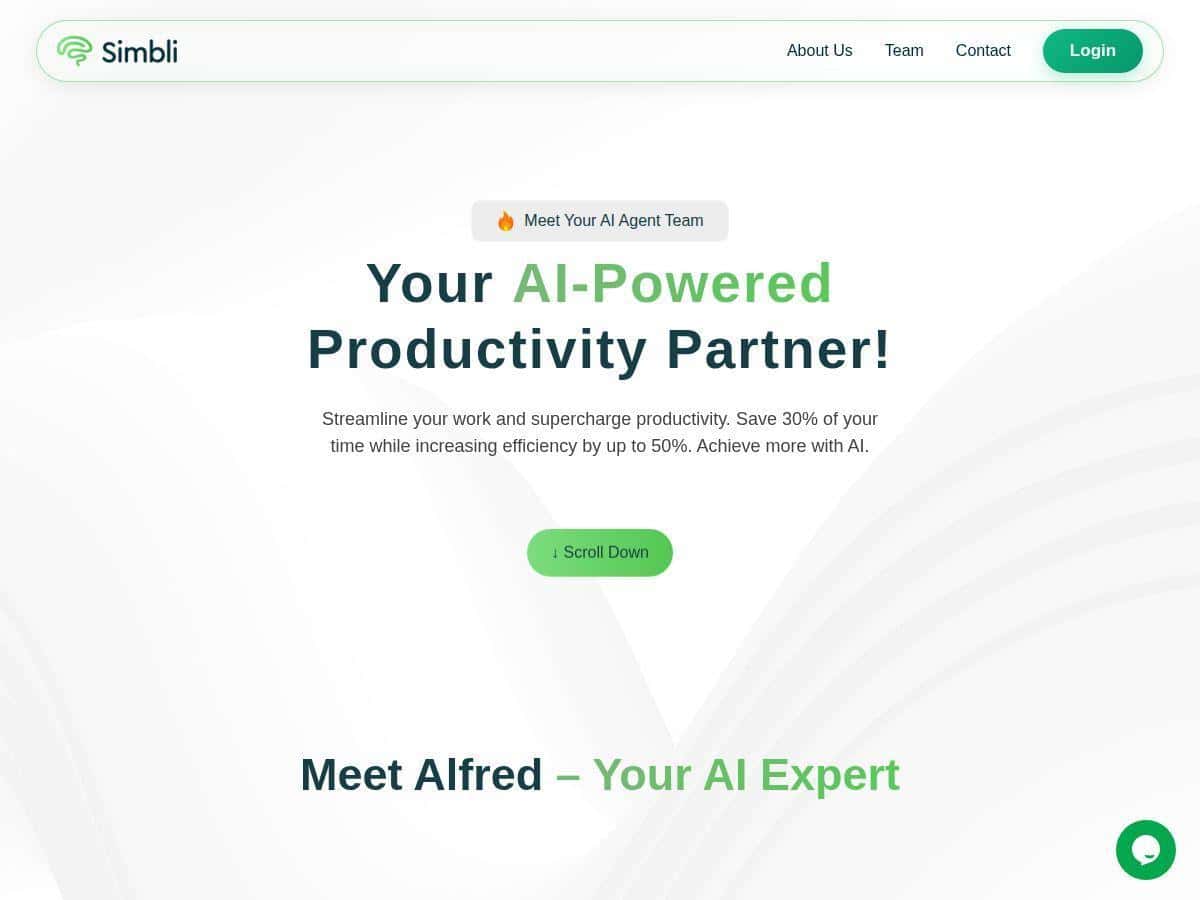
If you’ve ever tried to run a board meeting using a patchwork of email threads, shared drives, and “I swear I saved the latest version” documents… you already know the problem Simbli is trying to solve. I spent time testing Simbli as a governance/board workflow tool, and what stood out to me right away was how much it pushes everything into one place: meetings, agendas, minutes, policies, and the supporting documents that usually end up scattered.
It’s not trying to be a “cool AI assistant” or a generic productivity app. Instead, it feels built for governance teams who need structure and an audit-friendly trail—especially when you’re dealing with recurring meetings and policy updates. And honestly, that’s the kind of software I trust more than anything that’s just all flash.
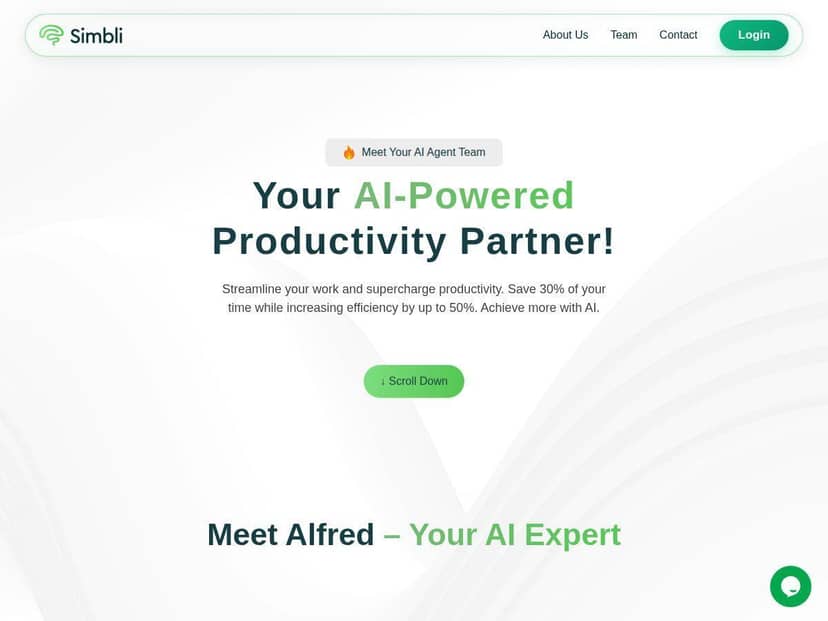
Simbli Review (What I Noticed After Using It for Governance Work)
I tested Simbli as if I were supporting a board secretary / compliance-minded admin: scheduling meetings, collecting agenda items, keeping policy documents organized, and making it easy for directors to review materials without chasing down links.
The first thing I noticed is that it doesn’t feel like you’re “building” governance from scratch. You start with the core objects you need—meetings and policies—and then you attach the supporting stuff (documents, notes, voting outcomes). That matters because governance work is repetitive. If you have to recreate everything every cycle, it gets painful fast.
Here’s a concrete example from my test workflow:
- Meeting workflow: I created a meeting entry, added an agenda, and attached documents that directors would need to review beforehand. Then I used the meeting tools to capture notes and run voting for items (instead of doing “vote in the email thread” like it’s 2013).
- Policy workflow: I set up a policy entry and confirmed it was searchable as a document/policy item rather than just “a file somewhere.” That’s a small detail, but it’s exactly what prevents the “which version is current?” problem.
- Collaboration: I shared materials and added comments/notes so directors could respond in-context. It’s one of those features you don’t fully appreciate until you’ve watched someone try to annotate a PDF via five different tools.
One honest take: Simbli feels purpose-built for governance support. If you’re expecting a flashy, AI-first experience, you might be disappointed. But if you care about clarity, organization, and a repeatable process, it’s pretty strong.
Key Features (How They Work in Practice)
- Meeting Management: Create, manage, and archive meetings with agendas, minutes, and voting tools.
- In my test, the meeting area is where the whole workflow “clicks.” I didn’t just upload random files—I attached agenda items and supporting documents to the meeting so directors could review everything in one place. After the meeting, the minutes and voting outcomes stay tied to that meeting record, which is exactly what you want for future reference and internal follow-ups.
- Strategic Planning: Track goals and progress through dashboards and scorecards.
- Strategic planning is where the product moves beyond “paperwork.” I looked at how goals and progress show up in dashboards/scorecards. The value here is less about fancy visuals and more about having a consistent place to record what you’re tracking—and being able to point to it during governance conversations.
- Policy Management: Maintain searchable, up-to-date policy manuals and policy documents.
- This is the area I cared about most because policy sprawl is real. Simbli’s policy management supports keeping policies organized and searchable, so you’re not relying on someone’s local copy or a folder name that might as well be a guessing game.
- About the ADA compliance mention: I didn’t see a public, verifiable “automatically compliant” badge during my test. What I can say is that the platform includes policy/document management features and that governance teams can maintain policy documentation in a structured way. If ADA compliance is a hard requirement for your organization, I’d recommend asking Simbli directly what accessibility tooling they provide (and what they don’t), because “we support ADA compliance” can mean different things depending on the product and your legal expectations.
- Document Storage: Secure, version-controlled document repository.
- Versioning is one of those features that either saves you or ruins your week. In my experience, having a central repository with controlled access and a cleaner document lifecycle is a big improvement over shared drives where old versions linger forever.
- Access Controls: Set roles and permissions for different users.
- I like that access control is part of the foundation rather than an afterthought. In practice, this helps when you have different roles—board members versus staff, reviewers versus approvers—so you don’t accidentally expose internal-only materials.
- Collaboration Tools: Share notes, leave comments, and annotate documents within the platform.
- Instead of “download, mark up, re-upload,” the collaboration tools keep discussion attached to the meeting/policy context. That reduces the back-and-forth and makes it easier to see what changed and why.
- Reports and Metrics: Generate reports to monitor activities and compliance.
- Reports are where governance tools either feel useful or feel like a checkbox. I checked how activity reporting works at a high level—things like what’s been created/updated and where engagement might be tracked. The biggest win is having a consistent way to pull status without manually compiling information from multiple systems.
- Additional Features: Calendar integration, task tracking, electronic signatures, audit trails.
- These are the “goes with governance” extras that matter when you’re trying to keep the process tight. In particular, audit trail behavior is a big deal for governance. I found the audit trail conceptually aligned with what you’d expect—keeping a record of key actions—though your experience will depend on how your admin configures workflows.
Pros and Cons (Realistic Strengths and Where It Falls Short)
Pros
- Everything stays in one governance workspace (meetings, policies, documents, notes). No more bouncing between email, Drive, and “final_final_v7.”
- Clear meeting-to-document workflow—agenda items and supporting files are tied to the meeting record.
- Better transparency for board members because materials and updates are organized instead of hidden in attachments.
- Access controls are built for roles, which is important when you have staff and board members with different needs.
- Collaboration is in-context (notes/comments tied to the materials), which cuts down on messy follow-ups.
Cons
- No publicly listed pricing that I could confirm in my review. You’ll likely need to request a quote. (And yes, that’s annoying if you’re budgeting early.)
- Initial setup can take time if you have lots of policies, meeting templates, and role definitions. I’d plan a couple of working sessions, not a “done in an afternoon” situation.
- Limited automation/AI compared to modern productivity tools. In plain terms: don’t expect it to auto-draft minutes, auto-summarize every document, or run complex “if this then that” workflows without relying on the platform’s core governance features.
- Workflow customization isn’t “infinite”. It supports governance processes well, but if your organization has very unusual approval paths, you may need to adapt your internal process to fit the tool.
Pricing Plans (What I Could and Couldn’t Verify)
Here’s the straight answer: I couldn’t find a clear, public price list during my review. What I can say is that Simbli pricing appears to be quote-based (you request pricing based on your organization’s needs).
Some sites/people estimate costs like “around $10 per user per month,” but I’m not going to pretend that’s official. If you want real numbers, I recommend contacting Simbli and asking for:
- Pricing per user (and whether board members count the same as admins)
- Any minimum seats or onboarding fees
- What’s included for meetings, voting, e-signatures, and audit trails
- Storage limits or document size limits (if they exist)
If you want, tell me your org size and what you’re trying to manage (meetings only vs meetings + policies + signatures), and I’ll suggest a checklist of questions to send so you don’t get a vague “it depends” response.
Who Simbli is (and isn’t) for
It’s a good fit if: you need a structured place for board meetings, policy documents, and collaboration that stays organized over time. You care about access controls and audit-friendly governance workflows more than you care about AI features.
It might not be the best fit if: you’re looking for a lightweight tool to manage occasional meetings, or you need highly custom workflow automation that goes far beyond governance basics. Also, if you want transparent self-serve pricing, be prepared to request a quote.
After using Simbli, my overall impression is simple: it’s built for governance teams who want order. The interface is clean, the meeting/policy structure is logical, and the collaboration tools help keep discussions from getting lost. It’s not a flashy platform—but it does the job it’s designed for, and that’s usually the kind of software that holds up over time.